
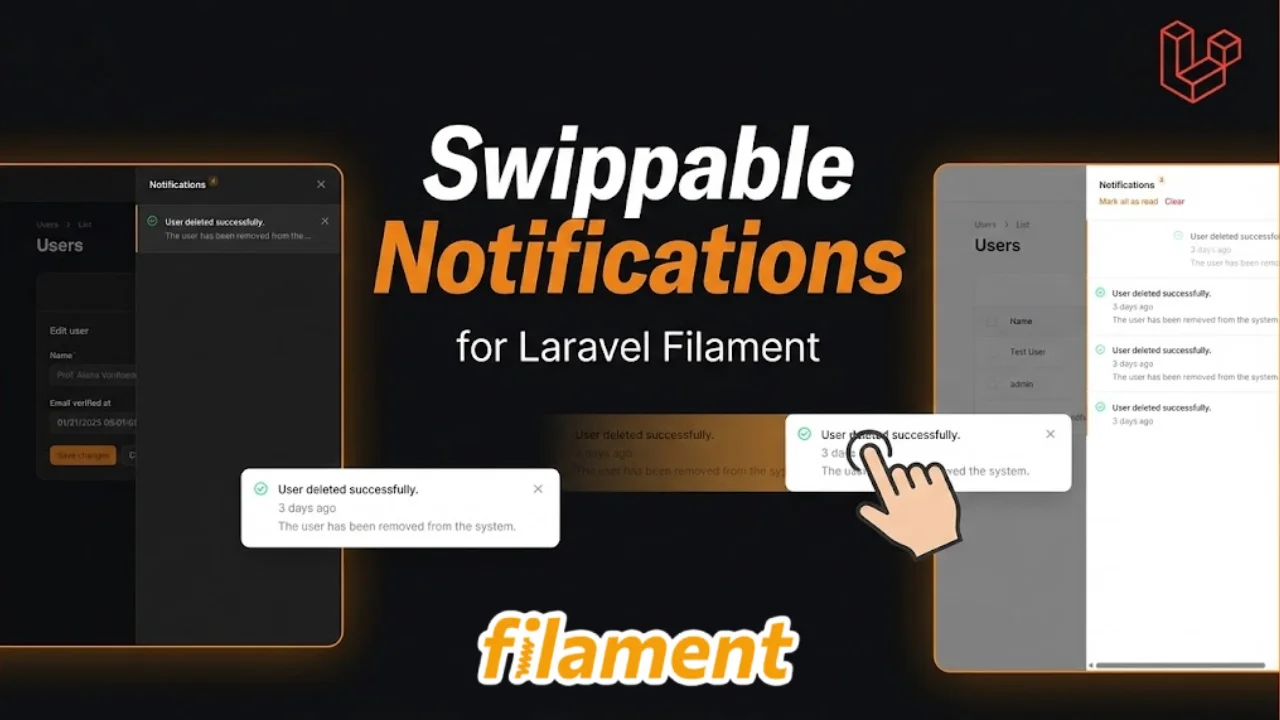
Swippable Notification
CommunityA package that adds swipe-to-close functionality to all Filament notifications - both pop-up toast notifications and database notifications. Swipe left or right to dismiss with a smooth animation.
 Author:
Narayan Dhakal
Author:
Narayan Dhakal
Package health
BetaAutomated checks of this plugin's Composer package
15 checks
- Skipped: GitHub Actions pinned to SHA
- Skipped: GitLab CI includes pinned to SHA
- Skipped: Open security advisories
- Passed: Dependabot PR responsiveness — No open Dependabot PRs.
- Skipped: Renovate MR responsiveness
- Skipped: Dependabot or Renovate configured
- Skipped: Dependency update cooldown configured
- Failed: Provides a security policy — View details on Plumb
- Passed: Abandoned or archived — No consulted source marks the package abandoned (packagist, github).
- Warning: Commit and release recency — Low activity: last commit 173 days ago; no release date available.
- Skipped: composer.lock not committed by library
- Skipped: Dist archive is lean
- Skipped: Current Laravel version supported
- Skipped: Current PHP version supported
- Skipped: Current Symfony version supported
filament/
namespace. Review the source and install at your own risk. Found
malware or an unresolved security issue the author won't
address?
Report it
.
Documentation
- Features
- Installation
- Usage
- Notification Types Supported
- How It Works
- How to Swipe
- Visual Feedback
- Customization
- Browser Support
- Troubleshooting
- Examples
- License
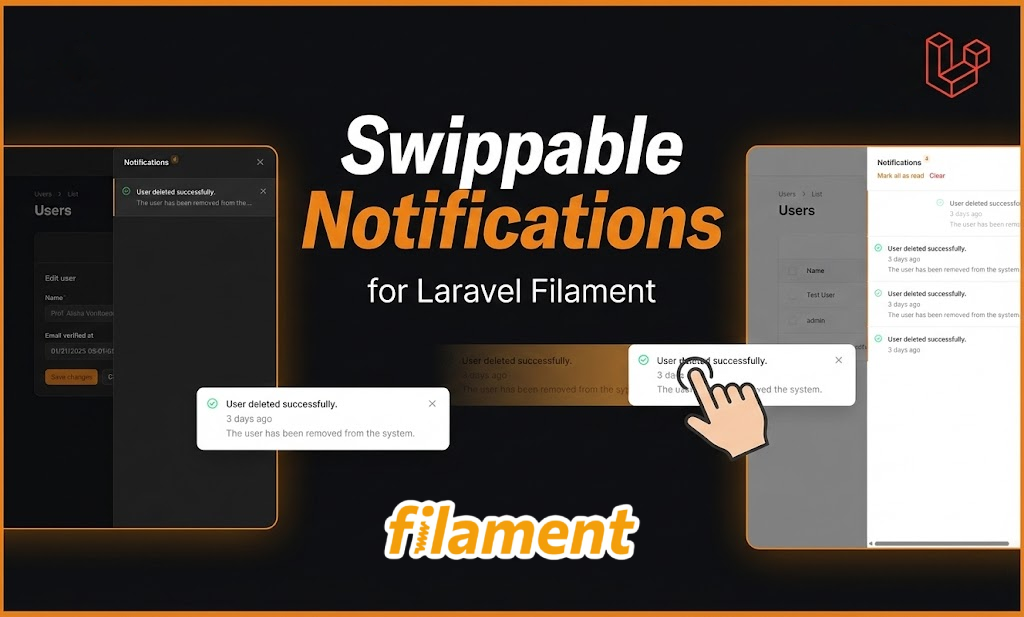
A Filament package that adds swipe-to-close functionality to all Filament notifications - both popup toast notifications and database notifications. Swipe left or right to dismiss with a smooth animation.
#Features
- Swipe notifications to dismiss them (80px threshold)
- Full mobile support with touch events
- Desktop support with mouse drag
- Works on BOTH popup and database notifications
- Visual cursor feedback (grab cursor while dragging)
- Zero configuration needed
- Auto-initializes on all notifications
- Smooth animations and transitions
- Non-intrusive - respects existing Filament styling
#Installation
composer require sanzgrapher/swippable-notification
#Usage
Register the plugin in your Filament PanelProvider:
use Sanzgrapher\SwippableNotification\SwippableNotification;

class AdminPanelProvider extends PanelProvider
{
    public function panel(Panel $panel): Panel
    {
        return $panel
            ->default()
            ->id('admin')
            ->path('admin')
            // ... other configuration ...
            ->plugins([
                SwippableNotification::make(),
            ]);
    }
}
That's it! All Filament notifications will now support swipe-to-close functionality.
#Notification Types Supported
#1. Popup Toast Notifications
Standard Filament notifications that appear as toasts:
Notification::make()
    ->title('Success!')
    ->body('Your action was completed successfully.')
    ->success()
    ->send();
#2. Database Notifications
Filament database notifications in the notification modal:
use Filament\Notifications\Notification;

$recipient = auth()->user();

Notification::make()
    ->title('Important Update')
    ->body('You have a new message')
    ->success()
    ->persistent()
    ->sendToDatabase($recipient);
#How It Works
The package automatically:
- Detects all Filament notification elements (
.fi-no-notificationfor popups) - Detects database notifications inside modals (
[x-data*="notificationComponent"]) - Attaches touch and mouse event listeners
- Tracks swipe/drag distance in real-time with visual cursor feedback
- Closes notifications when swiped > 80px
- Monitors for dynamically added notifications
- Applies smooth animations during the swipe
#How to Swipe
On Desktop:
- Hover over notification → see grab cursor 🖐️
- Click and drag left or right → notification follows
- Drag > 80px → notification closes smoothly
- Drag < 80px → snaps back
On Mobile:
- Swipe left or right → works just like desktop drag
- Swipe > 80px → notification closes
- Swipe < 80px → snaps back
#Visual Feedback
- Grab cursor: Shows when hovering over notification (indicates it's swipeable)
- Grabbing cursor: Shows while actively dragging
- While dragging: Notification follows your finger/cursor with opacity fade
- Closing: Smooth slide-out animation with fade
- Dragging class:
.swippable-notification-draggingapplied to element - Closing class:
.swippable-notification-closingapplied to element
#Customization
#Adjust Swipe Sensitivity
To change the swipe threshold, edit init-swippable.js:
threshold: 80, // pixels needed to trigger close (increase for less sensitive)
#Opacity Fade Speed
Adjust how quickly the notification fades while dragging:
this.el.style.opacity = `${Math.max(0, 1 - Math.abs(this.currentX) / 300)}`;
// Adjust 300 for different fade speeds
#Browser Support
- Chrome/Edge (latest)
- Firefox (latest)
- Safari (latest)
- Mobile browsers (iOS Safari, Chrome Mobile, Android Firefox)
#Troubleshooting
#Notifications aren't swiping
- Clear your browser cache
- Make sure the plugin is registered in your
PanelProvider - Check that JavaScript is enabled
- Verify notifications are rendering with correct Filament classes
#Database notifications not swiping
Make sure you're using Filament's DatabaseNotification class, not Laravel's standard notifications.
#Cursor not changing to grab
Make sure your CSS is loading properly. Check browser console for any CSS errors.
#Conflicts with other packages
This package is designed to be non-invasive and work alongside other Filament plugins. It only adds event listeners to notifications without modifying their structure.
#Examples
#Popup Toast Notification (Swipeable)
use Filament\Notifications\Notification;

Notification::make()
    ->title('Success!')
    ->body('Your record was saved.')
    ->success()
    ->send();
#Database Notification (Swipeable)
use Filament\Notifications\DatabaseNotification;

DatabaseNotification::create([
    'user_id' => auth()->id(),
    'title' => 'New Message',
    'body' => 'You have received a new message.',
]);
Both will have swipe-to-close functionality automatically!
#License
MIT
Author: Narayan Dhakal (sanzgrapher) Email: narayandhakal09@duck.com
The author
Full Stack Laravel Developer with 2+ years of experience building scalable web applications and cross-platform mobile solutions. Specialized in PHP/Laravel backend development with proven expertise in RESTful API design, database optimization, and third-party integrations.
From the same author
Featured Plugins
A selection of plugins curated by the Filament team

Compact Theme
A theme that makes data-heavy panels easier to scan by fitting more useful information on each screen.
 Filament

Custom Fields
Eliminate custom field migrations forever. Let your users create and manage form fields directly in Filament admin panels with 20+ built-in field types, validation, and zero database changes.
 Relaticle

Advanced Tables (formerly Filter Sets)
Supercharge your tables with powerful features like user-customizable views, quick filters, multi-column sorting, advanced table searching, convenient view management, and more. Compatible with Resource Panel Tables, Relation Managers, Table Widgets, and Table Builder!
 Kenneth Sese
