
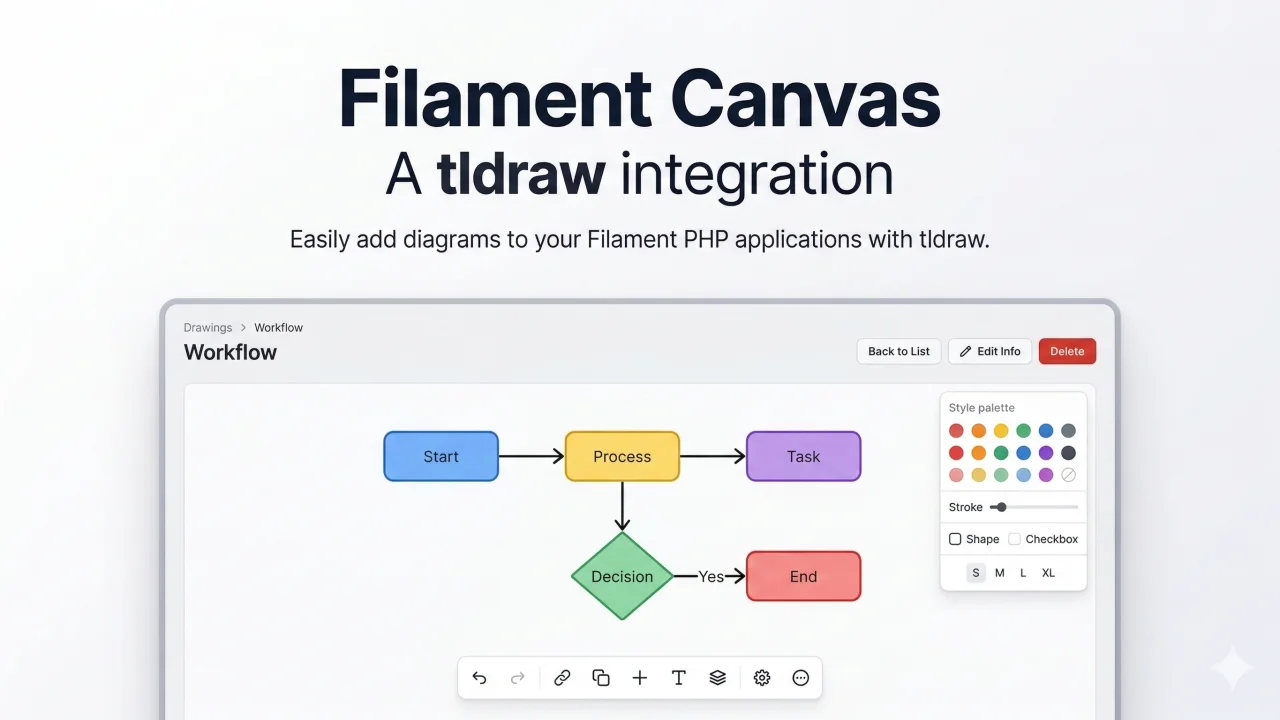
Canvas by Muhammad Kazim
Communitytldraw canvas integration for Filament
 Author:
Muhammad Kazim
Author:
Muhammad Kazim
Package health
Automated checks of this plugin's Composer package
15 checks
- Failed: GitHub Actions pinned to SHA — View details on Plumb
- Skipped: GitLab CI includes pinned to SHA
- Passed: Open security advisories
- Passed: Dependabot PR responsiveness — No open Dependabot PRs.
- Skipped: Renovate MR responsiveness
- Failed: Dependabot or Renovate configured — No dependency updater configuration found. View details on Plumb
- Skipped: Dependency update cooldown configured
- Passed: Provides a security policy
- Passed: Abandoned or archived — No consulted source marks the package abandoned (packagist, github).
- Warning: Commit and release recency — Low activity: last commit 181 days ago; last release 181 days ago.
-
Passed:
composer.lock not committed by library
—
composer.lockis absent from the released dist archive. - Passed: Dist archive is lean
-
Passed:
Current Laravel version supported
—
Package dependencies resolve together with current Laravel
13.0. -
Passed:
Current PHP version supported
—
Constraint
^8.2supports current PHP8.5. - Skipped: Current Symfony version supported
filament/
namespace. Review the source and install at your own risk. Found
malware or an unresolved security issue the author won't
address?
Report it
.
Documentation




This is where your description should go. Limit it to a paragraph or two. Consider adding a small example.
#Installation
You can install the package via composer:
composer require muhammadkazimsadiq/filament-canvas
Important
If you have not set up a custom theme and are using Filament Panels follow the instructions in the Filament Docs first.
After setting up a custom theme add the plugin's views to your theme css file or your app's css file if using the standalone packages.
@source '../../../../vendor/muhammadkazimsadiq/filament-canvas/resources/**/*.blade.php';
You can install and set up the package with our automated command. This will publish the config file, publish the migrations, and ask if you want to run the migrations:
php artisan filament-canvas:install
This is the contents of the published config file:
return [
    /*
    |--------------------------------------------------------------------------
    | Autosave Interval
    |--------------------------------------------------------------------------
    |
    | Interval in seconds for TLDraw canvas autosave. Set to 0 to disable.
    |
    */
    'autosave_interval' => 10,

    /*
    |--------------------------------------------------------------------------
    | Max Payload Size
    |--------------------------------------------------------------------------
    |
    | Maximum size in KB for a drawing JSON payload. Default: 5 MB.
    |
    */
    'max_payload_size' => 5120,

    /*
    |--------------------------------------------------------------------------
    | Drawing Model
    |--------------------------------------------------------------------------
    |
    | The model class used for drawings. You may override this if you extend
    | the default Drawing model.
    |
    */
    'drawing_model' => \MuhammadKazimSadiq\FilamentCanvas\Models\Drawing::class,
];
#Usage
use MuhammadKazimSadiq\FilamentCanvas\FilamentCanvasPlugin;

public function panel(Panel $panel): Panel
{
    return $panel
        // ...
        ->plugins([
            FilamentCanvasPlugin::make(),
        ]);
}
#Frontend Assets
This plugin ships with the TLDraw React editor pre-bundled. You do not need to install npm dependencies or use Vite in your host application.
The assets are automatically loaded by Filament. However, if you are developing locally and notice the editor isn't loading or updating, ensure you publish the latest assets:
php artisan filament:assets
#Testing
composer test
#Changelog
Please see CHANGELOG for more information on what has changed recently.
#Contributing
Please see CONTRIBUTING for details.
#Security Vulnerabilities
Please review our security policy on how to report security vulnerabilities.
#Credits
#License
The MIT License (MIT). Please see License File for more information.
The author
From the same author
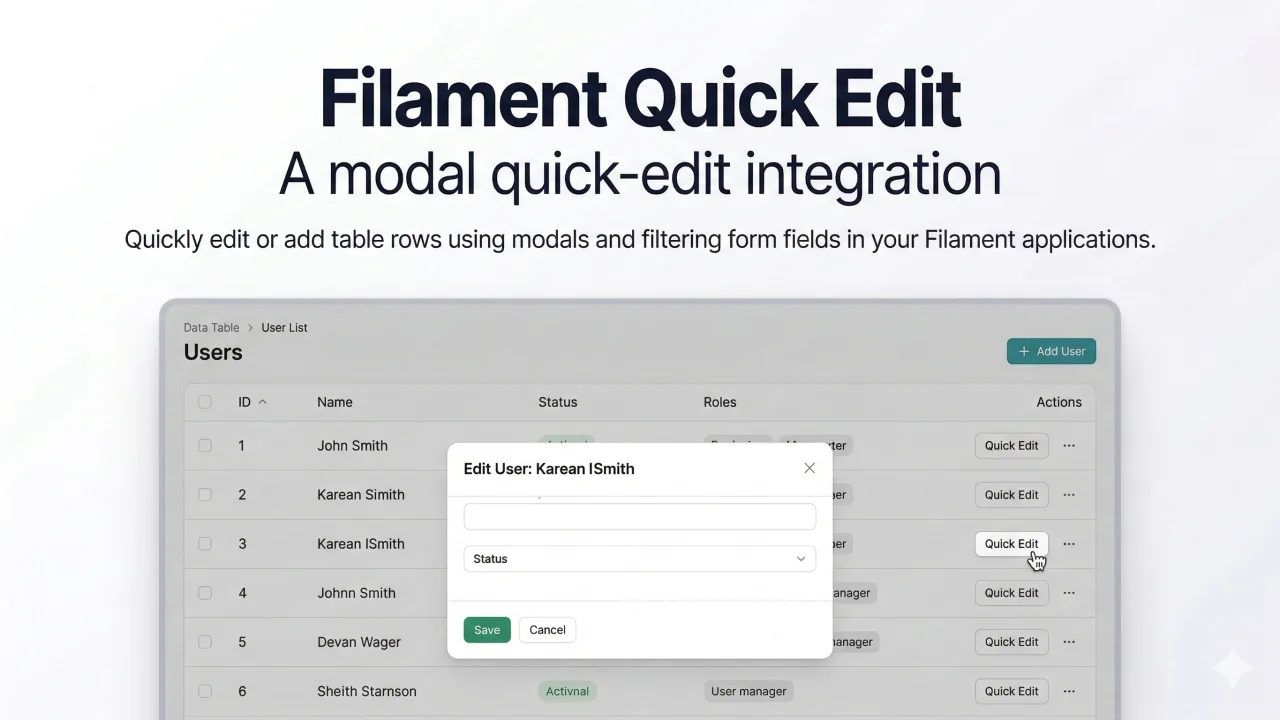
Quick Edit
Filament plugin to quick-edit/add table rows using modals and filtering form fields.
Author:
Muhammad Kazim
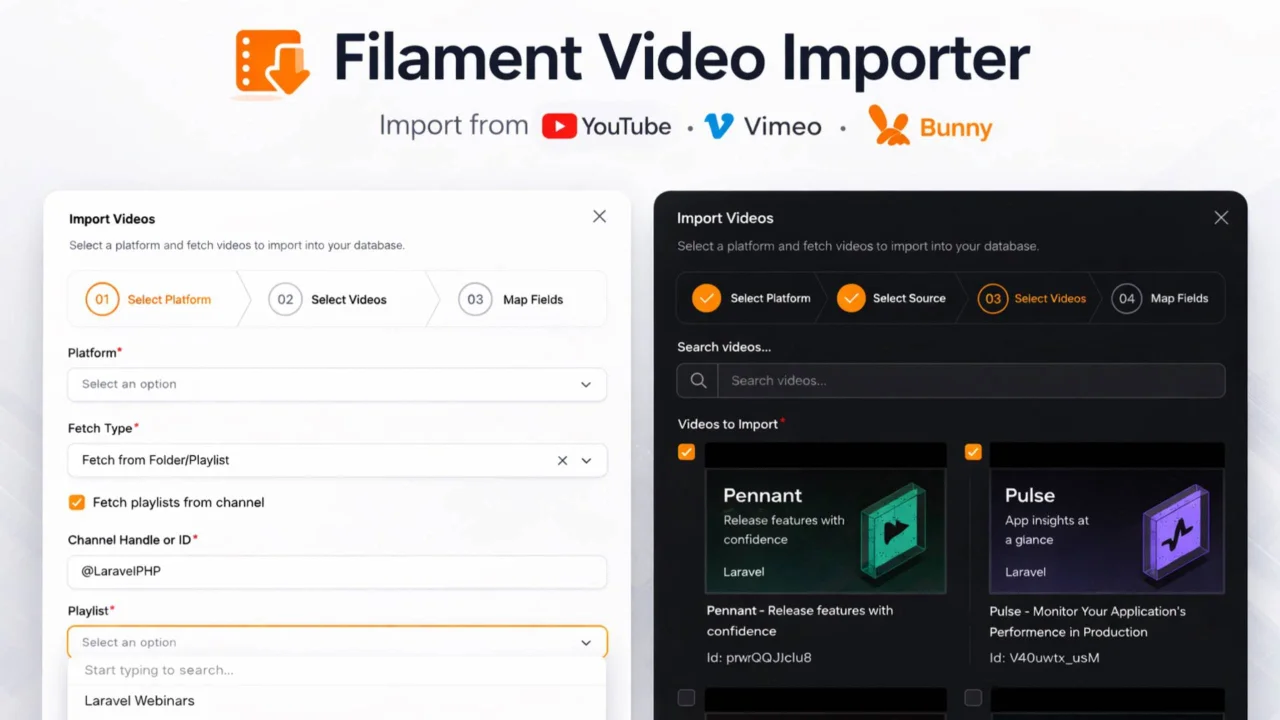
Video Importer
A powerful Filament plugin that enables seamless, schema-agnostic importing of videos from YouTube, Vimeo, and Bunny.net directly into your application's database, with support for customizable mappings and background queuing.
Author:
Muhammad Kazim
Featured Plugins
A selection of plugins curated by the Filament team

Soft Theme
A theme that gives panels a warm, approachable look with rounded shapes, gentle colors, and serif headings.
 Filament

Custom Fields
Eliminate custom field migrations forever. Let your users create and manage form fields directly in Filament admin panels with 20+ built-in field types, validation, and zero database changes.
 Relaticle

Blueprint
Filament Blueprint is a premium Laravel Boost extension that helps AI agents produce accurate, detailed implementation plans and security reports for Filament apps.
Filament

