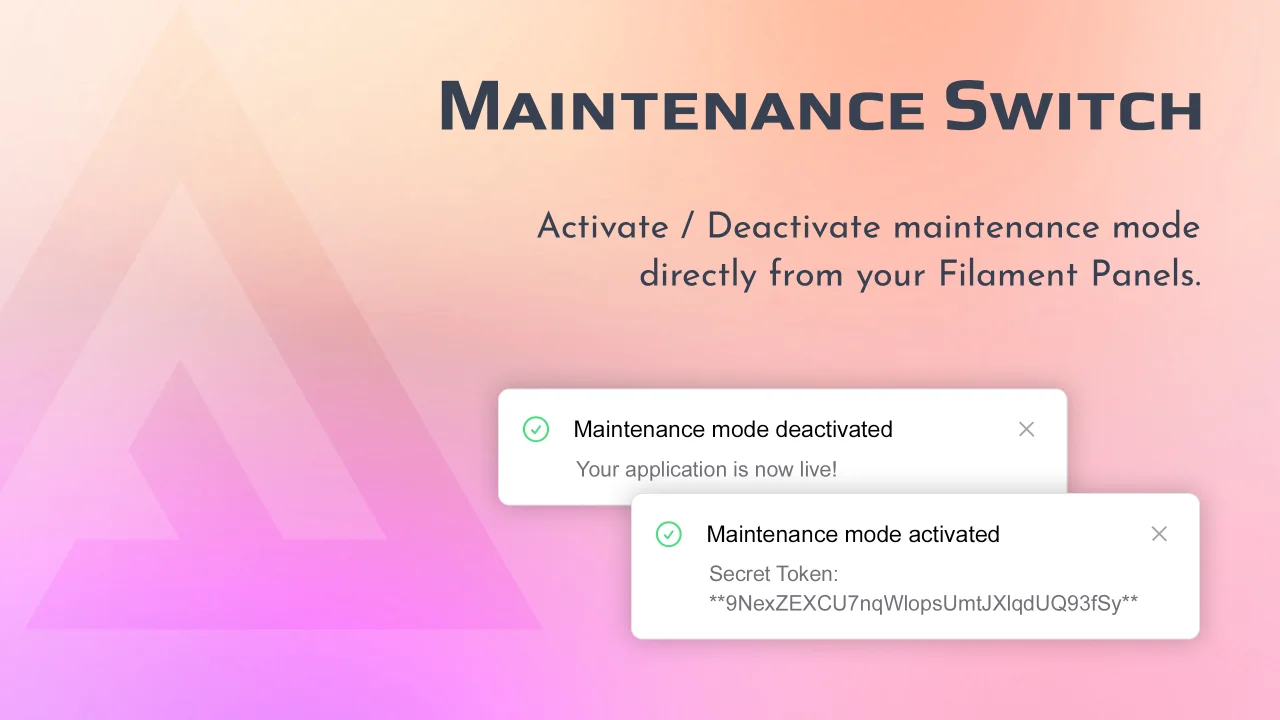
Maintenance Switch
Simple plugin to toggle maintenance mode from Filament Panels.
 Author:
Keysaw
Author:
Keysaw
Documentation
- Table of contents
- Installation
- Setup
- Usage
- Changelog
- Contributing
- Security Vulnerabilities
- Credits
- License


This plugin allows you to easily toggle maintenance mode from your Filament Panels. You can also set a custom secret token to bypass the maintenance mode.
#Table of contents
#Installation
You can install the package via composer:
composer require brickx/maintenance-switch
You can publish the config file with:
php artisan vendor:publish --tag="maintenance-switch-config"
This is the contents of the published config file:
return [
    'secret' => null,
    'refresh' => false,
    'permissions' => false,
    'role' => false,
    'render_hook' => 'global-search.before',
    'icon' => 'heroicon-m-beaker',
    'tiny_toggle' => false,
];
You can publish the translations with:
php artisan vendor:publish --tag="maintenance-switch-translations"
Optionally, you can publish the views using:
php artisan vendor:publish --tag="maintenance-switch-views"
#Setup
First, instantiate the plugin in your Panel's configuration:
use Brickx\MaintenanceSwitch\MaintenanceSwitchPlugin;

...

public function panel(Panel $panel) : Panel
{
    return $panel
        ->plugins([
            MaintenanceSwitchPlugin::make(),
        ]);
}
Laravel 11 does not come with the PreventRequestsDuringMaintenance middleware any more. You can create one with:
php artisan make:middleware PreventRequestsDuringMaintenance
Then fill it with the content below:
<?php

declare(strict_types=1);

namespace App\Http\Middleware;

use Illuminate\Foundation\Http\Middleware\PreventRequestsDuringMaintenance as Middleware;
use Illuminate\Foundation\Http\MaintenanceModeBypassCookie;
use Illuminate\Http\RedirectResponse;

class PreventRequestsDuringMaintenance extends Middleware
{
    /**
     * The URIs that should be reachable while maintenance mode is enabled.
     *
     * @var array
     */
    protected $except = [];

    protected function bypassResponse(string $secret): RedirectResponse
    {
        // Optional: redirect to the Filament dashboard route when a secret is present, but of course, you can redirect to any URL you want.
        return redirect(route('filament.admin.pages.dashboard'))->withCookie(
            MaintenanceModeBypassCookie::create($secret)
        );
    }
}
If you are using other versions of Laravel, you can just edit the existing one.
In Laravel 11, you also need to add this middleware to the relevant routes. Consider using route groups to control which routes to apply the middleware to.
Here is an example of ./routes/web.php:
<?php

use App\Http\Middleware\PreventRequestsDuringMaintenance;
use Illuminate\Support\Facades\Route;

// added the middleware but only to this group, the Filament routes are unaffected
Route::middleware([PreventRequestsDuringMaintenance::class])->group(function () {
    Route::get('/', function () {
        return view('welcome');
    });
});
#Usage
The plugin will add a toggle button to your Filament Admin Panel, left to the global search bar.
Clicking it will trigger the php artisan down command if the website is live, and the php artisan up command otherwise.
#Secret Token
You can set a secret token in the config file. If you do so, you will be able to bypass the maintenance mode by visiting the following URL: https://your-domain.test/{secret}.
If the secret key is set to null, a random one will be generated on the fly each time the maintenance mode is activated. Be sure to copy it somewhere, or you will have to
manually trigger the php artisan up command if something goes wrong.
#Refresh Interval
If you want to instruct browsers to refresh pages after a certain amount of time, you can set the refresh key in the config file.
When set to false, no Refresh HTTP header will be sent. You can specify an integer to define the number of seconds before reloading pages under maintenance mode.
#Visibility
By default, any logged-in user will be able to toggle the maintenance mode.
If you want to restrict this feature to specific users, you can set the permissions key in the config file.
The plugin will use Laravel's default authorization system to check for permissions, via the can method on the User model. It will also work well
with Spatie's Laravel Permission package.
#Placement
The toggle button will be placed before the global search bar by default. If you want to change this, you can tweak the render_hook key in the config file.
You can use any of the render hooks provided by Filament.
#Theming
The default styling of the toggle button will work well with the default Filament theme. However, for extra colors and further customization you can add this plugin's path to
the content array of your panels' tailwind.config.js file:
module.exports = {
    content: [
        './vendor/brickx/maintenance-switch/resources/views/**/*.blade.php',
    ],
}
#Changelog
Please see CHANGELOG for more information on what has changed recently.
#Contributing
Please see CONTRIBUTING for details.
#Security Vulnerabilities
Please review our security policy on how to report security vulnerabilities.
#Credits
#License
The MIT License (MIT). Please see License File for more information.
Featured Plugins
A selection of plugins curated by the Filament team

Custom Dashboards
Let your users build and share their own dashboards with a drag-and-drop interface. Define your data sources in PHP and let them do the rest.
 Filament

Advanced Tables (formerly Filter Sets)
Supercharge your tables with powerful features like user-customizable views, quick filters, multi-column sorting, advanced table searching, convenient view management, and more. Compatible with Resource Panel Tables, Relation Managers, Table Widgets, and Table Builder!
 Kenneth Sese

Custom Fields
Eliminate custom field migrations forever. Let your users create and manage form fields directly in Filament admin panels with 20+ built-in field types, validation, and zero database changes.
 Relaticle

