Toggle Table Group Action
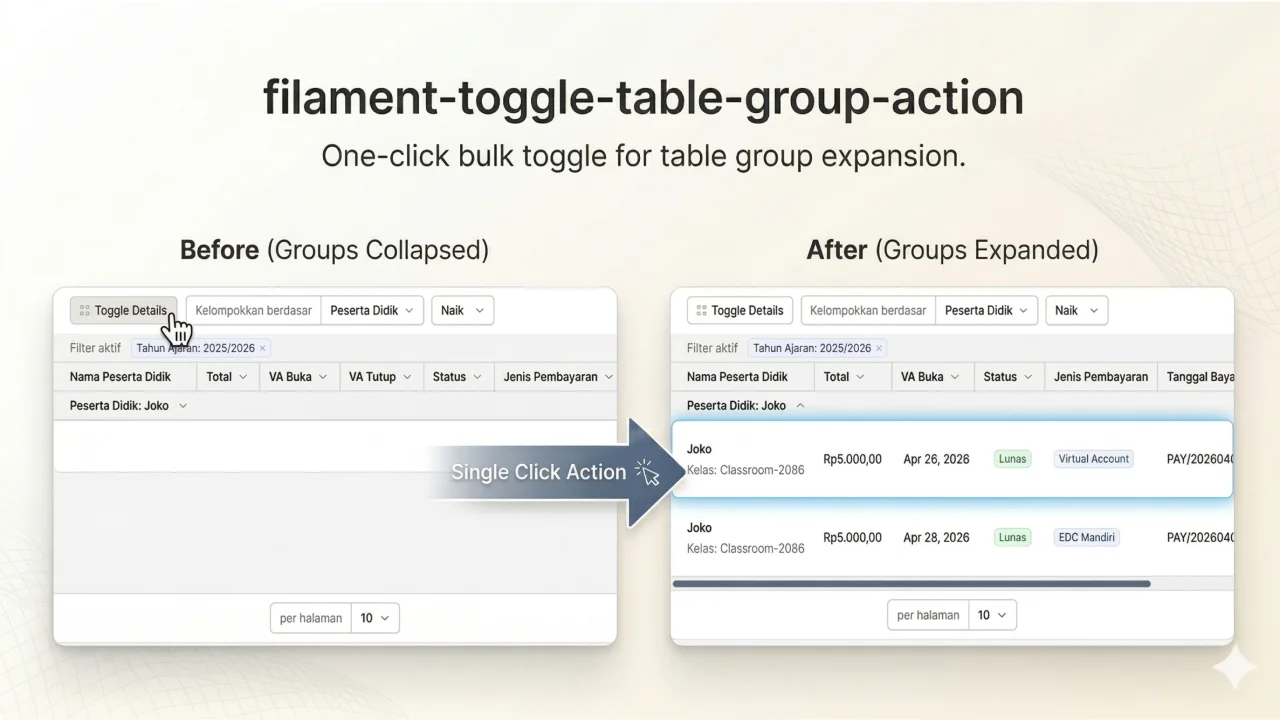
Easily toggle row grouping in your Filament tables
 Author:
Jonathan Christiani
Author:
Jonathan Christiani
Documentation




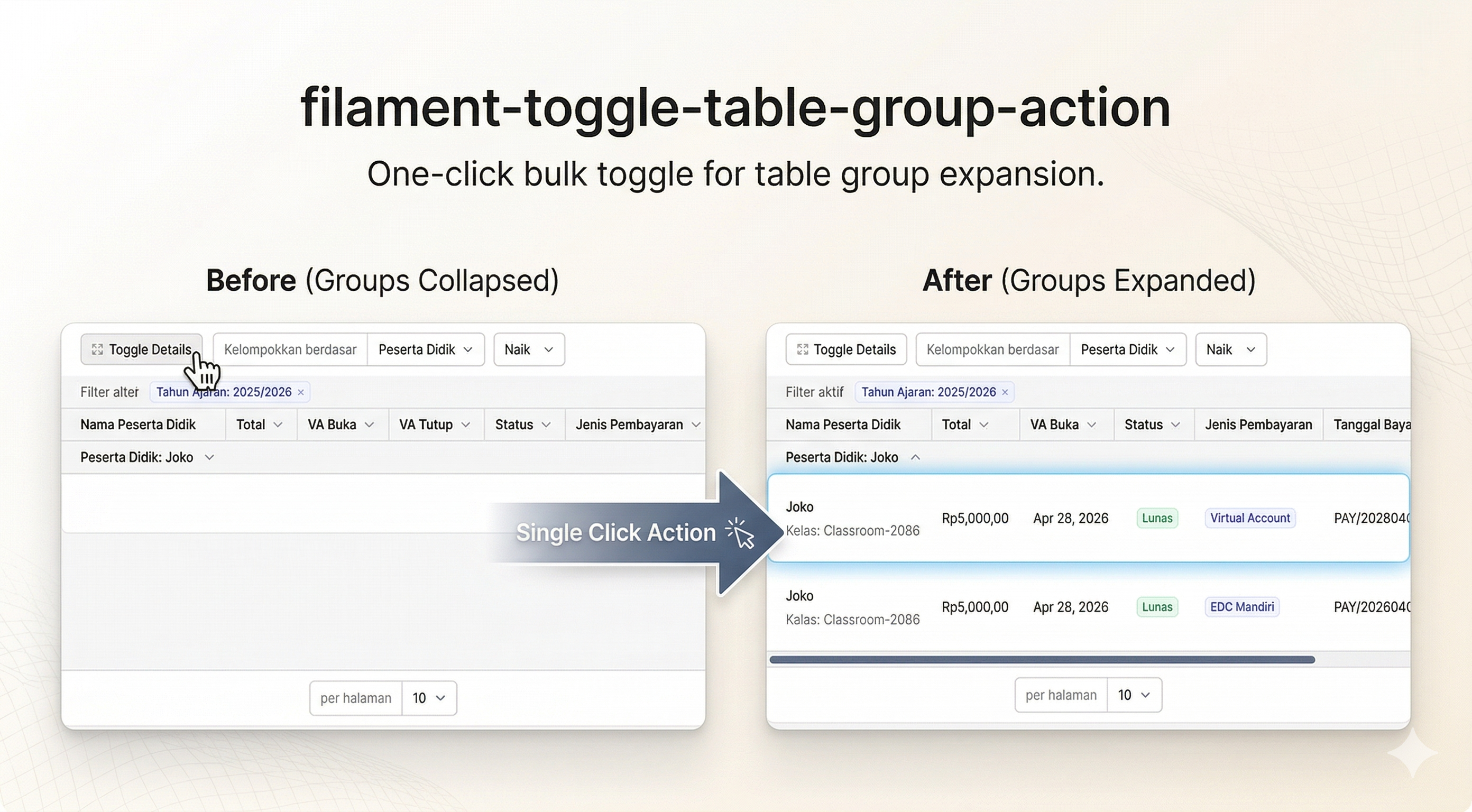
Easily toggle row grouping in your Filament tables
#Installation
You can install the package via composer:
composer require christmex/filament-toggle-table-group-action
[!IMPORTANT] If you have not set up a custom theme and are using Filament Panels follow the instructions in the Filament Docs first.
After setting up a custom theme add the plugin's views to your theme css file or your app's css file if using the standalone packages.
@source '../../../../vendor/christmex/filament-toggle-table-group-action/resources/**/*.blade.php';
You can publish and run the migrations with:
php artisan vendor:publish --tag="filament-toggle-table-group-action-migrations"
php artisan migrate
You can publish the config file with:
php artisan vendor:publish --tag="filament-toggle-table-group-action-config"
Optionally, you can publish the views using
php artisan vendor:publish --tag="filament-toggle-table-group-action-views"
This is the contents of the published config file:
return [
];
#Usage
use Christmex\FilamentToggleTableGroupAction\Actions\ToggleTableGroupAction;
//...
->toolbarActions([
    ToggleTableGroupAction::make()
])
#Testing
composer test
#Changelog
Please see CHANGELOG for more information on what has changed recently.
#Contributing
Please see CONTRIBUTING for details.
#Security Vulnerabilities
Please review our security policy on how to report security vulnerabilities.
#Credits
#License
The MIT License (MIT). Please see License File for more information.
Featured Plugins
A selection of plugins curated by the Filament team

Custom Dashboards
Let your users build and share their own dashboards with a drag-and-drop interface. Define your data sources in PHP and let them do the rest.
 Filament

Data Lens
Advanced Data Visualization for Laravel Filament - a premium reporting solution enabling custom column creation, sophisticated filtering, and enterprise-grade data insights within admin panels.
 Padmission

Advanced Tables (formerly Filter Sets)
Supercharge your tables with powerful features like user-customizable views, quick filters, multi-column sorting, advanced table searching, convenient view management, and more. Compatible with Resource Panel Tables, Relation Managers, Table Widgets, and Table Builder!
 Kenneth Sese

