
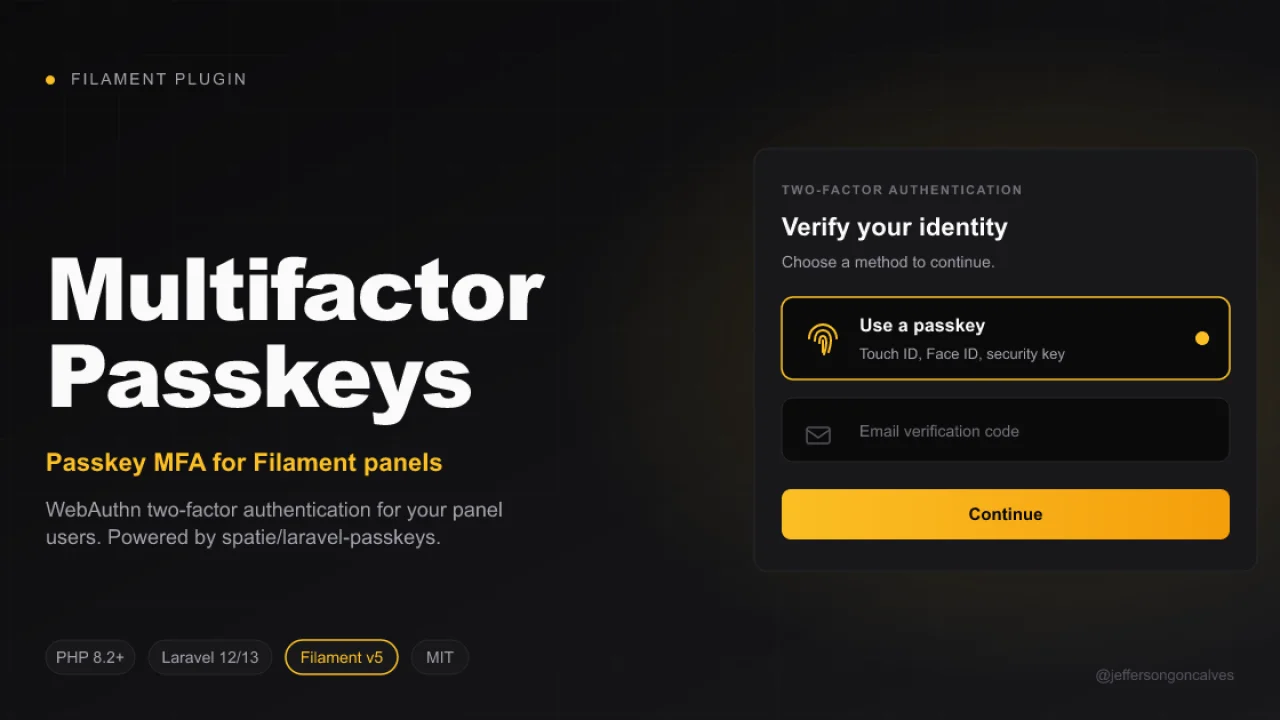
Multifactor Passkeys
CommunityMulti-factor authentication for Filament panels using WebAuthn passkeys, powered by spatie/laravel-passkeys.
 Author:
Jefferson Gonçalves
Author:
Jefferson Gonçalves
Package health
BetaAutomated checks of this plugin's Composer package
15 checks
- Passed: GitHub Actions pinned to SHA
- Skipped: GitLab CI includes pinned to SHA
- Passed: Open security advisories
- Passed: Dependabot PR responsiveness — No open Dependabot PRs.
- Skipped: Renovate MR responsiveness
- Warning: Dependabot or Renovate configured — Updater does not cover the JavaScript ecosystem, which has a committed lockfile.
-
Failed:
Dependency update cooldown configured
—
No cooldown configured in
.github/dependabot.yml. View details on Plumb - Passed: Provides a security policy
- Passed: Abandoned or archived — No consulted source marks the package abandoned (packagist, github).
- Passed: Commit and release recency — Active: last commit 0 days ago; last release 105 days ago.
-
Passed:
composer.lock not committed by library
—
composer.lockis absent from the released dist archive. - Passed: Dist archive is lean
-
Passed:
Current Laravel version supported
—
Package dependencies resolve together with current Laravel
13.0. -
Passed:
Current PHP version supported
—
Constraint
^8.2supports current PHP8.5. - Skipped: Current Symfony version supported
filament/
namespace. Review the source and install at your own risk. Found
malware or an unresolved security issue the author won't
address?
Report it
.
Documentation
- Compatibility
- Installation
- Usage
- How it works
- Development
- Changelog
- Contributing
- Security Vulnerabilities
- Credits
- License
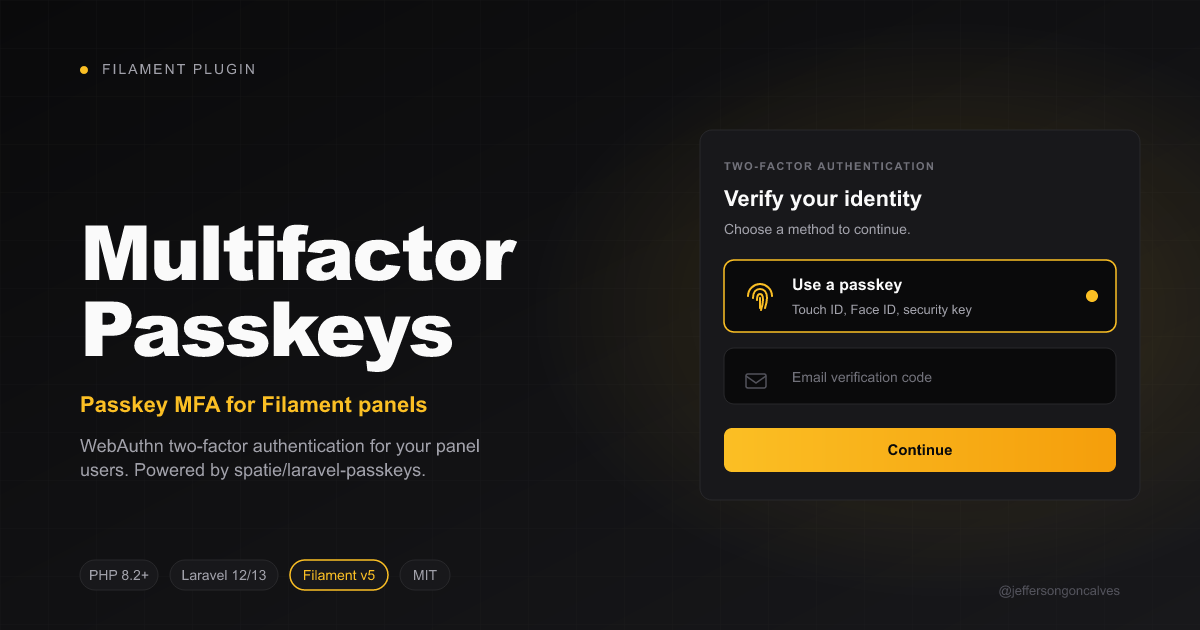





Multi-factor authentication for Filament panels using WebAuthn passkeys, powered by spatie/laravel-passkeys.
#Compatibility
| Branch | Filament | Laravel | PHP | Tag format |
|---|---|---|---|---|
1.x |
v4 | 11 / 12 | ^8.2 | 1.x.y |
2.x |
v5 | 12 / 13 | ^8.2 | 2.x.y |
#Installation
Install the package via composer:
composer require jeffersongoncalves/filament-multifactor-passkeys
Publish and run the migrations from spatie/laravel-passkeys:
php artisan vendor:publish --tag="passkeys-migrations"
php artisan migrate
Publish the spatie/laravel-passkeys config (optional, to tweak relying party, allowed origins, etc.):
php artisan vendor:publish --tag="passkeys-config"
Publish this package's config (optional):
php artisan vendor:publish --tag="filament-multifactor-passkeys-config"
#Usage
#1. Prepare your User model
Add the Spatie InteractsWithPasskeys trait and implement the package's HasPasskeyAuthentication contract (which extends Spatie's HasPasskeys interface):
use Filament\Models\Contracts\FilamentUser;
use Illuminate\Foundation\Auth\User as Authenticatable;
use JeffersonGoncalves\Filament\MultiFactorPasskeys\Contracts\HasPasskeyAuthentication;
use Spatie\LaravelPasskeys\Models\Concerns\InteractsWithPasskeys;

class User extends Authenticatable implements FilamentUser, HasPasskeyAuthentication
{
    use InteractsWithPasskeys;

    public function hasPasskeyAuthentication(): bool
    {
        return $this->passkeys()->exists();
    }

    // ...
}
#2. Register the MFA provider in your panel
In your PanelProvider, register PasskeyAuthentication in the multiFactorAuthentication() array. To also expose a "Sign in with a passkey" button on the login screen, register the plugin as well:
use Filament\Panel;
use JeffersonGoncalves\Filament\MultiFactorPasskeys\MultiFactorPasskeysPlugin;
use JeffersonGoncalves\Filament\MultiFactorPasskeys\PasskeyAuthentication;

public function panel(Panel $panel): Panel
{
    return $panel
        // ...
        ->multiFactorAuthentication([
            PasskeyAuthentication::make(),
        ])
        ->plugin(MultiFactorPasskeysPlugin::make());
}
That's it. The MFA section in the user profile page now shows a "Passkey verification" entry with Set up / Turn off buttons. The plugin also injects a passkey login button after the standard login form, allowing users to authenticate without typing email/password. After registering a passkey, the next login can use it directly.
The package auto-registers Spatie's
Route::passkeys()macro (under thewebmiddleware group) so the login button works out of the box. If you've already registered them yourself, the auto-registration is skipped.
#3. Customising the redirect URL
By default, after a successful registration or assertion the user is redirected to the current panel home (Filament::getCurrentPanel()->getUrl()). To override:
PasskeyAuthentication::make()
    ->redirectUrlUsing(fn () => route('dashboard'));
You can also set a static URL via config/filament-multifactor-passkeys.php:
return [
    'redirect' => '/dashboard',
];
#How it works
This package is a thin Filament adapter on top of spatie/laravel-passkeys. The WebAuthn ceremony (challenge generation, browser API, attestation/assertion verification, persistence) is fully handled by Spatie's package and its Blade components (<x-create-passkey> and <x-authenticate-passkey>), which are embedded inside Filament modals and the MFA challenge schema.
- Set up opens a Filament modal that renders
<x-create-passkey :redirect="..." /> - Disable removes all of the user's passkeys via
$user->passkeys()->delete() - Login challenge renders
<x-authenticate-passkey :redirect="..." />
#Development
# Static analysis
composer analyse

# Code style
composer format

# Tests
composer test
#Changelog
Please see CHANGELOG for more information on what has changed recently.
#Contributing
Please see CONTRIBUTING for details.
#Security Vulnerabilities
Please review our security policy on how to report security vulnerabilities.
#Credits
- Jefferson Gonçalves
- Spatie — for the underlying WebAuthn implementation
- All Contributors
#License
The MIT License (MIT). Please see License File for more information.
The author
I'm a Full Stack PHP Developer from Assis, SP, Brazil with over 18 years of hands-on experience building robust platforms, managing server infrastructures, and crafting scalable solutions for businesses of all sizes.
My passion lives in the open source world — I actively maintain 20+ Filament plugins and a growing collection of Laravel packages used by thousands of developers worldwide. I believe great software should be accessible to everyone.
From the same author
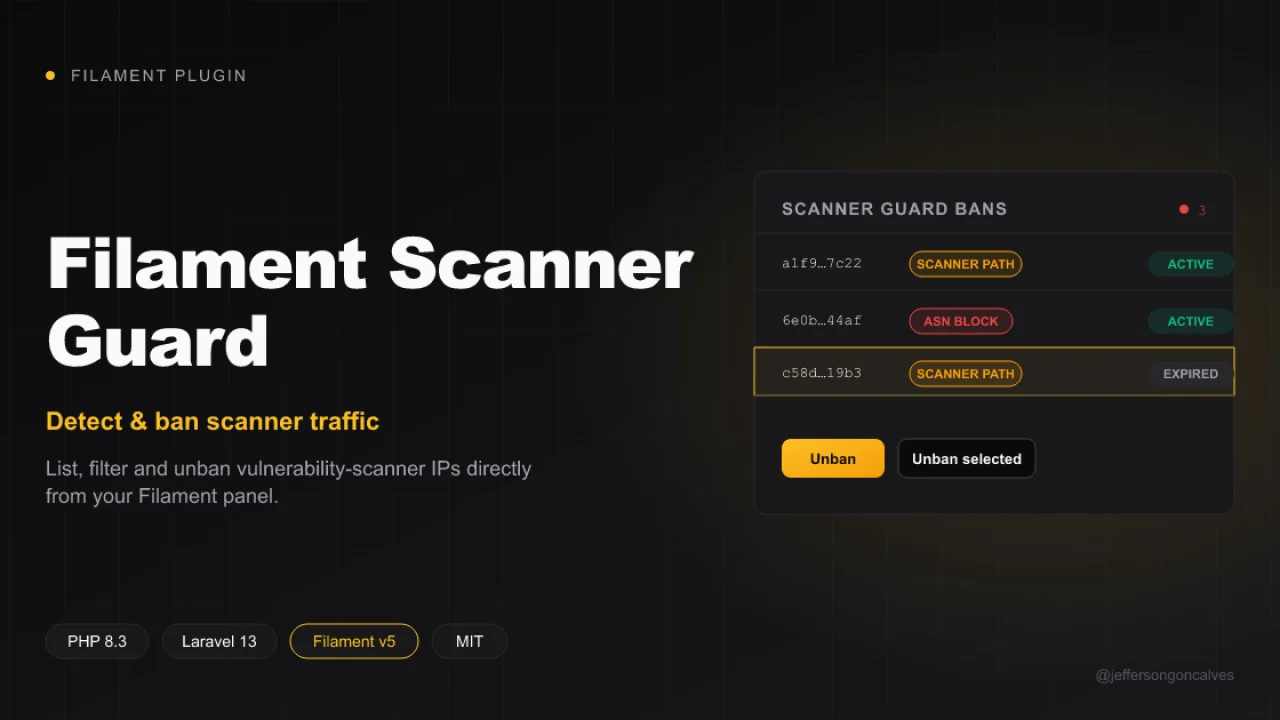
Scanner Guard
Filament UI for jeffersongoncalves/laravel-scanner-guard: list, filter and unban vulnerability-scanner IPs directly from your admin panel. This plugin ships a read-only Resource over the scanner_guard_bans table, an active/expired filter, and unban / bulk unban actions.
Author:
Jefferson Gonçalves
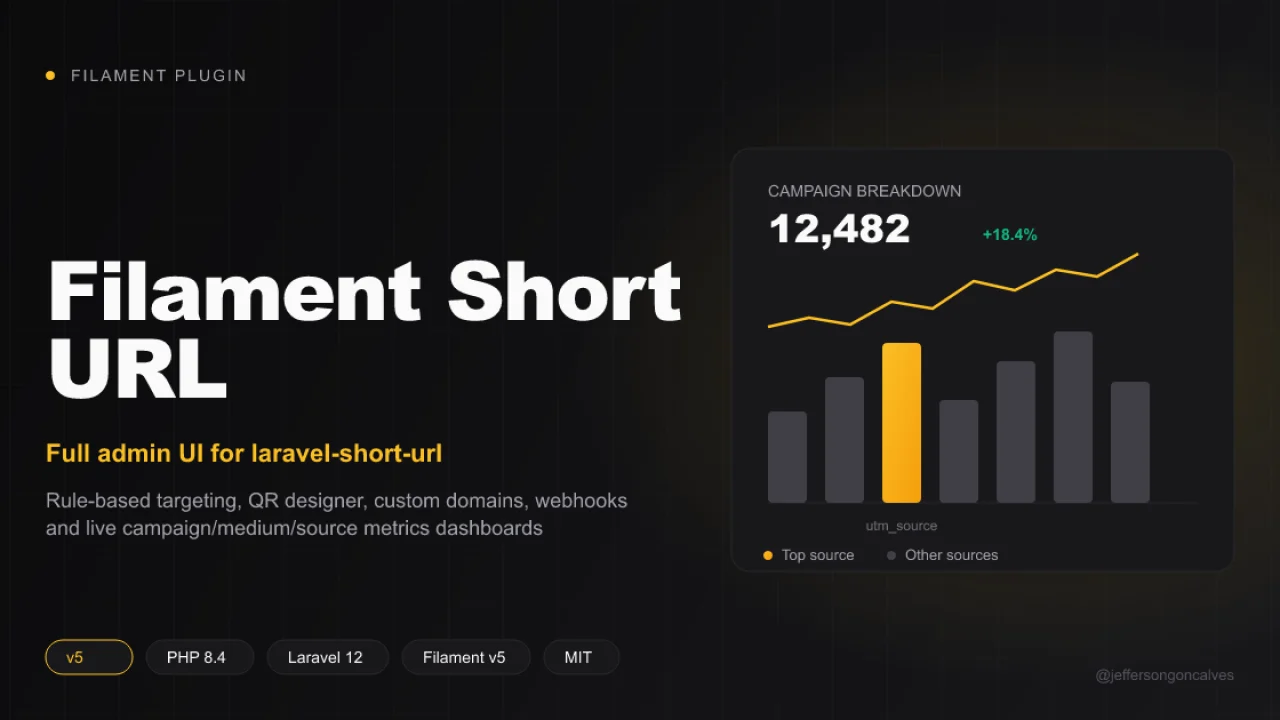
Short URL
A complete Filament v5 admin layer for jeffersongoncalves/laravel-short-url — the headless core package that owns the models, migrations, redirect pipeline, tracking and every business rule. This package duplicates none of that: it's the presentation layer (Resources, Pages and Filament components) built on top of the core's Facade and contracts.
Author:
Jefferson Gonçalves
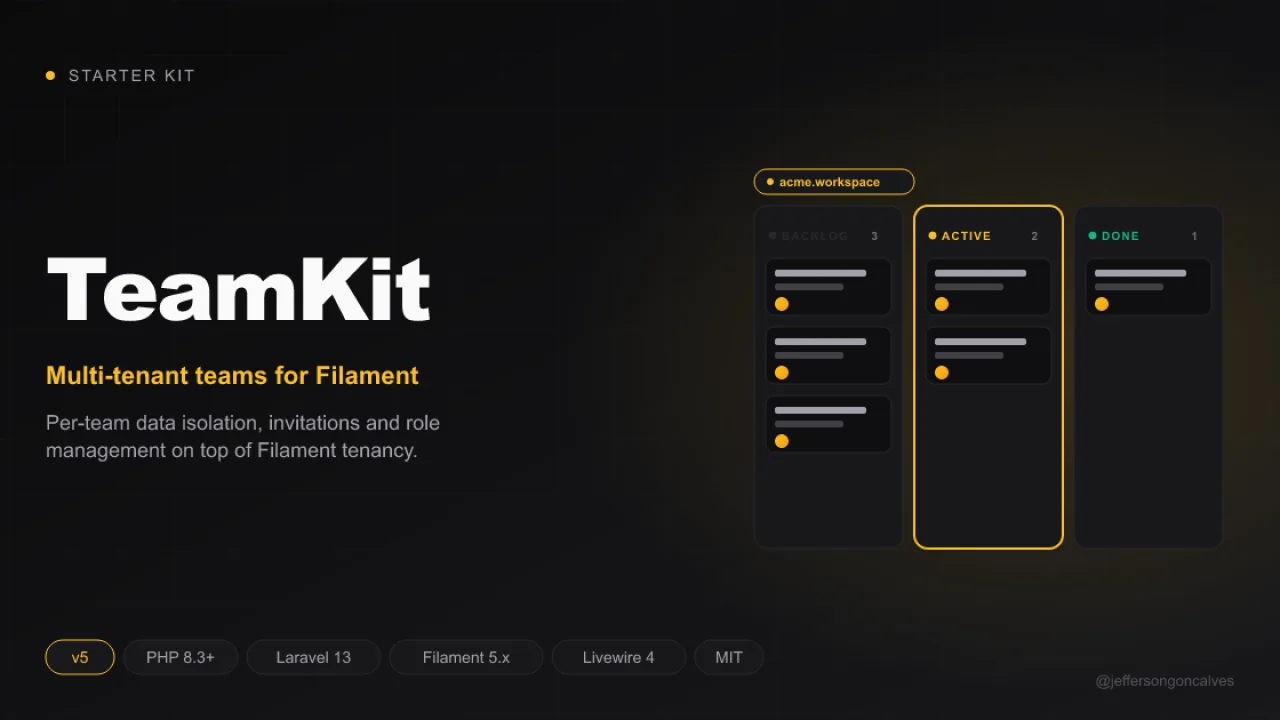
TeamKit v5
Teamkit is a robust starter kit, designed to accelerate the development of modern web applications with a ready-to-use multi-panel structure.
Author:
Jefferson Gonçalves
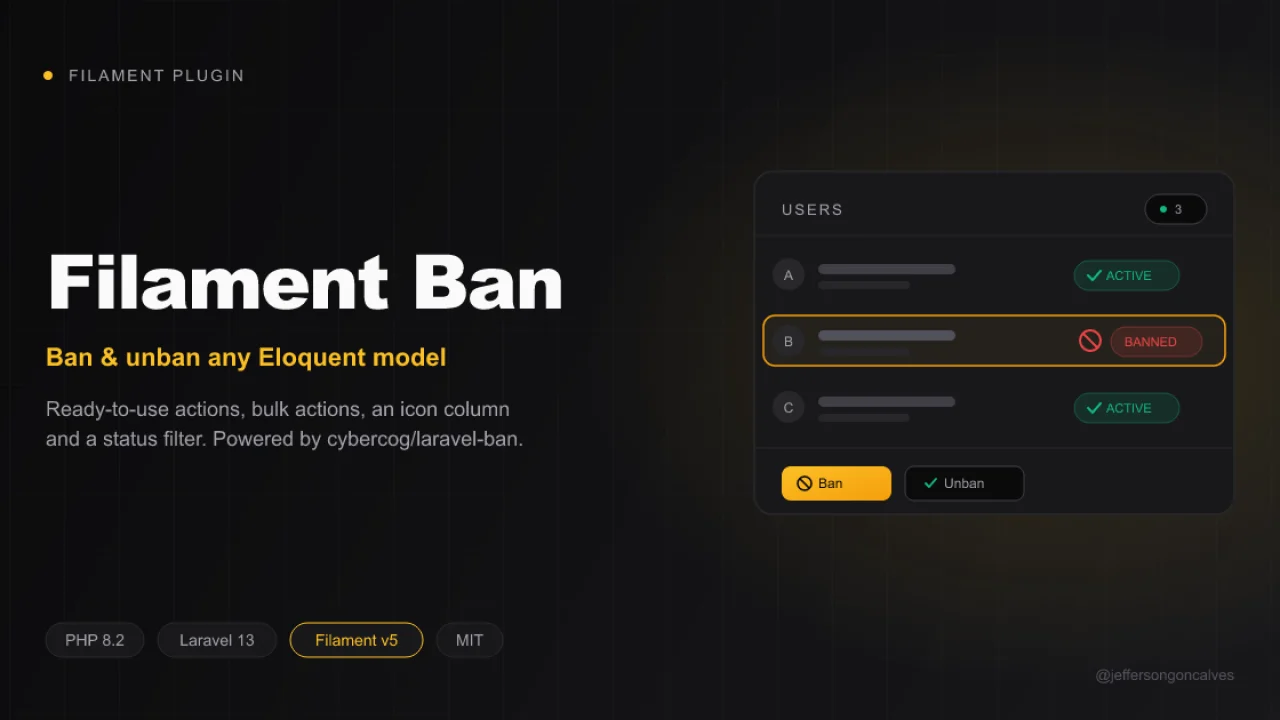
Ban
Ban and unban any Eloquent model directly from your Filament panel. This package wraps cybercog/laravel-ban and ships ready-to-use actions, bulk actions, an icon column and a status filter for your Filament resources and tables. Inspired by cybercog/laravel-nova-ban.
Author:
Jefferson Gonçalves
Featured Plugins
A selection of plugins curated by the Filament team

Noir Theme
A theme that gives panels a focused, refined look with near-black surfaces, crisp actions, and restrained color.
 Filament

Advanced Tables (formerly Filter Sets)
Supercharge your tables with powerful features like user-customizable views, quick filters, multi-column sorting, advanced table searching, convenient view management, and more. Compatible with Resource Panel Tables, Relation Managers, Table Widgets, and Table Builder!
 Kenneth Sese

Custom Fields
Eliminate custom field migrations forever. Let your users create and manage form fields directly in Filament admin panels with 20+ built-in field types, validation, and zero database changes.
 Relaticle
