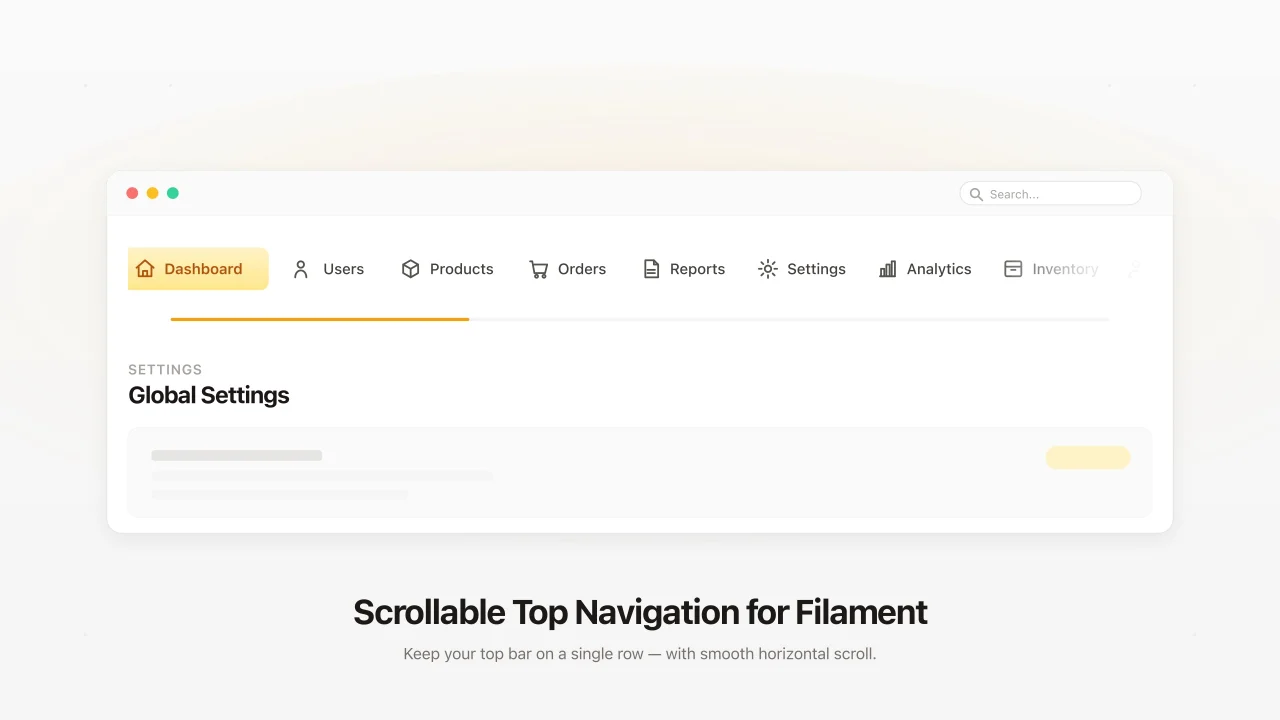
Scrollable Top Navigation
CommunityTurn the top navigation into a single scrollable row instead of letting it wrap into multiple rows when you have many navigation groups or clusters.
 Author:
Emuniq
Author:
Emuniq
Package health
BetaAutomated checks of this plugin's Composer package
15 checks
- Skipped: GitHub Actions pinned to SHA
- Skipped: GitLab CI includes pinned to SHA
- Passed: Open security advisories
- Passed: Dependabot PR responsiveness — No open Dependabot PRs.
- Skipped: Renovate MR responsiveness
- Skipped: Dependabot or Renovate configured
- Skipped: Dependency update cooldown configured
- Failed: Provides a security policy — View details on Plumb
- Passed: Abandoned or archived — No consulted source marks the package abandoned (packagist, github).
- Passed: Commit and release recency — Active: last commit 81 days ago; last release 81 days ago.
-
Passed:
composer.lock not committed by library
—
composer.lockis absent from the released dist archive. - Passed: Dist archive is lean
-
Warning:
Current Laravel version supported
—
Package support for current Laravel
13.0could not be verified; the newest co-installable line is12.0, which still receives active support but is not the current stable. Line13.0could not be fully verified: no solution was found among the newest package versions, and resolving the complete version pool exceeded solver resource budgets, so support there cannot be ruled out. -
Passed:
Current PHP version supported
—
Constraint
^8.1supports current PHP8.5. - Skipped: Current Symfony version supported
filament/
namespace. Review the source and install at your own risk. Found
malware or an unresolved security issue the author won't
address?
Report it
.
Documentation
- Demo
- The Problem
- The Solution
- Requirements
- Installation
- Configuration
- How It Works
- Compatibility Notes
- License



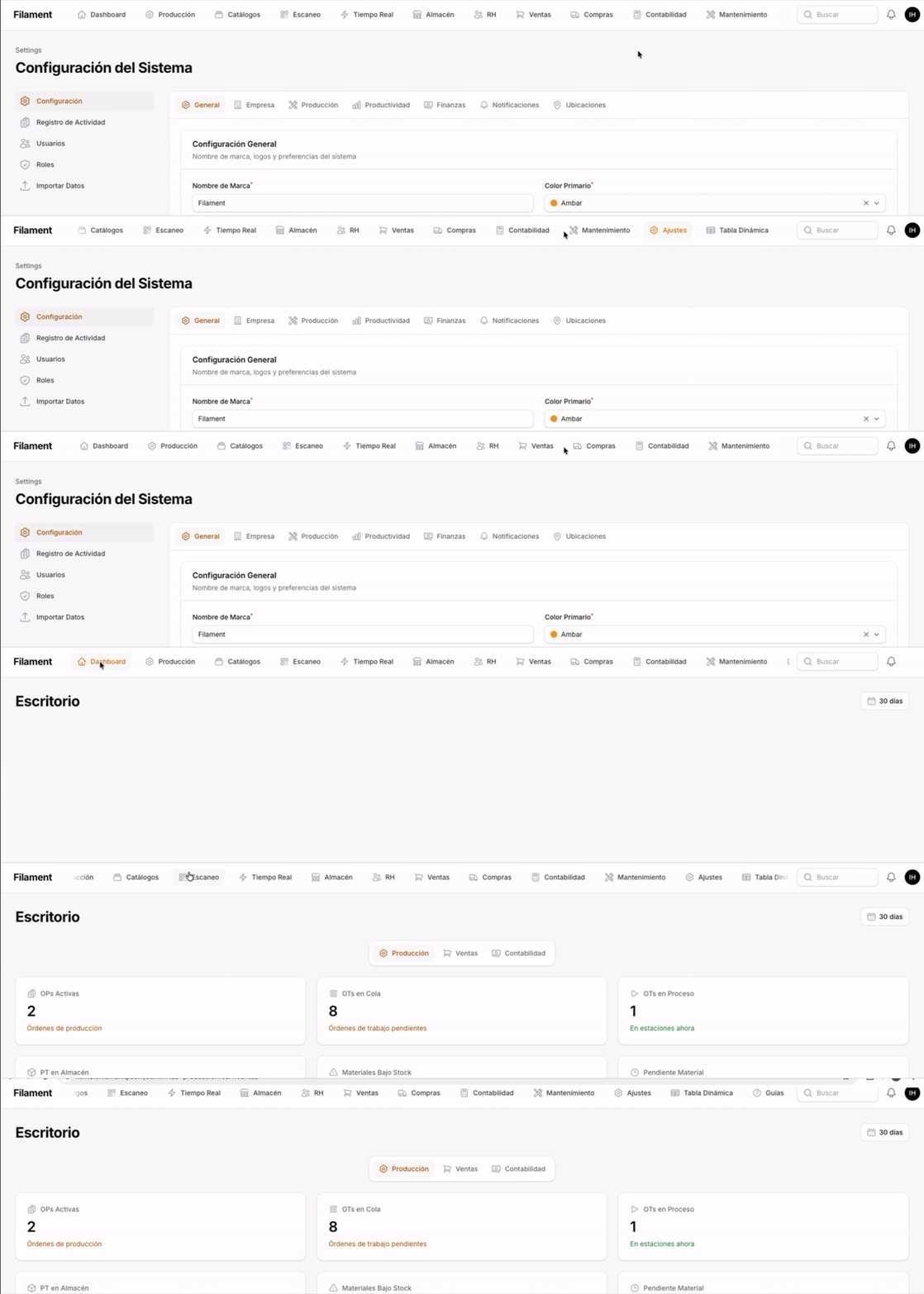
A Filament v3 & v4 plugin that turns the top navigation into a single scrollable row instead of letting it wrap into multiple rows when you have many navigation groups or clusters. Adds horizontal mouse-wheel scrolling and an edge-fade affordance so users can tell there's more to see.
#Demo
#The Problem
Filament's topNavigation() wraps clusters into two (or more) rows when they don't fit, eating vertical space and looking cluttered. Two-word labels can also break across lines. With a lot of clusters there's no visual hint that more navigation exists off-screen, and a regular mouse wheel can't scroll it.
#The Solution
- Forces the topnav into a single row with a hidden scrollbar.
- Mouse-wheel scrolling: vertical wheel ticks scroll the topnav horizontally.
- Edge fade affordance: a soft gradient appears on the leading/trailing edges only when there's more content in that direction, so users instinctively scroll.
- Optional scroll-snap so swipes/wheel land on cluster boundaries.
- Auto-scrolls focused items into view for keyboard navigation.
#Requirements
- PHP 8.1+
- Laravel 10, 11, or 12
- Filament 3.0+ or 4.0+
#Installation
composer require emuniq/filament-scrollable-topnav
Register the plugin in your panel provider:
use Emuniq\FilamentScrollableTopnav\ScrollableTopnavPlugin;

public function panel(Panel $panel): Panel
{
    return $panel
        ->topNavigation()
        ->plugins([
            ScrollableTopnavPlugin::make(),
        ]);
}
That's it. The plugin ships its own CSS and JS as Filament assets and injects a small inline <style> + config block via the HEAD_END render hook to prevent the brief double-row flash before the asset CSS loads.
#Optional: bundle into a custom theme
If you have a custom Filament theme and want the styles compiled into your theme bundle (zero FOUC, fully cacheable), import the plugin CSS:
php artisan scrollable-topnav:install
npm run build
Or manually add to resources/css/filament/{panel}/theme.css:
@import '../../../../vendor/emuniq/filament-scrollable-topnav/resources/css/plugin.css';
#Configuration
Every behavior is opt-in/out via builder methods on ScrollableTopnavPlugin::make():
| Method | Default | What it does |
|---|---|---|
->fadeSize(string $size) |
'36px' |
Width of the edge fade gradient. Any CSS length. |
->edgeHints(bool) |
true |
Show the fade gradient when there's overflow in that direction. |
->wheelToScroll(bool) |
true |
Translate vertical mouse-wheel deltas into horizontal scroll on the topnav. |
->autoScrollToFocus(bool) |
true |
Scroll a focused (:focus) cluster into view — keyboard accessibility. |
->scrollSnap(bool) |
false |
Snap scroll position to cluster boundaries (scroll-snap-type: x proximity). |
Example with everything tuned:
ScrollableTopnavPlugin::make()
    ->fadeSize('48px')
    ->scrollSnap()
    ->wheelToScroll(false), // disable on a panel that already uses wheel for something else
#How It Works
- Critical inline CSS via the
HEAD_ENDrender hook appliesflex-wrap: nowrapandwhite-space: nowrapimmediately on parse, preventing FOUC. - Filament asset CSS (
plugin.css) provides the full styling: hidden scrollbar, mask-image edge fades, scroll-snap rules — all gated bydata-*attributes that the JS toggles. - Filament asset JS (
plugin.js) listens forwheel,scroll,focusin, andresizeevents on.fi-topbar-nav-groups. It detects mouse wheels (which only emitdeltaY) and converts them to horizontal scroll while preserving native trackpad horizontal swipes (deltaX). It also normalizesWheelEvent.deltaModeso high-resolution and line-step wheels both feel right. - Config injection — the inline
<script>setswindow.scrollableTopnavConfigbefore the deferred plugin JS runs, so each panel can have its own settings.
#Compatibility Notes
- The 1024px breakpoint matches Filament's
lg, wheretopNavigation()becomes a row instead of a sidebar. Below it the plugin is a no-op. mask-imageis supported in all evergreen browsers. IE11 isn't supported (Filament 4 doesn't support it either).- Livewire navigation is handled — the plugin re-binds on
livewire:navigated.
#License
MIT
The author
From the same author
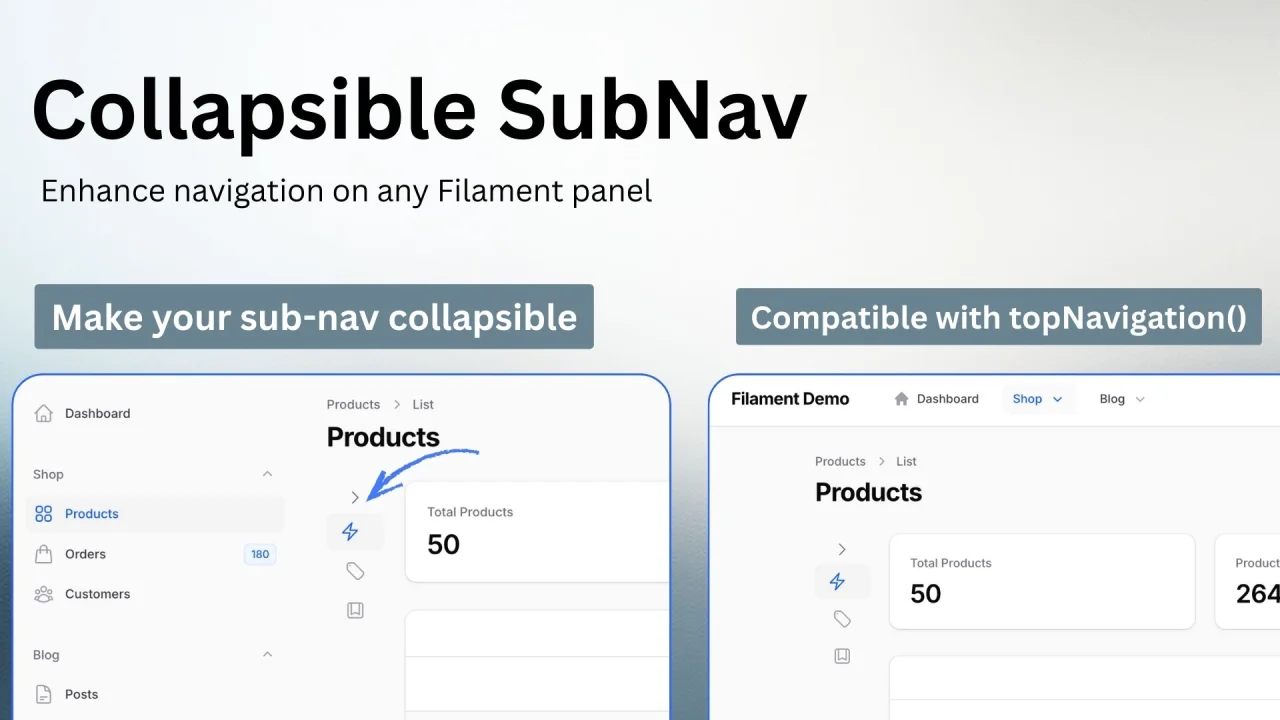
Collapsible Sub-Nav
Adds a clean and responsive collapsible sub-navigation system fully compatible with Filament’s topNavigation() mode.
Author:
Emuniq
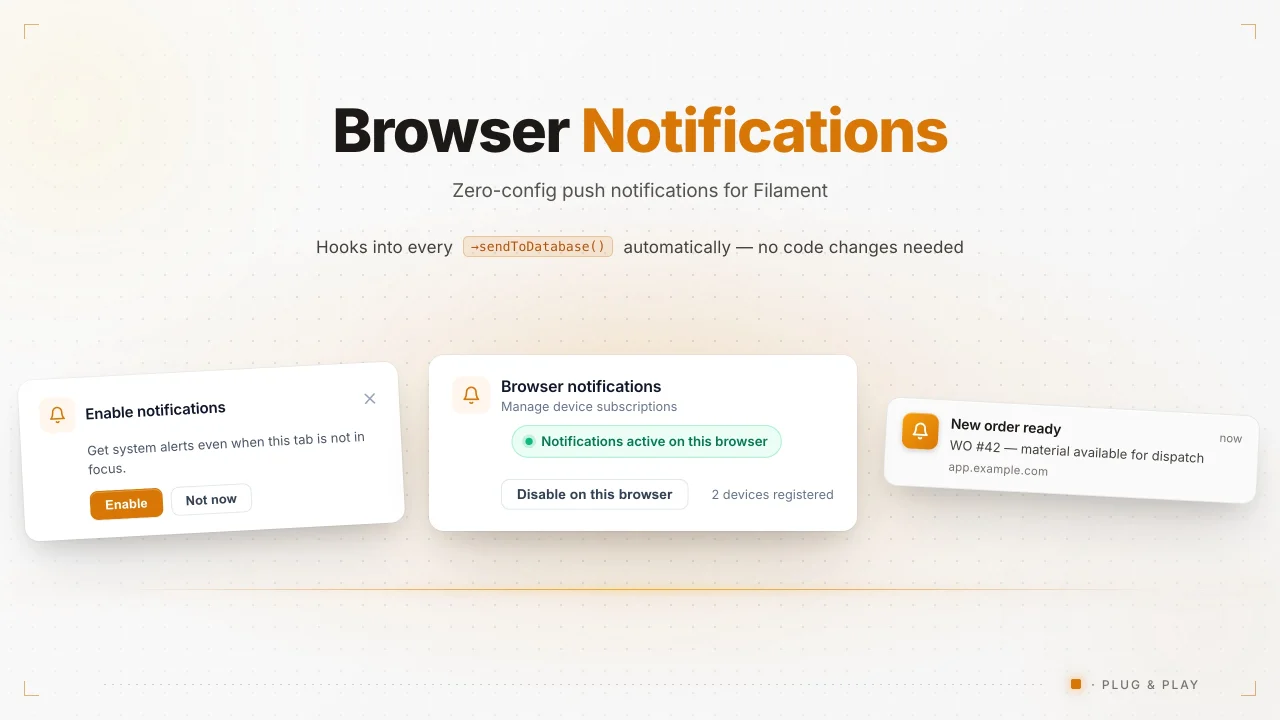
Browser Notifications
Every ->sendToDatabase() in your app automatically triggers a browser push notification - no code changes needed.
Author:
Emuniq
Featured Plugins
A selection of plugins curated by the Filament team

Custom Dashboards
Let your users build and share their own dashboards with a drag-and-drop interface. Define your data sources in PHP and let them do the rest.
 Filament

Custom Fields
Eliminate custom field migrations forever. Let your users create and manage form fields directly in Filament admin panels with 20+ built-in field types, validation, and zero database changes.
 Relaticle

Advanced Tables (formerly Filter Sets)
Supercharge your tables with powerful features like user-customizable views, quick filters, multi-column sorting, advanced table searching, convenient view management, and more. Compatible with Resource Panel Tables, Relation Managers, Table Widgets, and Table Builder!
 Kenneth Sese
