
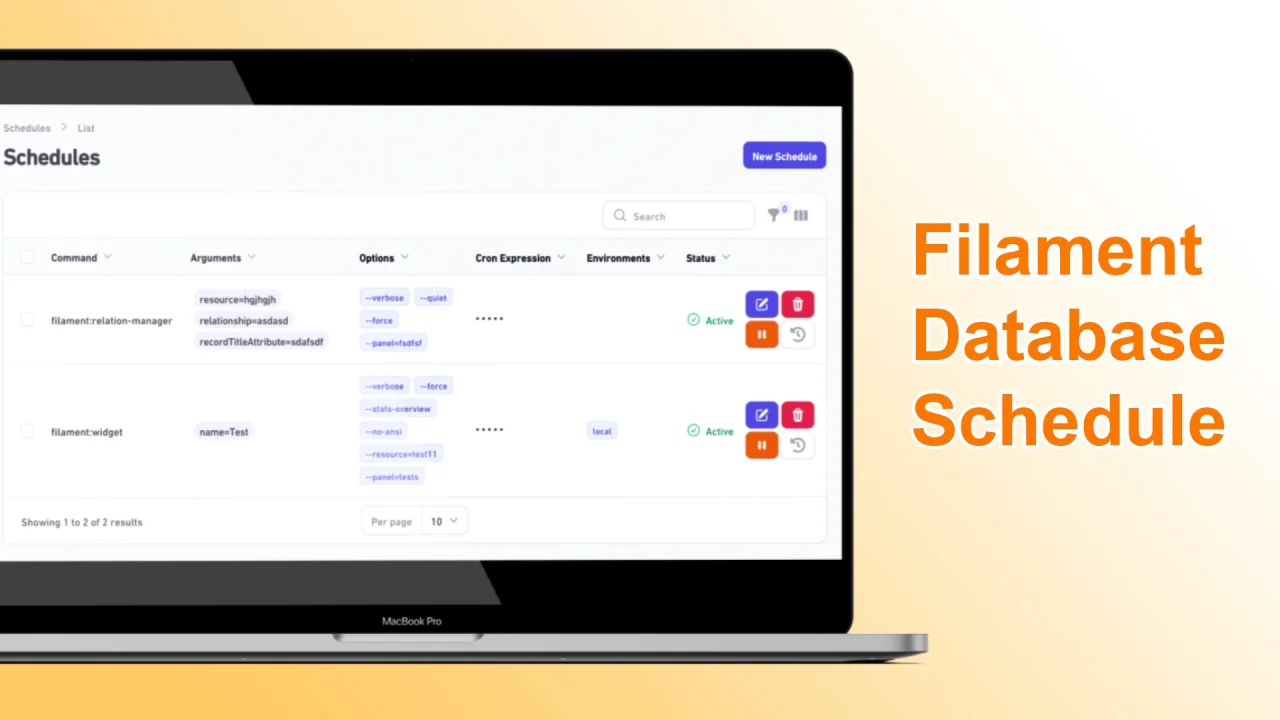
Database Schedule by Husam T. Al Shaibani
CommunityManage your Task Scheduling in a Filament interface and save schedules to the database.
 Author:
Husam T. Al Shaibani
Author:
Husam T. Al Shaibani
Package health
Automated checks of this plugin's Composer package
15 checks
- Failed: GitHub Actions pinned to SHA — View details on Plumb
- Skipped: GitLab CI includes pinned to SHA
- Passed: Open security advisories
- Passed: Dependabot PR responsiveness — No open Dependabot PRs.
- Skipped: Renovate MR responsiveness
- Warning: Dependabot or Renovate configured — Updater does not cover the JavaScript ecosystem, which has a committed lockfile.
-
Failed:
Dependency update cooldown configured
—
No cooldown configured in
.github/dependabot.yml. View details on Plumb - Passed: Provides a security policy
- Passed: Abandoned or archived — No consulted source marks the package abandoned (packagist, github).
- Passed: Commit and release recency — Active: last commit 9 days ago; last release 9 days ago.
-
Passed:
composer.lock not committed by library
—
composer.lockis absent from the released dist archive. - Passed: Dist archive is lean
-
Passed:
Current Laravel version supported
—
Package dependencies resolve together with current Laravel
13.0. -
Passed:
Current PHP version supported
—
Constraint
^8.2supports current PHP8.5. - Skipped: Current Symfony version supported
filament/
namespace. Review the source and install at your own risk. Found
malware or an unresolved security issue the author won't
address?
Report it
.
Documentation
- Create Schedules
- Show History Schedules
- Installation
- Changelog
- Contributing
- Security Vulnerabilities
- Credits
- License


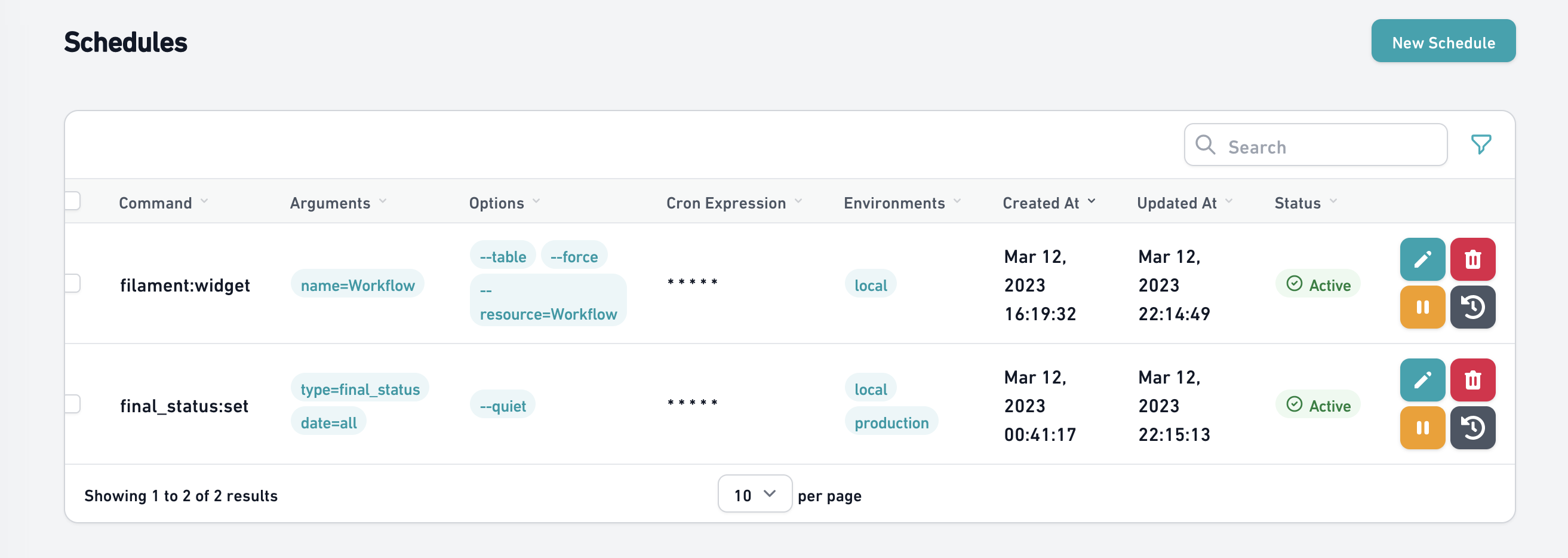
This librarian creates a filament resource(default: /schedule) in your filament admin panel where it is possible to manage which schedules will be executed at any given moment, these schedules are recorded in the database and can be changed, activated, inactivated or deleted via your panel without the need for a new application deployment.
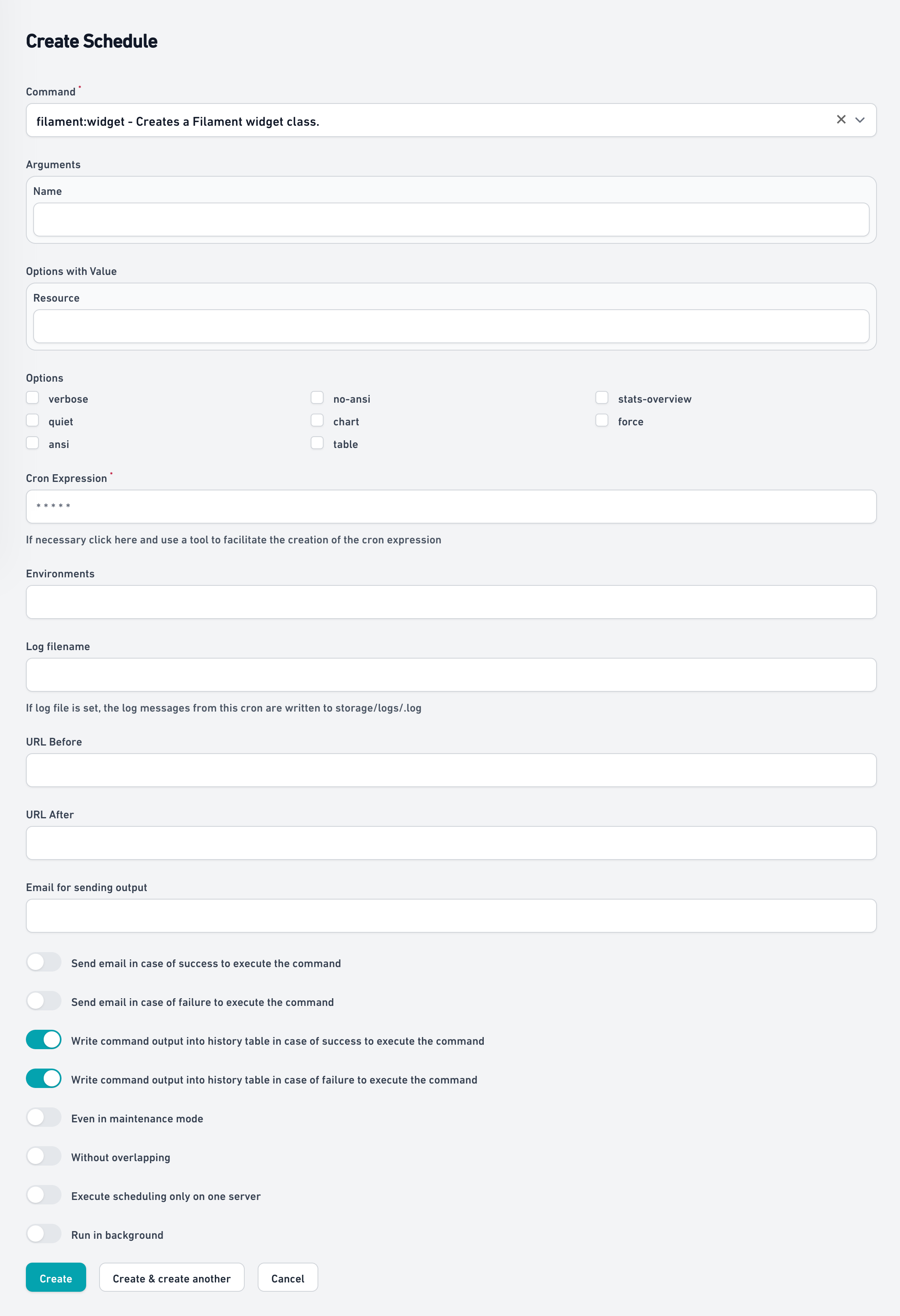
#Create Schedules
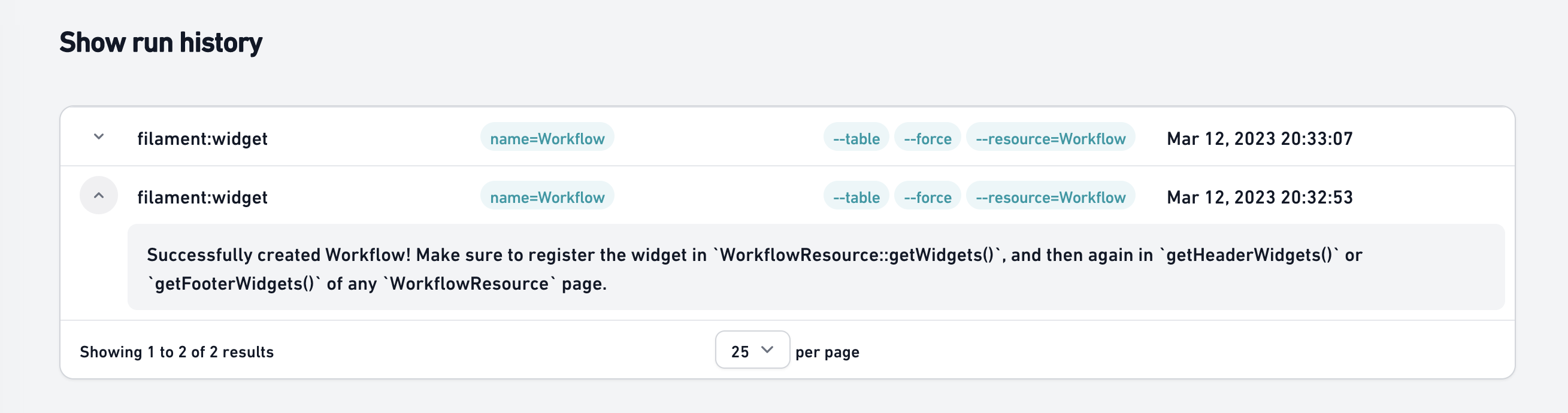
#Show History Schedules
#Installation
You can install the package via composer:
composer require husam-tariq/filament-database-schedule
You should publish and run the migrations with:
php artisan vendor:publish --tag="filament-database-schedule-migrations"
php artisan migrate
You can publish the config file with:
php artisan vendor:publish --tag="filament-database-schedule-config"
You can publish the translations files with:
php artisan vendor:publish --tag="filament-database-schedule-translations"
Run the artisan command to run scheduled tasks
php artisan schedule:run
#Plugin Usage
Using the plugin is easy all you need to do is instanciate it to the Panels you want the plugin to be available in.
use HusamTariq\FilamentDatabaseSchedule\FilamentDatabaseSchedulePlugin;


public function panel(Panel $panel): Panel
{
    return $panel
        ...
        ->plugins([
           FilamentDatabaseSchedulePlugin::make()
        ])
        ...
}
#Environment variables
You can set the following environment variables to configure schedules:
- SCHEDULE_TIMEZONE : The default is the same configured for the application, but if you need the schedules to run in a different timezone, it is possible to configure it with this variable
- SCHEDULE_CACHE_DRIVER : The default is
file - SCHEDULE_CACHE_ENABLE : The default is disabled when
APP_DEBUG=trueand enabled whenAPP_DEBUG=false
#Changelog
Please see CHANGELOG for more information on what has changed recently.
#Contributing
Please see CONTRIBUTING for details.
#Security Vulnerabilities
Please review our security policy on how to report security vulnerabilities.
#Credits
#License
The MIT License (MIT). Please see License File for more information.
The author
Husam Al Shaibani Professional Software Programmer with more than 9 years' experience in analyzing user needs and designing software solutions, Skilled in using problem- solving and critical thinking skills to modify and innovate programs for computer, mobile and websites.
From the same author
Featured Plugins
A selection of plugins curated by the Filament team

Compact Theme
A theme that makes data-heavy panels easier to scan by fitting more useful information on each screen.
 Filament

Sharp Theme
A theme that gives panels a precise, technical look with square corners, strong borders, and clear contrast.
Filament

Advanced Tables (formerly Filter Sets)
Supercharge your tables with powerful features like user-customizable views, quick filters, multi-column sorting, advanced table searching, convenient view management, and more. Compatible with Resource Panel Tables, Relation Managers, Table Widgets, and Table Builder!
 Kenneth Sese

