
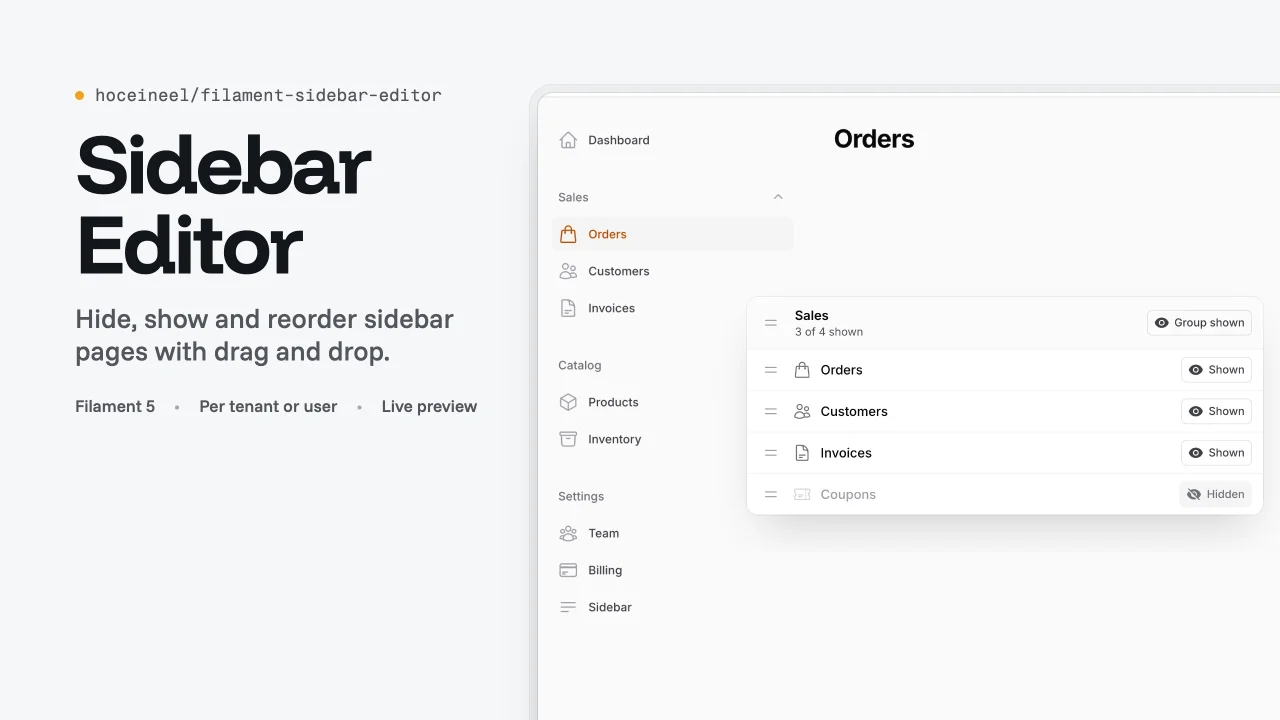
Sidebar Editor by Hocein El Idrissi
CommunityLet each tenant, user or panel hide, show and reorder navigation groups and pages with drag and drop and a live preview.
filament/
namespace. Review the source and install at your own risk. Found
malware or an unresolved security issue the author won't
address?
Report it
.
 Author:
Hocein El Idrissi
Author:
Hocein El Idrissi
Documentation
- Requirements
- Installation
- Quick start
- Configuration
- Storage drivers
- What the editor does
- How it works
- Translations
- Dark mode and RTL
- Theming
- FAQ
- Testing
- Contributing
- Credits
- License
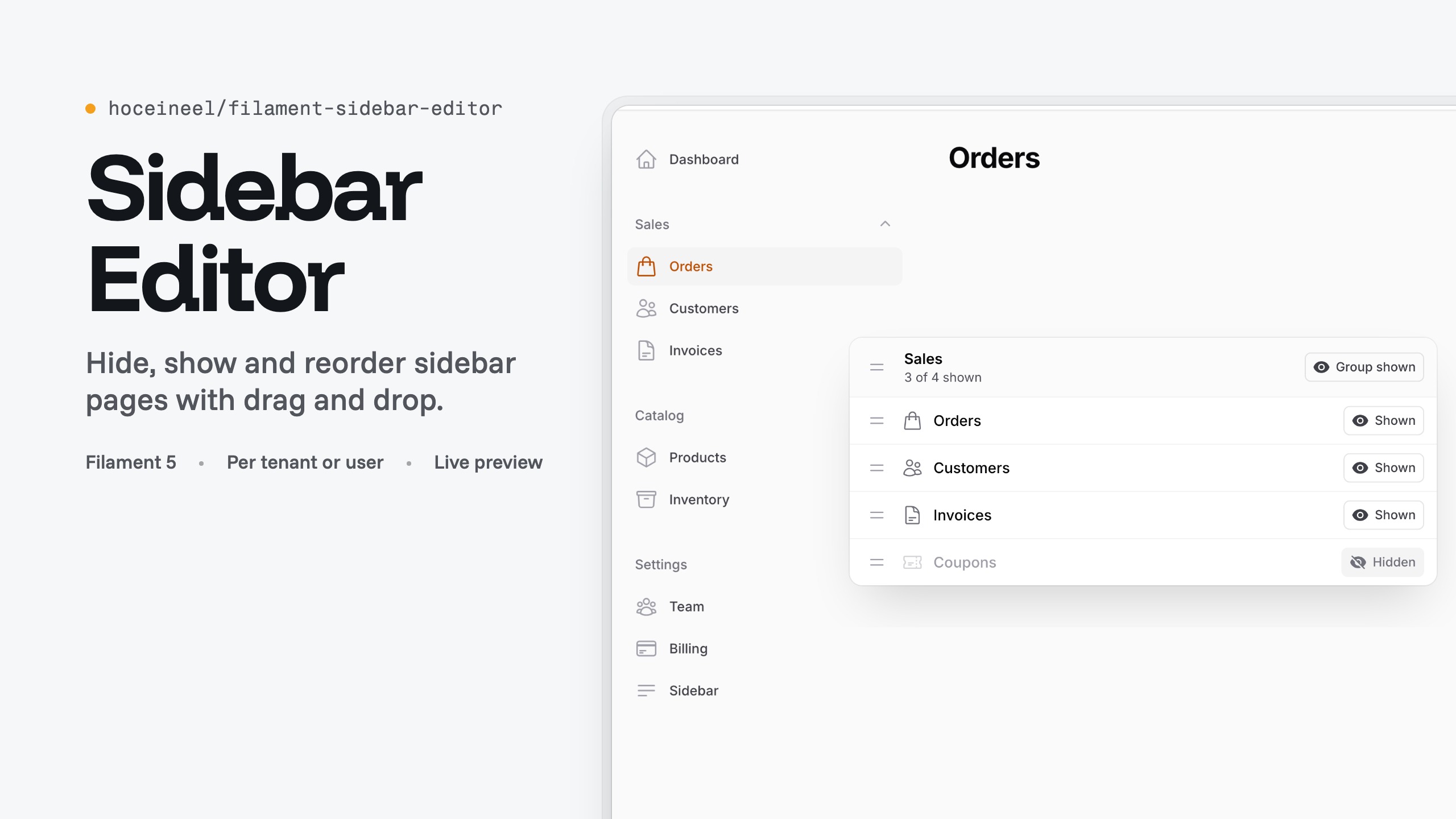
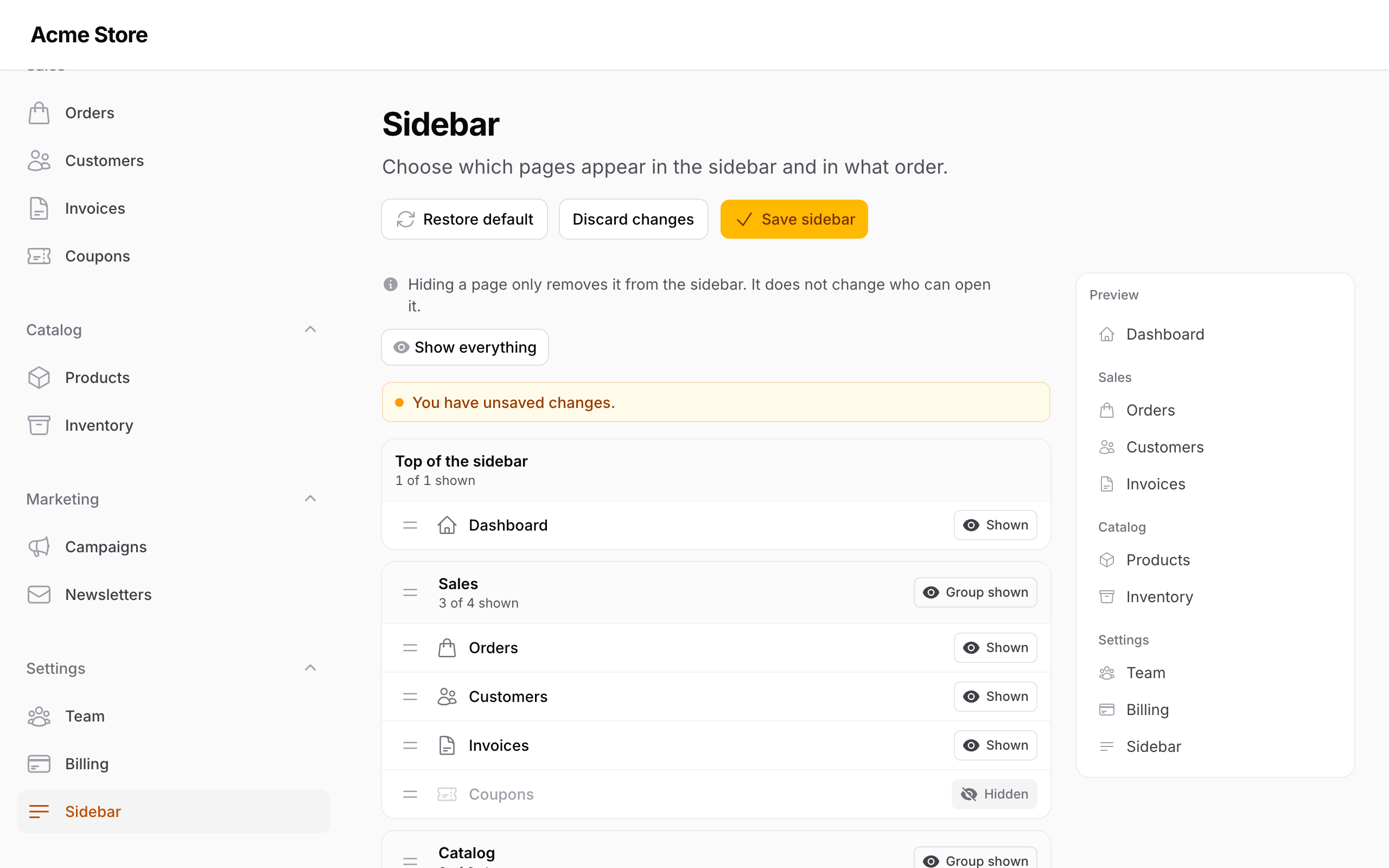
A "Sidebar" page for Filament 5 panels where people hide, show and reorder navigation groups and pages. Drag a group or a page by its handle, switch pages and child pages on or off, and watch the live preview update before you save.
The layout can belong to the current tenant, to each user, or to the whole panel, or you can store it yourself. New pages and resources show up on their own, and the editor page can never be hidden, so nobody locks themselves out.
#Requirements
| Package | Version |
|---|---|
| PHP | 8.3+ |
| Laravel | 12 or 13 |
| Filament | 5 |
#Installation
composer require hoceineel/filament-sidebar-editor
php artisan filament:assets
Run filament:assets again after each update. If your composer.json runs filament:upgrade on post-autoload-dump, that already happens. No custom theme is needed; the page loads its own stylesheet.
The user and global drivers keep layouts in the package's table. Publish and run its migration if you use either:
php artisan vendor:publish --tag=sidebar-editor-migrations
php artisan migrate
Optional publishes:
php artisan vendor:publish --tag=sidebar-editor-config
php artisan vendor:publish --tag=sidebar-editor-translations
php artisan vendor:publish --tag=sidebar-editor-views
#Quick start
Register the plugin on each panel that should have the editor:
use HoceineEl\SidebarEditor\SidebarEditorPlugin;

public function panel(Panel $panel): Panel
{
    return $panel
        // ...
        ->plugin(SidebarEditorPlugin::make());
}
Open /admin/sidebar (or /app/{tenant}/sidebar in a tenant panel), hide or move something, and save. The real sidebar changes on the next page load. Panels that do not register the plugin keep Filament's navigation as it is.
#Configuration
Every option is a fluent method on the plugin. Values marked as closures are evaluated when needed.
| Method | Default | What it does |
|---|---|---|
storeOnTenant(string $column = 'navigation') |
Keep the layout on a column of the current tenant. | |
storePerUser() |
One layout per user and panel, in the package's table. | |
storeGlobally() |
yes | One layout for the whole panel, in the package's table. |
store(LayoutStore|string) |
Your own store, as an instance or a class name resolved from the container. | |
storeUsing(Closure $get, Closure $put) |
Your own store as two closures. | |
authorize(bool|Closure) |
true |
Who may open the editor. When it returns false, the page is hidden from the sidebar and returns 403. |
slug(string|Closure) |
'sidebar' |
The page's URL segment. The page is always pinned under this key. |
navigationGroup(string|UnitEnum|Closure|null) |
null |
Group the editor page sits in. |
navigationSort(int|Closure|null) |
null |
Sort of the editor page inside its group. |
navigationIcon(string|BackedEnum|Closure|null) |
Heroicon::OutlinedBars3BottomLeft |
Icon of the editor page. |
navigationLabel(string|Closure|null) |
"Sidebar" (translated) | Label and title of the editor page. |
pinnedItems(array|Closure) |
[] |
Page keys that can never be hidden. The editor page is always added. |
fixedMainGroup(bool|Closure) |
true |
Keep the ungrouped pages (dashboard and friends) at the top. When false, they can be moved and hidden like any group. |
use App\Models\User;
use HoceineEl\SidebarEditor\SidebarEditorPlugin;

SidebarEditorPlugin::make()
    ->storeOnTenant('navigation')
    ->authorize(fn (): bool => auth()->user()?->can('manage-sidebar') ?? false)
    ->slug('menu')
    ->navigationGroup('settings')
    ->navigationSort(45)
    ->pinnedItems(['dashboard', 'billing'])
    ->fixedMainGroup();
Each panel has its own registration and options. SidebarEditorPlugin::get() returns the plugin on the current panel and SidebarEditorPlugin::current(?Panel $panel) returns it or null.
#Keys
Pages are identified by their URL path inside the panel (and inside the tenant), so /app/acme/products/categories is products/categories and the panel home is dashboard. Groups use the key you registered them under with navigationGroups(), or the slug of their label. Use these keys in pinnedItems().
#Config file
config/sidebar-editor.php has one option, the table used by the user and global drivers:
return [
    'table' => 'sidebar_editor_layouts',
];
#Storage drivers
A layout is a list of groups, each with its pages:
[
    ['key' => 'sales', 'hidden' => false, 'items' => [
        ['key' => 'orders', 'hidden' => false],
        ['key' => 'coupons', 'hidden' => true],
    ]],
    ['key' => 'reports', 'hidden' => true, 'items' => []],
]
#Tenant
storeOnTenant('navigation') writes {"groups": [...]} to that column of Filament::getTenant(). Add a nullable JSON column and, ideally, an array cast:
Schema::table('teams', fn (Blueprint $table) => $table->json('navigation')->nullable());

protected function casts(): array
{
    return ['navigation' => 'array'];
}
Columns without a cast are read and written as JSON strings. Each tenant only ever sees its own layout.
#User
storePerUser() keeps one row per user (from the panel's auth guard) and panel in the package's table. In a tenant panel, a user's layout follows them across tenants. Guests get the default sidebar.
#Global
storeGlobally() keeps one row per panel. Everyone sees the same sidebar. This is the default.
#Custom
Implement HoceineEl\SidebarEditor\Contracts\LayoutStore:
use Filament\Panel;
use HoceineEl\SidebarEditor\Contracts\LayoutStore;

class SettingsStore implements LayoutStore
{
    public function get(Panel $panel): ?array
    {
        return settings("sidebar.{$panel->getId()}");
    }

    public function put(Panel $panel, ?array $groups): void
    {
        settings()->set("sidebar.{$panel->getId()}", $groups);
    }
}

SidebarEditorPlugin::make()->store(SettingsStore::class);
Or with two closures. put receives null when someone restores the default:
SidebarEditorPlugin::make()->storeUsing(
    get: fn (Panel $panel): ?array => cache()->get("sidebar.{$panel->getId()}"),
    put: fn (?array $groups, Panel $panel) => cache()->forever("sidebar.{$panel->getId()}", $groups),
);
#What the editor does
- Hide or show each group, page and child page (such as Products › Categories). Counts show how many pages of a group are visible.
- Drag groups and pages by their handles. Sorting uses the SortableJS copy Filament already ships, so there is no extra JavaScript.
- A preview on the side shows the sidebar as it will look.
- Unsaved changes are flagged. Save with the button or
⌘S/Ctrl+S, or discard them. - "Show everything" switches every group and page back on; "Restore default" deletes the saved layout.
- Pinned pages show a lock instead of a switch, and so does any group that holds one.
Hiding a page only removes it from the sidebar. It does not change who can open it: keep using policies and canAccess() for that.
#How it works
The package wraps Filament's NavigationManager with app()->extend(). The wrapper calls the bound manager, then lays the saved layout over its result when the current panel has the plugin. Saved layouts are merged with the live navigation, so pages added later appear at the end of their group and pages that no longer exist are ignored.
#Translations
English, French and Arabic ship with the package. Publish them with --tag=sidebar-editor-translations to change the wording or add a language. Keys live in sidebar-editor::sidebar-editor.
#Dark mode and RTL
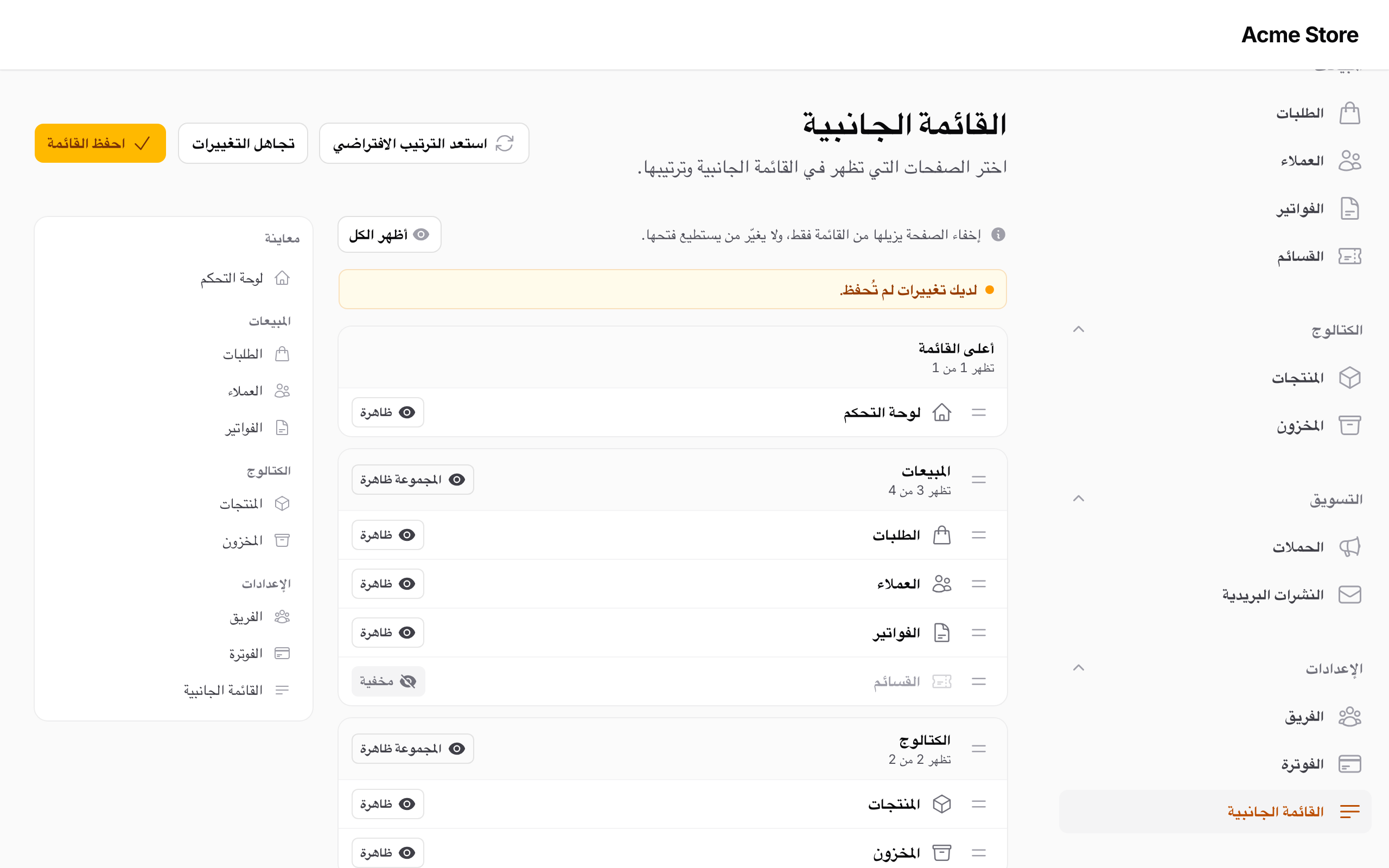
#Theming
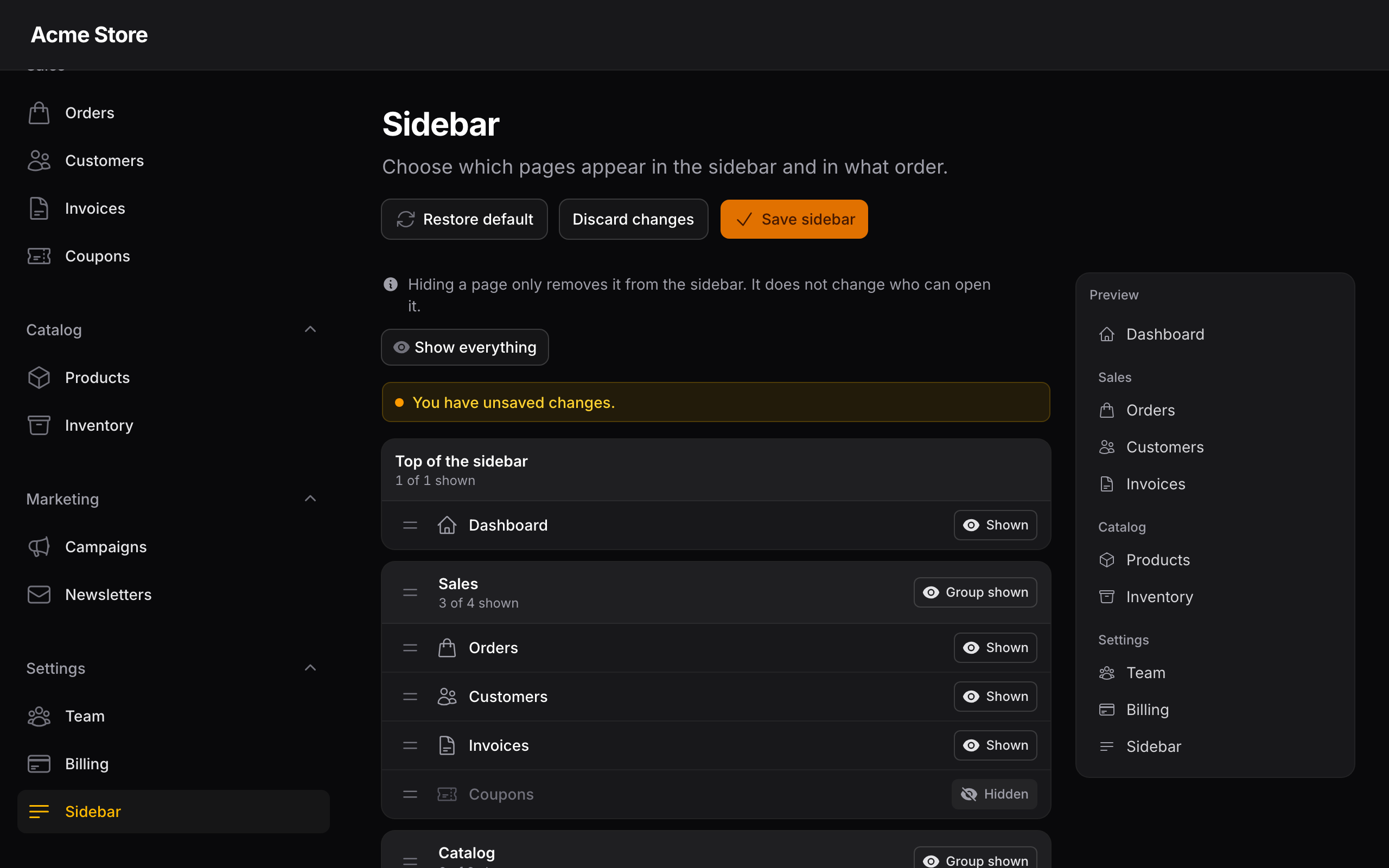
The stylesheet uses classes prefixed with sbe- and Filament's color variables (--gray-*, --primary-*, --warning-*), so it follows your panel's colors, dark mode and text direction. Override the --sbe-* custom properties on .sbe-editor to adjust surfaces and borders.
#FAQ
Another package also replaces the NavigationManager. Will they clash? Usually not. Laravel keeps extend() callbacks when a binding is replaced, so if another package or your app calls app()->bind() or app()->scoped() for NavigationManager, the sidebar layout still wraps their manager and their changes come first. Another package that uses extend() too is wrapped in the order the providers boot. The only setup that bypasses the editor is code that creates new NavigationManager itself instead of resolving it from the container, as Filament does internally to find a panel's home URL.
Does it work with a custom navigation builder ($panel->navigation(fn (NavigationBuilder $builder) => ...))? Yes. The builder's groups are what the layout is applied to, but keys still come from URLs, so items without a URL cannot be told apart.
A page I hid still opens from its URL. That is expected. The editor only changes the sidebar.
The page has no styles. Run php artisan filament:assets. A 404 for sidebar-editor.css in the console means the asset was not published.
Can someone hide the editor itself? No. Its key is always pinned, the group holding it cannot be hidden, and a hidden group in a saved layout still keeps its pinned pages.
#Testing
composer test               # Pest
vendor/bin/pest --parallel  # faster
composer analyse            # PHPStan
composer format             # Pint
The Playwright suite runs against the Testbench workbench in workbench/:
npm ci && npm run build
npx playwright install chromium
npm run test:e2e
composer serve starts the workbench at /admin/sidebar; add ?locale=ar or ?locale=fr to switch language. SE_SCREENSHOTS=1 npm run test:e2e -- screenshots retakes the README images.
To test the editor in your app, call its Livewire methods and actions:
use HoceineEl\SidebarEditor\Pages\SidebarEditor;
use Livewire\Livewire;

it('hides coupons', function (): void {
    Livewire::test(SidebarEditor::class)
        ->call('toggleItem', 'sales', 'coupons')
        ->callAction('save');

    expect($team->fresh()->navigation['groups'])->not->toBeEmpty();
});
The page also exposes toggleGroup(), showEverything(), reorderGroups() and reorderItems(), and the reset and discard actions.
#Contributing
Open an issue first for larger changes. After editing resources/css, run npm run build to rebuild dist/, then run the tests above.
Report security issues privately as described in SECURITY.md. Release notes are in CHANGELOG.md.
#Credits
- Hoceine El Idrissi
- Built on Filament and Livewire
#License
MIT. See LICENSE.md.
The author
Laravel developer from Morocco. I've spent the last few years building multi-tenant SaaS products and internal business tools, and Filament is what I reach for on almost all of them. I like working on the boring, high-traffic parts of an app — the screens people use every day — and I ship plugins for the gaps I keep running into.
From the same author
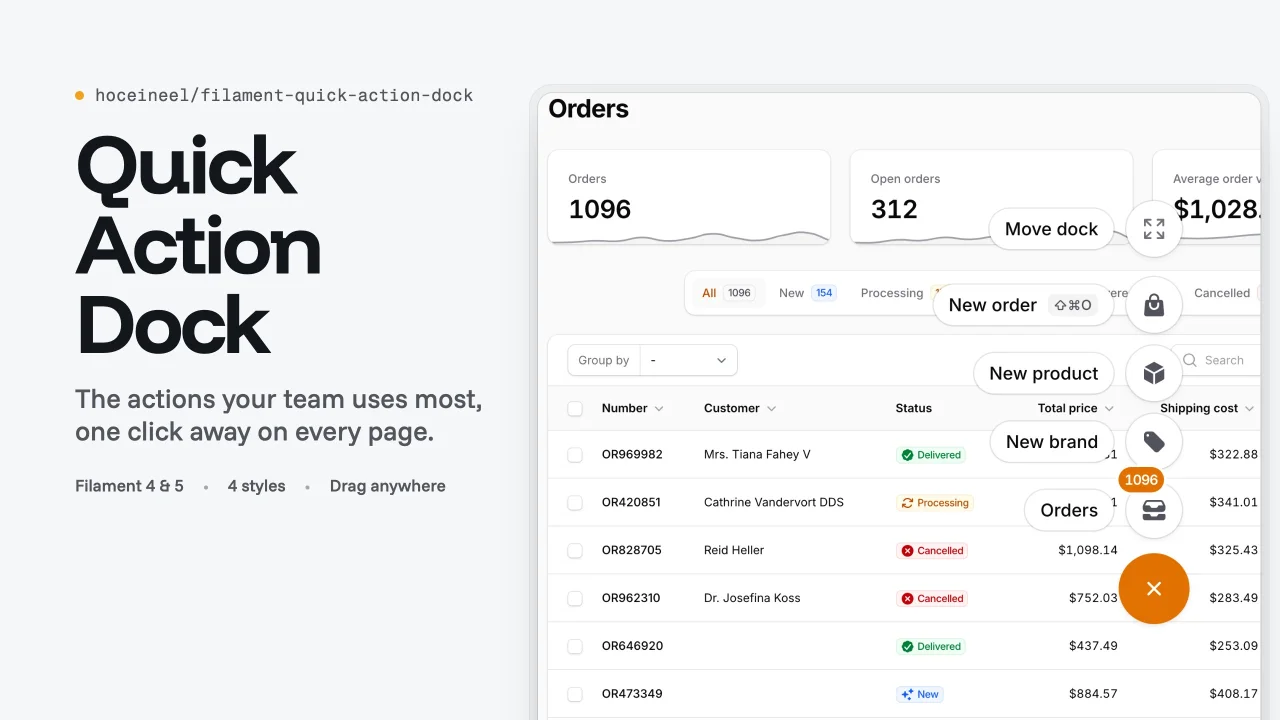
Quick Action Dock
Adds a draggable floating dock of your most used actions to every page of a Filament panel, with four flat styles and visibility rules.
Author:
Hocein El Idrissi
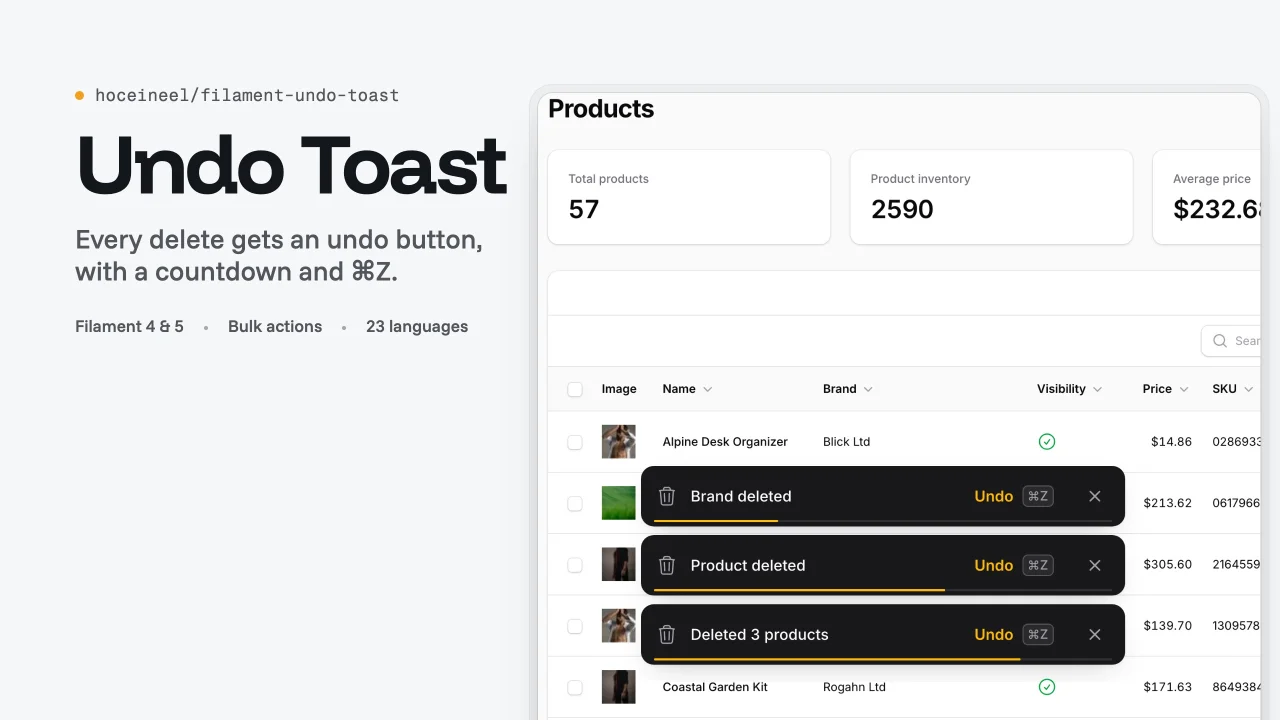
Undo Toast
Shows an undo toast with a countdown after every delete, restore, edit and detach action in Filament, so users can reverse mistakes with one click or Cmd/Ctrl+Z.
Author:
Hocein El Idrissi
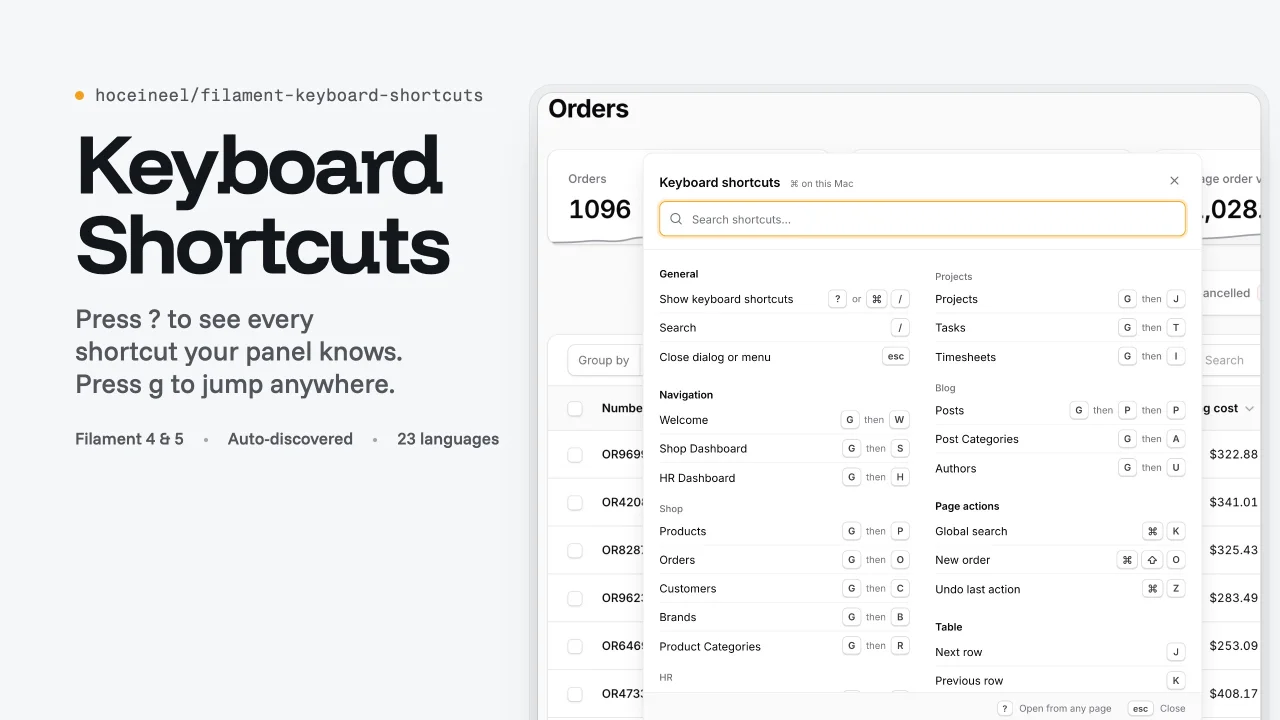
Keyboard Shortcuts
Adds a searchable keyboard shortcuts sheet , g-chord navigation with hint badges and table row keys to Filament panels, and lists every action key binding automatically.
Author:
Hocein El Idrissi
Featured Plugins
A selection of plugins curated by the Filament team

Soft Theme
A theme that gives panels a warm, approachable look with rounded shapes, gentle colors, and serif headings.
 Filament

Compact Theme
A theme that makes data-heavy panels easier to scan by fitting more useful information on each screen.
Filament

Spotlight Pro
Browse your Filament Panel with ease. Filament Spotlight Pro adds a Spotlight like Command Palette to your Filament Panel.
 Dennis Koch

