
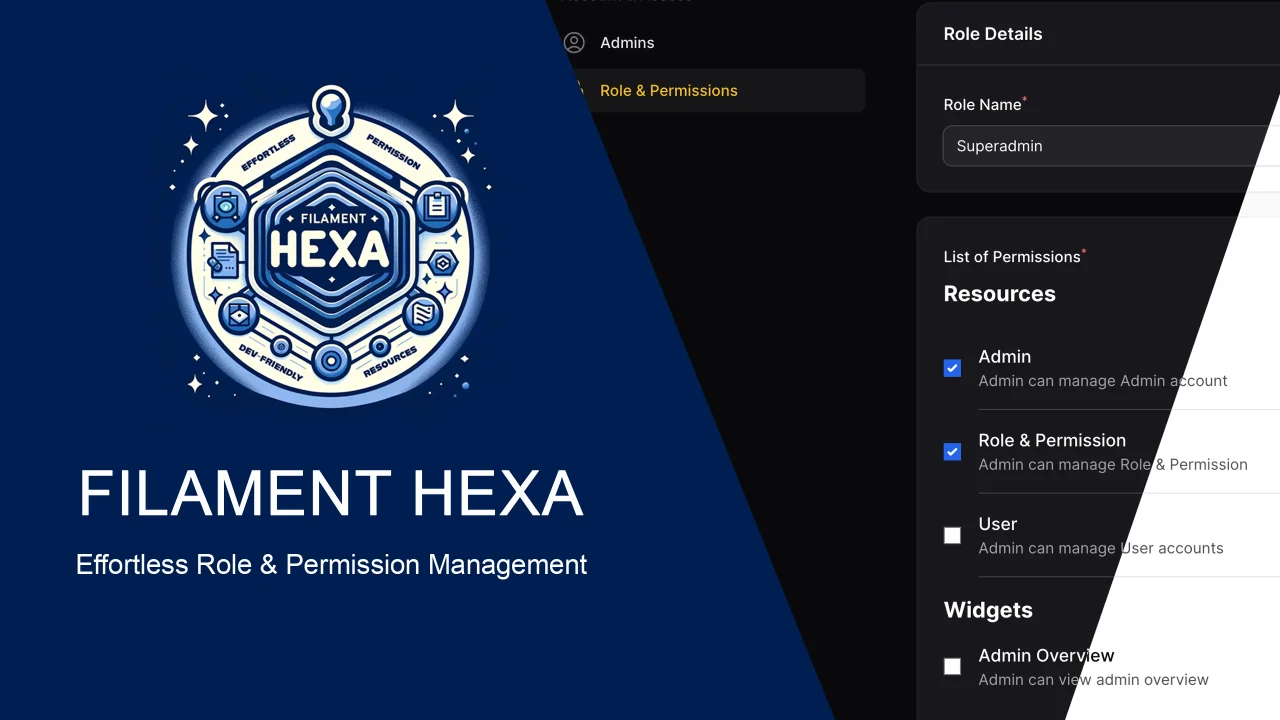
Hexa
CommunityEffortless role and permission management plugin for Filament
 Author:
Asep
Author:
Asep
Package health
BetaAutomated checks of this plugin's Composer package
15 checks
- Skipped: GitHub Actions pinned to SHA
- Skipped: GitLab CI includes pinned to SHA
- Passed: Open security advisories
- Passed: Dependabot PR responsiveness — No open Dependabot PRs.
- Skipped: Renovate MR responsiveness
- Skipped: Dependabot or Renovate configured
- Skipped: Dependency update cooldown configured
- Failed: Provides a security policy — View details on Plumb
- Passed: Abandoned or archived — No consulted source marks the package abandoned (packagist, github).
- Passed: Commit and release recency — Active: last commit 52 days ago; last release 52 days ago.
-
Passed:
composer.lock not committed by library
—
composer.lockis absent from the released dist archive. - Passed: Dist archive is lean
- Skipped: Current Laravel version supported
- Passed: Current PHP version supported — No PHP constraint declared; package imposes no version restriction.
- Skipped: Current Symfony version supported
filament/
namespace. Review the source and install at your own risk. Found
malware or an unresolved security issue the author won't
address?
Report it
.
Documentation
- Version Docs.
- Installation
- Adding Role Selection
- Multi Panel Support
- Defining Permissions
- Access Control
- Available Traits
- Features in Pro Version
- License
- Issues & Feedback
Filament Hexa Lite is a free and developer-friendly role and permission management plugin for FilamentPHP V5.
It helps you manage user roles and access permissions across Resources, Pages, and Widgets — with support for multi-panel apps via custom guards.
Currently in version 3, Hexa Lite is more intuitive, customizable, and production-ready.

📖 Full documentation: hexters.github.io/hexa-docs
#Version Docs.
| Version | Filament | Doc. |
|---|---|---|
| V1 | V3 | Read Doc. |
| V2 | V3 | Read Doc. |
| V3 | V5 | Read Doc. |
#Installation
Install the package via Composer:
composer require hexters/hexa-lite
Run the database migration:
php artisan migrate
Register the plugin in your Filament panel:
use Filament\Panel;
use Hexters\HexaLite\HexaLite;

public function panel(Panel $panel): Panel
{
    return $panel
        ->plugins([
            HexaLite::make(),
        ]);
}
Apply the trait to your User model:
use Hexters\HexaLite\HexaLiteRolePermission;

class User extends Authenticatable
{
    use HasFactory, Notifiable;
    use HexaLiteRolePermission;
}
#Adding Role Selection
To allow role assignment via the admin panel, add a select input to your UserForm class:
use Filament\Forms\Components\Select;
use Filament\Forms\Components\TextInput;

public static function form(Form $form): Form
{
    return $form
        ->schema([
            TextInput::make('email')
                ->unique(ignoreRecord: true)
                ->required(),

            Select::make('roles')
                ->label(__('Role Name'))
                ->relationship('roles', 'name')
                ->placeholder(__('Superuser')),
        ]);
}
#Multi Panel Support
Hexa Lite supports multiple panels, each with its own auth guard.
public function panel(Panel $panel): Panel
{
    return $panel->authGuard('reseller');
}
public function panel(Panel $panel): Panel
{
    return $panel->authGuard('customer');
}
Configure guards in config/auth.php.
#Defining Permissions
Define permissions using the defineGates() method on Resources, Pages, or Widgets:
use Hexters\HexaLite\HasHexaLite;

class UserResource extends Resource
{
    use HasHexaLite;

    public function defineGates(): array
    {
        return [
            'user.index' => __('Allows viewing the user list'),
            'user.create' => __('Allows creating a new user'),
            'user.update' => __('Allows updating users'),
            'user.delete' => __('Allows deleting users'),
        ];
    }
}
#Access Control
Users with no assigned role are treated as Superusers and have full access by default.
To restrict access to a resource:
use Illuminate\Auth\Access\Response;
use Illuminate\Database\Eloquent\Model;

    public static function getViewAnyAuthorizationResponse(): Response
    {
        return hexa()->can('user.index')
            ? Response::allow()
            : Response::deny();
    }

    public static function getCreateAuthorizationResponse(): Response
    {
        return hexa()->can('user.create')
            ? Response::allow()
            : Response::deny(__('You do not have permission to create user.'));
    }

    public static function getEditAuthorizationResponse(Model $record): Response
    {
        return hexa()->can('user.update')
            ? Response::allow()
            : Response::deny(__('You do not have permission to edit this.'));
    }

    public static function getDeleteAuthorizationResponse(Model $record): Response
    {
        return hexa()->can('user.delete')
            ? Response::allow()
            : Response::deny(__('You do not have permission to delete user.'));
    }

    public static function getDeleteAnyAuthorizationResponse(): Response
    {
        return hexa()->can('user.delete')
            ? Response::allow()
            : Response::deny(__('You do not have permission to delete users.'));
    }
#Check Permissions in Code
Useful in queued jobs, commands, or background services:
return hexa()->user(User::first())->can('user.index');
#Visible Access
Use visible() to conditionally display UI elements:
Actions\CreateAction::make('create')
    ->visible(fn() => hexa()->can(['user.index', 'user.create']));
#Laravel Integration
You can still use Laravel’s native authorization:
Auth::user()->can('user.create');

Gate::allows('user.create');

Gate::forUser(User::first())->allows('user.create');

@can('user.create')
    // Blade directive
@endcan
#Available Traits
| Trait | Description |
|---|---|
HexaLiteRolePermission |
Apply to your Authenticatable user model |
HasHexaLite |
Use in Resources, Pages, Widgets, or Clusters |
UuidGenerator |
Use on models with uuid fields |
UlidGenerator |
Use on models with ulid fields |
#Features in Pro Version
Need more flexibility and control?
Filament Hexa Pro v3 unlocks powerful features designed for serious projects:
- Role & permission descriptions
- Custom role sorting
- Gate grouping (with nested access)
- Multi-tenancy support
- Meta option storage
A small investment for a much more capable permission system.
Learn more in the official documentation:
👉 Hexa Pro Documentation
#License
This project is open-source and licensed under the MIT License. You are free to use, modify, and distribute it with attribution.
#Issues & Feedback
Found a bug or want to contribute?
Open an issue at: https://github.com/hexters/hexa-lite/issues
Thank you for using Filament Hexa Lite!
The author
Effortless role and permission management plugin for Filament
Featured Plugins
A selection of plugins curated by the Filament team

Compact Theme
A theme that makes data-heavy panels easier to scan by fitting more useful information on each screen.
 Filament

Spotlight Pro
Browse your Filament Panel with ease. Filament Spotlight Pro adds a Spotlight like Command Palette to your Filament Panel.
 Dennis Koch

Custom Dashboards
Let your users build and share their own dashboards with a drag-and-drop interface. Define your data sources in PHP and let them do the rest.
Filament

