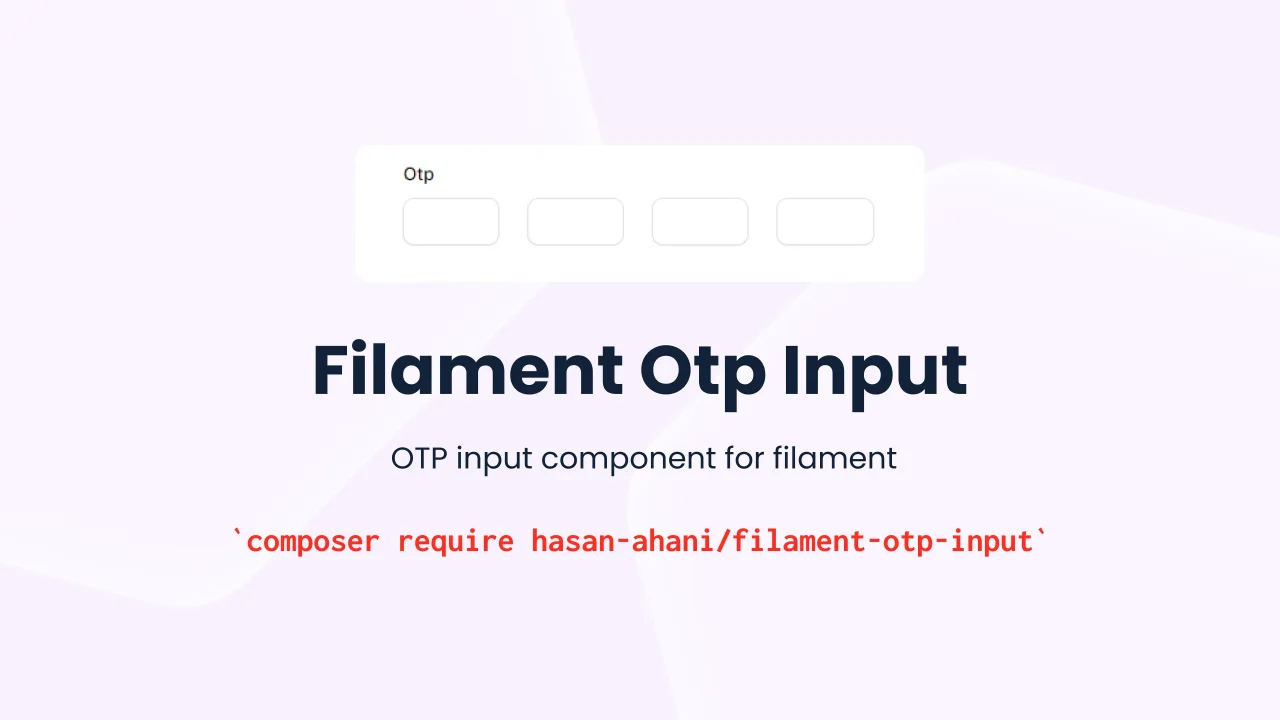
OTP input
OTP input component for filament.
 Author:
Hasan Ahani
Author:
Hasan Ahani
Documentation




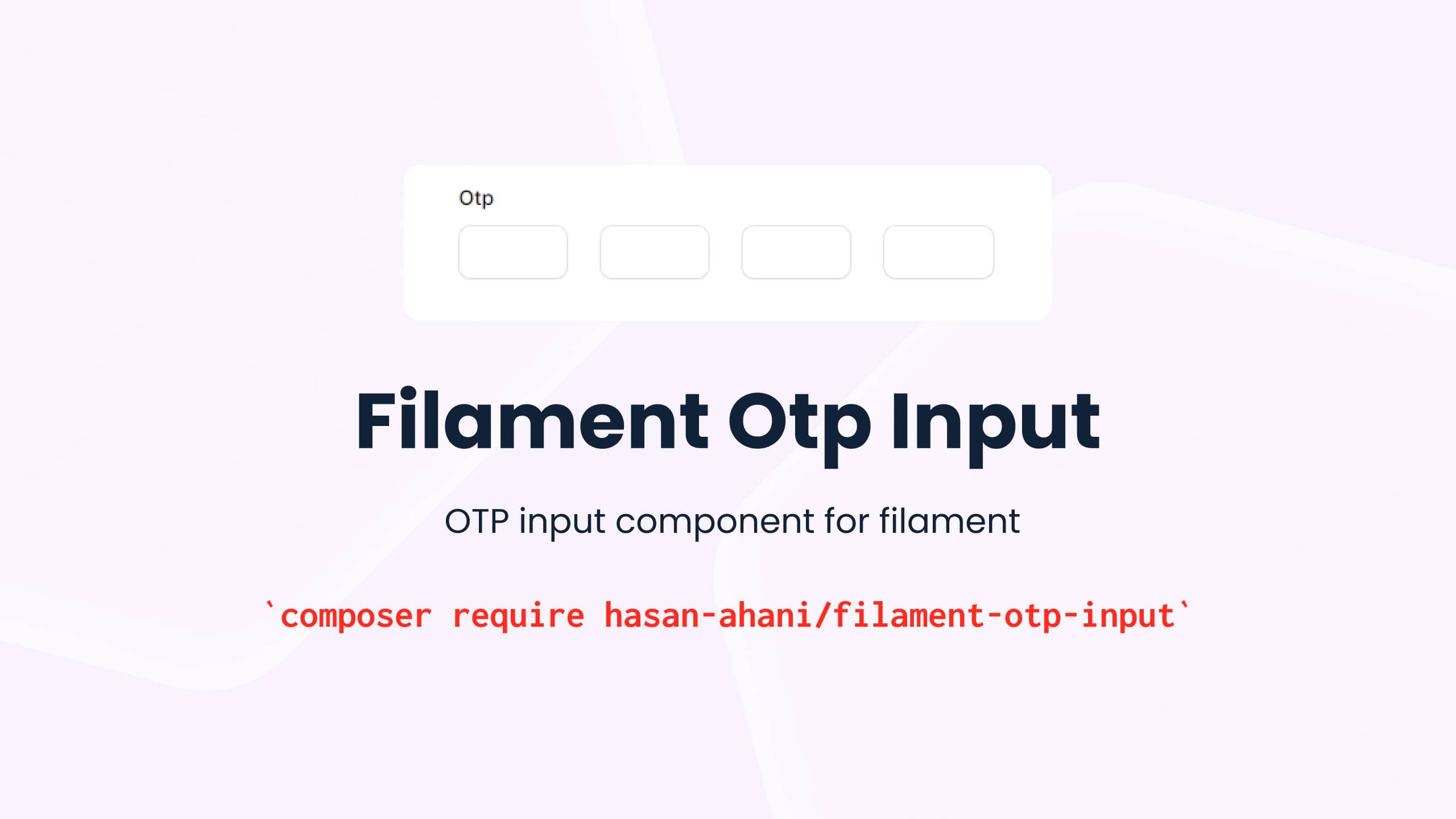
filament-otp-input is a package built for Filament that provides a One-Time Passcode (OTP) input form component that offers you the ability to add the following features:
- Customize the number of inputs
- Perform an action after filling the code
- Move to the next input after filling
- Move to the previous input with backspaces
#Installation
You can install the package via composer:
composer require hasan-ahani/filament-otp-input
#Usage
Inside a form schema, you can use the Otp input like this:
use HasanAhani\FilamentOtpInput\Components;
use Filament\Forms\Form;

public function form(Form $form): Form
{
    return $form
        ->schema([
            // ...
            OtpInput::make('otp')
                ->label('Otp'),
        ]);
}
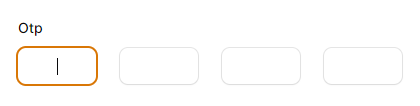
The code above will render a otp input inside the form.
#Number inputs
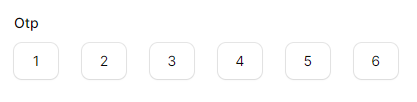
If the number of entries you want is less or more than the default 4 numbers, you can change it according to the example below
use HasanAhani\FilamentOtpInput\Components;
use Filament\Forms\Form;

public function form(Form $form): Form
{
    return $form
        ->schema([
            // ...
            OtpInput::make('otp')
                ->numberInput(6)
                ->label('Otp'),
        ]);
}
The above code creates 6 inputs for entering the OTP code.
#Get Code
If you need to receive the code after entering it completely, proceed as in the example below
use HasanAhani\FilamentOtpInput\Components;
use Filament\Forms\Form;

public function form(Form $form): Form
{
    return $form
        ->schema([
            // ...
            OtpInput::make('otp')
                ->numberInput(8)
                ->afterStateUpdated(function (string $state){
                    dd($state);
                    // submit form or save record
                })
                ->label('Otp'),
        ]);
}
#Input type
By default, the input type is set to "number". If you need to change it to "password" or "text", you can use the following methods:
use HasanAhani\FilamentOtpInput\Components;
use Filament\Forms\Form;

public function form(Form $form): Form
{
    return $form
        ->schema([
            // ...
            OtpInput::make('otp')
                ->password()
                // or
                ->text()
                ->label('Otp'),
        ]);
}
#Testing
composer test
#Changelog
Please see CHANGELOG for more information on what has changed recently.
#Credits
#License
The MIT License (MIT). Please see License File for more information.
Featured Plugins
A selection of plugins curated by the Filament team

Custom Dashboards
Let your users build and share their own dashboards with a drag-and-drop interface. Define your data sources in PHP and let them do the rest.
 Filament

Advanced Tables (formerly Filter Sets)
Supercharge your tables with powerful features like user-customizable views, quick filters, multi-column sorting, advanced table searching, convenient view management, and more. Compatible with Resource Panel Tables, Relation Managers, Table Widgets, and Table Builder!
 Kenneth Sese

Data Lens
Advanced Data Visualization for Laravel Filament - a premium reporting solution enabling custom column creation, sophisticated filtering, and enterprise-grade data insights within admin panels.
 Padmission

