
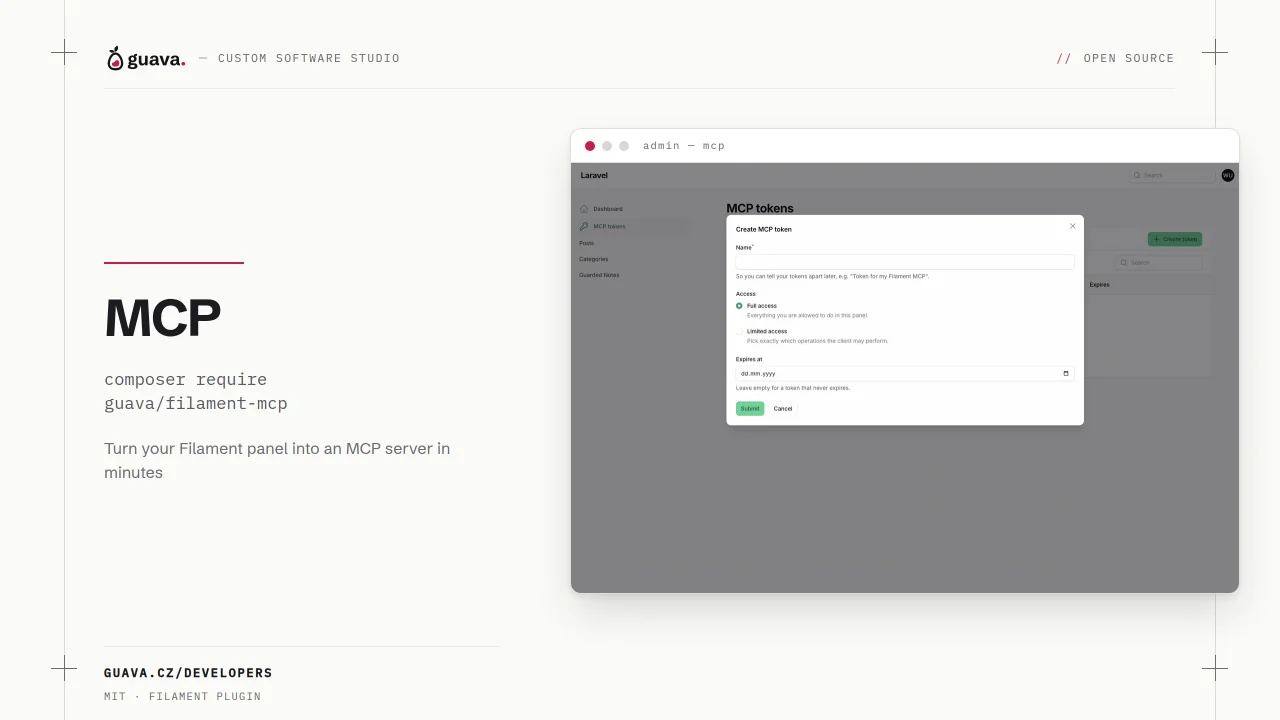
MCP by Guava
CommunityTurn your filament panel(s) into an MCP server with ease and control your filament panels with your favourite AI agents. Fully configurable, secure, supports public and authenticated resources, custom tools and more.
 Author:
Guava
Author:
Guava
Package health
Automated checks of this plugin's Composer package
15 checks
- Passed: GitHub Actions pinned to SHA
- Skipped: GitLab CI includes pinned to SHA
- Passed: Open security advisories
- Passed: Dependabot PR responsiveness — No stale Dependabot PRs.
- Skipped: Renovate MR responsiveness
- Passed: Dependabot or Renovate configured
- Passed: Dependency update cooldown configured
- Passed: Provides a security policy
- Passed: Abandoned or archived — No consulted source marks the package abandoned (packagist, github).
- Passed: Commit and release recency — Active: last commit 0 days ago; last release 0 days ago.
-
Passed:
composer.lock not committed by library
—
composer.lockis absent from the released dist archive. - Passed: Dist archive is lean
-
Passed:
Current Laravel version supported
—
Package dependencies resolve together with current Laravel
13.0. -
Passed:
Current PHP version supported
—
Constraint
^8.2supports current PHP8.5. - Skipped: Current Symfony version supported
filament/
namespace. Review the source and install at your own risk. Found
malware or an unresolved security issue the author won't
address?
Report it
.
Documentation
- Documentation
- Version compatibility
- Support us
- Installation
- Usage
- Testing
- Changelog
- Contributing
- Security Vulnerabilities
- Credits
- License


This package turns your filament panel into a Model Context Protocol server, so AI agents (Claude Code, Claude Desktop, Cursor, ...) can list, read, create and update records and call your filament actions, with the same authorization a human has in the panel.
Tools are generated from your existing resources: the input schemas come straight from your form schema, and your model policies, tenant scoping and field visibility rules all still apply. It's built on top of the official laravel/mcp package.
#Documentation
The full documentation is available at guava.cz.
#Version compatibility
| Filament version | Plugin version | Min. PHP version |
|---|---|---|
| 5.x | 1.x | 8.2 |
#Support us
Your support is key to the continual advancement of our plugin. We appreciate every user who has contributed to our journey so far.
While our plugin is available for all to use, if you are utilizing it for commercial purposes and believe it adds significant value to your business, we kindly ask you to consider supporting us through GitHub Sponsors. This sponsorship will assist us in continuous development and maintenance to keep our plugin robust and up-to-date. Any amount you contribute will greatly help towards reaching our goals. Join us in making this plugin even better and driving further innovation.
#Installation
You can install the package via composer:
composer require guava/filament-mcp
Then publish and run the migrations, which create the tables used for authentication and for staging file uploads:
php artisan vendor:publish --tag="filament-mcp-migrations"
php artisan migrate
Publishing the config file is optional, see the installation docs for the remaining setup steps.
#Usage
Register the plugin on your panel and list the resources you want to expose:
use Guava\FilamentMcp\Mcp\McpResource;
use Guava\FilamentMcp\McpPlugin;

$panel->plugin(
    McpPlugin::make()
        ->instructions('This server manages the Acme blog. Posts belong to categories.')
        ->resources([
            McpResource::make(PostResource::class)->crud(),
            McpResource::make(CategoryResource::class)->readOnly(),
        ])
        ->tokens()
);
Create a token:
php artisan mcp:token [email protected] --name="Claude"
And point an MCP client at the panel's endpoint:
claude mcp add --transport http acme https://your-app.test/mcp/admin \
    --header "Authorization: Bearer gmcp_..."
That's it, the agent now sees list_posts, get_post, create_post, update_post, delete_post, list_categories and get_category.
For everything else, including field types and file uploads, exposing your filament actions as tools, self-service tokens, multi-tenancy and the security model, see the full documentation at guava.cz.
#Testing
composer test
#Changelog
Please see CHANGELOG for more information on what has changed recently.
#Contributing
Please see CONTRIBUTING for details.
#Security Vulnerabilities
Please review our security policy on how to report security vulnerabilities.
#Credits
- Lukas Frey
- All Contributors
- laravel/mcp - the MCP server this package builds on
- Spatie - Our package skeleton is a modified version of Spatie's Package Skeleton
#License
The MIT License (MIT). Please see License File for more information.
The author
We are a web development company based in Pilsen, Czech Republic. We primarily use the TALL stack for web development.
From the same author
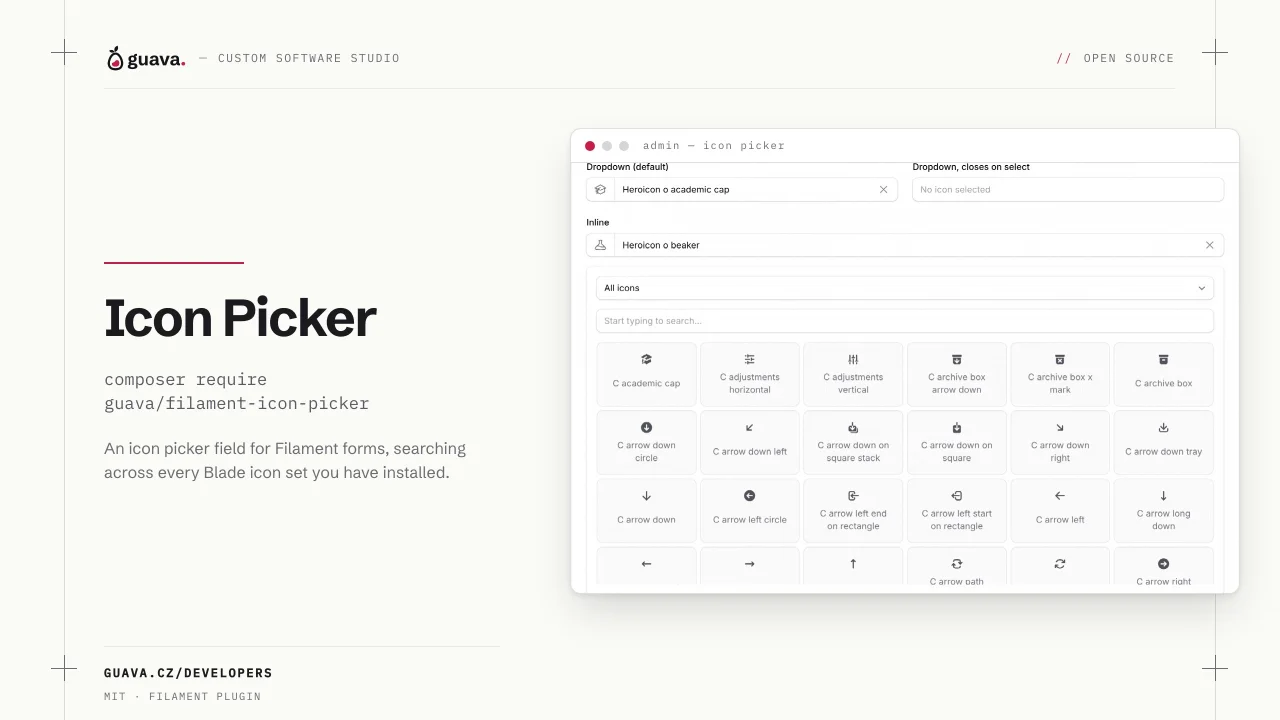
Icon Picker
Adds an icon picker field and column for your filament panel and form builder.
Author:
Guava
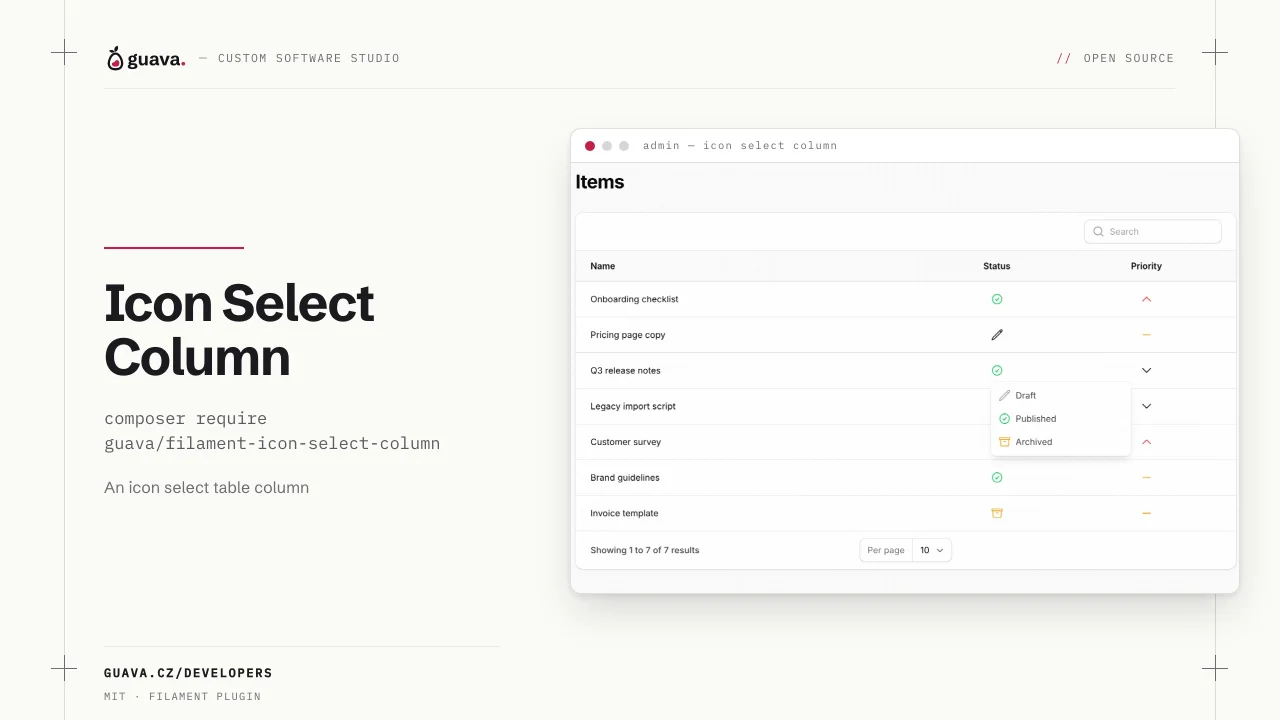
Icon Select Column
Adds an Icon Select column for your filament tables.
Author:
Guava
Nested Resources
Adds support for nested resources
Author:
Guava
Clusters
Plugin that allows you to visually cluster multiple fields together.
Author:
Guava
Featured Plugins
A selection of plugins curated by the Filament team

Blueprint
Filament Blueprint is a premium Laravel Boost extension that helps AI agents produce accurate, detailed implementation plans and security reports for Filament apps.
 Filament

Custom Fields
Eliminate custom field migrations forever. Let your users create and manage form fields directly in Filament admin panels with 20+ built-in field types, validation, and zero database changes.
 Relaticle

Noir Theme
A theme that gives panels a focused, refined look with near-black surfaces, crisp actions, and restrained color.
Filament

