File View Entry
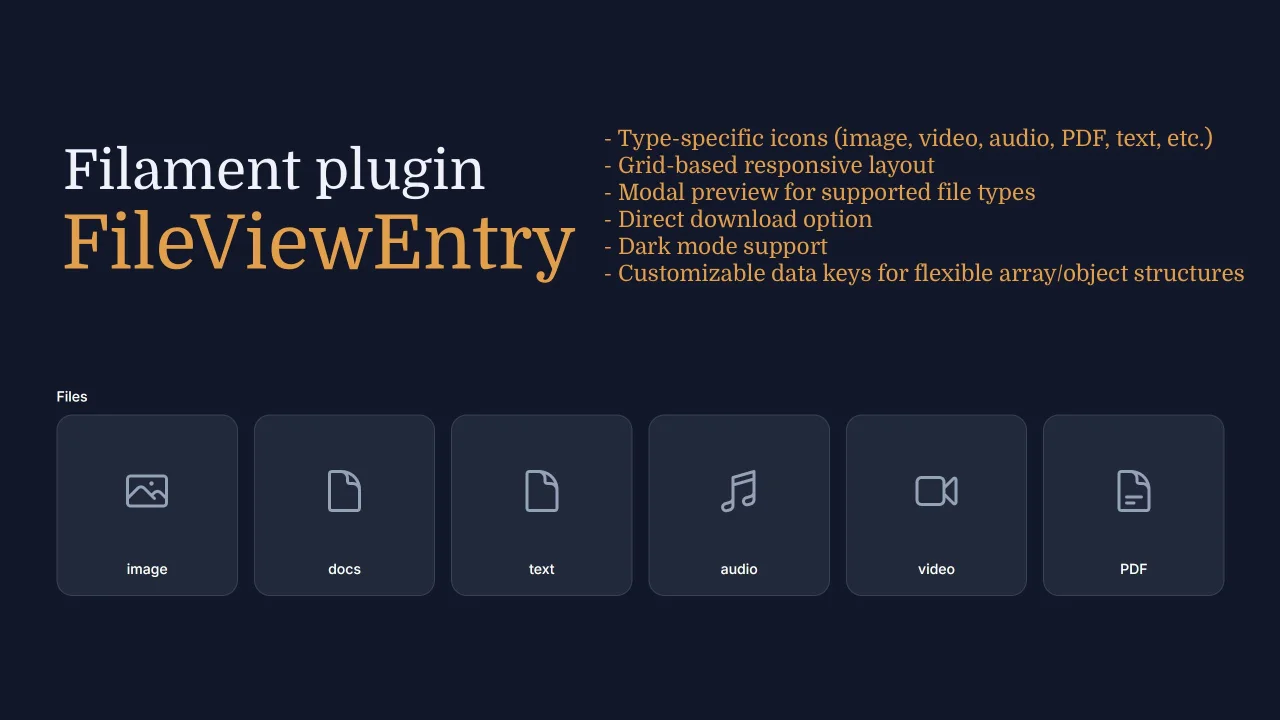
A beautiful file attachment viewer for Filament Infolists with type-specific icons, modal previews, and responsive grid layout.
 Author:
Gheith
Author:
Gheith
Documentation
- Features
- Installation
- Quick Start
- Configuration
- Examples
- Customization
- Screenshots
- Supported File Types
- Requirements
- License
- Credits
- Support
A Filament plugin that provides a beautiful file attachment viewer for Infolists with type-specific icons, modal previews, and responsive grid layout.
#Features
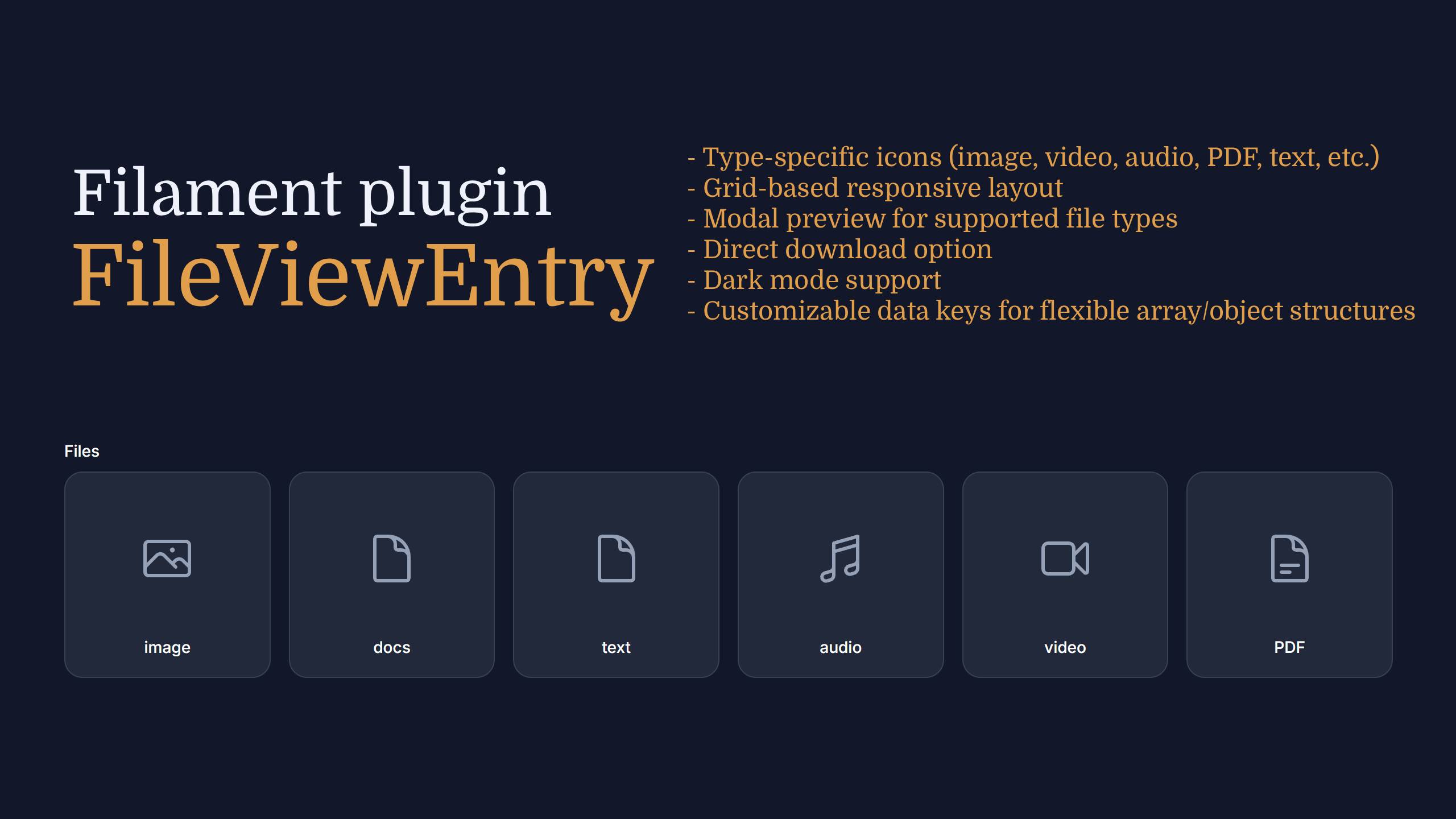
- 🎨 Beautiful card layout with file type icons
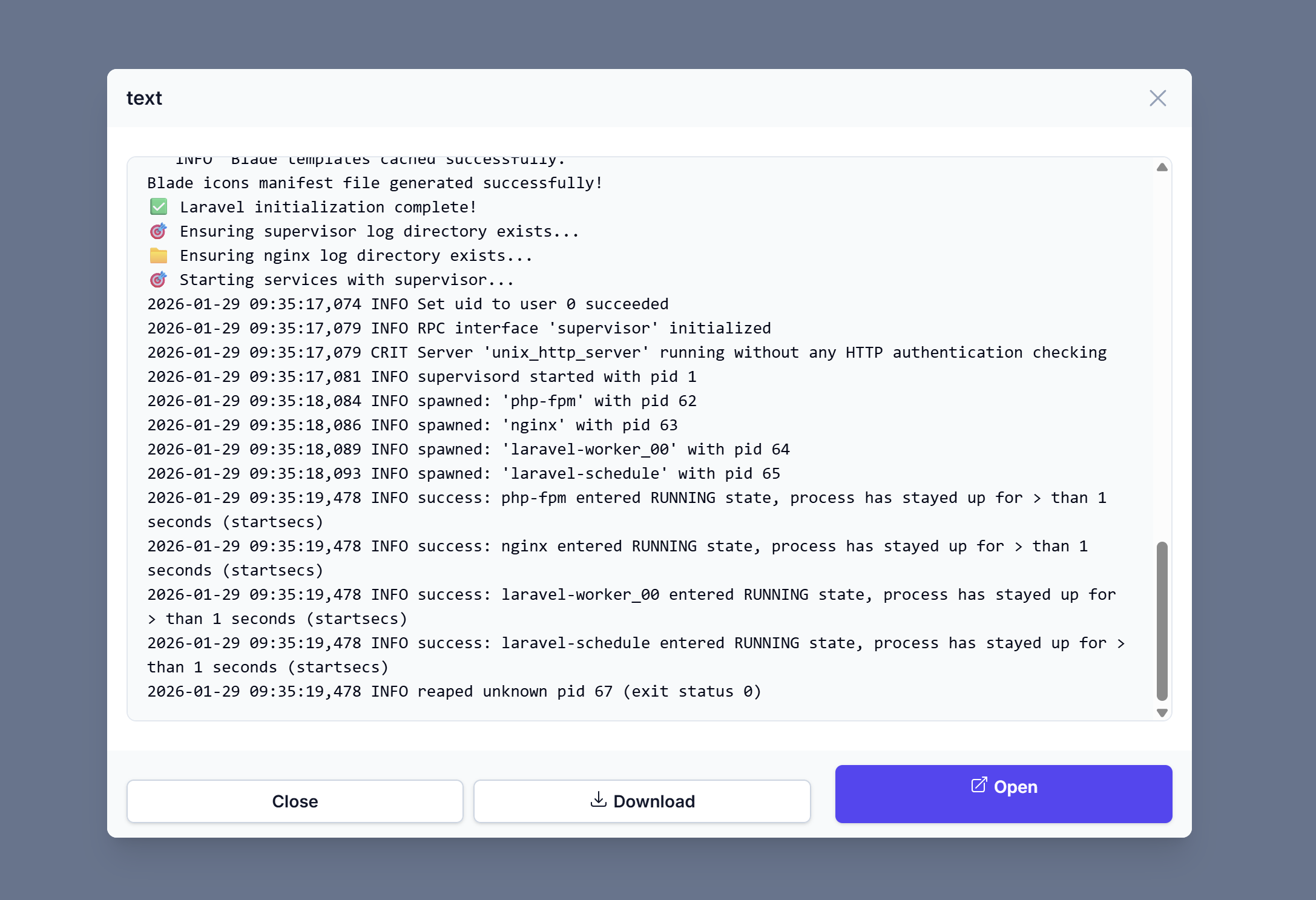
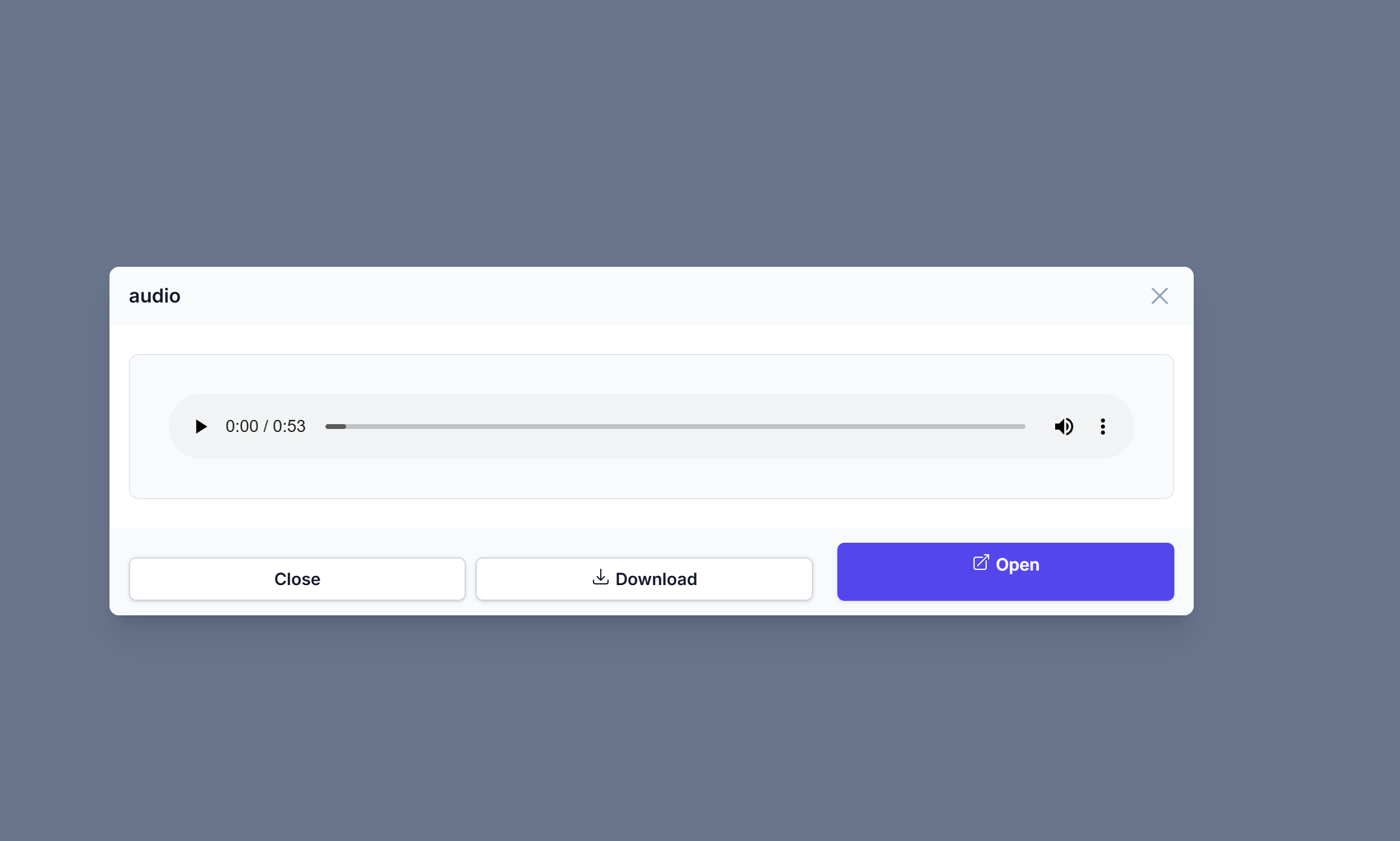
- 🔍 Modal preview for images, videos, audio, PDFs, and text files
- 📱 Responsive grid - auto-adjusts columns based on screen size
- 🌙 Dark mode support
- 📥 Download option
- 🔧 Customizable data keys - works with any data structure
- 📦 Collection support - works with Eloquent relationships
#Installation
composer require gheith3/filament-file-view-entry
#Quick Start
#Register the Plugin
In your panel provider:
use gheith3\FileViewEntryPlugin\FileViewEntryPlugin;

public function panel(Panel $panel): Panel
{
    return $panel
        ->plugin(FileViewEntryPlugin::make());
}
#CSS Configuration (Custom Theme)
If your panel uses a custom theme registered in vite.config.js, add the following line to your theme's CSS file:
@source '../../../../vendor/gheith3/filament-file-view-entry/resources/views/**/**';
Then recompile your assets:
npm run dev
Note: This step is only required when using a custom Vite theme. The plugin works out of the box with Filament's default setup.
#Basic Usage
use gheith3\FileViewEntryPlugin\Infolists\Components\FileViewEntry;

// Single file - opens in modal when clicked
FileViewEntry::make('file_path')
    ->downloadable();

// Multiple files in grid layout
FileViewEntry::make('attachments')
    ->grid(4)
    ->downloadable();
#Configuration
#Data Structure Mapping
If your data uses different keys:
FileViewEntry::make('documents')
    ->grid(3)
    ->titleKey('title')        // Default: 'name'
    ->pathKey('path')          // Default: 'file_path'
    ->dateKey('uploaded_at')   // Default: null (hidden)
    ->downloadable();
#Available Methods
| Method | Description |
|---|---|
grid(int $columns) |
Set grid columns (1-6, auto-responsive) |
titleKey(string $key) |
Key for file title |
pathKey(string $key) |
Key for file path |
dateKey(?string $key) |
Key for date (null to hide) |
asModal(bool $enabled) |
Show content in modal (default: true) |
withModalEye(bool $enabled) |
Add eye button for modal preview when asModal(false) |
showAsLink(bool $enabled) |
Show as compact list (default: false) |
contained(bool $enabled) |
Show background/border (default: true) |
lazyLoad(bool $enabled) |
Lazy load images (default: false) |
showFileSize(bool $enabled) |
Show file size (default: false) |
showFileCount(bool $enabled) |
Show file count badge (default: false) |
loadingSkeleton(bool $enabled) |
Show loading skeleton (default: false) |
copyable(bool $enabled) |
Add copy link button (default: false) |
customIcons(array $icons) |
Custom icons for file types/extensions |
disk(string $disk) |
Storage disk name |
downloadable(bool $enabled) |
Show download button |
previewHeight(int|string $height) |
Modal height (default: 300px) |
#Grid Columns Reference
FileViewEntry::make('files')
    ->grid(2)  // 2 columns on all screens
    ->grid(3)  // 2 cols mobile, 3 cols tablet+
    ->grid(4)  // 2 cols mobile, 3 tablet, 4 desktop
    ->grid(5)  // 2 cols mobile, 3 tablet, 4 desktop, 5 xl
    ->grid(6)  // 2 cols mobile, 3 tablet, 4 desktop, 6 xl
#Examples
#With Eloquent Relationship
// In your resource
public static function infolist(Infolist $infolist): Infolist
{
    return $infolist
        ->schema([
            FileViewEntry::make('uploadedFiles') // relationship name
                ->label('Attachments')
                ->grid(6)
                ->downloadable(),
        ]);
}
#Custom Data Array
$data = [
    ['title' => 'Contract.pdf', 'document_path' => 'docs/contract.pdf'],
    ['title' => 'Photo.jpg', 'document_path' => 'images/photo.jpg'],
];

FileViewEntry::make('customData')
    ->titleKey('title')
    ->pathKey('document_path')
    ->grid(2);
#Display Modes
The plugin supports three display modes:
#1. Card Grid (Default)
Files displayed as cards in a grid. Click to open modal.
FileViewEntry::make('attachments')
    ->grid(4)
    ->downloadable();
#2. Compact List
Files displayed as a simple list (icon + filename). Click to open modal.
FileViewEntry::make('attachments')
    ->showAsLink(true)         // Compact list view
    ->downloadable();
#3. Inline Display
Files displayed directly on the page with full preview.
FileViewEntry::make('attachments')
    ->asModal(false)           // Display content inline
    ->downloadable()
    ->grid(2);
#4. Inline with Modal Preview Button
When using asModal(false), you can add an eye button that opens a modal preview:
FileViewEntry::make('attachments')
    ->asModal(false)           // Display content inline
    ->withModalEye(true)       // Add eye button for modal preview
    ->downloadable()
    ->grid(2);
This shows the file content directly on the page, but adds an 👁️ (eye) icon next to the download button. Clicking the eye opens the file in a modal for larger preview.
#5. Remove Background and Border
Use contained(false) to remove the background and border from cards:
FileViewEntry::make('attachments')
    ->contained(false)         // Remove background/border
    ->grid(4);
This is useful when you want a cleaner look or when nesting inside other containers.
#Additional Features
#Lazy Loading Images
Improve page performance by lazy loading images:
FileViewEntry::make('attachments')
    ->lazyLoad(true)           // Enable lazy loading for images
    ->grid(4);
#Show File Size
Display file size next to the filename:
FileViewEntry::make('attachments')
    ->showFileSize(true)       // Show file size (e.g., "2.5 MB")
    ->grid(4);
#File Count Badge
Show a badge with the total number of files:
FileViewEntry::make('attachments')
    ->showFileCount(true)      // Show "3 files" badge
    ->grid(4);
#Loading Skeleton
Show skeleton placeholders while files are loading:
FileViewEntry::make('attachments')
    ->loadingSkeleton(true)    // Show loading skeleton
    ->grid(4);
#Copy Link Button
Add a copy button to copy the file URL to clipboard:
FileViewEntry::make('attachments')
    ->copyable(true)           // Add copy link button
    ->downloadable()
    ->grid(4);
#Custom Icons
Override default icons for specific file types or extensions:
FileViewEntry::make('attachments')
    ->customIcons([
        'psd' => 'heroicon-o-paint-brush',    // By extension
        'ai' => 'heroicon-o-swatch',
        'image' => 'heroicon-o-camera',       // By file type
        'video' => 'heroicon-o-film',
    ])
    ->grid(4);
Extension-specific icons take precedence over file type icons.
#Customization
#Publish Views
php artisan vendor:publish --tag=file-view-entry-plugin-views
Edit resources/views/vendor/file-view-entry-plugin/infolists/components/file-view-entry.blade.php
#Screenshots
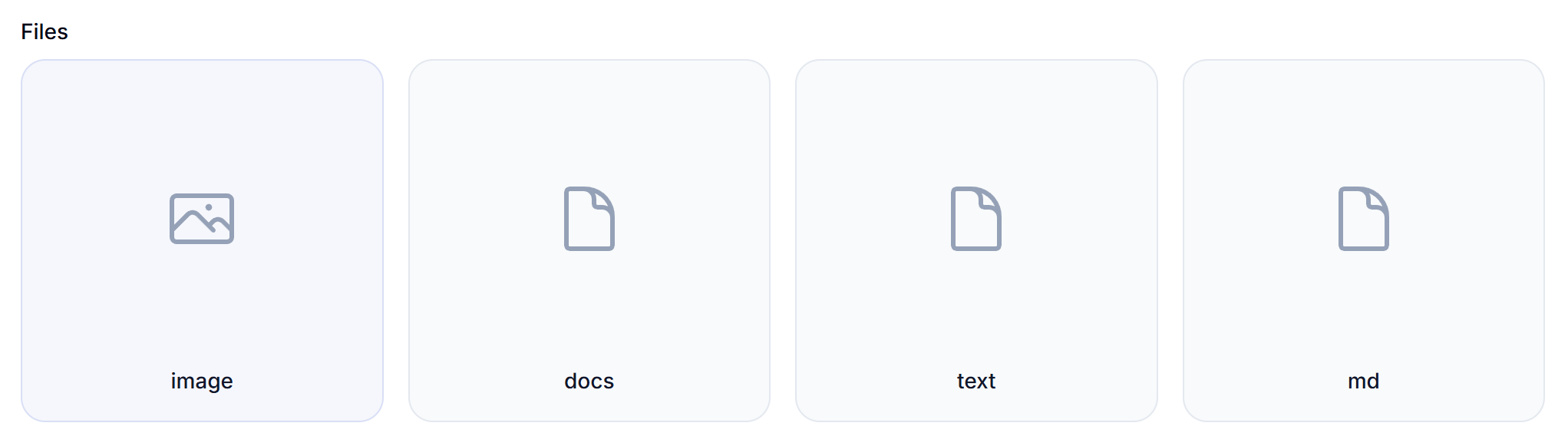
#Grid Layout with File Type Icons
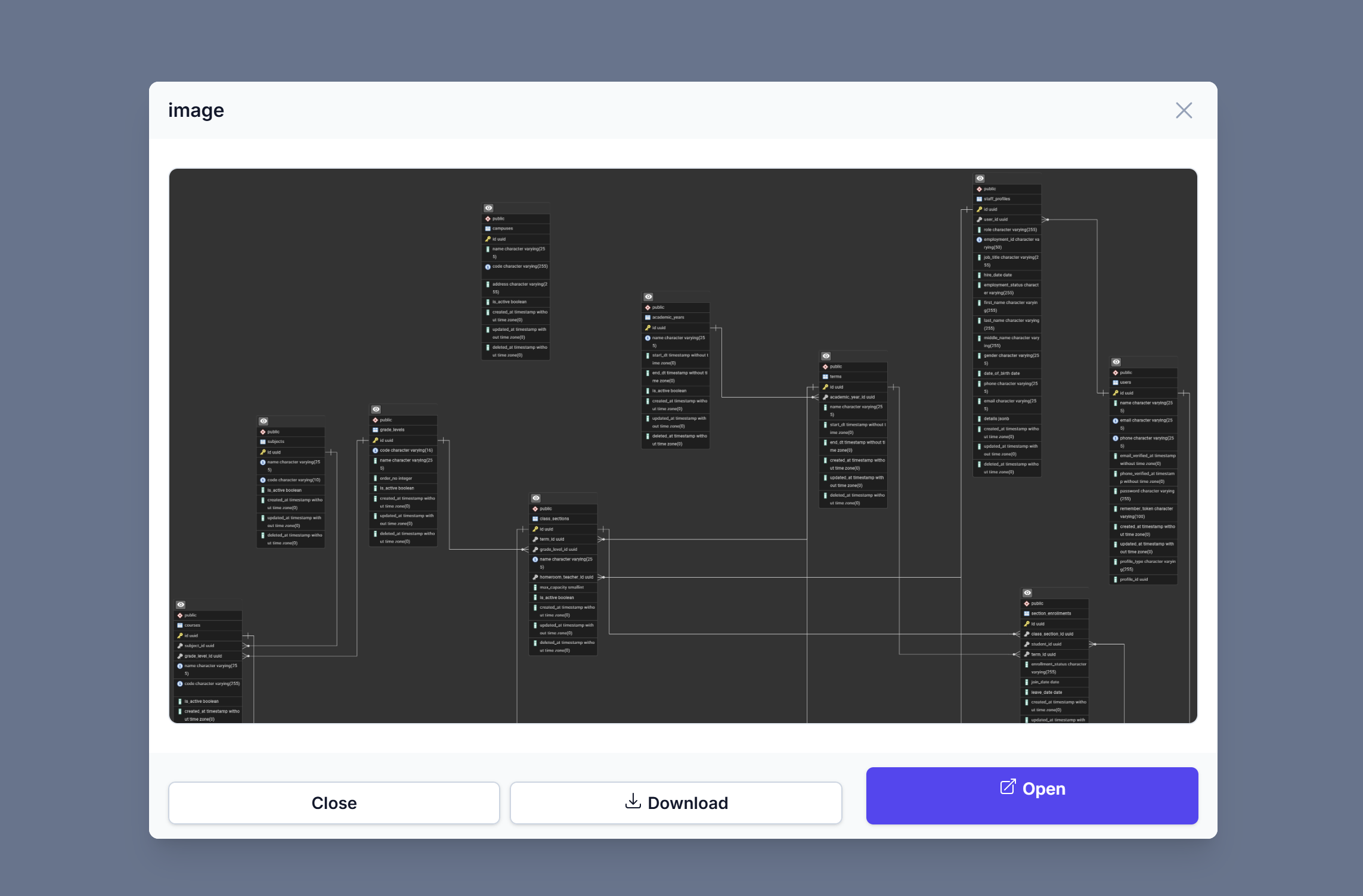
#Modal Preview - Image
#Modal Preview - Text Files
#Modal Preview - Audio
#Supported File Types
| Type | Extensions | Preview |
|---|---|---|
| Image | jpg, jpeg, png, gif, bmp, svg, webp | ✓ |
| Video | mp4, mov, avi, mkv, webm, flv, wmv | ✓ |
| Audio | mp3, wav, ogg, flac, aac, m4a | ✓ |
| ✓ | ||
| Text | txt, md | ✓ |
| Other | * | Opens in new tab |
#Requirements
- PHP ^8.2
- Laravel ^11.0 || ^12.0
- Filament ^4.0 || ^5.0
#License
The MIT License (MIT). Please see License File for more information.
#Credits
- Created by Gheith
- Inspired by the Filament community
#Support
The author
Laravel developer with over 10 years of experience building robust web applications. Full-stack developer specializing in Laravel and Filament ecosystem development. Passionate about creating developer tools that simplify complex workflows and enhance user experience.
From the same author
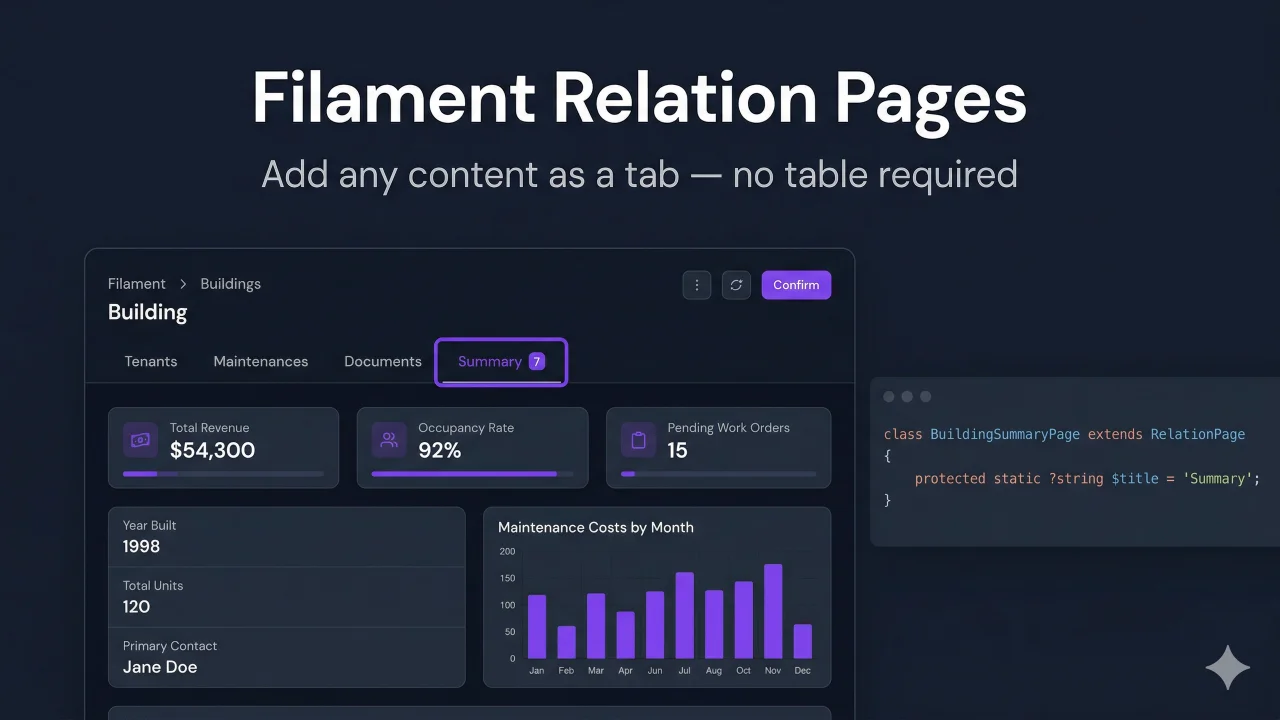
Featured Plugins
A selection of plugins curated by the Filament team

Custom Dashboards
Let your users build and share their own dashboards with a drag-and-drop interface. Define your data sources in PHP and let them do the rest.
 Filament
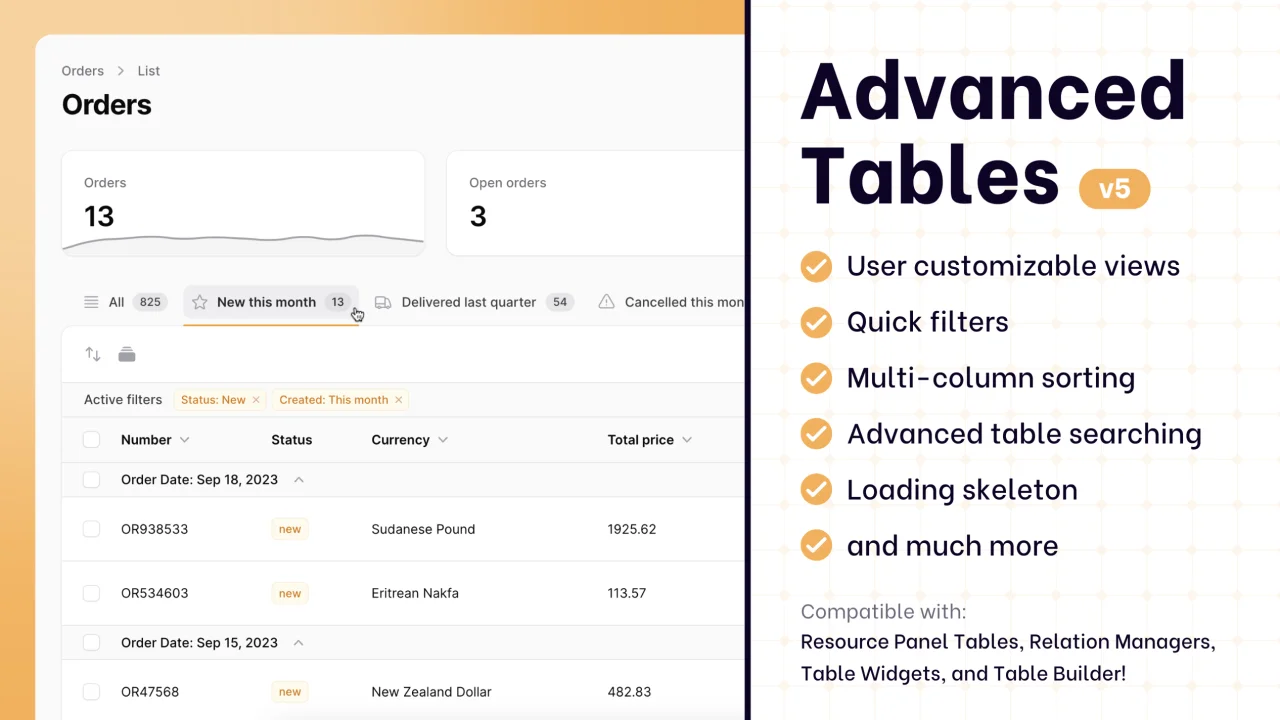
Advanced Tables (formerly Filter Sets)
Supercharge your tables with powerful features like user-customizable views, quick filters, multi-column sorting, advanced table searching, convenient view management, and more. Compatible with Resource Panel Tables, Relation Managers, Table Widgets, and Table Builder!
 Kenneth Sese

Custom Fields
Eliminate custom field migrations forever. Let your users create and manage form fields directly in Filament admin panels with 20+ built-in field types, validation, and zero database changes.
 Relaticle

