
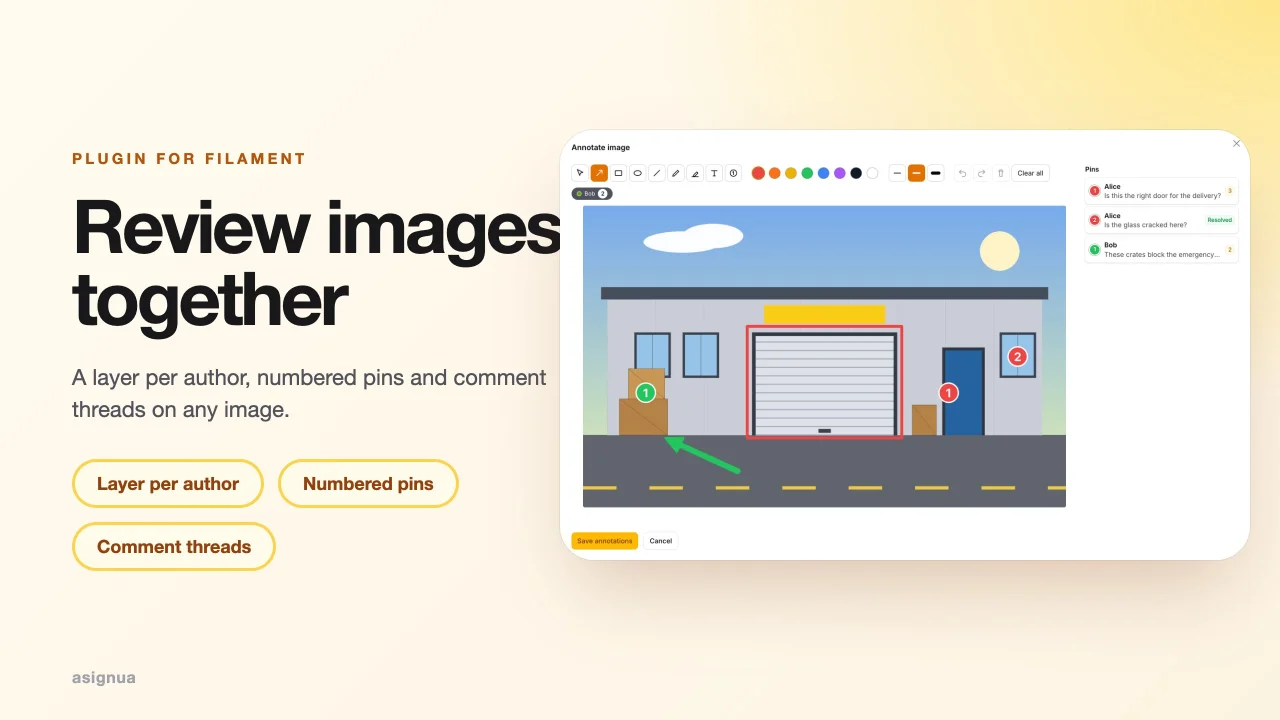
Image Annotations Pro by asign
CommunityAuthor layers and numbered pins with comment threads (resolve, reopen) on top of the free Image Annotations plugin.
filament/
namespace. Review the source and install at your own risk. Found
malware or an unresolved security issue the author won't
address?
Report it
.
 Author:
asign
Author:
asign
Documentation
- Screenshots
- Purchase
- Requirements
- Installation
- Usage
- Configuration
- Gotchas
- Translations
- AI agents
- Testing
- Changelog
- Demo
- License
Documentation only. Filament Image Annotations Pro is a commercial plugin: this public repository holds its documentation, changelog and licence terms. The package itself is installed from the private Composer repository you get with a licence — buy one on Anystack. Questions: support@asign.in.ua.
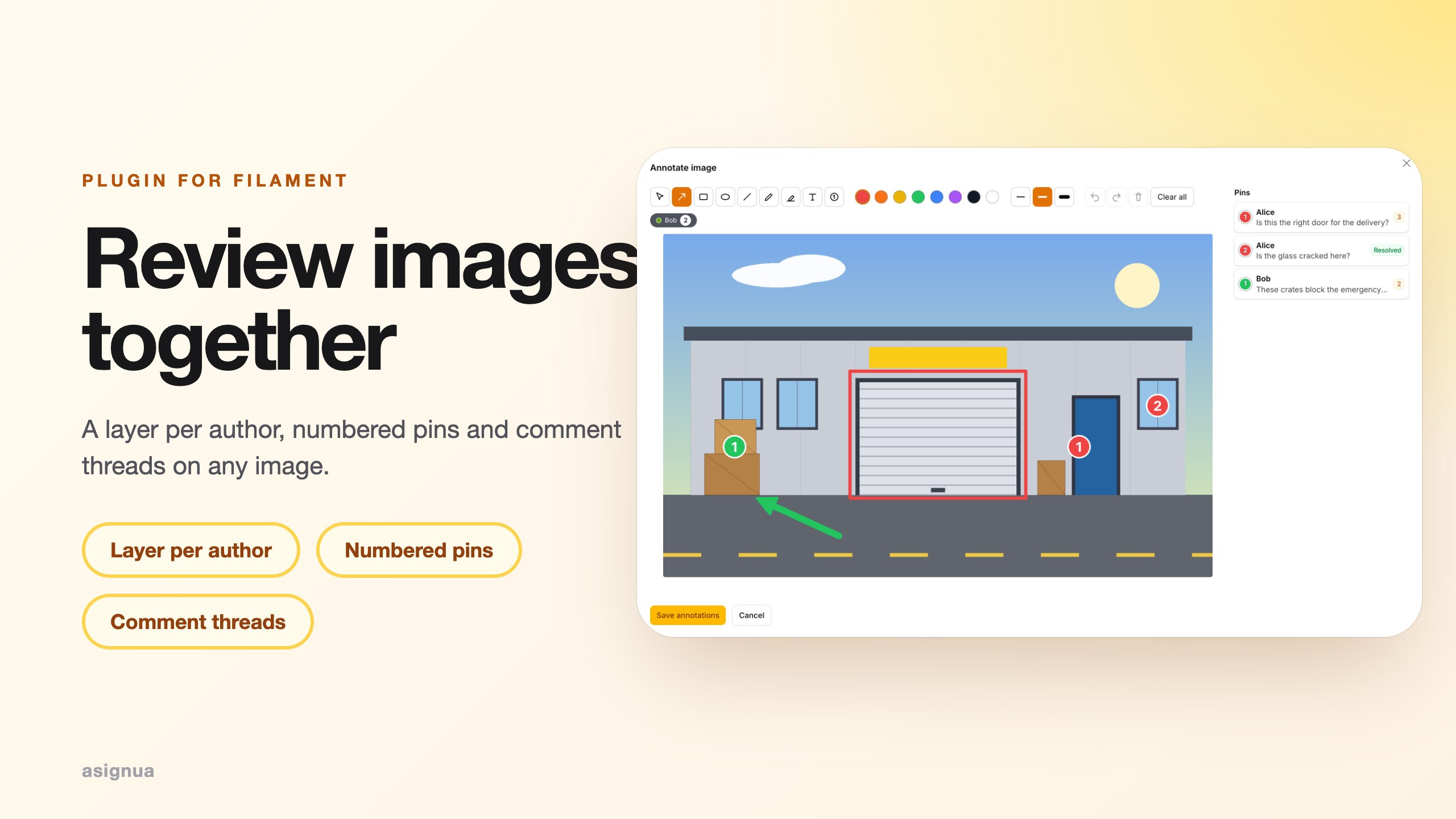
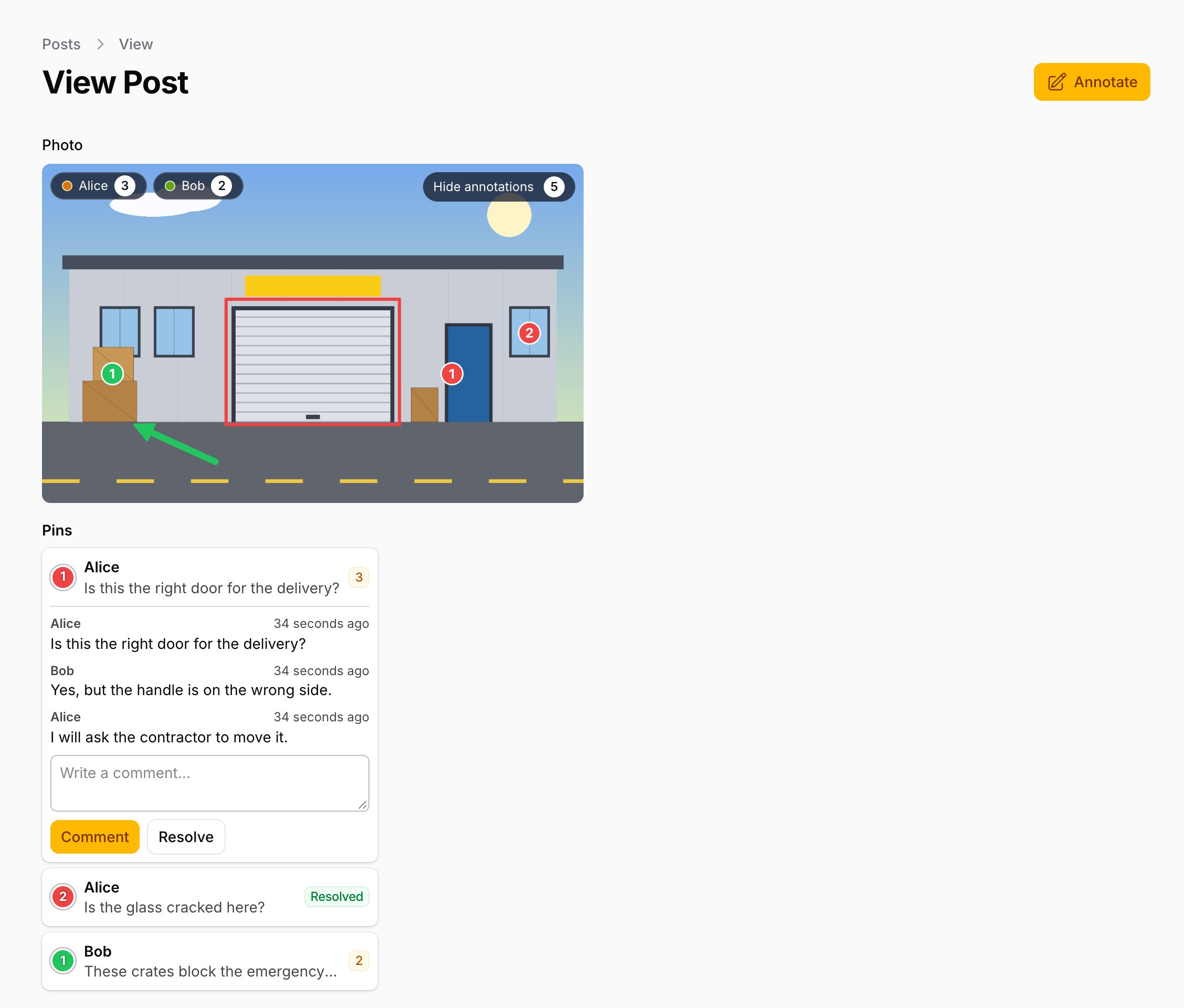
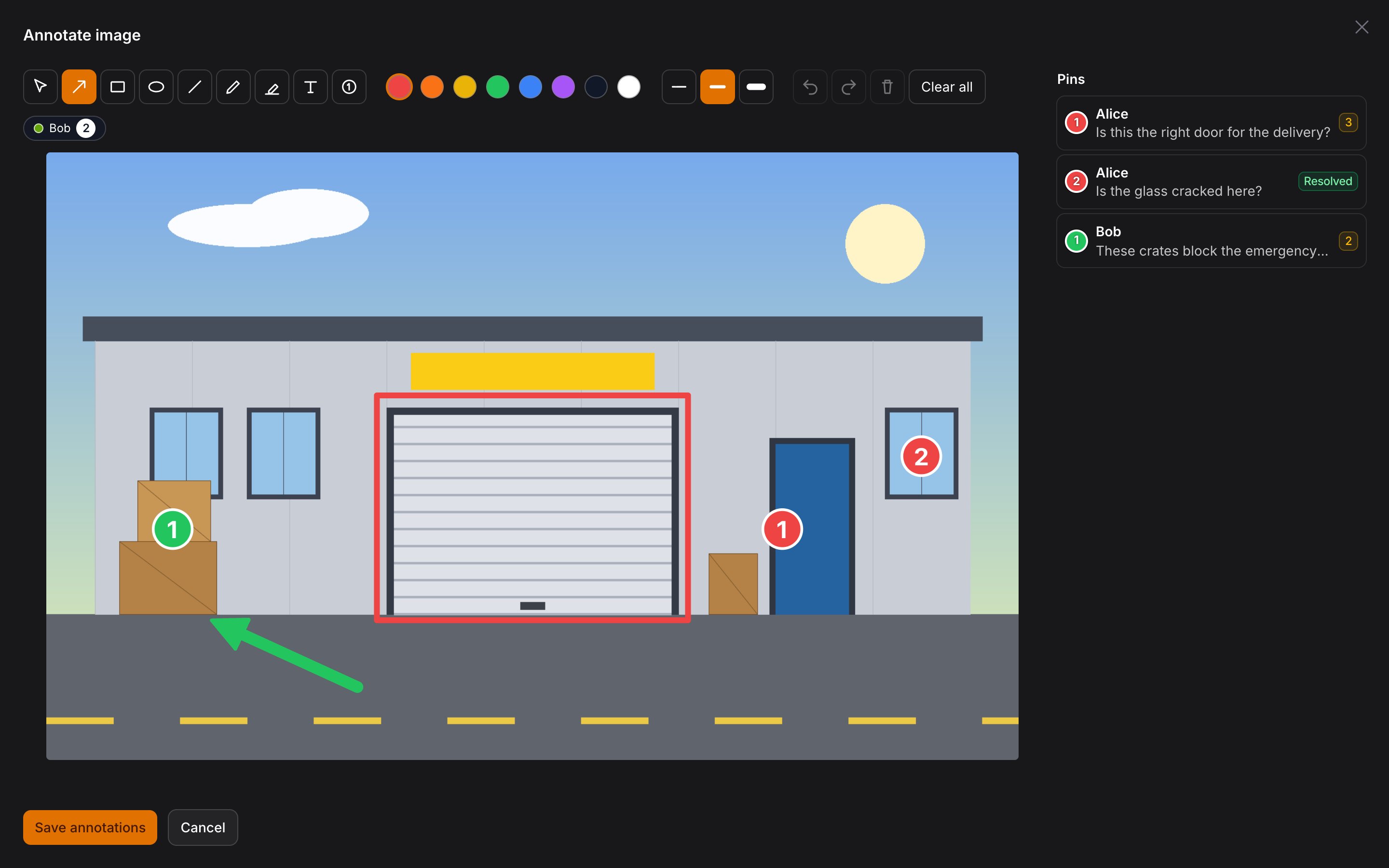
Review images together. Image Annotations Pro turns the free Filament Image Annotations into a review tool: every author draws on their own layer (all layers are shown together, colour-coded, each with a toggle), numbered pins carry comment threads that can be resolved and reopened, and a standalone editor modal opens from any page (a chat lightbox, a front-end page, a CRM comment) with one browser event.
- One layer per author and image; you edit only yours, you see everyone's you are allowed to view.
- Pins (
Nin the editor) with threads; commenting needs the right to view the image, resolving needs to be the pin's author or to be allowed to annotate. - A threads panel next to the editor canvas and next to every annotated image, one Livewire component for all of them.
<livewire:image-annotations-pro::modal />+<x-image-annotations-pro::open-button>; signed source tokens so any place can ask for the editor.- Events (
PinCommentAdded,PinThreadResolved,PinThreadReopened) for a CRM or notifications.
#Screenshots
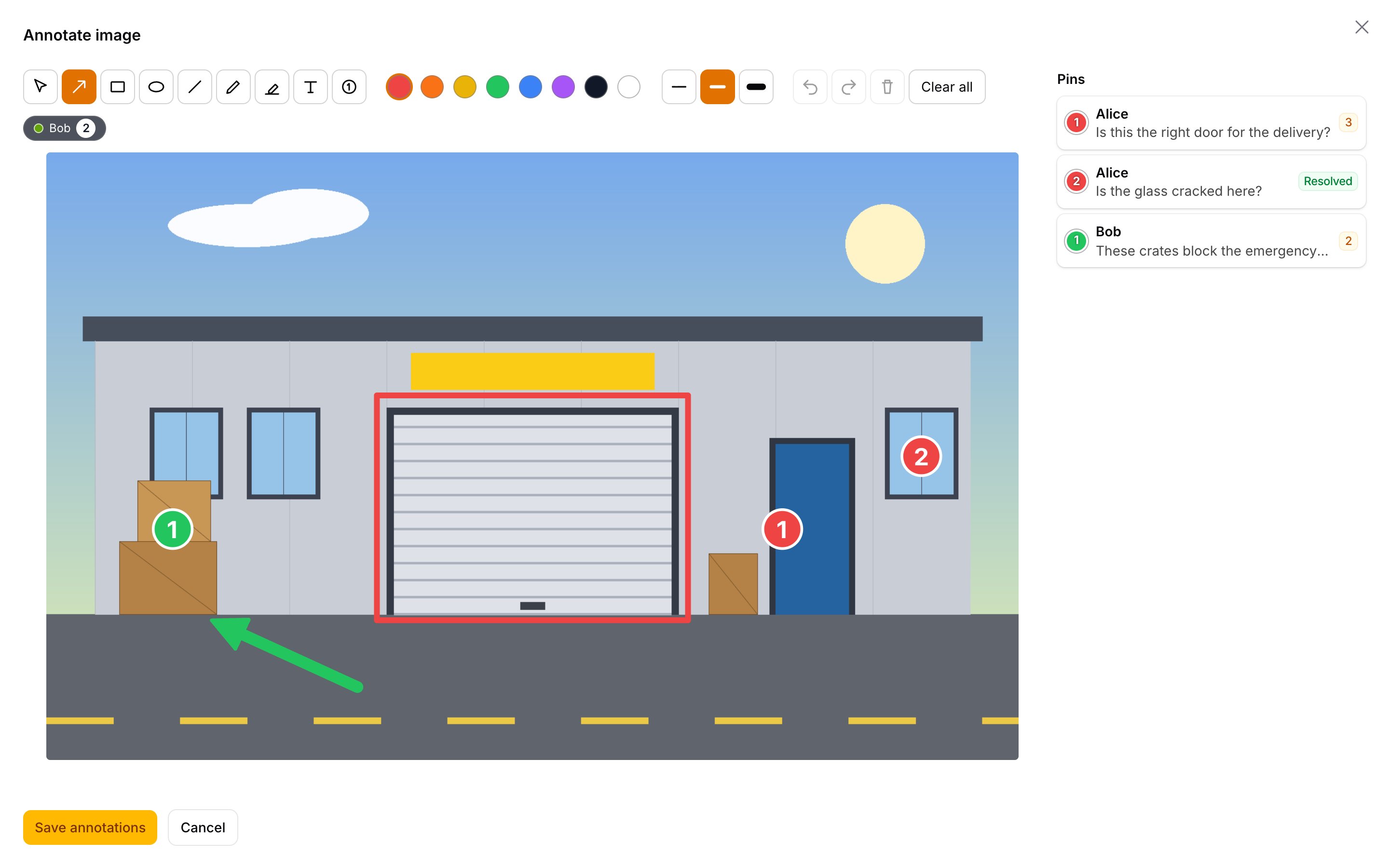
Every author's layer is colour-coded; pins carry comment threads that can be resolved and reopened:
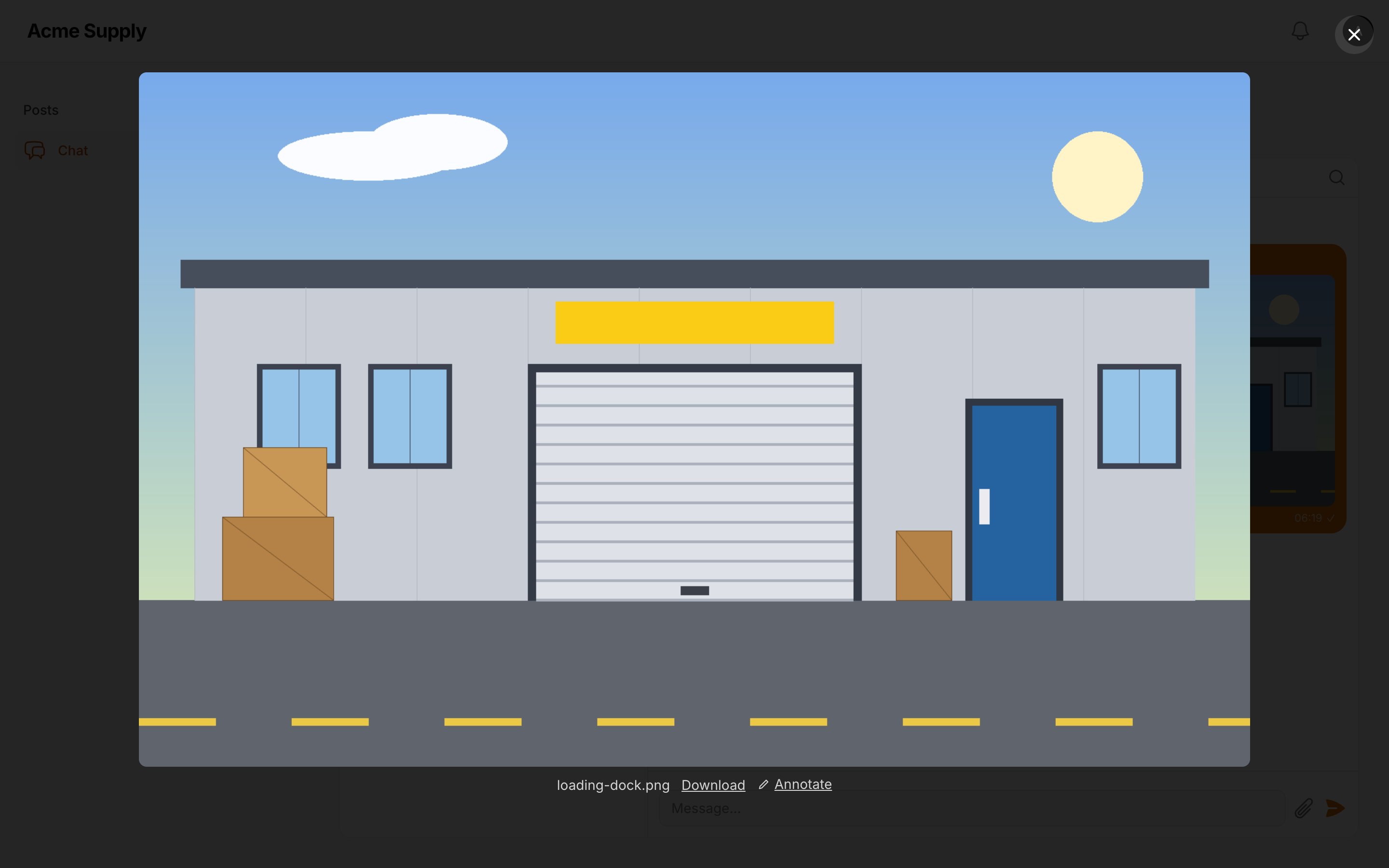
The editor opens from a chat lightbox too (with Filament Chat Pro):
Dark mode:
#Purchase
Filament Image Annotations Pro is a commercial plugin. Both tiers include one year of updates; after that the plugin keeps working on the last release you received, and you can renew for further updates.
| Tier | Projects | Activations | Price | Renewal |
|---|---|---|---|---|
| Single Project | 1 | up to 3 (production, staging, local) | €69 | €35 / year |
| Unlimited | any number, SaaS included | unlimited | €169 | €85 / year |
Refunds are available within 14 days of purchase.
Buy a licence on Anystack — after the purchase you receive a licence key and access to the private Composer repository. See LICENSE.md for the licence terms.
#Requirements
- PHP 8.3+
- Laravel 12 or 13
- Filament 5
asignua/filament-image-annotations^1.1 (installed automatically as a dependency)- Livewire 4 (comes with Filament 5)
#Installation
-
Add the private repository (the same for every customer):
composer config repositories.filament-image-annotations-pro composer https://filament-image-annotations-pro.composer.sh -
Add your credentials. The username is the e-mail address you bought the licence with; the password is your licence key. A Single Project licence is bound to a fingerprint, so the password is the key followed by a colon and the fingerprint you activated — usually the production domain:
# Single Project
composer config --auth http-basic.filament-image-annotations-pro.composer.sh you@example.com "LICENCE-KEY:shop.example.com"

# Unlimited
composer config --auth http-basic.filament-image-annotations-pro.composer.sh you@example.com "LICENCE-KEY"
This writes
auth.jsonnext to yourcomposer.json— keep it out of git (addauth.jsonto.gitignore). On CI and servers pass the same JSON through theCOMPOSER_AUTHenvironment variable instead. A Single Project licence allows three activations (for example production, staging and local); manage them in your Anystack account. -
Require the package:
composer require asignua/filament-image-annotations-pro -
Register the plugin on your panel:
use Asignua\FilamentImageAnnotationsPro\ImageAnnotationsProPlugin;

$panel->plugin(ImageAnnotationsProPlugin::make());
Installing the package is what turns the Pro features on (the service provider rebinds the free
AnnotationStoreto the per-author one and adds thepintool); the plugin checks that the free package is there and, optionally, renders the editor modal on every panel page (->renderModalHook()). -
Migrate. Publish and run the free package's migration first, then Pro's (the comments table references it):
php artisan vendor:publish --tag=filament-image-annotations-migrations
php artisan vendor:publish --tag=filament-image-annotations-pro-migrations
php artisan migrate
Existing annotations of the free package keep working: each old row becomes the layer of the user who last saved it.
#Usage
Everything of the free package works as before (AnnotateImageAction, AnnotatedImageEntry, <x-image-annotations::image>,
AnnotatedUpload); Pro changes what is behind them.
#Layers per author
AnnotationStore::layers($source, $user) returns one Layer per author: yours first (editable when you may annotate; present
even before your first stroke), the others by last change, read-only. The label is the author's Filament name (Deleted user
when the account is gone), the colour is picked from layers.author_colors by user id, meta carries
user_id, ulid, updated_at, own, hidden. In the editor the other layers are underlays you can switch on and off; in the
viewer every layer has a chip. layers.others_visible_by_default = false starts the others hidden.
A user who may not view the image sees no layers. Saving writes only your own row; clearing your layer leaves the others.
#Pins and threads
Pick the pin tool (N) and click: each click places the next number in your layer. Save the annotation, then click a pin
(on the image or in the panel) to open its thread, write a comment, resolve or reopen it.
- A thread is every comment of one pin of one layer; it is resolved when all of its comments are, so a new comment reopens it.
- Commenting needs the right to view the image (a reviewer who cannot edit can still discuss). Resolving and reopening need to be the pin's author or to be allowed to annotate the image.
- Comments are plain text, 1 to
pins.max_length(2000) characters, control characters stripped; the panel escapes them. - A pin removed from a layer takes its thread with it; clearing a layer or deleting the image deletes all of its threads.
- Pins drawn in the editor but not saved yet show up as "not saved" in the panel: a thread needs a stored pin.
Use the service from code:
use Asignua\FilamentImageAnnotationsPro\Support\PinThreads;

$threads = app(PinThreads::class);
$threads->for($source, $user);                                   // list<PinThread>: pins + comments the user may see
$threads->add($source, $user, $annotationUlid, $pinId, 'Text');  // PinComment
$threads->resolve($source, $user, $comment);  $threads->reopen($source, $user, $comment);
#Open the editor from anywhere
Put the modal once on the page (or call ->renderModalHook() on the plugin to have it on every panel page), then dispatch the
window event with a source token:
<livewire:image-annotations-pro::modal />

<x-image-annotations-pro::open-button :image="$media" />   {{-- nothing for someone who may not annotate --}}
$dispatch('image-annotations:open', { token }) // token = SourceToken::encode($source)
SourceToken::encode() turns any ImageSource into an encrypted string, SourceToken::decode() gives the source back (or
null for anything it did not issue). The token only names the image: the modal and every action still check canAnnotate /
canView. Custom sources are rebuilt through the free ImageSources registry from their model, so register your class there.
On a page outside a Filament panel load Livewire and Filament assets (@livewireStyles, @filamentStyles, @livewireScripts, @filamentScripts).
#Events for a CRM
Event::listen(PinCommentAdded::class, function (PinCommentAdded $event) {
    // $event->comment (PinComment: body, pin_id, user_id), $event->source (ImageSource), $event->user
    $task = Task::forImage($event->source);              // your model
    $task->comments()->create(['user_id' => $event->user?->getAuthIdentifier(), 'body' => $event->comment->body]);
});
PinThreadResolved and PinThreadReopened carry $annotation (the author's ImageAnnotation), $pinId, $source and $user.
#Chat attachments (Chat Pro)
With Chat Pro ^1.1 installed nothing needs wiring: a picture in a conversation opens in
the chat lightbox with an Annotate button that closes the lightbox and opens the editor modal; thumbnails with marks get a small
counter badge. Layers per author and pin threads work as everywhere else.
- Who: everyone who can read the conversation (the attachment route's rule: the conversation's
viewability, message not deleted, nothing sent after they left) may see, comment and draw.chat.annotate = senderrestricts drawing to the author of the message. - The editor modal is put once on every panel page that carries the chat plugin (
chat.modal); for a chat outside the panel place<livewire:image-annotations-pro::modal />yourself. - Deleting a message (its attachments) deletes their annotations and pin threads.
- The badge is read when the chat renders; it refreshes with the next chat update, not live after a save.
- The class is
Sources\ChatAttachmentImageSource(registered inImageSourcesfor chat-pro'sAttachment).
#Configuration
Plugin: ImageAnnotationsProPlugin::make()->renderModalHook(PanelsRenderHook::BODY_END).
Published config (php artisan vendor:publish --tag=filament-image-annotations-pro-config):
| Key | Default | |
|---|---|---|
tables.comments |
image_annotation_comments |
table of the pin comments |
layers.others_visible_by_default |
true |
false starts other authors' layers hidden |
layers.author_colors |
10 hex colours | accent colour per author, picked by user id |
pins.enabled |
true |
adds the pin tool and the threads panel; false keeps only the per-author layers |
pins.max_length |
2000 |
characters of a comment |
chat.enabled |
true |
the Chat Pro integration (only used when Chat Pro is installed) |
chat.annotate |
participants |
sender: only the author of the message may draw |
chat.badge |
true |
marks counter on thumbnails |
chat.modal |
true |
put the editor modal on panel pages that carry the chat |
Authorization is the free package's (ImageAnnotations::authorizeUsing() or the owner's policy: view to see and comment,
update to annotate); with no policy any signed-in user may do both.
#Gotchas
- Run the free migration first. The comments table has a foreign key to the annotations table.
- No pins in the toolbar.
pins.enabledis off, or the field sets its own->tools([...])withoutpin. - The panel says "not saved". A pin gets a thread only after the annotation is saved; comments belong to stored pins.
- Comments vanished. The pin was deleted from its layer (or the layer was cleared) and saved: threads follow their pins.
- The modal does nothing on my page.
<livewire:image-annotations-pro::modal />must be on the page, with Livewire and Filament scripts loaded; the user needs the right to annotate. - Two pins with the same number. Numbers are per layer: every author starts at 1; a thread is identified by author and pin.
- Rows saved by the free package are attributed to whoever saved last; rows without a user show as
Deleted user.
#Translations
The interface ships in English, Ukrainian, German, Spanish, French, Italian, Dutch, Polish, Brazilian Portuguese and Turkish
under the filament-image-annotations-pro::filament-image-annotations-pro namespace. A test keeps every language in step with the English keys. Override a
string by publishing the translations (--tag=filament-image-annotations-pro-translations) and editing the copy in
lang/vendor/filament-image-annotations-pro.
#AI agents
The package ships Laravel Boost guidelines (resources/boost/guidelines/core.blade.php) so a
coding agent wires it up correctly.
#Testing
composer install
vendor/bin/phpunit
vendor/bin/phpstan analyse --memory-limit=1G
vendor/bin/pint --test
#Changelog
See CHANGELOG.md.
#Demo
The workbench has alice (author) and bob (reviewer of her post) and a plain Blade page /demo with the standalone modal:
vendor/bin/testbench workbench:build      # sqlite db, migrations, seeder (do not run db:seed on top: duplicate user) and the public/storage link
vendor/bin/testbench filament:assets
APP_URL=http://localhost:8011 vendor/bin/testbench serve --host=0.0.0.0 --port=8011
Log in at /admin as alice@example.com / password (or bob@example.com, two browsers), then open /demo. Use your own port in both APP_URL and --port.
#License
Commercial, see LICENSE.md.
The author
asign is a small web-dev company from Lviv, Ukraine. We build business applications on Laravel and Filament — CRMs, automation systems for standard and non-standard business processes, booking and content management systems, including our own Filament-based CMS. We open-source the parts that prove useful beyond a single project
From the same author
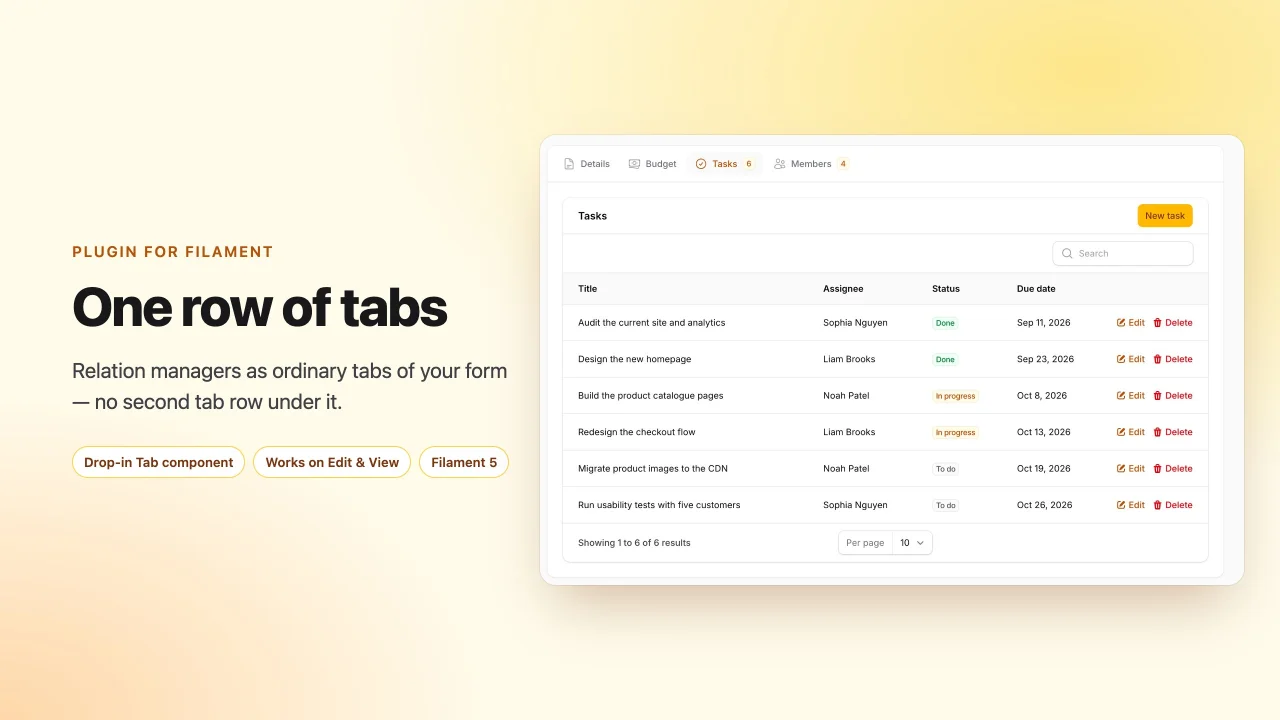
Relation Manager Tabs
Render relation managers as ordinary tabs of the record form, so an edit or view page has exactly one row of tabs.
Author:
asign
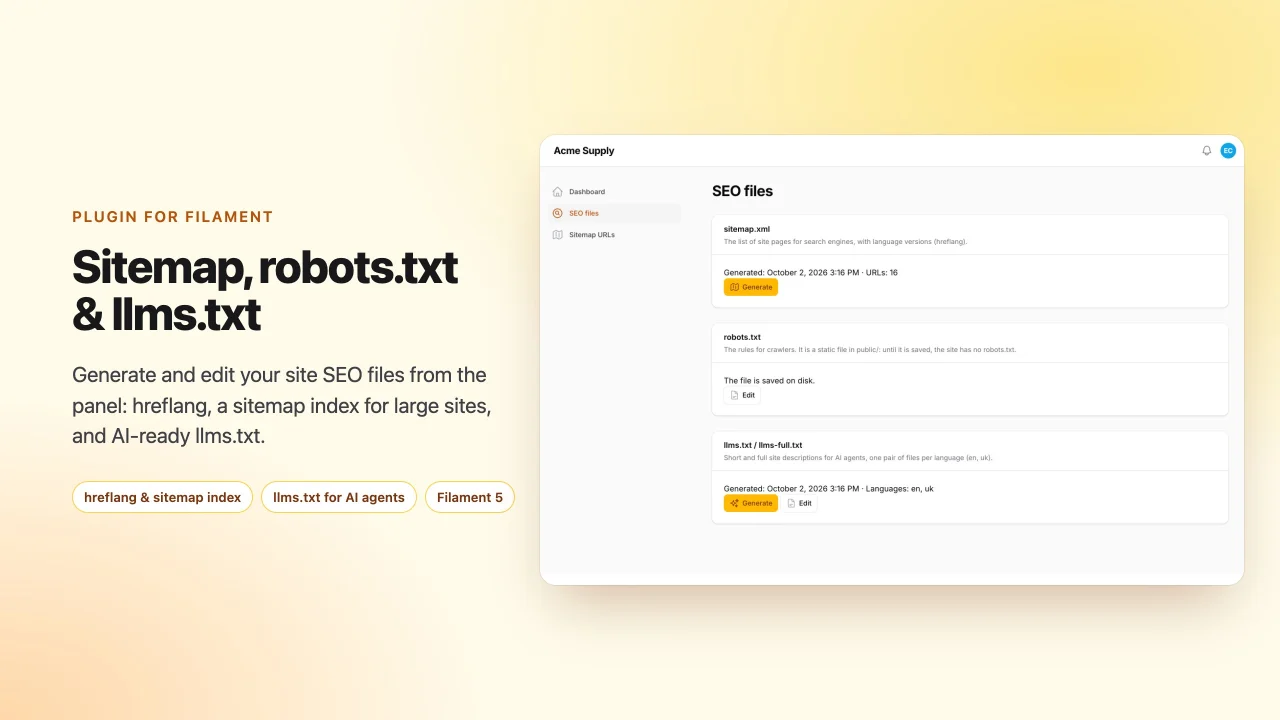
SEO Files
Generate and edit sitemap.xml with hreflang and a sitemap index for large sites, robots.txt and llms.txt / llms-full.txt from your Filament panel
Author:
asign
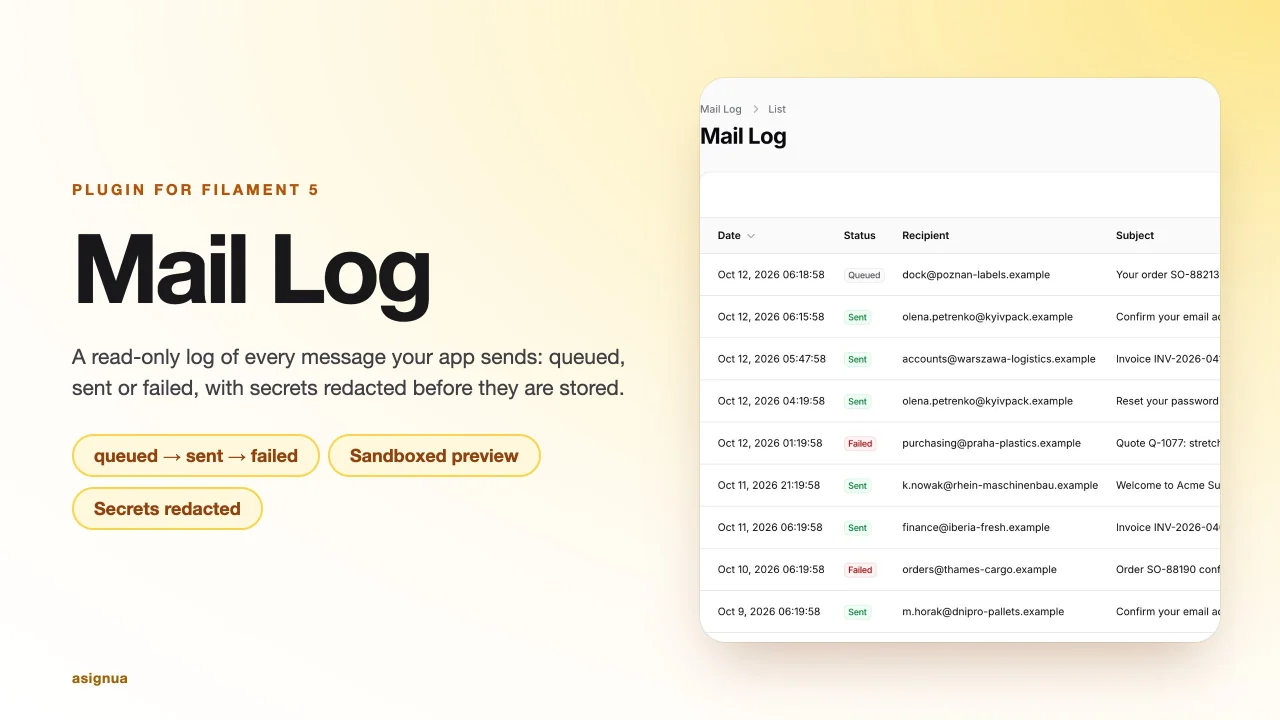
Mail Log
Log of every outgoing mail with queue status, a sandboxed preview and signed links, tokens and passwords redacted before storage.
Author:
asign
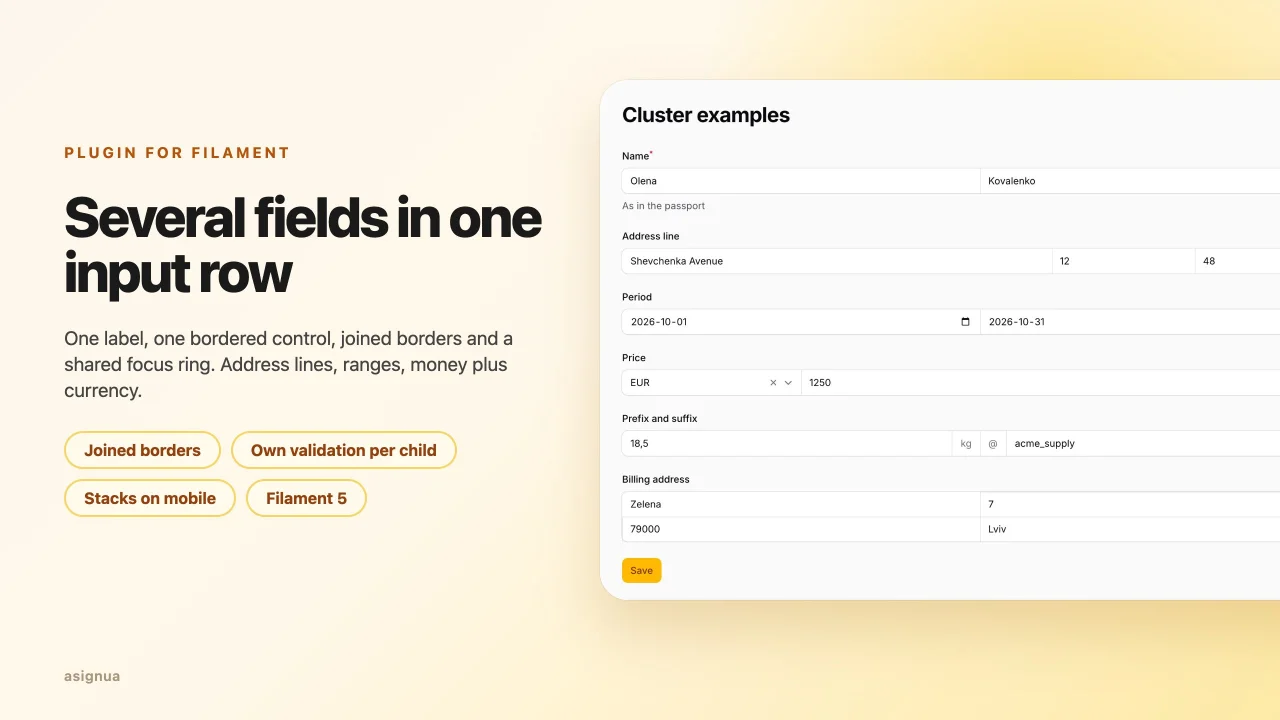
Clusters
Group several fields into one input row with a shared label, joined borders and one focus ring — the successor of guava/filament-clusters.
Author:
asign
Featured Plugins
A selection of plugins curated by the Filament team

Soft Theme
A theme that gives panels a warm, approachable look with rounded shapes, gentle colors, and serif headings.
 Filament

Custom Fields
Eliminate custom field migrations forever. Let your users create and manage form fields directly in Filament admin panels with 20+ built-in field types, validation, and zero database changes.
 Relaticle

Spotlight Pro
Browse your Filament Panel with ease. Filament Spotlight Pro adds a Spotlight like Command Palette to your Filament Panel.
 Dennis Koch
