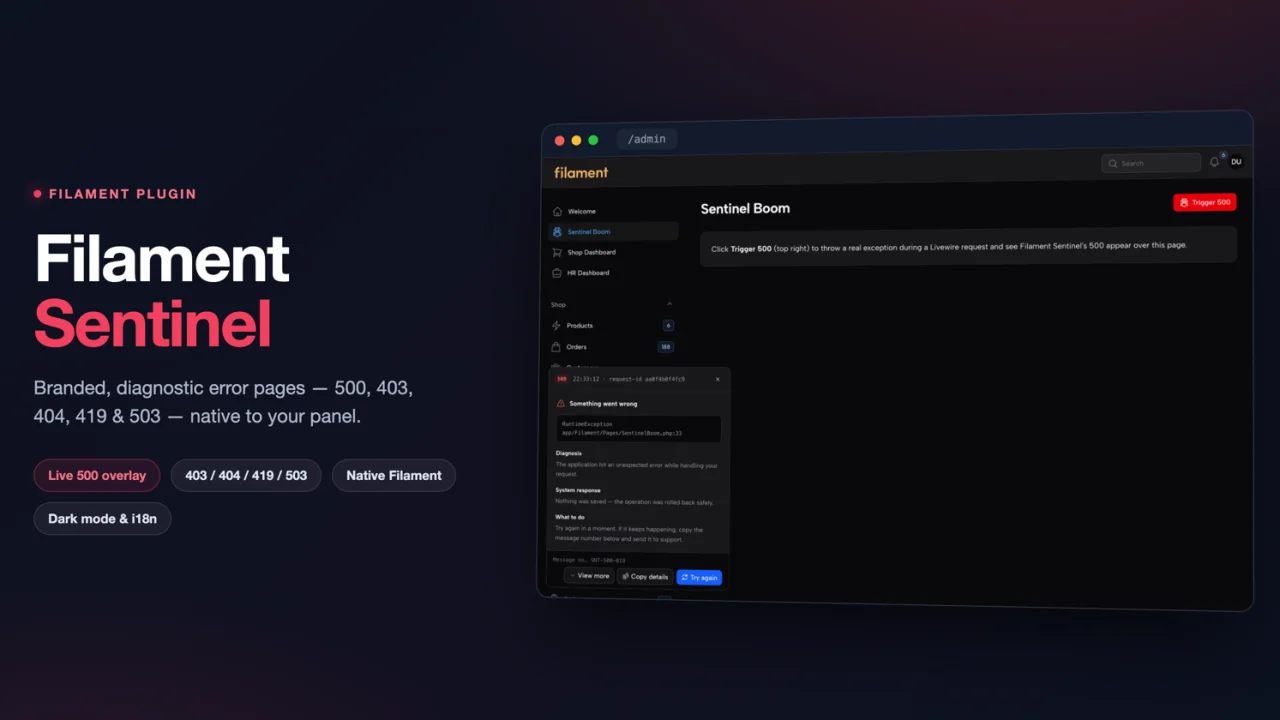
Sentinel
CommunityBranded, diagnostic error pages (500, 403, 404, 419, 503) with native Filament UI, dark mode and translations out of the box.
filament/
namespace. Review the source and install at your own risk. Found
malware or an unresolved security issue the author won't
address?
Report it
.
 Author:
Anselmo Kossa
Author:
Anselmo Kossa
Documentation
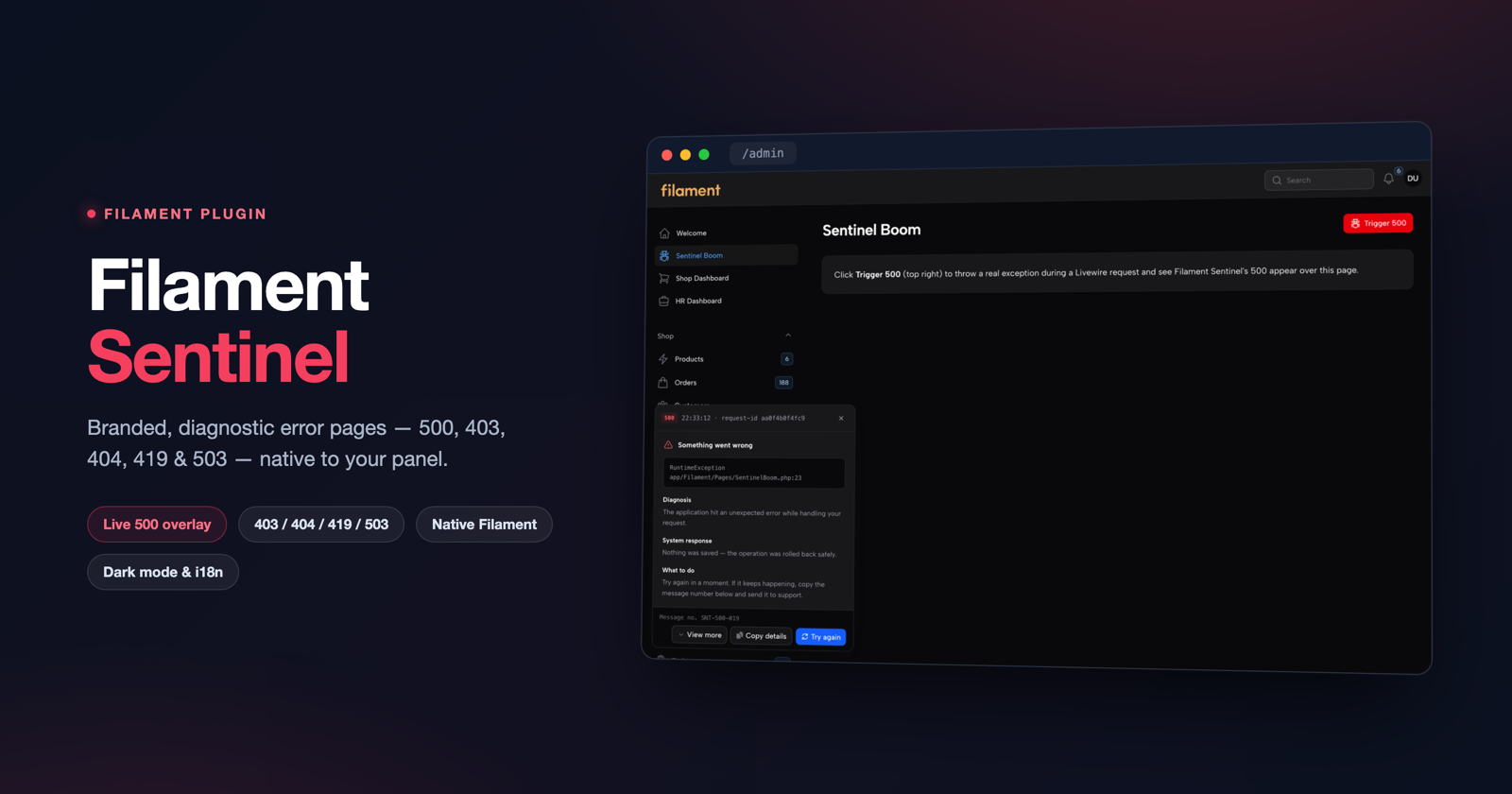
Branded, diagnostic error pages for Filament.




A drop-in replacement for Laravel's default 500, 403, 404, 419 and 503 pages, built from native Filament UI so they inherit your panel's colours, fonts, brand logo and dark mode automatically.
- Native Filament, not a bespoke theme — pages are composed from
<x-filament::button>,badge,sectionandicon, on a light theme-aware scaffold. No design system to maintain. - Real data, never invented — content is derived from the actual exception:
authorization detail on 403, the missing path on 404,
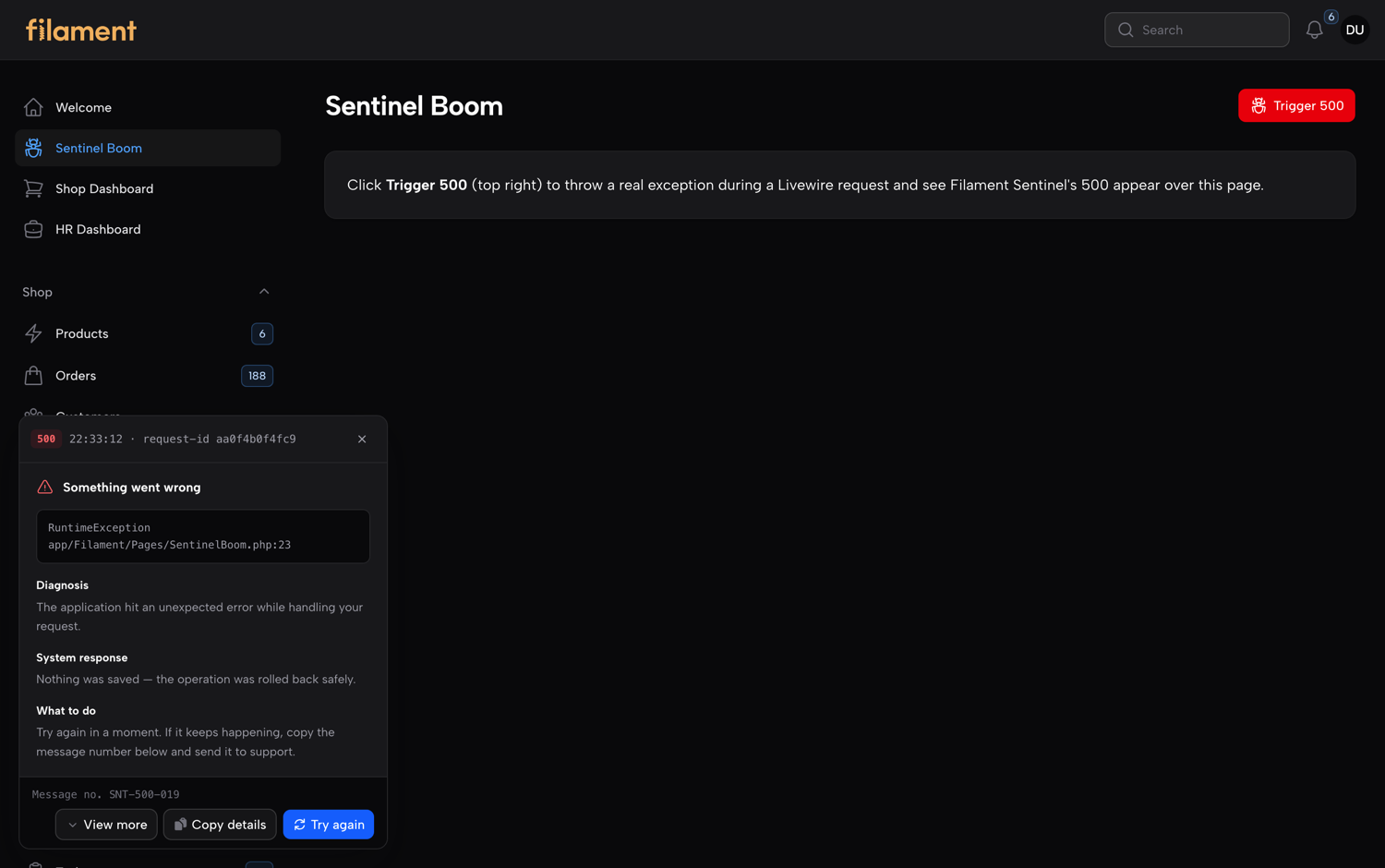
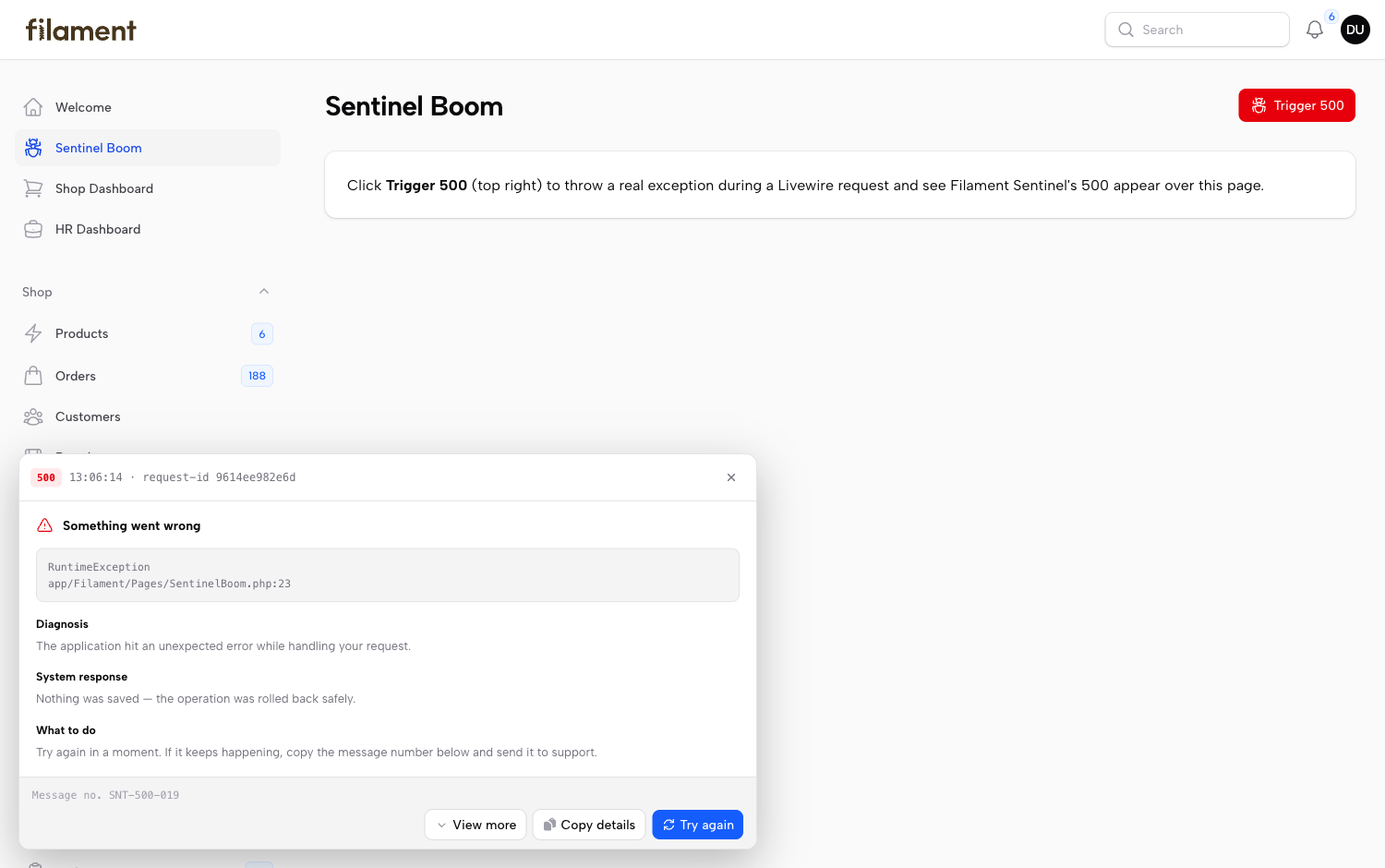
Retry-Afteron 503, and on 500 the real exception behind a "View more" panel — class, location, message and a structured, debugger-style stack trace, unwrapped to the root cause. Exposure followsAPP_DEBUGby default; force it on/off withshow_exception_details. - SAP-style message numbers (e.g.
SNT-500-087), stable per error signature — the same failure always quotes the same number, easy to give to support. - Request ids assigned by middleware and echoed on the response, so the id on the page matches your logs.
- Translations for English, European Portuguese and Brazilian Portuguese.
#Screenshots
#A panel action failed — the branded 500 appears over the real, still-visible page
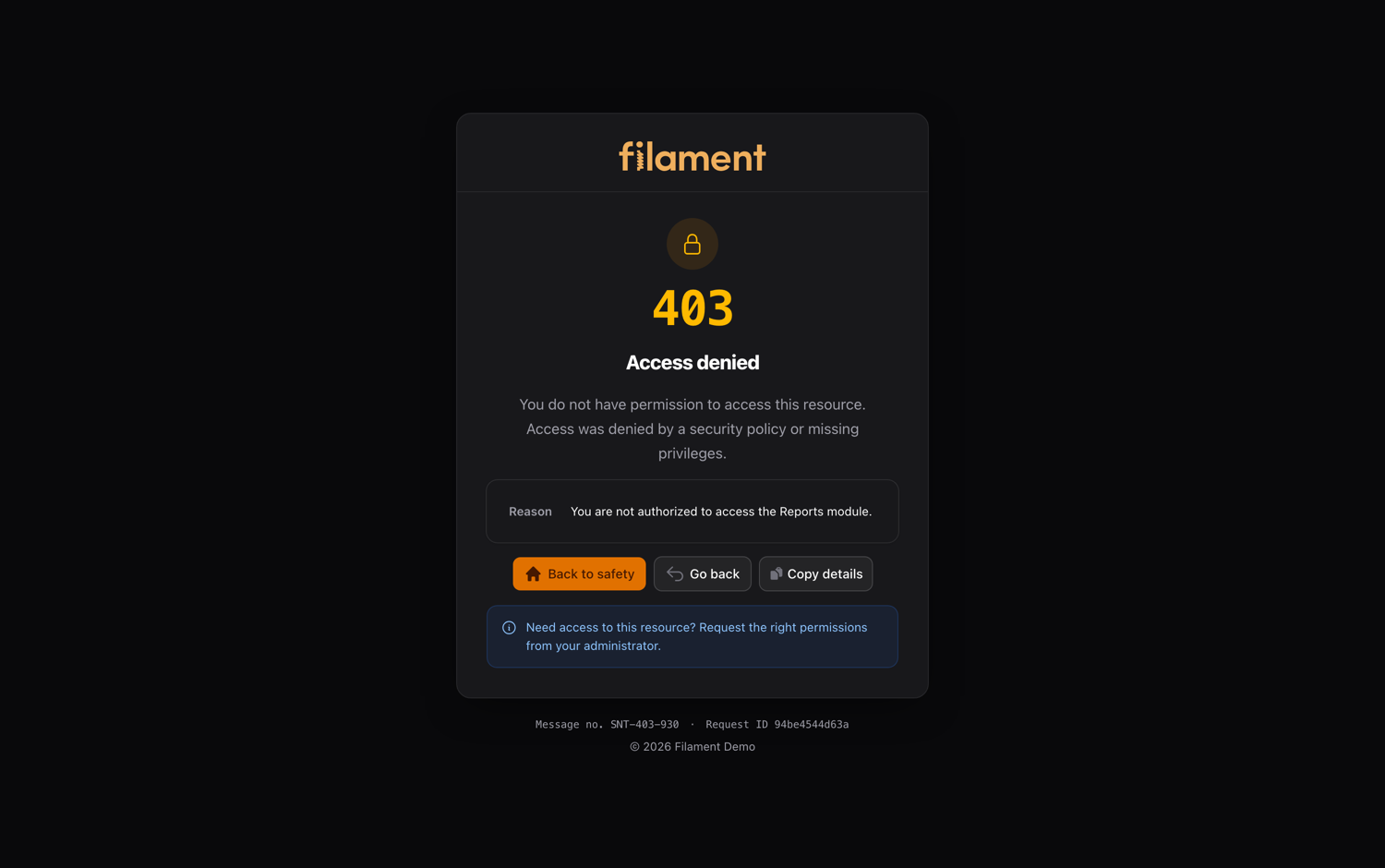 403 — access denied, with the real reason |
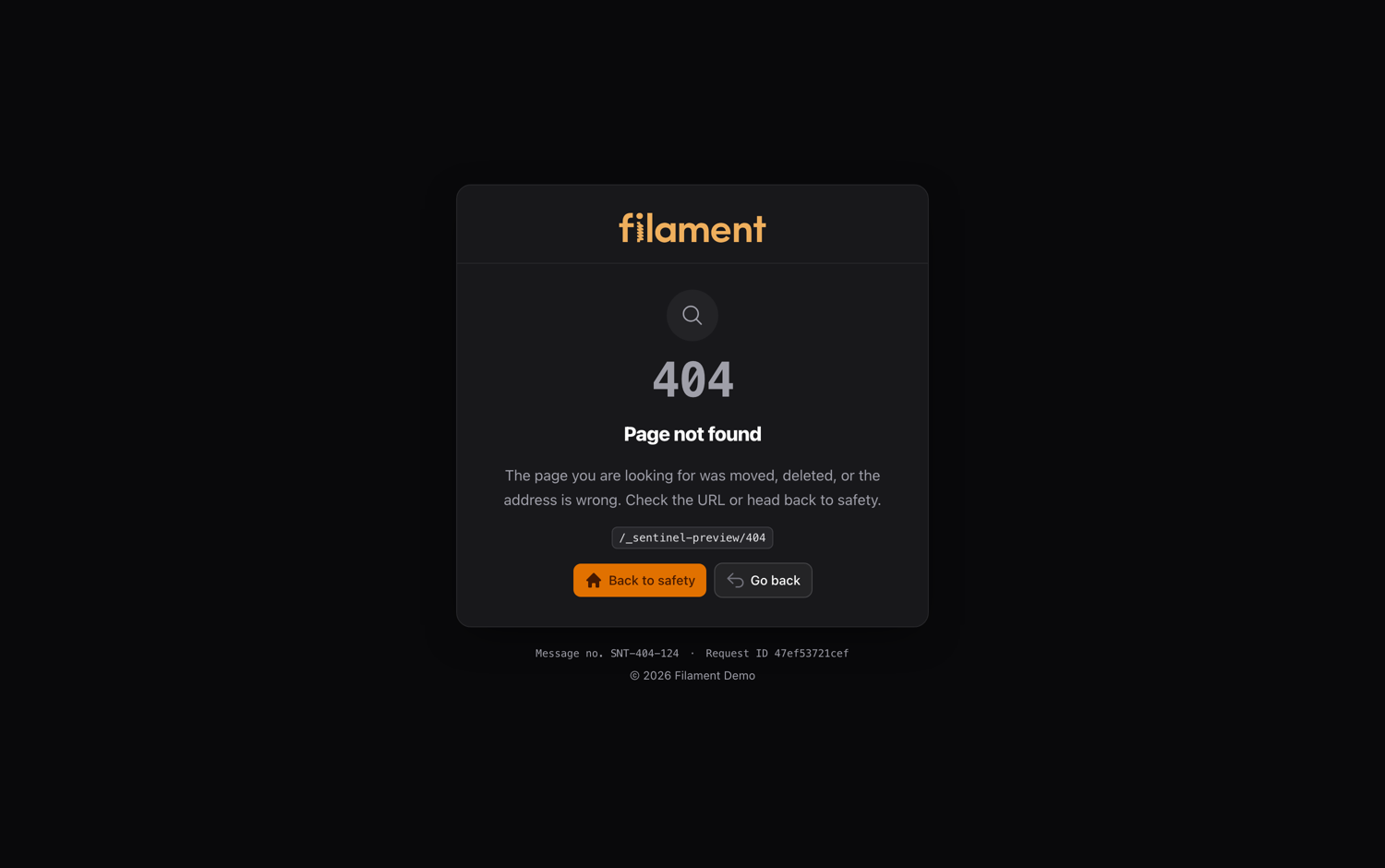 404 — page not found, with the missing path |
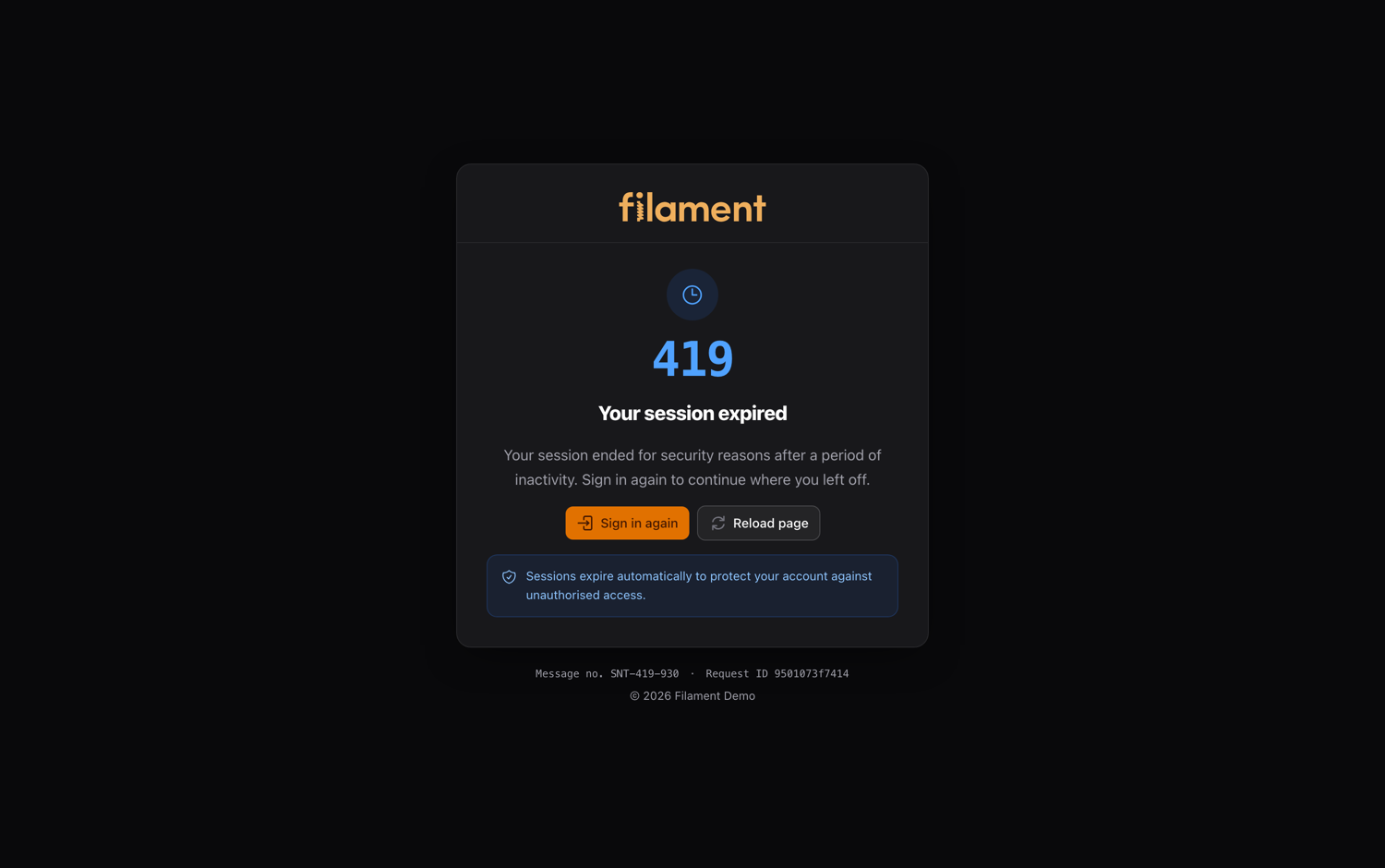 419 — session expired |
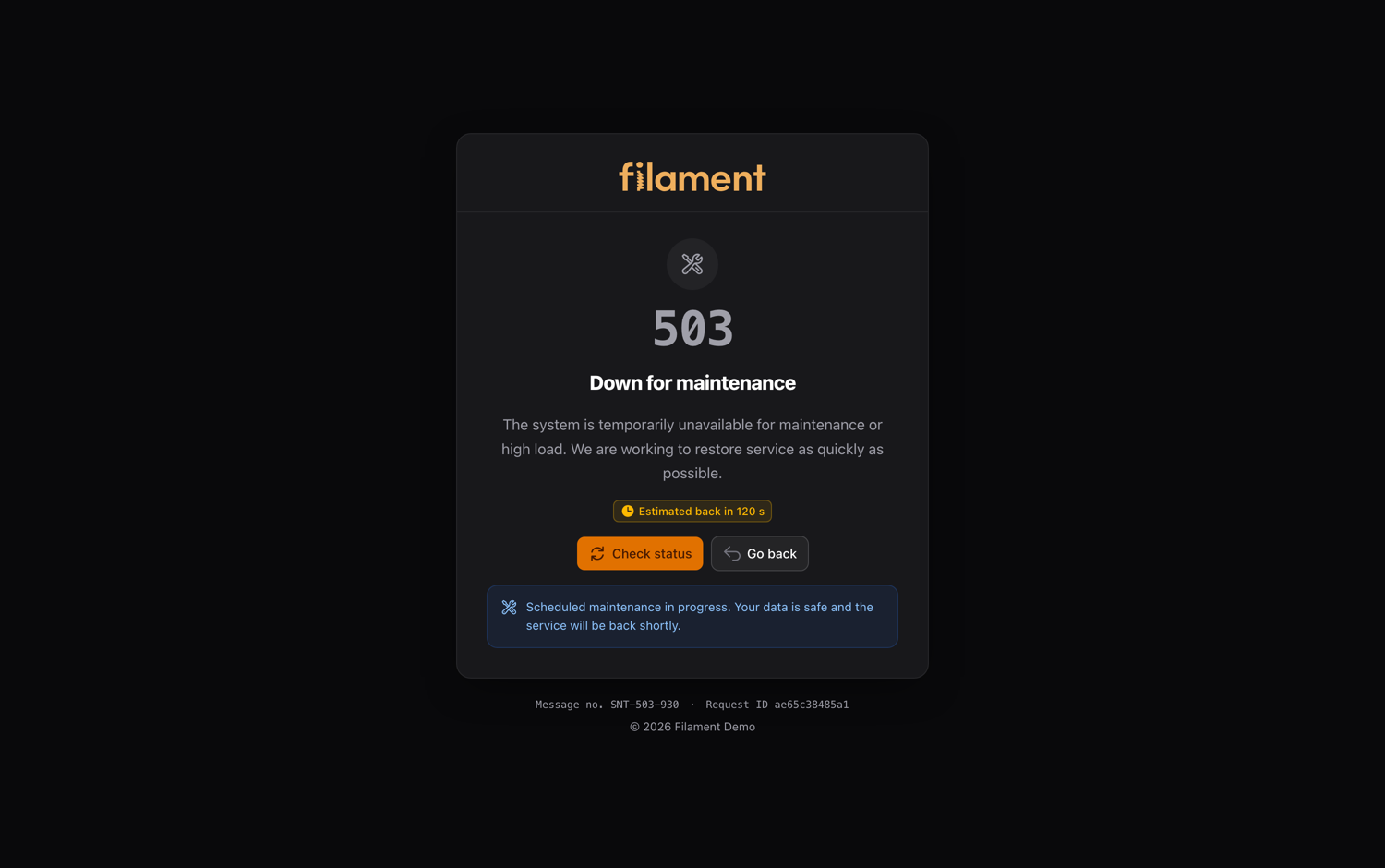 503 — maintenance, with Retry-After |
#Every page follows your panel's light or dark theme automatically
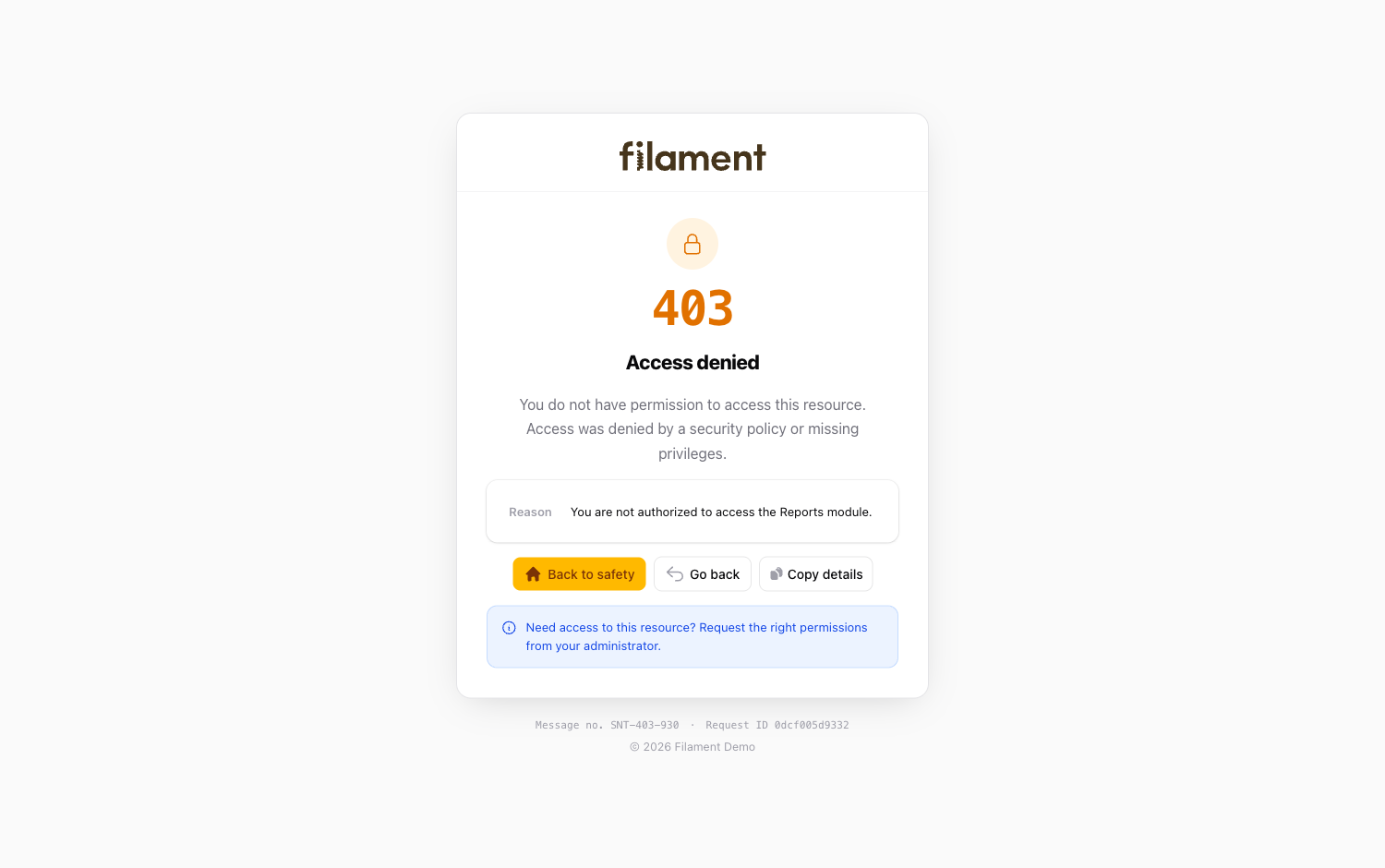 403 — light theme |
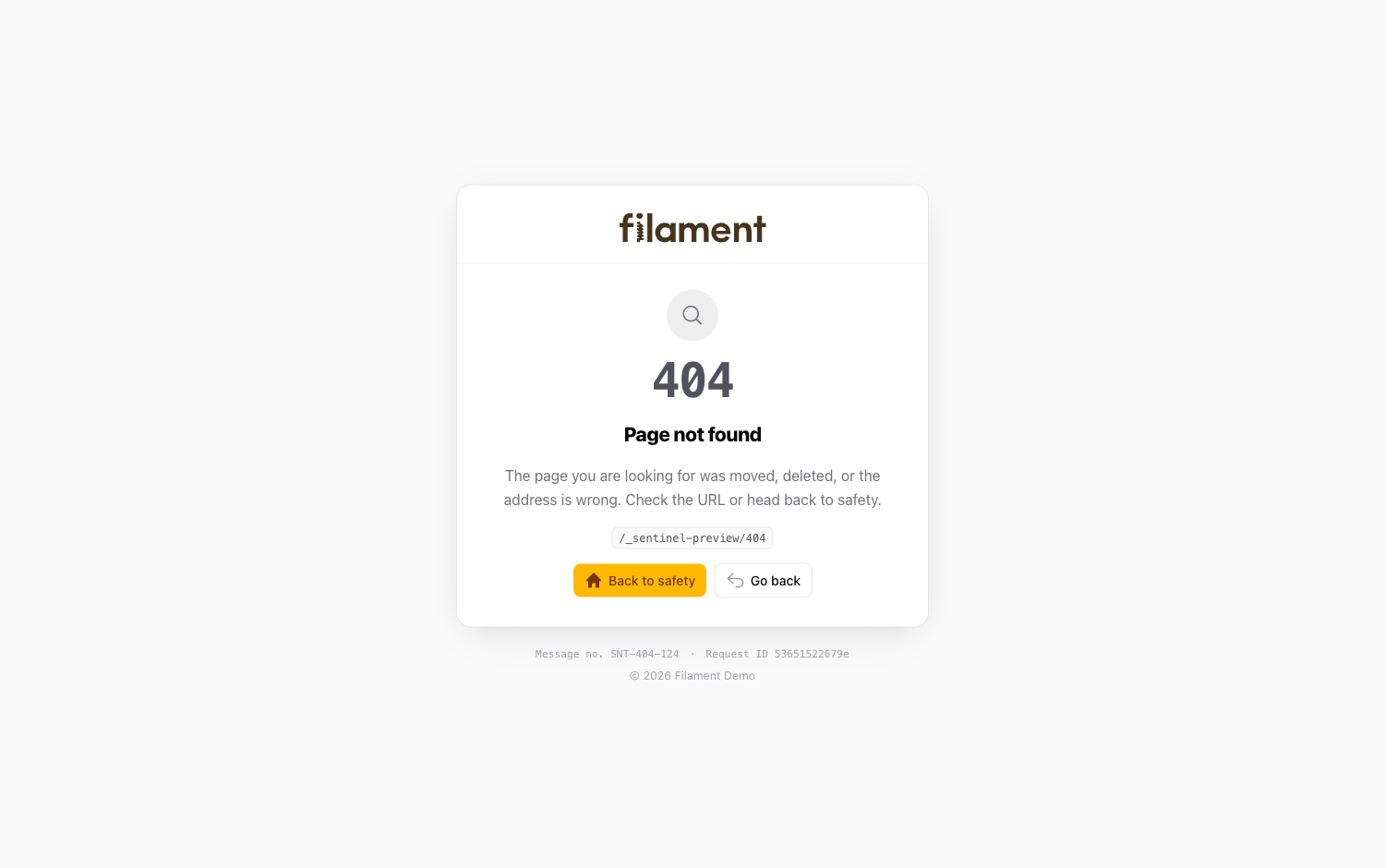 404 — light theme |
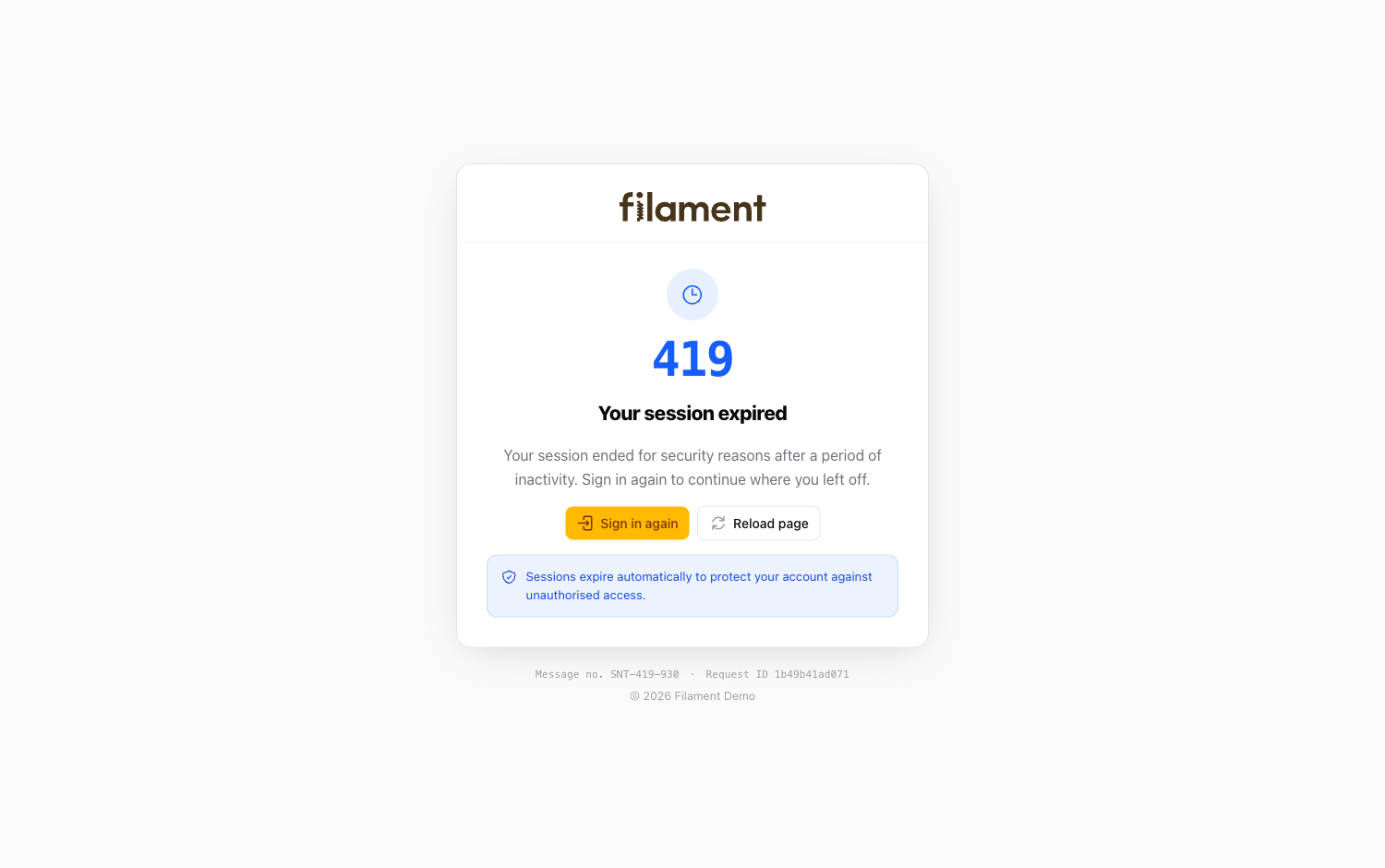 419 — light theme |
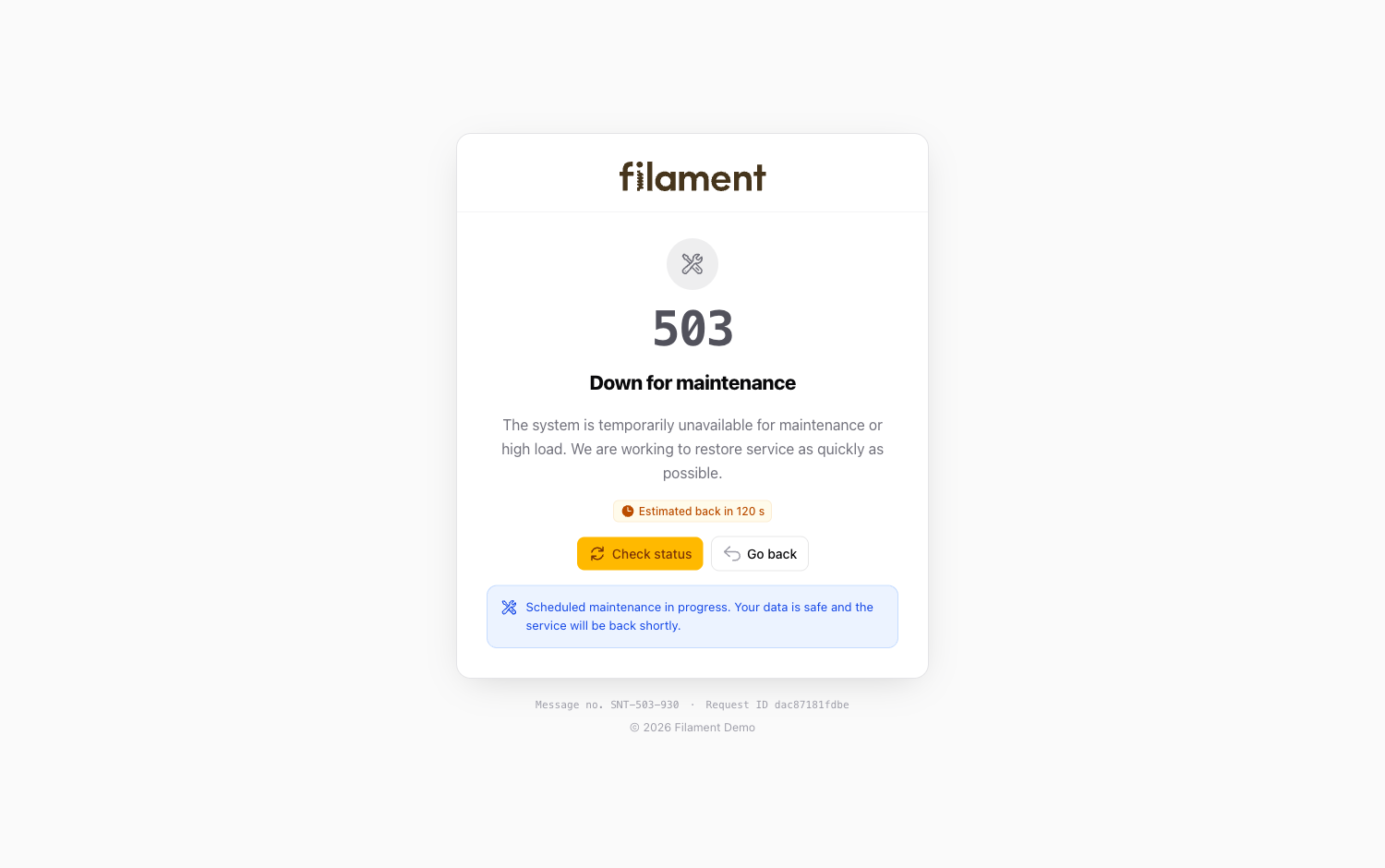 503 — light theme |
#Installation
composer require anselmokossa/filament-sentinel
That's it. The package auto-registers and its pages become the default for aborted
requests — nothing to publish. Your app can still override any page by adding its
own resources/views/errors/{code}.blade.php.
The pages reuse Filament's published base stylesheet (
public/css/filament/filament/app.css). It is created byphp artisan filament:assets, which Filament already runs on install and deploy.
#Register the plugin (optional)
Add the plugin to a panel to configure it fluently. This is optional — the pages work without it.
use Filament\Sentinel\SentinelPlugin;

public function panel(Panel $panel): Panel
{
    return $panel
        ->plugins([
            SentinelPlugin::make()
                ->brand('Acme')                 // defaults to the panel/app name
                ->messagePrefix('ACM')           // ACM-500-087
                ->windowPosition('bottom-right')  // or ->fullPage() for a full-page 500
                ->email('help@acme.test')        // "Contact support" mailto:
                ->homeUrl('/admin'),
        ]);
}
#Configuration
Publish the config to tweak defaults:
php artisan vendor:publish --tag=sentinel-config
| Option | Description | Default |
|---|---|---|
enabled |
Serve the branded pages at all | true |
codes |
Status codes Sentinel provides | [500, 403, 404, 419, 503] |
brand |
Wordmark shown on each page | panel / app name |
message_number.enabled |
Show the SNT-500-087 reference |
true |
message_number.prefix |
Message-number prefix | SNT |
request_id.enabled |
Show and assign a request id | true |
show_exception_details |
Reveal the real exception on 500: null follows APP_DEBUG, true always, false never |
null |
window.style |
500 presentation: window (small docked) or page (full page, like the other codes) |
window |
window.position |
Docked window placement: bottom-left, bottom-right, top-left, top-right, top-center, bottom-center, center, or a full-height slide-over with slide-right / slide-left |
bottom-left |
window.width |
Docked window width — a number (pixels) or CSS length ("28rem") |
400 |
support_url |
URL / mailto: for "Contact support" |
null |
home_url |
Destination of the primary button | / |
#Fluent API
Every option above is also settable on SentinelPlugin::make(); anything left unset
falls back to config/sentinel.php.
| Method | Purpose |
|---|---|
->brand($name) |
Wordmark on every page |
->messagePrefix($prefix) |
Prefix of the message number |
->messageNumbers($bool) |
Toggle message numbers |
->requestId($bool) |
Toggle the request id |
->showExceptionDetails($bool) |
Force the 500 exception panel on (true) or off (false); omit to follow APP_DEBUG |
->windowPosition($position) |
Where the docked 500 window sits (center, top-right, slide-right, …) |
->windowWidth($width) |
Docked window width (460 or "28rem") |
->fullPage($bool = true) |
Render the 500 as a full page like the other codes |
->supportUrl($url) |
"Contact support" link |
->email($address) |
"Contact support" as a mailto: link |
->homeUrl($url) |
Primary "back to safety" destination |
->codes($array) |
Status codes to brand |
->enabled($bool) |
Disable the whole package |
#Publishing & customization
php artisan vendor:publish --tag=sentinel-config        # config/sentinel.php
php artisan vendor:publish --tag=sentinel-translations  # lang files to edit the wording
php artisan vendor:publish --tag=sentinel-views         # the Blade views, to restyle
#Overriding a page
Because the pages register as the default errors::{code} views, you override any of
them the standard Laravel way — add your own resources/views/errors/404.blade.php
and it wins.
#Eject — keep the pages after removing the plugin
php artisan vendor:publish --tag=sentinel-errors
This drops a self-contained set of error pages (500, 403, 404, 419, 503) straight
into resources/views/errors/. They have no dependency on this package — or even on
Filament (their own palette, inlined styles and icons, only Laravel core for the
message number, request id and exception detail), so they stay branded and keep
working even after you composer remove the plugin. From then on they are yours to
edit. The published copies live in your app, so they take precedence over the plugin
immediately.
#Testing
composer test
#License
MIT. See LICENSE.md.
The author
Full-stack developer from Mozambique, passionate about Laravel and Filament. Creator of open-source packages to enhance the Filament ecosystem, with a focus on practical solutions for real-world applications.
From the same author
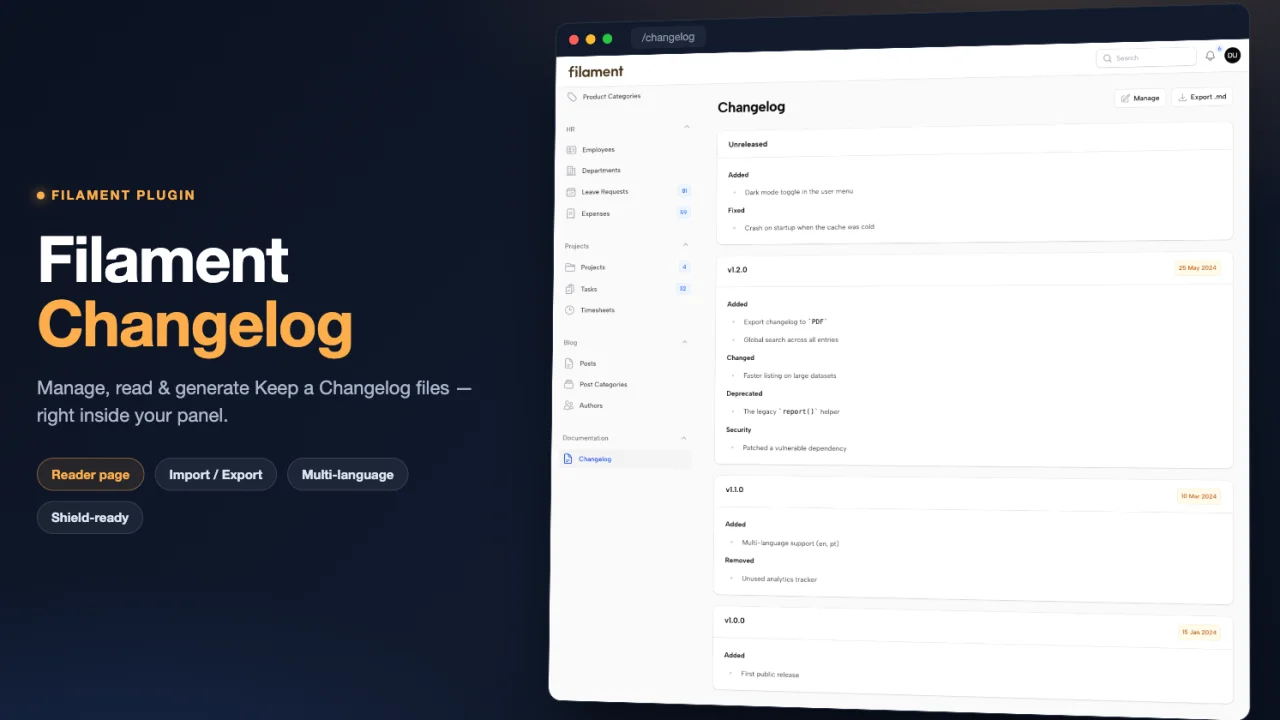
Changelog
Manage, read and generate Keep a Changelog files inside Filament, with a hybrid database and CHANGELOG.md workflow.
Author:
Anselmo Kossa
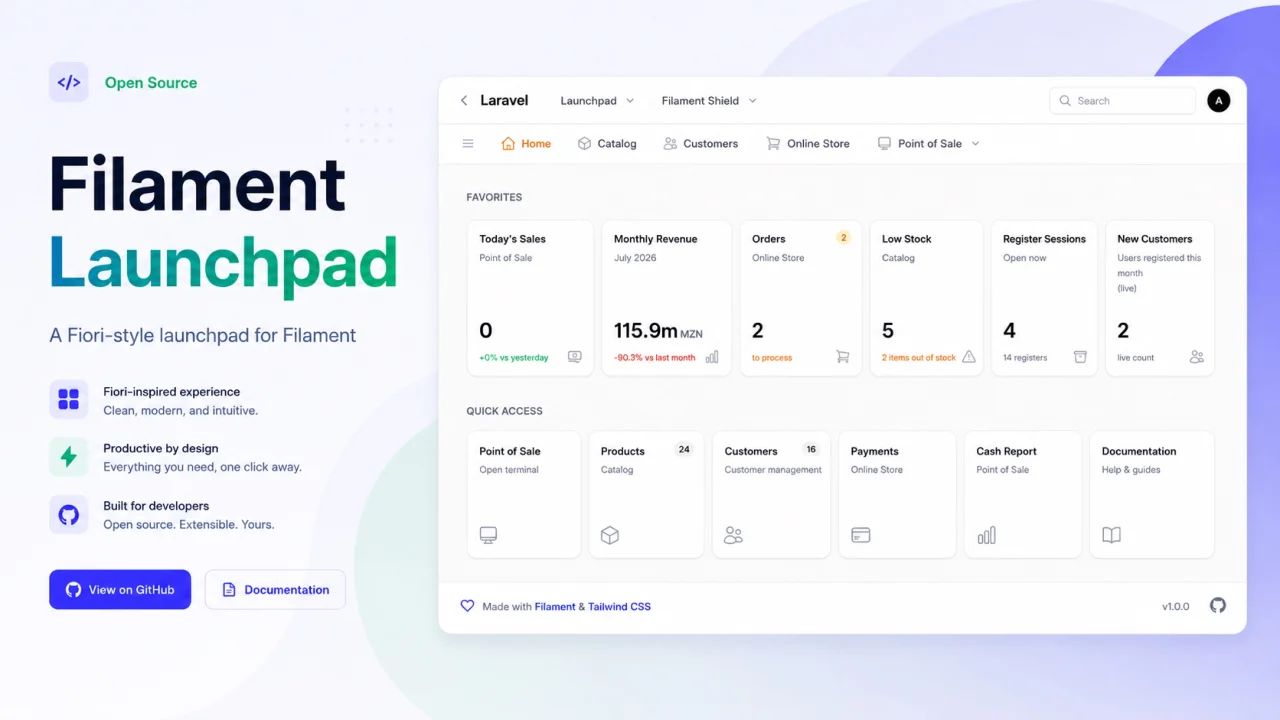
Launchpad
Turn your Filament panel homepage into a SAP Fiori-style launchpad with Spaces, Pages and drag-and-drop KPI, shortcut and widget cards.
Author:
Anselmo Kossa
Featured Plugins
A selection of plugins curated by the Filament team

Blueprint
Filament Blueprint is a premium Laravel Boost extension that helps AI agents produce accurate, detailed implementation plans and security reports for Filament apps.
 Filament
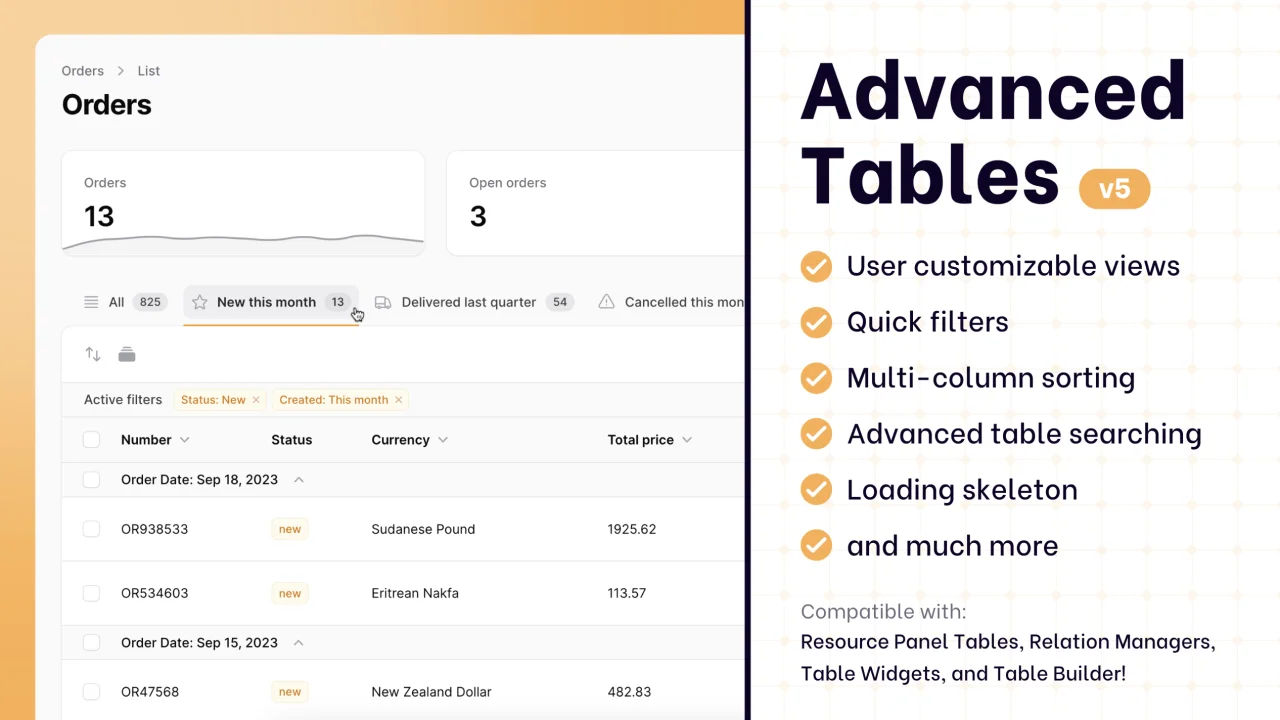
Advanced Tables (formerly Filter Sets)
Supercharge your tables with powerful features like user-customizable views, quick filters, multi-column sorting, advanced table searching, convenient view management, and more. Compatible with Resource Panel Tables, Relation Managers, Table Widgets, and Table Builder!
 Kenneth Sese
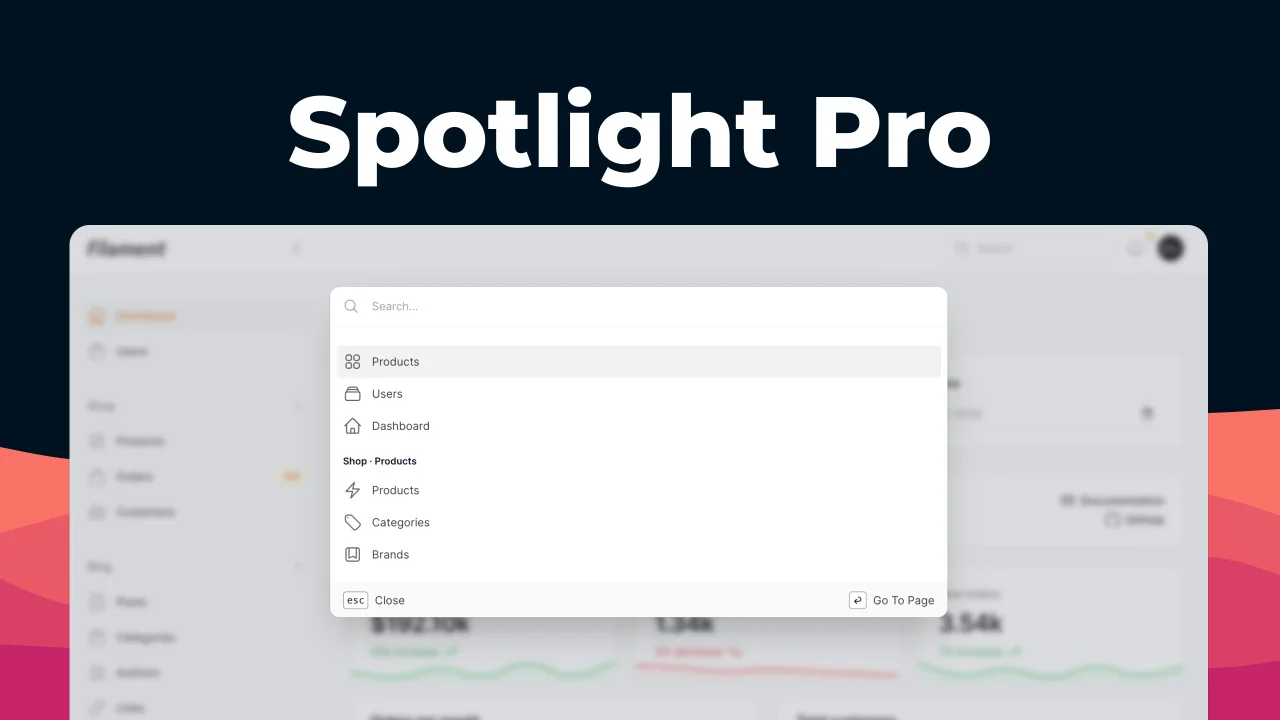
Spotlight Pro
Browse your Filament Panel with ease. Filament Spotlight Pro adds a Spotlight/Raycast like Command Palette to your Filament Panel.
 Dennis Koch

