
URL Image Uploader by Muhammad Amjad
CommunityA Filament form field for uploading an image by file or by URL, with server-side validation and configurable disk and directory, that works standalone or inside a Repeater for image galleries.
 Author:
Muhammad Amjad
Author:
Muhammad Amjad
Package health
Automated checks of this plugin's Composer package
15 checks
- Passed: GitHub Actions pinned to SHA
- Skipped: GitLab CI includes pinned to SHA
- Passed: Open security advisories
- Passed: Dependabot PR responsiveness — No stale Dependabot PRs.
- Skipped: Renovate MR responsiveness
- Passed: Dependabot or Renovate configured
- Passed: Dependency update cooldown configured
- Passed: Provides a security policy
- Passed: Abandoned or archived — No consulted source marks the package abandoned (packagist, github).
- Passed: Commit and release recency — Active: last commit 1 days ago; last release 1 days ago.
-
Passed:
composer.lock not committed by library
—
composer.lockis absent from the released dist archive. - Passed: Dist archive is lean
-
Passed:
Current Laravel version supported
—
Package dependencies resolve together with current Laravel
13.0. -
Passed:
Current PHP version supported
—
Constraint
^8.3supports current PHP8.5. - Skipped: Current Symfony version supported
filament/
namespace. Review the source and install at your own risk. Found
malware or an unresolved security issue the author won't
address?
Report it
.
Documentation
- Installation
- Usage
- Configuration
- Scope
- Translations
- Testing
- Support
- Changelog
- Security Vulnerabilities
- Contributing
A powerful Filament PHP form component that enables seamless image uploads from URLs. Features include image validation, preview functionality, and easy integration with Laravel storage. Perfect for remote image imports, content management, and e-commerce applications built with FilamentPHP.
#Installation
You can install the package via composer:
composer require amjadiqbal/filament-url-image-uploader
#Usage
use AmjadIqbal\FilamentUrlImageUploader\Components\UrlImageUploader;

UrlImageUploader::make('image')->directory('images');
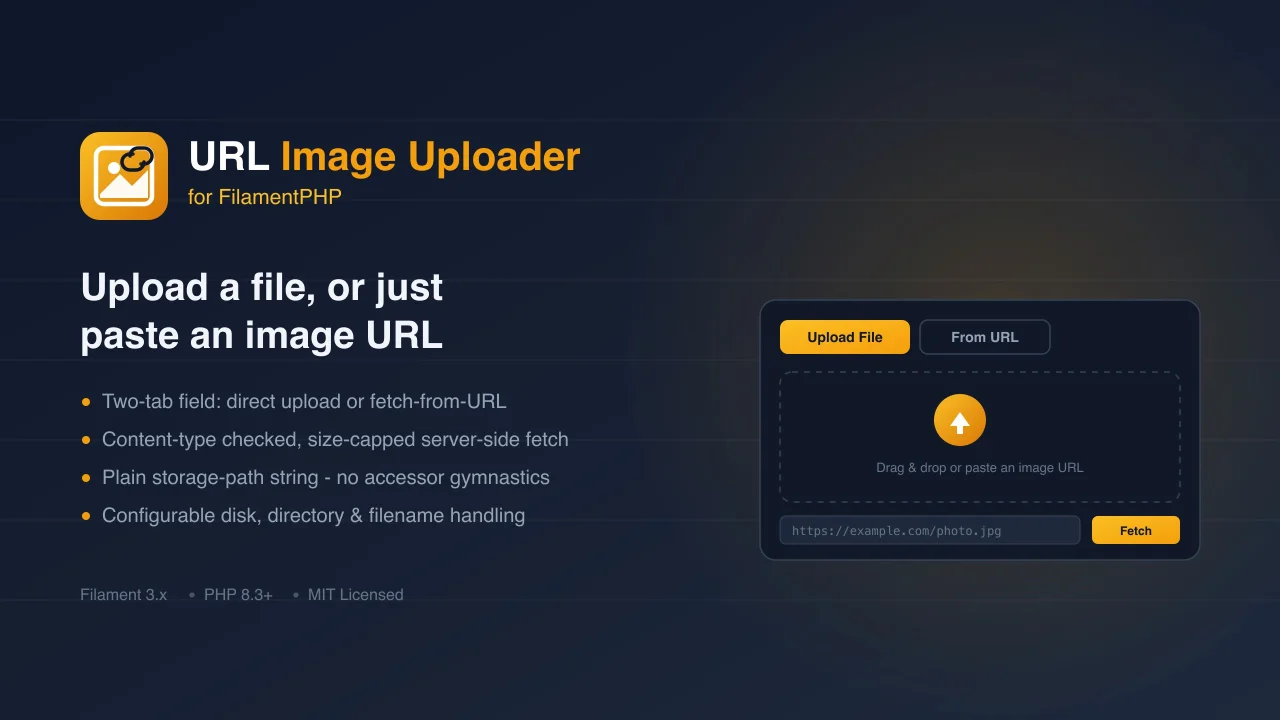
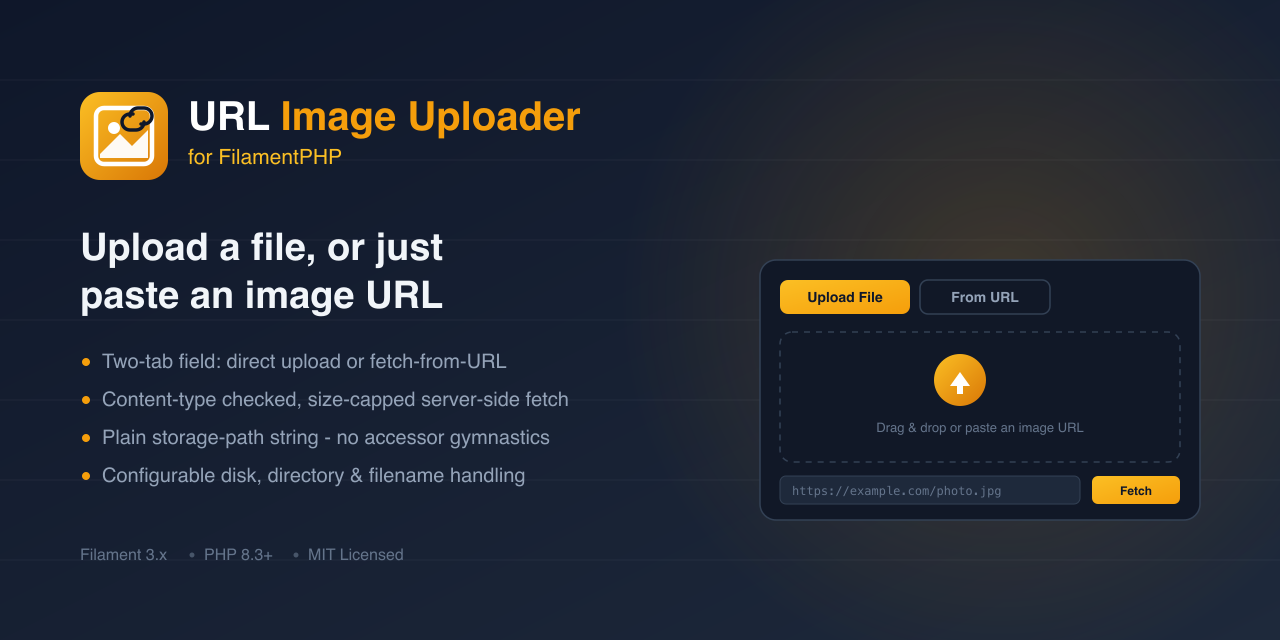
The field renders two tabs — upload a file directly, or paste an image URL and fetch it server-side.
Either way, the value saved to your model attribute is always a plain storage path string (e.g.
"images/example.jpg"), never an array — no accessor/mutator gymnastics required on your model:
// database column: image (string, nullable)

class Post extends Model
{
    protected $fillable = ['image'];
}
To render the stored image elsewhere in your app, resolve it through the disk you configured:
Storage::disk('public')->url($post->image);
#Configuration
#Directory
You can customize the storage directory:
UrlImageUploader::make('image')->directory('custom/path/here');
#Disk
By default, files are stored on the public disk. You can target any configured disk:
UrlImageUploader::make('image')->disk('s3');
#Preserve original filenames
UrlImageUploader::make('image')->preserveFilenames();
#URL fetch size limit
The "URL Upload" tab downloads the remote image server-side before validating its content type. By default, downloads larger than 10 MB are rejected; adjust it with:
UrlImageUploader::make('image')->maxUrlFetchSize(5 * 1024 * 1024); // 5 MB
#Scope
UrlImageUploader manages a single image per field. It does not currently support Filament's
multiple() mode — for a gallery of several images, use one UrlImageUploader per image, or a
Repeater of them.
#Using it in a Repeater (image gallery)
use Filament\Forms\Components\Repeater;

Repeater::make('gallery')
    ->schema([
        UrlImageUploader::make('image')->directory('gallery'),
    ])
    ->reorderable()
    ->addable()
    ->deletable();
Each row gets its own instance of the field, so adding, deleting, and reordering rows keeps every
image with its own row — covered by a dedicated Testbench/Livewire suite
(tests/Feature/RepeaterGalleryTest.php) exercising fresh multi-image upload, a no-op edit-and-save
across separate page loads, deleting a middle row, reordering, adding a row to an existing gallery,
and deleting-then-adding (to catch a resurrected "deleted" image).
Gotcha: while a row is being edited, its live state is the field's internal {path, url}
shape, not the flat string your model attribute ends up with — that flat string only exists after
dehydration. If you add an itemLabel() (or a header) that reads the row's image value directly,
e.g. fn (array $state) => $state['image'], it will receive that nested array while the form is
open and throw a type error the moment you type-hint a string return. Read
$state['image']['path'] ?? null (an array) if you need a label from it, or avoid keying the label
off this field at all.
#Translations
All user-facing strings ship in English by default. Publish them to customize or translate:
php artisan vendor:publish --tag="filament-url-image-uploader-translations"
#Testing
composer test      # PHPUnit, via Orchestra Testbench
composer analyse    # Larastan/PHPStan (level 5)
composer format     # Laravel Pint
#Support
#Documentation
- Full Documentation
- API Reference
- Examples & Tutorials
#Community
- Join our Discord Community for discussions
- Report issues on GitHub
#Professional Support
Need expert help? Hire me on Upwork for:
- Custom implementations
- Feature development
- Technical consulting
- Priority support
#Changelog
Please see CHANGELOG.md for more information on what has changed recently.
#Security Vulnerabilities
If you discover a security vulnerability, please report it in our Security Room on Discord. All security vulnerabilities will be promptly addressed.
#Contributing
We welcome contributions!
#Contributors
Made with contrib.rocks.
#Custom Development
Hire me on Upwork for:
- Package integration
- Custom feature development
- Technical consultation
- Project implementation
#Community Support
For priority support and enterprise solutions, please reach out via Upwork for direct assistance.
The author
I am a seasoned full-stack web developer specializing in Laravel, Livewire, and Vue.js ecosystems. With extensive experience in building modern web applications, I leverage the power of Laravel's elegant syntax and robust features to create scalable backend solutions. My expertise extends to crafting responsive and interactive user interfaces using Livewire and Vue.js, enhanced by the utility-first approach of Tailwind CSS.
Featured Plugins
A selection of plugins curated by the Filament team

Noir Theme
A theme that gives panels a focused, refined look with near-black surfaces, crisp actions, and restrained color.
 Filament

Advanced Tables (formerly Filter Sets)
Supercharge your tables with powerful features like user-customizable views, quick filters, multi-column sorting, advanced table searching, convenient view management, and more. Compatible with Resource Panel Tables, Relation Managers, Table Widgets, and Table Builder!
 Kenneth Sese

Custom Fields
Eliminate custom field migrations forever. Let your users create and manage form fields directly in Filament admin panels with 20+ built-in field types, validation, and zero database changes.
 Relaticle
