Export by Alperen Ersoy
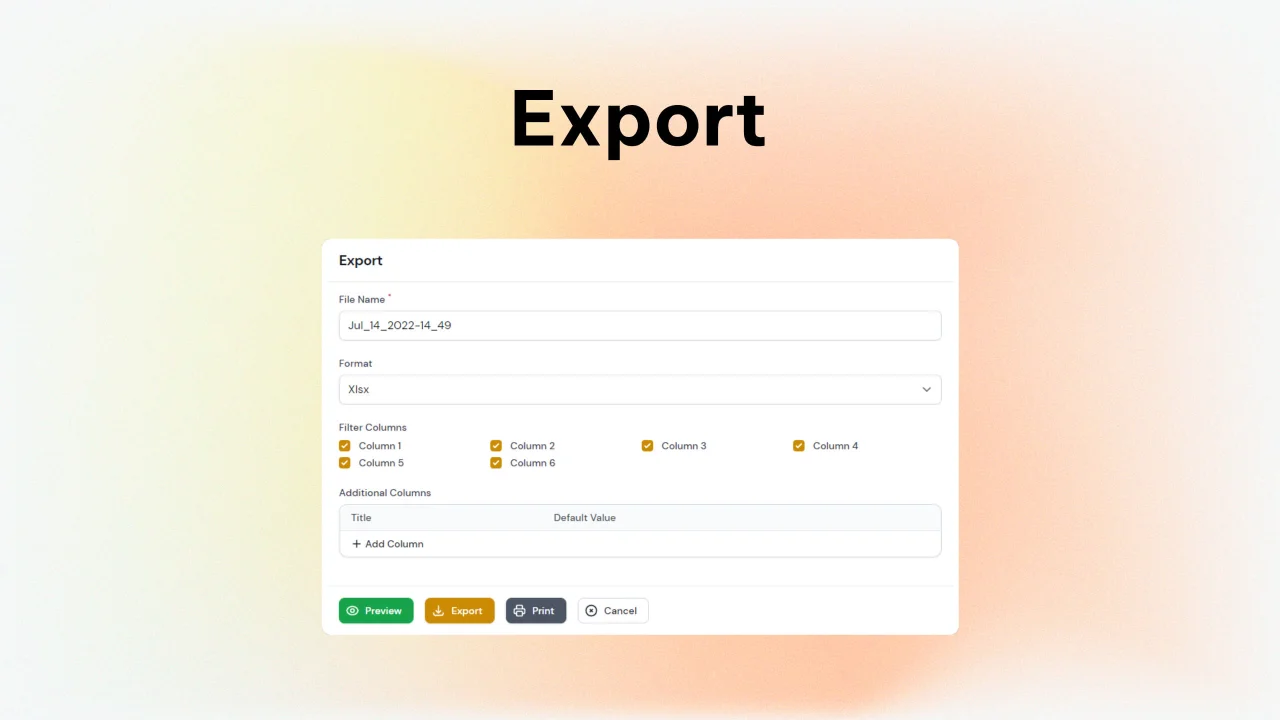
CommunityCustomizable export and print functionality for Filament Admin Panel and Table Builder.
 Author:
Alperen Ersoy
Package health
Automated checks of this plugin's Composer package
15 checks
- Failed: GitHub Actions pinned to SHA — View details on Plumb
- Skipped: GitLab CI includes pinned to SHA
- Passed: Open security advisories
- Passed: Dependabot PR responsiveness — No open Dependabot PRs.
- Skipped: Renovate MR responsiveness
- Failed: Dependabot or Renovate configured — No dependency updater configuration found. View details on Plumb
- Skipped: Dependency update cooldown configured
- Failed: Provides a security policy — View details on Plumb
- Passed: Abandoned or archived — No consulted source marks the package abandoned (packagist, github).
- Passed: Commit and release recency — Active: last commit 500 days ago; last release 30 days ago.
-
Passed:
composer.lock not committed by library
—
composer.lockis absent from the released dist archive. - Passed: Dist archive is lean
-
Passed:
Current Laravel version supported
—
Package dependencies resolve together with current Laravel
13.0. -
Passed:
Current PHP version supported
—
Constraint
^8.2supports current PHP8.5. - Skipped: Current Symfony version supported
filament/
namespace. Review the source and install at your own risk. Found
malware or an unresolved security issue the author won't
address?
Report it
.
Documentation
- Requirements
- Installation
- Using
- Performance Tips for Large Datasets
- Configuration
- Overriding Views
- Using Snappy
Customizable export and print functionality for Filament Admin Panel v5. Please report any issues you find.
This package provides a bulk action and header action to export your filament tables easily.

#Requirements
- PHP 8.2
- Filament 5.0
#Dependencies
#Installation
- Install the package
composer require alperenersoy/filament-export
- Copy assets
php artisan filament:assets
#Configuring for Standalone Table Builder (Experimental)
To use this package in a standalone table builder instead of Filament Admin Panel you need to follow these steps. Otherwise, some features such as print and preview may not work properly.
- Import
filament-export.cssin your/resources/app.css
@import '../../vendor/alperenersoy/filament-export/resources/css/filament-export.css';
- Import
filament-export.jsin your/resources/app.js
import '../../vendor/alperenersoy/filament-export/resources/js/filament-export.js';
- Compile your assets
npm run dev
#Using
#Simple Usage
#Bulk Action
You can export selected rows with the bulk action.
Filament Admin Panel
$table->bulkActions([
    ...
    FilamentExportBulkAction::make('export')
    ...
]);
Filament Table Builder
protected function getTableBulkActions(): array
{
    return [
        ...
        FilamentExportBulkAction::make('Export'),
        ...
    ];
}
#Header Action
You can filter, search, sort and export your table with the header action.
Filament Admin Panel
$table->headerActions([
    ...
    FilamentExportHeaderAction::make('export')
    ...
]);
Filament Table Builder
protected function getTableHeaderActions(): array
{
    return [
        ...
        FilamentExportHeaderAction::make('Export'),
        ...
    ];
}
Since ButtonAction is deprecated you may use this action with ->button() instead.
#Full Usage
Both actions provide functions for configuration.
FilamentExportBulkAction::make('export')
    ->fileName('My File') // Default file name
    ->timeFormat('m y d') // Default time format for naming exports
    ->disablePdf() // Disable PDF format for download
    ->disableXlsx() // Disable XLSX format for download
    ->disableCsv() // Disable CSV format for download
    ->defaultFormat('pdf') // xlsx, csv or pdf
    ->defaultPageOrientation('landscape') // Page orientation for pdf files. portrait or landscape
    ->directDownload() // Download directly without showing modal
    ->disableAdditionalColumns() // Disable additional columns input
    ->disableFilterColumns() // Disable filter columns input
    ->disableFileName() // Disable file name input
    ->disableFileNamePrefix() // Disable file name prefix
    ->disablePreview() // Disable export preview
    ->disableTableColumns() // Disable table columns in the export
    ->withHiddenColumns() //Show the columns which are toggled hidden
    ->fileNameFieldLabel('File Name') // Label for file name input
    ->formatFieldLabel('Format') // Label for format input
    ->pageOrientationFieldLabel('Page Orientation') // Label for page orientation input
    ->filterColumnsFieldLabel('filter columns') // Label for filter columns input
    ->additionalColumnsFieldLabel('Additional Columns') // Label for additional columns input
    ->additionalColumnsTitleFieldLabel('Title') // Label for additional columns' title input
    ->additionalColumnsDefaultValueFieldLabel('Default Value') // Label for additional columns' default value input
    ->additionalColumnsAddButtonLabel('Add Column') // Label for additional columns' add button
    ->withColumns([TextColumn::make('additionalModelColumn')]) // Export additional model columns that aren't visible in the table results
    ->csvDelimiter(',') // Delimiter for csv files
    ->modifyExcelWriter(fn (SimpleExcelWriter $writer) => $writer->nameCurrentSheet('Sheet')) // Modify SimpleExcelWriter before download
    ->modifyPdfWriter(fn (\Barryvdh\DomPDF\PDF|\Barryvdh\Snappy\PdfWrapper $writer) => $writer->setPaper('a4', 'landscape')) // Modify DomPdf or Snappy writer before download
    ->formatStates([
        'name' => fn (?Model $record) => strtoupper($record->name),
    ]) // Manually format states for a specific column
You can also use default bulk action and header action functions to customize actions.
#Performance Tips for Large Datasets
- Since header action does server-side pagination you may choose header action over bulk action.
- You may disable preview.
- You may enable direct download.
#Configuration
Publish configuration
php artisan vendor:publish --provider="AlperenErsoy\FilamentExport\FilamentExportServiceProvider" --tag="config"
You can configure these settings:
return [
    'default_format' => 'xlsx',
    'time_format' => 'M_d_Y-H_i',
    'default_page_orientation' => 'portrait',
    'disable_additional_columns' => false,
    'disable_filter_columns' => false,
    'disable_file_name' => false,
    'disable_preview' => false,
    'use_snappy' => false,
    'action_icon' => 'heroicon-o-document-download',
    'preview_icon' => 'heroicon-o-eye',
    'export_icon' => 'heroicon-o-download',
    'print_icon' => 'heroicon-o-printer',
    'cancel_icon' => 'heroicon-o-x-circle'
];
#Overriding Views
Publish views
php artisan vendor:publish --provider="AlperenErsoy\FilamentExport\FilamentExportServiceProvider" --tag="views"
This package has two views:
-
"components\table_view.blade.php" view is used for preview.
-
"pdf.blade.php" view is used as pdf export template.
-
"print.blade.php" view is used as print template.
#Using Custom Variables In Templates
FilamentExportBulkAction::make('export')
    ->extraViewData([
        'myVariable' => 'My Variable'
    ])
or use closures
FilamentExportHeaderAction::make('export')
    ->extraViewData(fn ($action) => [
        'recordCount' => $action->getRecords()->count()
    ])
Then use them in the templates as regular blade variables:
{{ $myVariable }}
#Using Snappy
By default, this package uses dompdf as pdf generator.
If you want to use Snappy instead you need to install barryvdh/laravel-snappy to your project and configure it yourself. (See barryvdh/laravel-snappy for more information.)
To use snappy for PDF exports:
- You can simply add ->snappy() to your actions.
FilamentExportBulkAction::make('export')
    ->snappy()
or
FilamentExportHeaderAction::make('export')
    ->snappy()
- You can update the config file to use it as default.
[
    ...
    'use_snappy' => true,
    ...
]
Featured Plugins
A selection of plugins curated by the Filament team

Blueprint
Filament Blueprint is a premium Laravel Boost extension that helps AI agents produce accurate, detailed implementation plans and security reports for Filament apps.
 Filament
Soft Theme
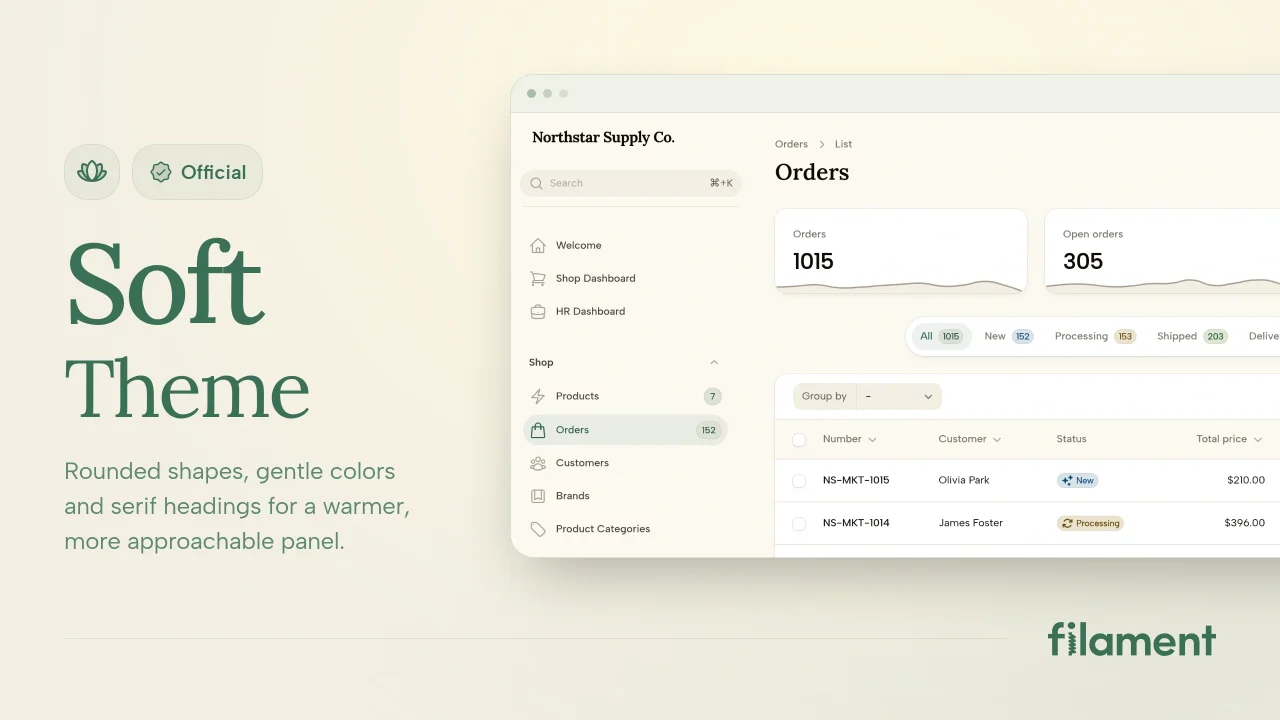
A theme that gives panels a warm, approachable look with rounded shapes, gentle colors, and serif headings.
Filament
Advanced Tables (formerly Filter Sets)
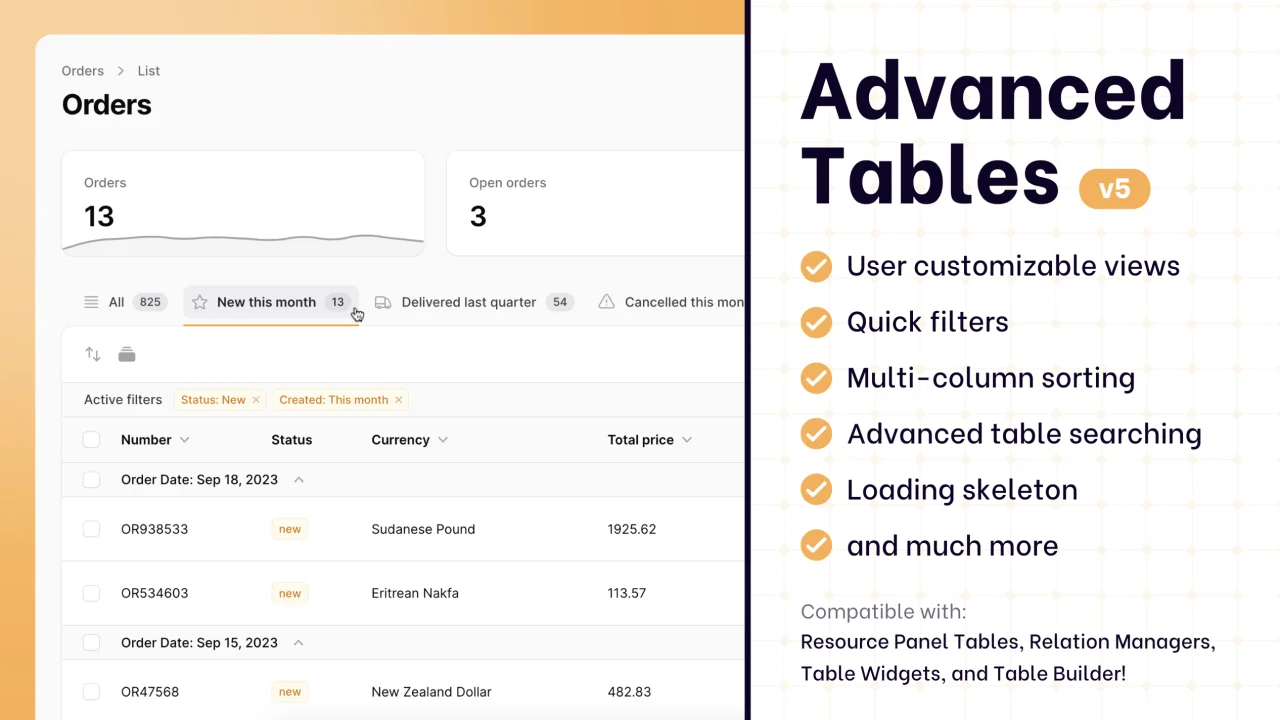
Supercharge your tables with powerful features like user-customizable views, quick filters, multi-column sorting, advanced table searching, convenient view management, and more. Compatible with Resource Panel Tables, Relation Managers, Table Widgets, and Table Builder!
 Kenneth Sese