Confetti
 Author:
Alex Syvolap
Author:
Alex Syvolap
Documentation
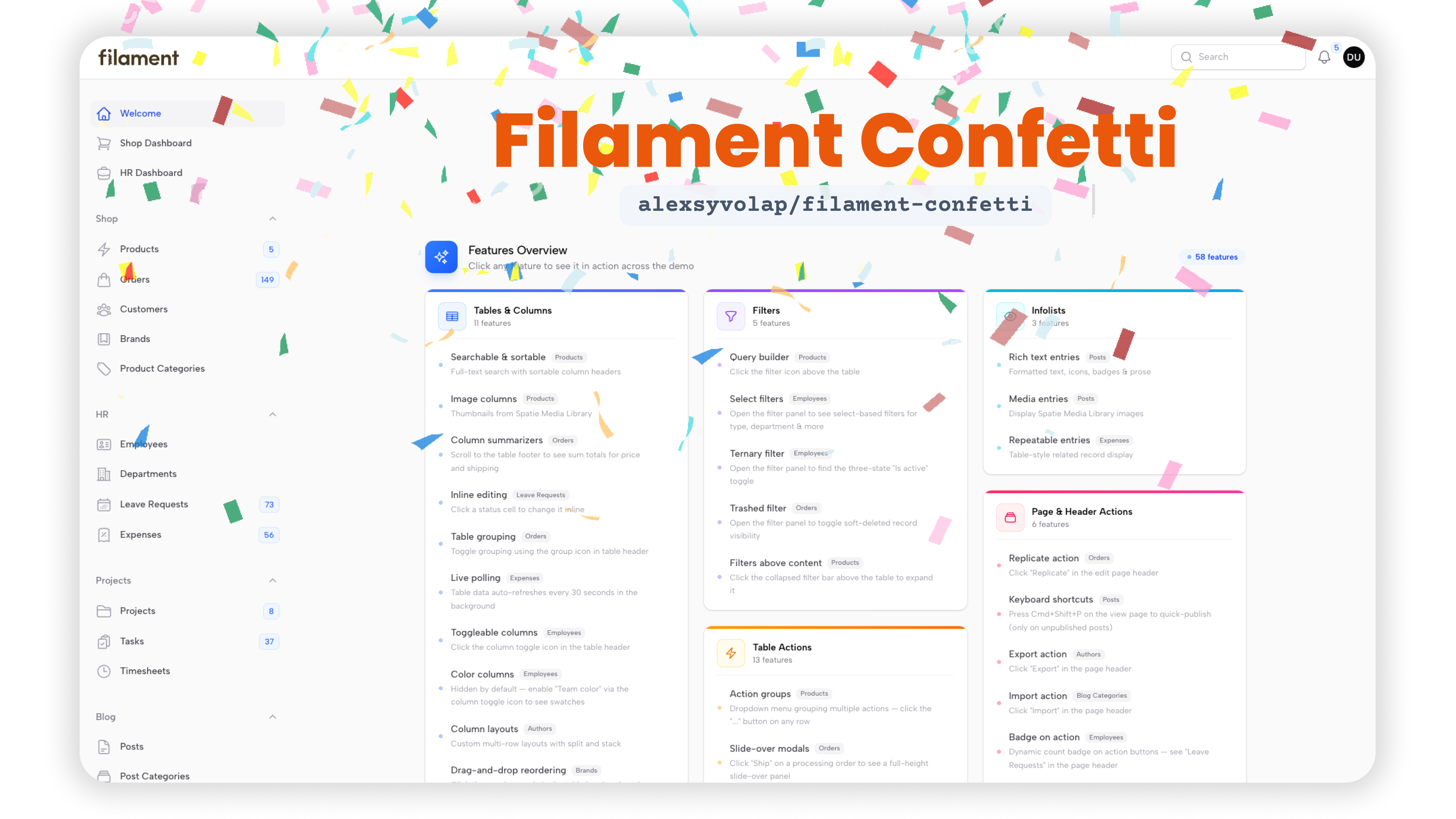
A fluent, elegant, and zero-config Confetti integration for Filament PHP. Powered by the amazing canvas-confetti library, this package brings cinematic, hardware-accelerated particle effects to your Filament admin panel with a beautiful PHP Builder API.


#Installation
composer require alexsyvolap/filament-confetti
#Getting Started
#1. Register the Plugin
use AlexSyvolap\FilamentConfetti\FilamentConfettiPlugin;

public function panel(Panel $panel): Panel
{
    return $panel
        // ...
        ->plugin(FilamentConfettiPlugin::make());
}
#Usage
The package provides a highly fluent, chaining API. You can trigger confetti from anywhere in your Filament app (Pages, Actions, Controllers, Livewire components).
#Basic Usage
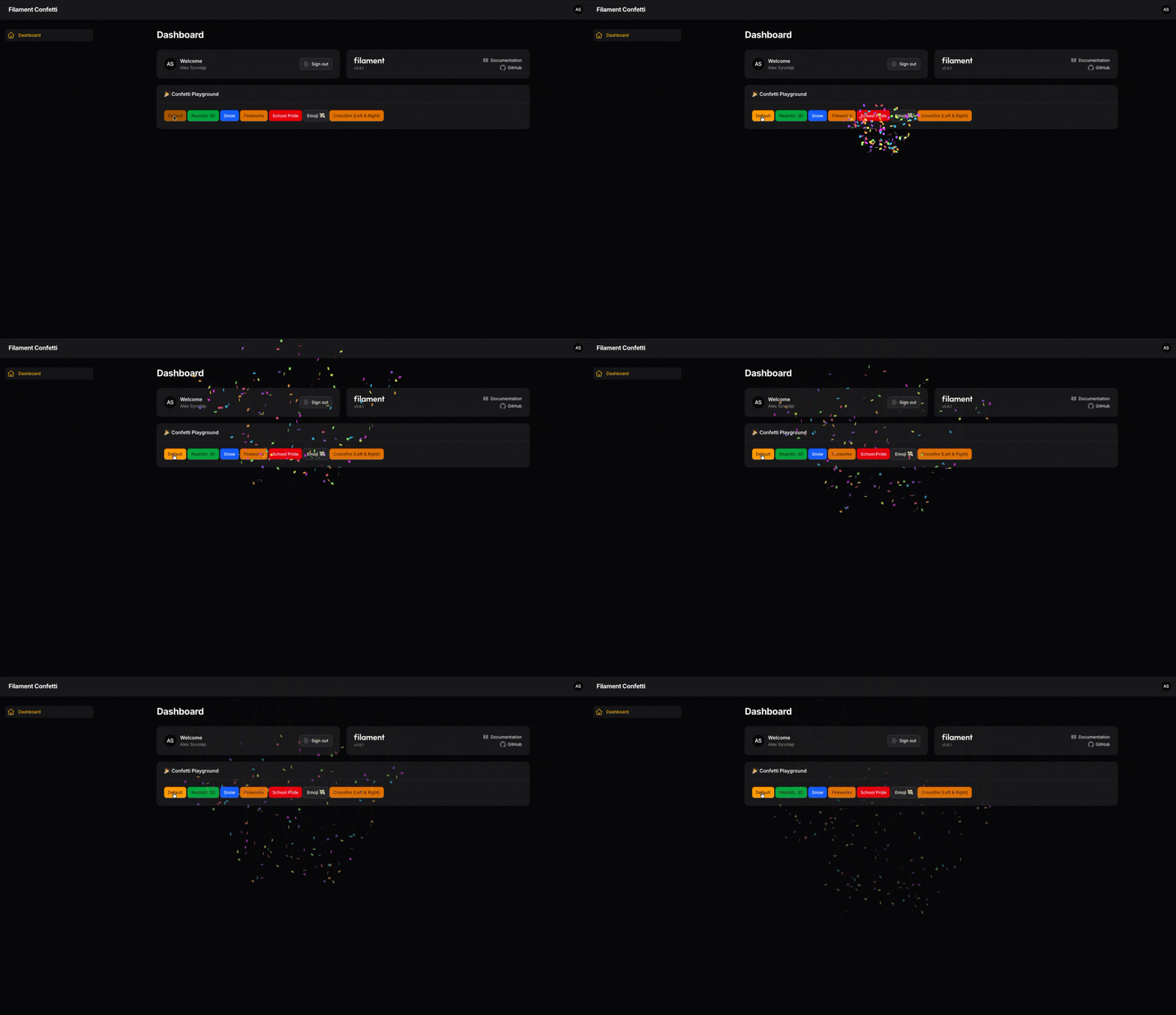
Just fire the default confetti explosion from the center of the screen
use AlexSyvolap\FilamentConfetti\Confetti;

Confetti::shoot();
#Positioning
You can shoot confetti from various screen positions
Confetti::left()->shoot();
Confetti::topRight()->shoot();
Confetti::bottom()->shoot();
Available positions: center(), top(), bottom(), left(), right(), topLeft(), topRight(), bottomLeft(),
bottomRight().
#Epic Presets 🚀
We ported the most popular cinematic effects so you can use them in one line of code:
#Realistic Confetti
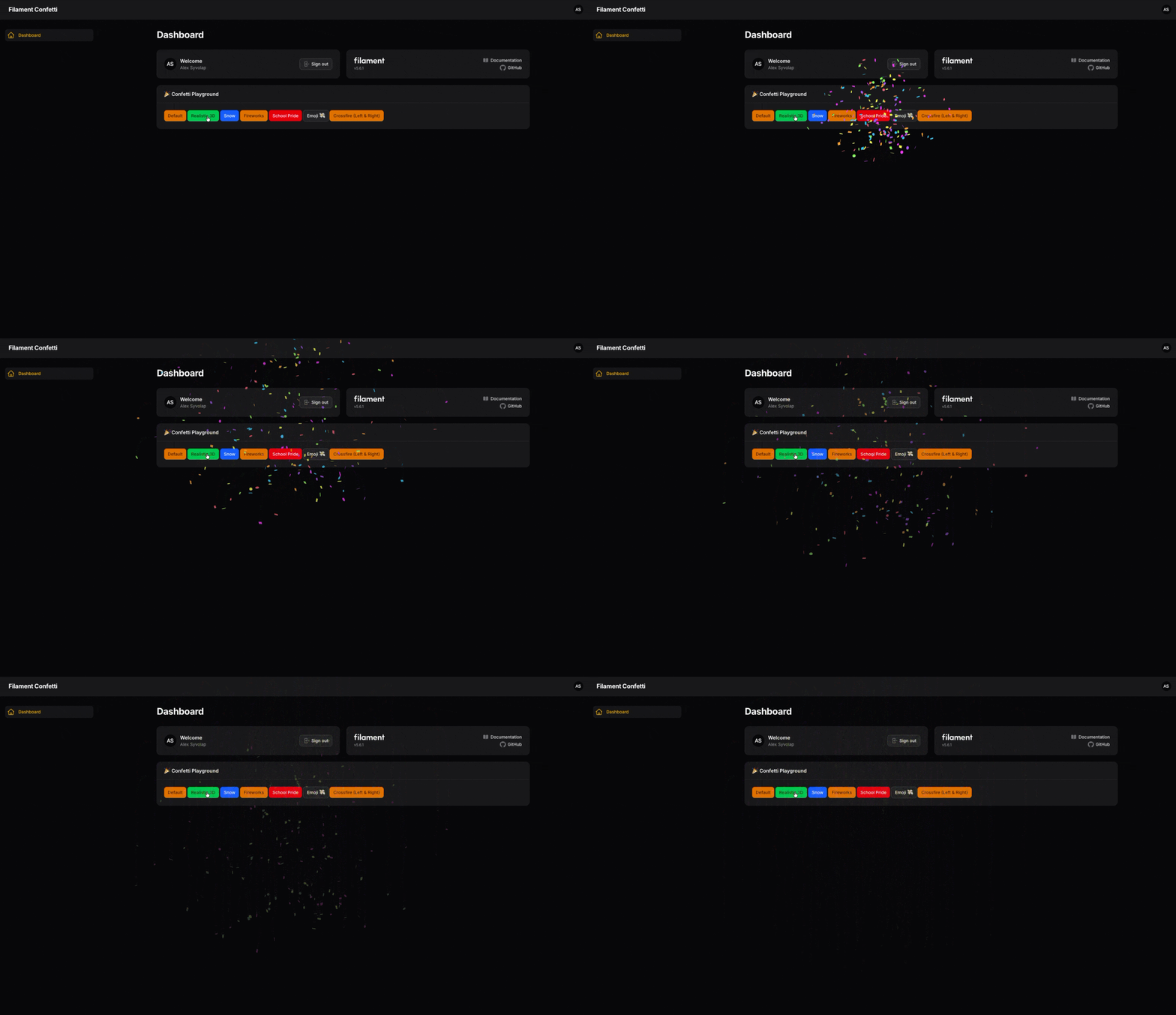
// Realistic 3D explosion with 5 physical waves
Confetti::realistic()->shoot();
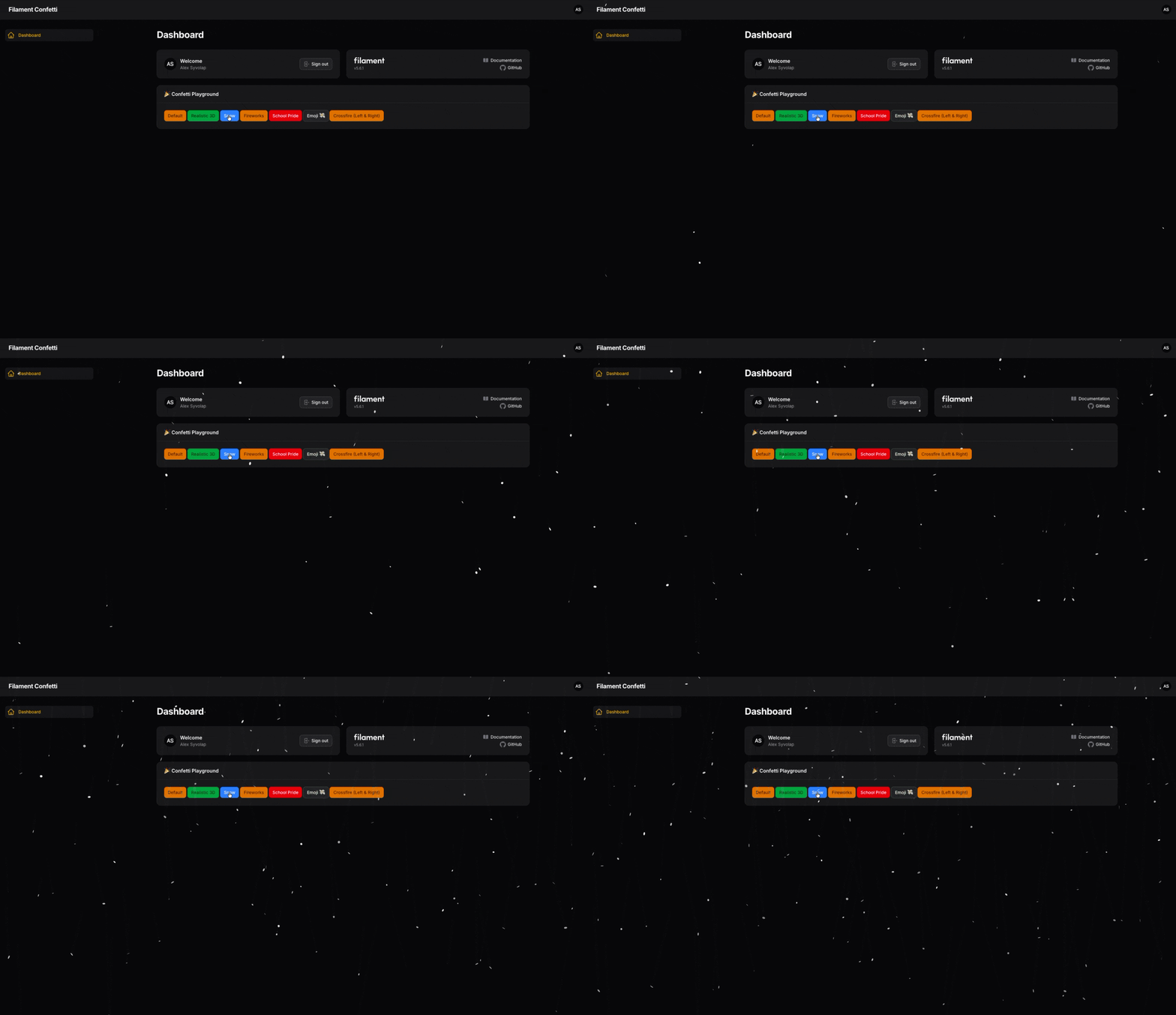
#Show
// 15 seconds of falling snow
Confetti::snow()->shoot();
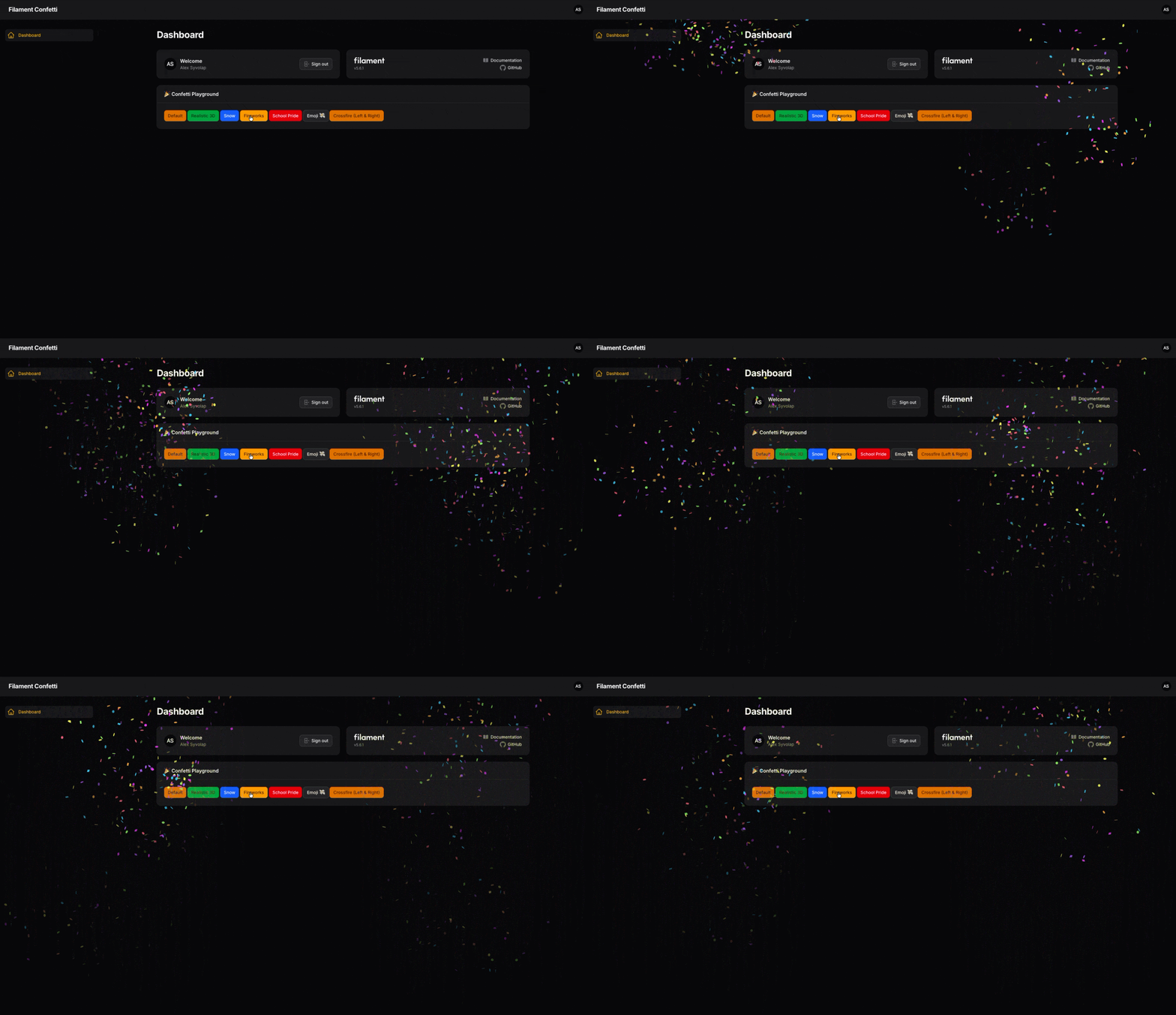
#Fireworks
// 15 seconds of random fireworks in the sky
Confetti::fireworks()->shoot();
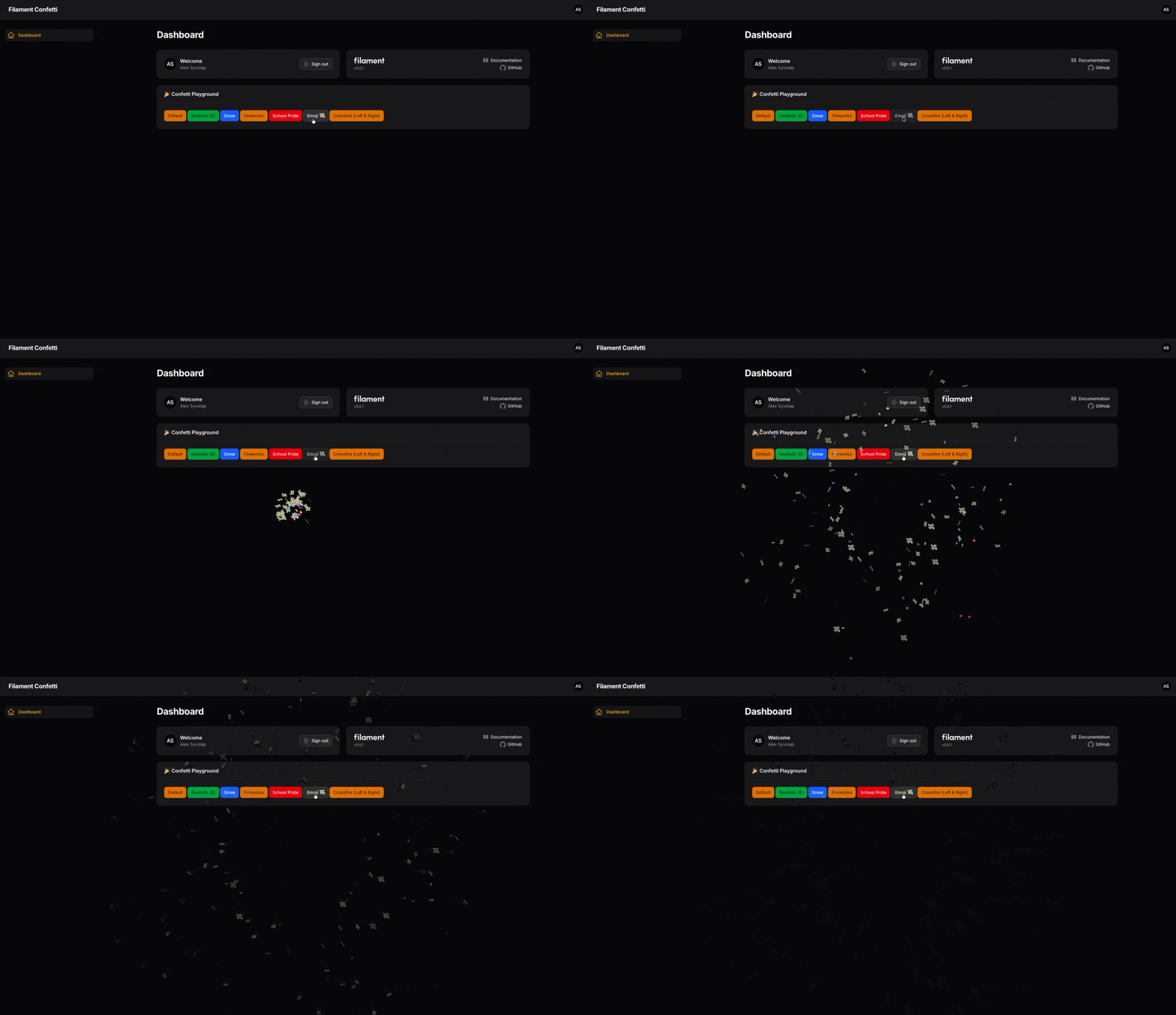
#Emoji
// Raining Emoji explosion!
Confetti::emoji('💸')->shoot();
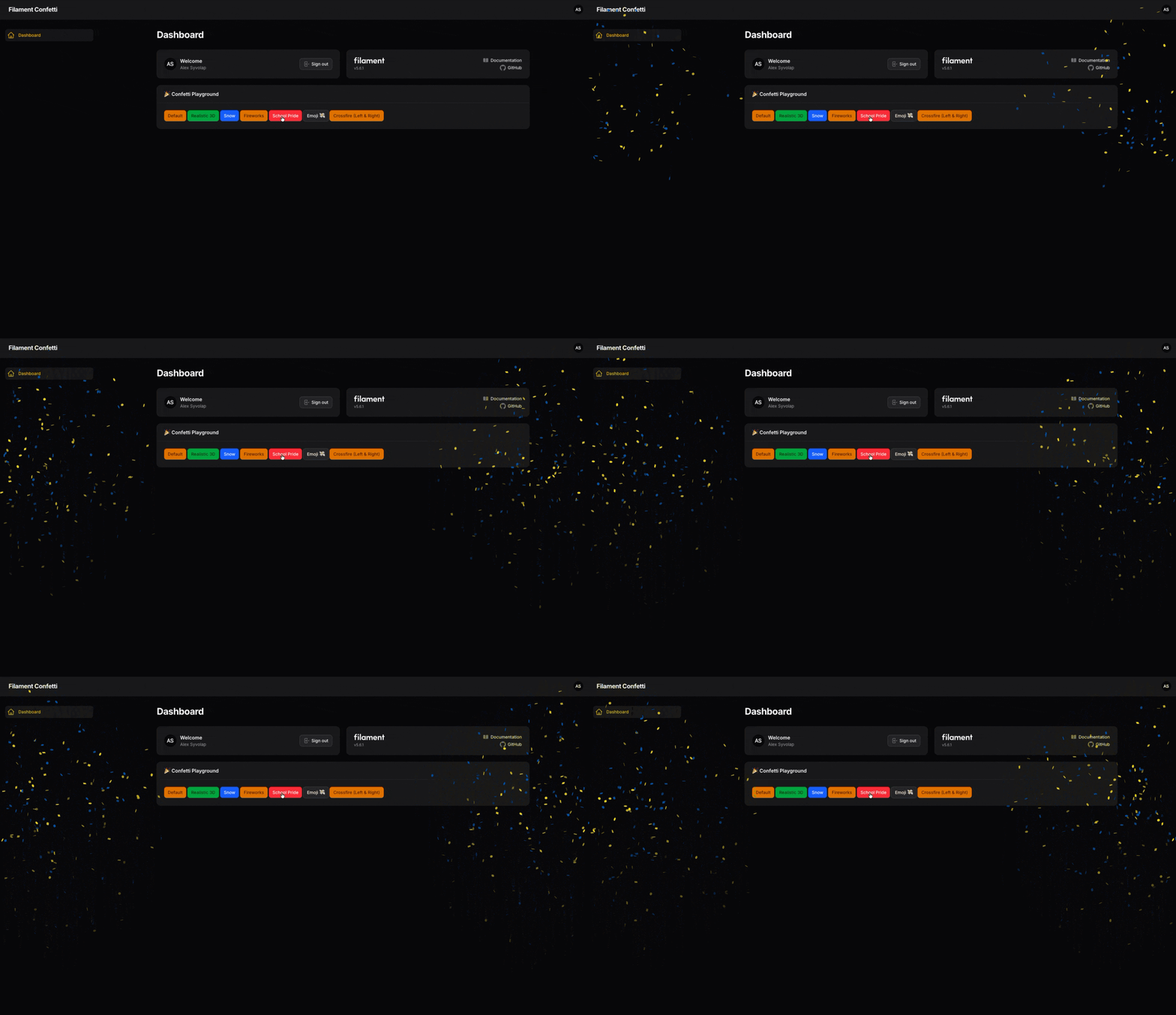
#School Pride
// School Pride (fires from both bottom corners)
Confetti::colors(['#0057B7', '#FFDD00'])->schoolPride()->shoot();
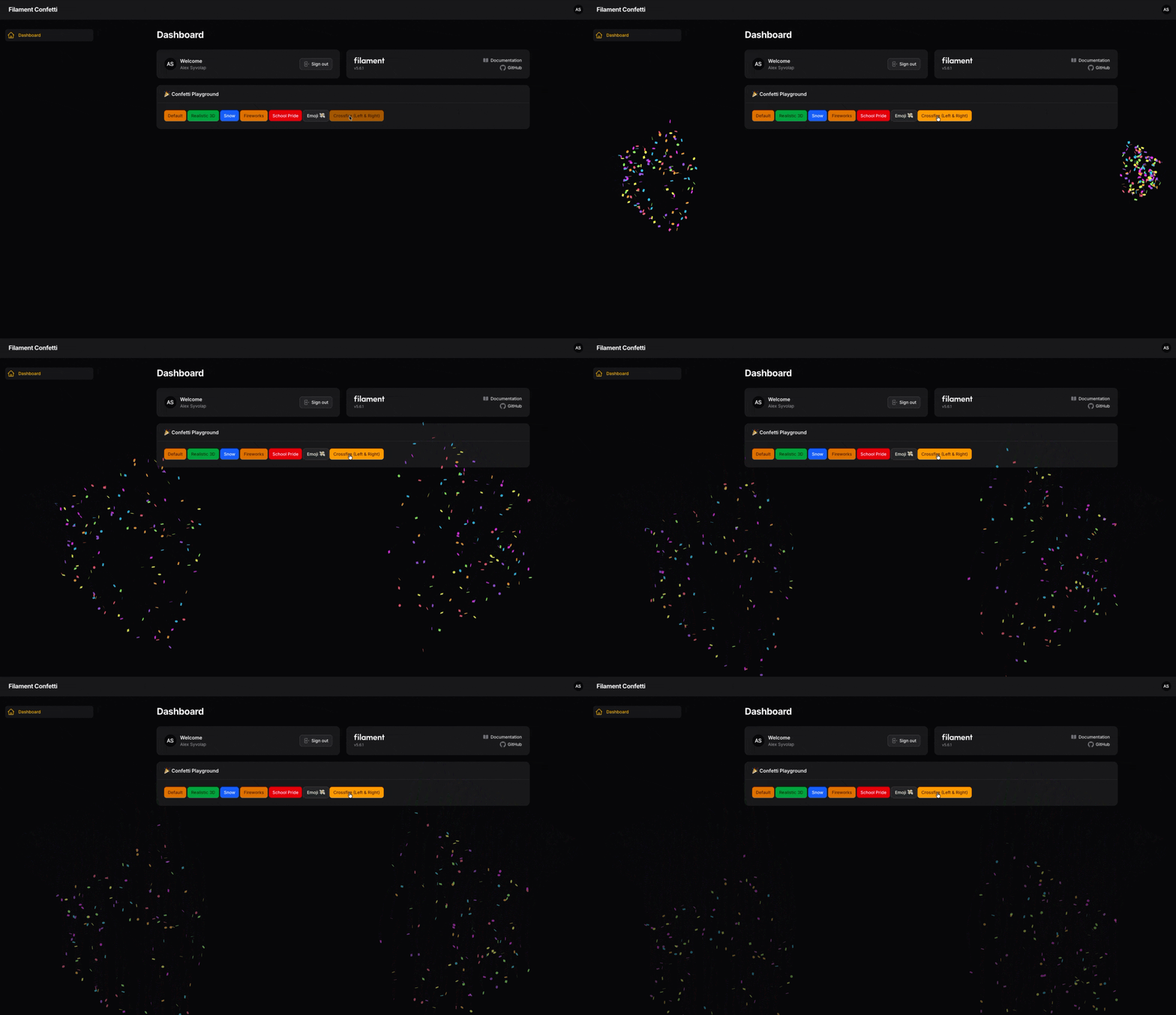
#Multi-Shots (Crossfire)
You can chain multiple cannons together using the ->then() method:
Confetti::left()->count(150)
    ->then()
    ->right()->count(150)
    ->shoot();
#Advanced Customization
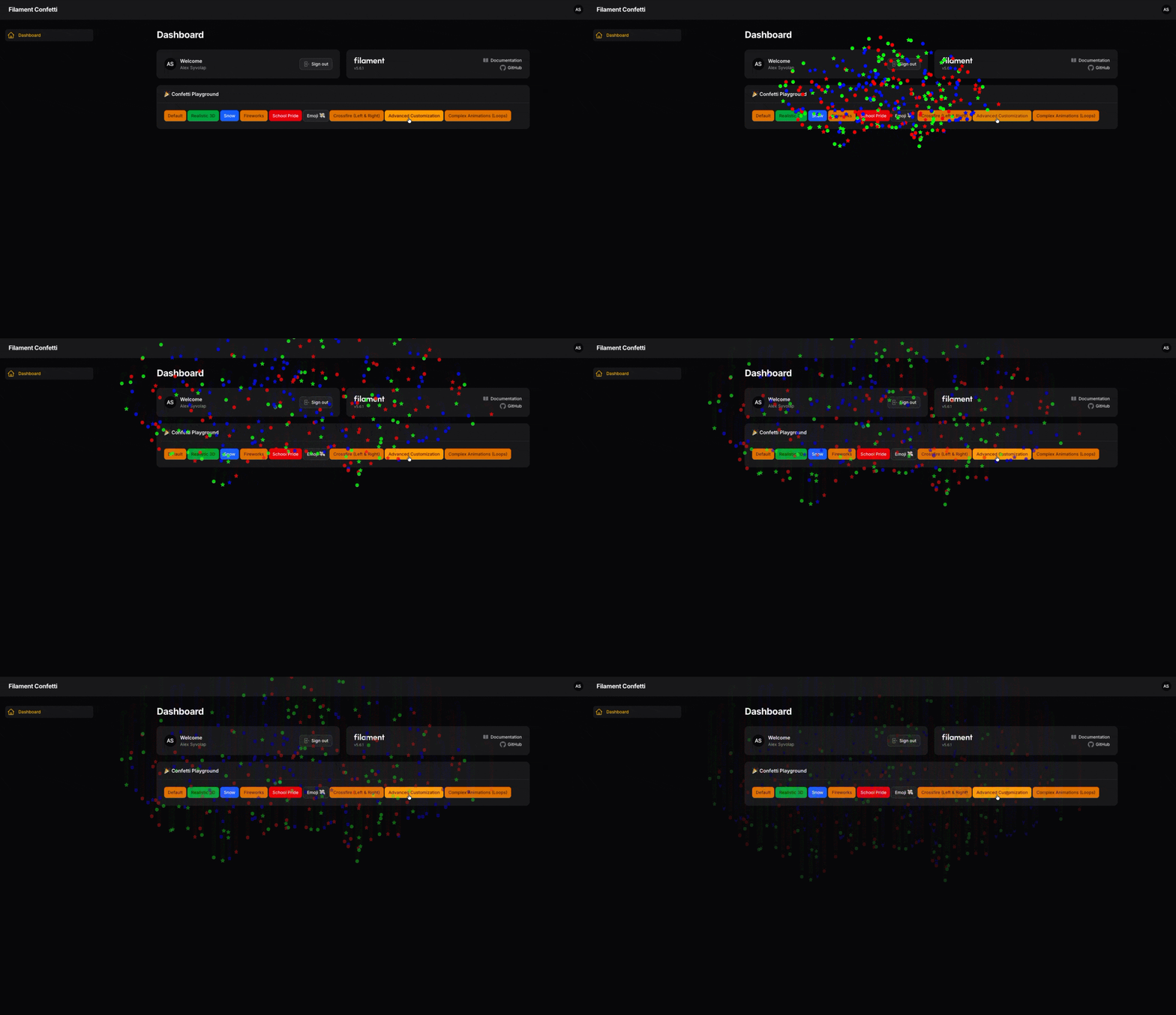
You have 100% control over the physics engine. Customize shapes, gravity, colors, and more:
Confetti::center()
    ->count(300)
    ->spread(120)
    ->shapes(['star', 'circle'])
    ->colors(['#ff0000', '#00ff00', '#0000ff'])
    ->startVelocity(100)
    ->decay(0.8) // High friction (stops quickly in the air)
    ->gravity(0.5)
    ->flat(true) // 2D flat paper effect
    ->shoot();
#Complex Animations (Loops)
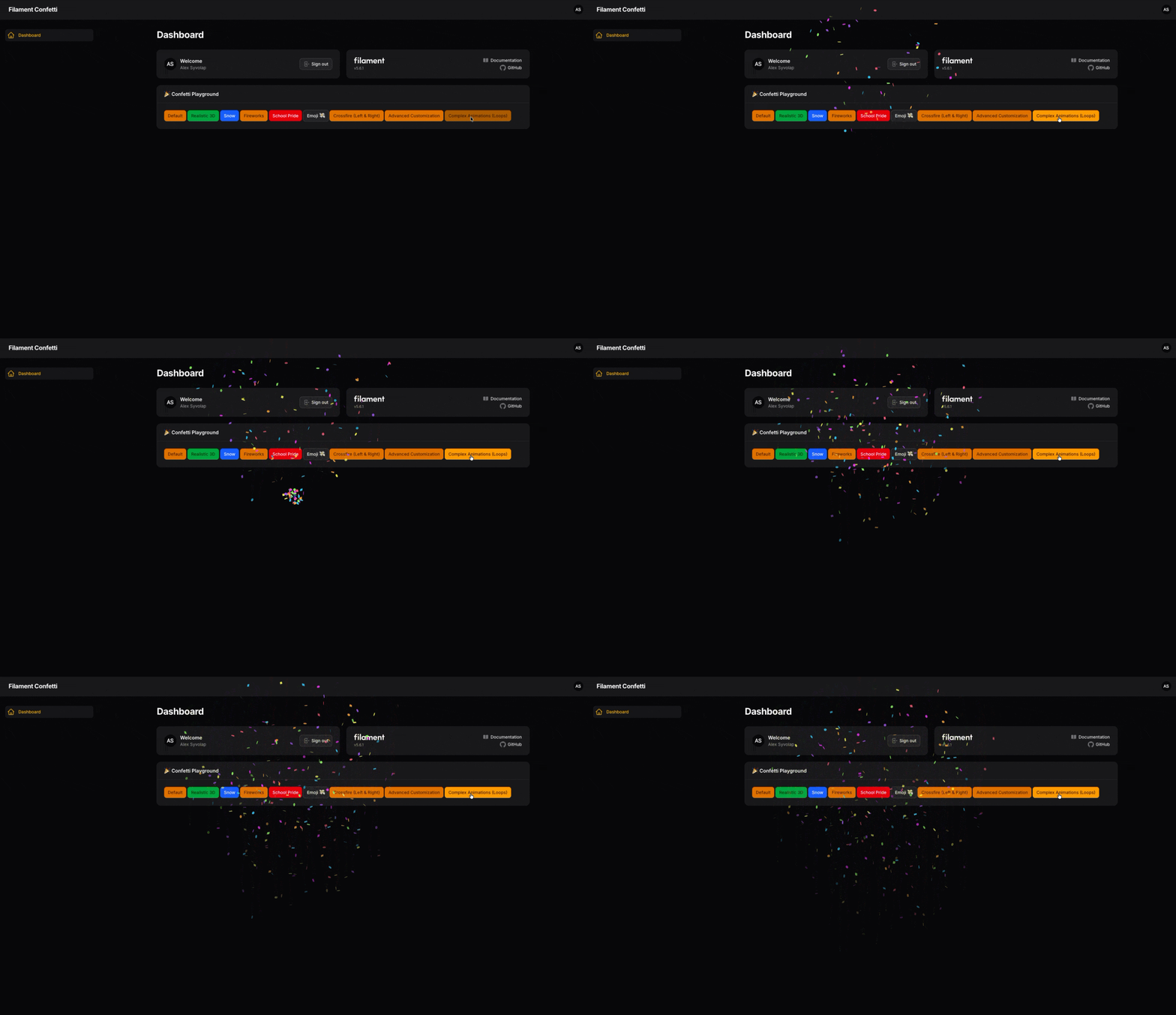
Want to build your own custom timeline of explosions? Use Confetti::make() to retain the instance inside loops:
$confetti = Confetti::make();

for ($delay = 0; $delay < 3000; $delay += 500) {
    $confetti->center()->count(50)->delay($delay)->then();
}

$confetti->shoot();
#Testing
composer test
#Contributing
Please see CONTRIBUTING for details.
#Security Vulnerabilities
Please review our security policy on how to report security vulnerabilities.
#Credits
- Alex Syvolap
- Canvas Confetti by Kiril Vatev
#License
The MIT License (MIT). Please see License File for more information.
Featured Plugins
A selection of plugins curated by the Filament team

Custom Dashboards
Let your users build and share their own dashboards with a drag-and-drop interface. Define your data sources in PHP and let them do the rest.
 Filament

Custom Fields
Eliminate custom field migrations forever. Let your users create and manage form fields directly in Filament admin panels with 20+ built-in field types, validation, and zero database changes.
 Relaticle

Data Lens
Advanced Data Visualization for Laravel Filament - a premium reporting solution enabling custom column creation, sophisticated filtering, and enterprise-grade data insights within admin panels.
 Padmission

