Story
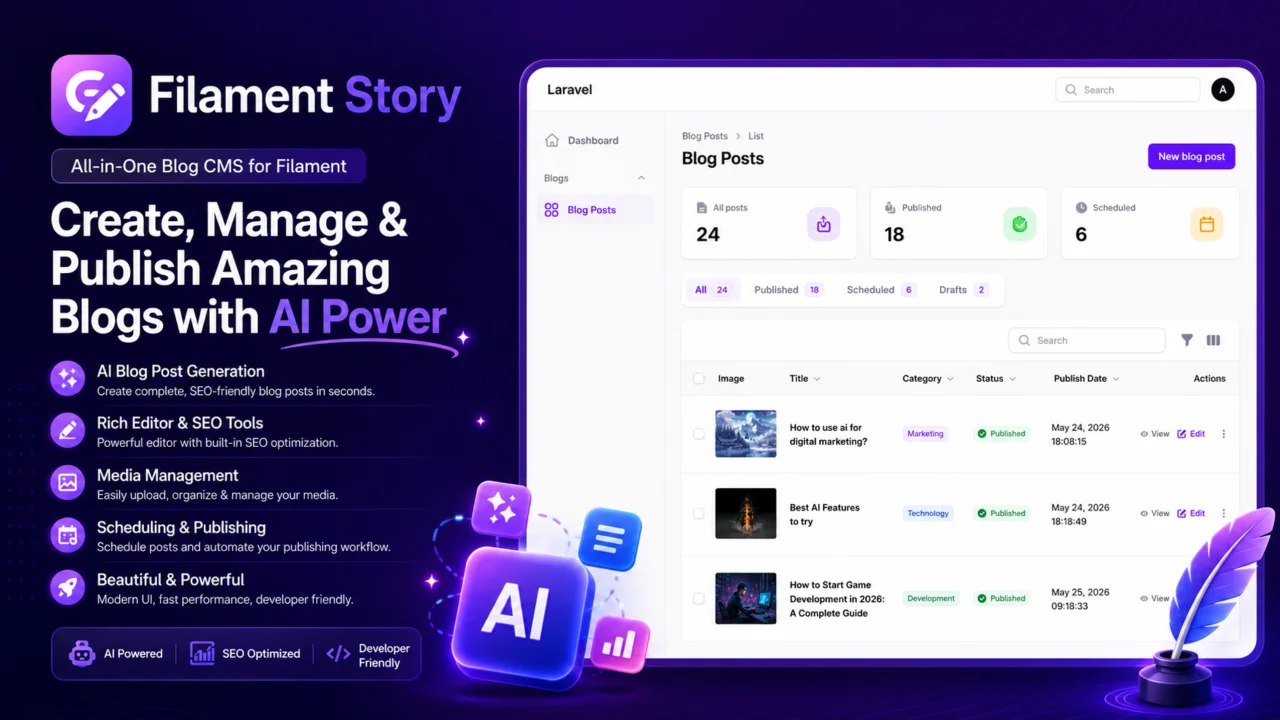
All-in-one blog CMS plugin for Filament with AI Features.
 Author:
Ajay Dhakal
Author:
Ajay Dhakal
Documentation
- Features
- Requirements
- Installation
- Manual Panel Registration
- Publishing
- Configuration
- AI Generation
- Scheduled Publishing
- Frontend Routes
- API Routes
- License
All-in-one blog CMS plugin for Filament. It adds blog post management, blog categories, frontend blog pages, API endpoints, and optional AI-assisted blog content generation.
#Features
- Filament blog post resource
- Blog categories and tags
- Featured image upload
- Draft and published status
- Scheduled publishing
- Frontend blog listing, category, and detail pages
- API endpoints for posts
- SEO fields for title, description, and keywords
- Optional AI generation for title, slug, content, excerpt, and SEO metadata
#Requirements
- PHP 8.3 or higher
- Laravel 12 or 13
- Filament 5.3 or higher
#Installation
Install the package with Composer:
composer require ajaydhakal/filament-story
Run the installer:
php artisan filament-story:install
The installer will:
- Check whether Filament is installed
- Offer to install Filament if it is missing
- Detect available Filament panels
- Ask which panel should display the blog resource when multiple panels exist
- Register the package plugin in the selected panel
- Publish the package config
- Publish and optionally run migrations
- Ask whether frontend pages, API routes, and AI features should be enabled
- Install Laravel API scaffolding and Sanctum when API routes are enabled
#Manual Panel Registration
If you prefer to register the plugin manually, add it to your Filament panel provider:
use AjayDhakal\FilamentStory\FilamentStoryPlugin;

public function panel(Panel $panel): Panel
{
    return $panel
        // ...
        ->plugin(FilamentStoryPlugin::make());
}
#Publishing
Publish the config:
php artisan vendor:publish --tag=filament-story-config
Publish migrations:
php artisan vendor:publish --tag=filament-story-migrations
Run migrations:
php artisan migrate
#Configuration
The config file is published to config/filament-story.php.
return [
    'panel_id' => null,
    'ai_enabled' => true,
    'ai_provider' => env('FILAMENT_STORY_AI_PROVIDER', 'openrouter'),
    'ai_model' => env('FILAMENT_STORY_AI_MODEL', 'openai/gpt-4o'),
    'ai_api_key' => env('FILAMENT_STORY_AI_API_KEY'),
    'ai_generation_timeout' => env('FILAMENT_STORY_AI_GENERATION_TIMEOUT', 180),
    'frontend_enabled' => true,
    'api_enabled' => true,
    'routes_prefix' => 'blogs',
    'pagination' => 10,
];
#AI Generation
Filament Story uses the official Laravel AI SDK. Add your provider settings to .env:
FILAMENT_STORY_AI_PROVIDER=openrouter
FILAMENT_STORY_AI_MODEL=openai/gpt-4o
FILAMENT_STORY_AI_API_KEY=your-api-key
FILAMENT_STORY_AI_GENERATION_TIMEOUT=180
In the blog post form, click Generate with AI near the content editor. If the title is empty, the modal asks for a blog idea and generates the title and slug too.
The AI generator fills:
- Title
- Slug
- Content
- Excerpt
- SEO title
- SEO description
- SEO keywords
#Scheduled Publishing
Set a post status to Scheduled and choose a publish date/time. Filament Story registers a scheduler task that runs every minute and publishes due posts automatically.
Due scheduled posts are also checked during normal web/API requests, so local development still works even when the scheduler is not running continuously.
Make sure the Laravel scheduler is running in production:
* * * * * cd /path-to-your-project && php artisan schedule:run >> /dev/null 2>&1
You can also run the publish command manually:
php artisan filament-story:publish-scheduled
#Frontend Routes
When frontend_enabled is true, the package registers frontend routes using routes_prefix.
Default routes:
/blogs
/blogs/{slug}
/blogs/category/{category}
If you change routes_prefix, these URLs change accordingly.
#API Routes
When api_enabled is true, the package registers:
GET /api/posts
GET /api/posts/{slug}
#License
The MIT License.
Featured Plugins
A selection of plugins curated by the Filament team
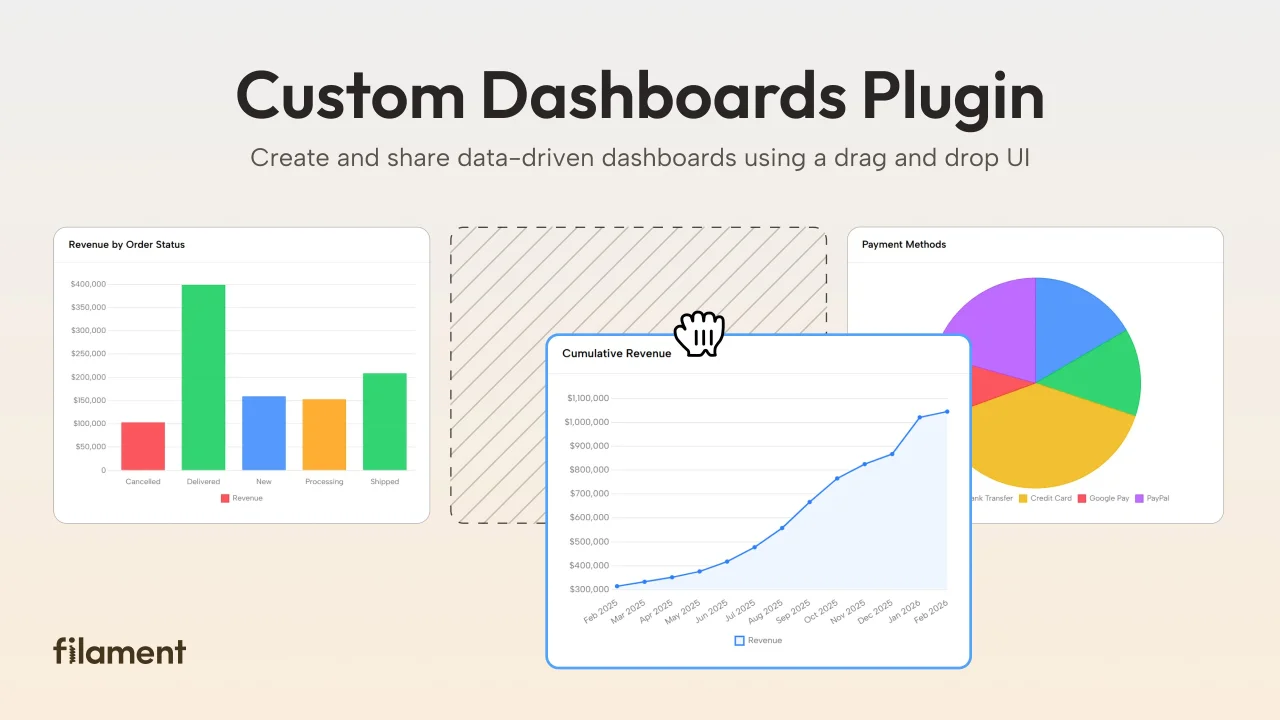
Custom Dashboards
Let your users build and share their own dashboards with a drag-and-drop interface. Define your data sources in PHP and let them do the rest.
 Filament
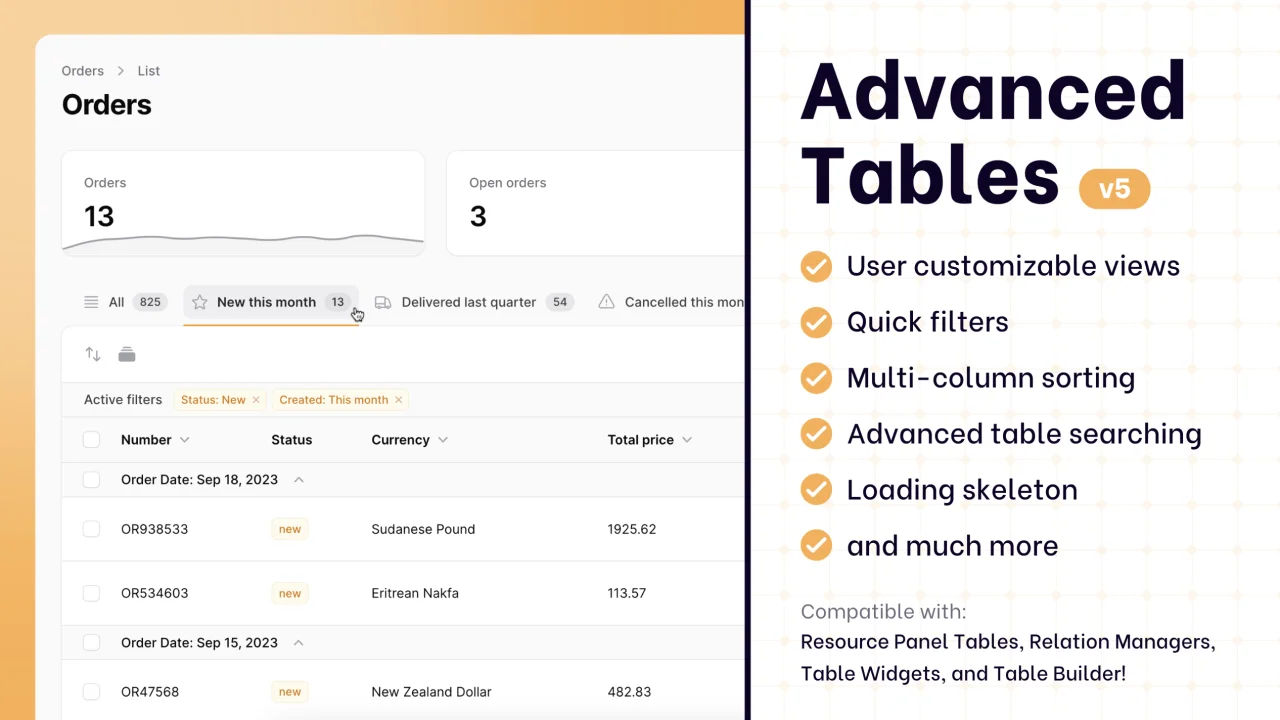
Advanced Tables (formerly Filter Sets)
Supercharge your tables with powerful features like user-customizable views, quick filters, multi-column sorting, advanced table searching, convenient view management, and more. Compatible with Resource Panel Tables, Relation Managers, Table Widgets, and Table Builder!
 Kenneth Sese
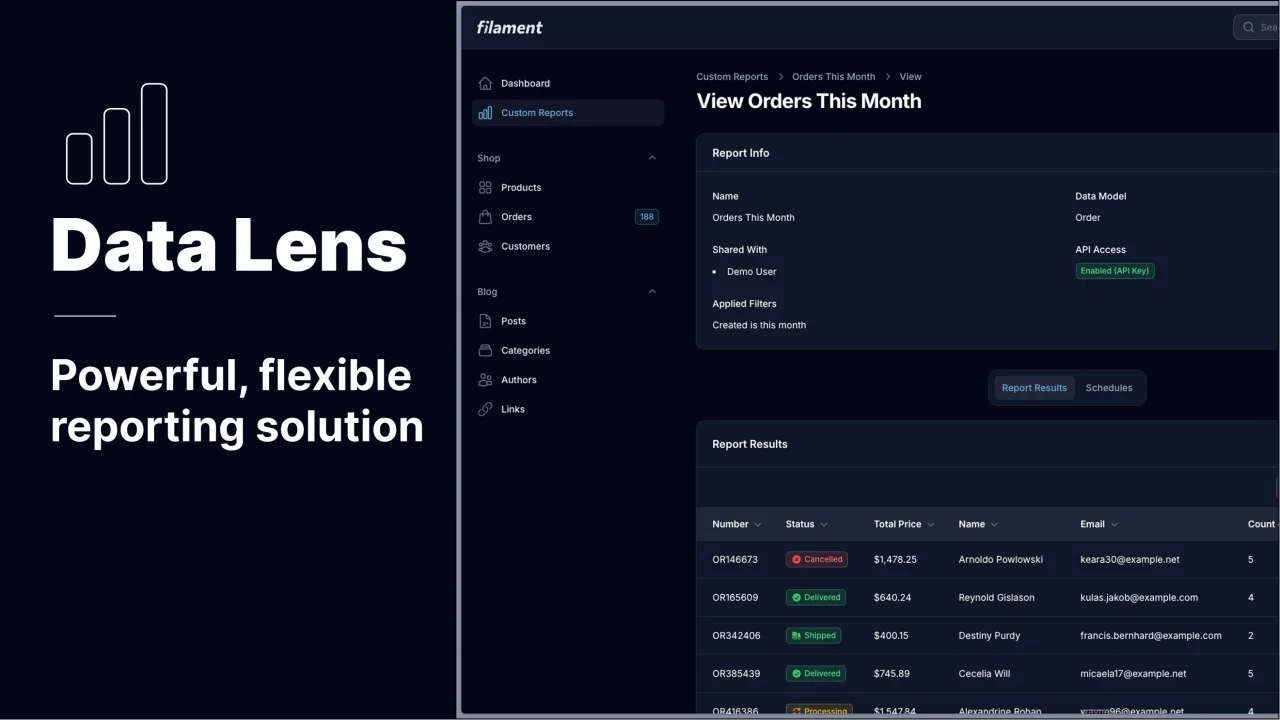
Data Lens
Advanced Data Visualization for Laravel Filament - a premium reporting solution enabling custom column creation, sophisticated filtering, and enterprise-grade data insights within admin panels.
 Padmission

