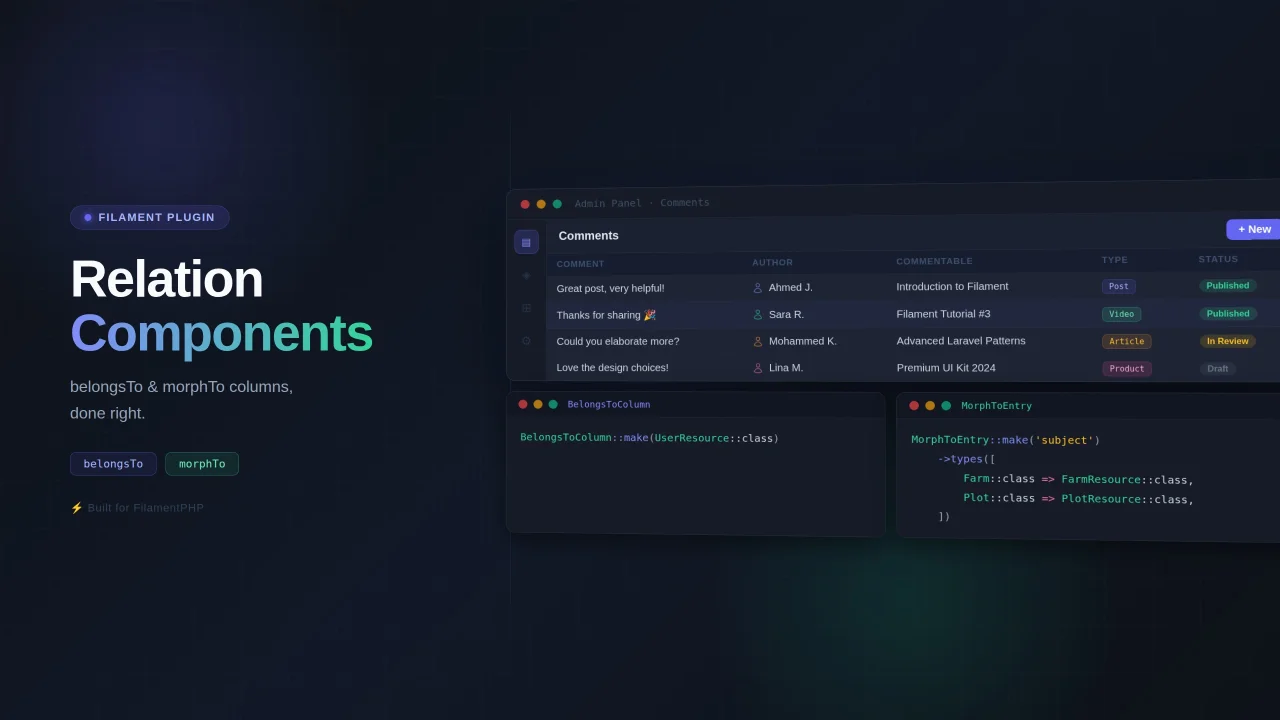
Relation Components
Text Column and Text Entry for belongsTo and morphTo Relations.
 Author:
Mohammed Sadiq
Author:
Mohammed Sadiq
Documentation
- Requirements
- Installation
- Usage
- Global Configuration
- Customization
- Authorization Visibility
- Visibility on Parent Pages


Filament table columns and infolist entries for belongsTo and morphTo relationships.
#Requirements
- Filament v4+
#Installation
composer require abather/relation-components
#Usage
#BelongsToColumn / BelongsToEntry
Pass the resource class directly to make(). All configuration is derived automatically.
use Abather\RelationComponents\Tables\Columns\BelongsToColumn;
use Abather\RelationComponents\Infolists\Components\BelongsToEntry;

BelongsToColumn::make(UserResource::class)

BelongsToEntry::make(UserResource::class)
Available options (all chainable):
BelongsToColumn::make(UserResource::class)
    ->page('edit')          // default: 'view'
    ->withIcon(false)       // default: true
    ->label('Owner')
    ->color('success')
#MorphToColumn / MorphToEntry
Pass the relation name to make() and provide the type map via ->types().
use Abather\RelationComponents\Tables\Columns\MorphToColumn;
use Abather\RelationComponents\Infolists\Components\MorphToEntry;

MorphToColumn::make('subject')
    ->types([
        Farm::class => FarmResource::class,
        Plot::class => PlotResource::class,
    ])

MorphToEntry::make('subject')
    ->types([
        Farm::class => FarmResource::class,
        Plot::class => PlotResource::class,
    ])
N+1 warning: eager-load the relation to avoid per-row queries.
// In your resource:
public static function getEloquentQuery(): Builder
{
    return parent::getEloquentQuery()->with('subject');
}
#BelongsToSelect
A form select for belongsTo relationships. Pass the resource class to make() — the relation, label, and title attribute are all derived automatically.
use Abather\RelationComponents\Forms\Components\BelongsToSelect;

BelongsToSelect::make(UserResource::class)
Available options (all chainable):
BelongsToSelect::make(UserResource::class)
    ->withIcon(false)       // default: true — shows resource icon as suffix
    ->preload(false)        // default: true
    ->label('Assigned To')
#Global Configuration
Since these classes extend Filament's TextColumn and TextEntry, they can be configured globally in your AppServiceProvider the same way:
use Abather\RelationComponents\Forms\Components\BelongsToSelect;
use Abather\RelationComponents\Tables\Columns\BelongsToColumn;
use Abather\RelationComponents\Tables\Columns\MorphToColumn;
use Abather\RelationComponents\Infolists\Components\BelongsToEntry;
use Abather\RelationComponents\Infolists\Components\MorphToEntry;

public function boot(): void
{
    BelongsToSelect::configureUsing(fn (BelongsToSelect $select) => $select
        ->preload(false)
        ->withIcon(false)
    );

    BelongsToColumn::configureUsing(fn (BelongsToColumn $column) => $column
        ->color('primary')
        ->openUrlInNewTab(false)
    );

    MorphToEntry::configureUsing(fn (MorphToEntry $entry) => $entry
        ->color('warning')
    );
}
#Customization
Any method from TextColumn / TextEntry can be chained to override the defaults:
BelongsToColumn::make(UserResource::class)
    ->color('success')
    ->icon('heroicon-o-user')
    ->openUrlInNewTab(false)

MorphToEntry::make('subject')
    ->types([Farm::class => FarmResource::class])
    ->color('warning')
    ->icon(null)
#Authorization Visibility
By default, columns and entries are always rendered regardless of whether the current user is authorized to view the related record's page. You can change this by calling ->hideWhenNotAuthorizedToView(), which will completely hide the field if the user does not have permission to view the related resource.
BelongsToColumn::make(UserResource::class)
    ->hideWhenNotAuthorizedToView()

BelongsToEntry::make(UserResource::class)
    ->hideWhenNotAuthorizedToView()

MorphToEntry::make('subject')
    ->types([Farm::class => FarmResource::class])
    ->hideWhenNotAuthorizedToView()
When this is enabled, the visibility is determined as follows:
- If no related record is loaded yet (e.g. on a list page),
canViewAny()on the resource is checked. - If a related record is available,
canView($record)on the resource is checked.
The field is hidden entirely when the check fails — the user will not see the field at all, not just an empty value.
URL authorization: Even without
->hideWhenNotAuthorizedToView(), the link is always authorization-aware. The URL is only generated when all of the following are true: a related record exists, the target page exists on the resource, andcanView($record)passes. If the user is not authorized to view the record, the field renders as plain text with no link.
#Visibility on Parent Pages
By default, columns and entries are automatically hidden when shown inside the related resource's own relation manager pages. For example, a UserResource column will be hidden on any of User's relation manager pages.
To override this behavior, chain ->hiddenOn([]):
BelongsToColumn::make(UserResource::class)
    ->hiddenOn([])
Featured Plugins
A selection of plugins curated by the Filament team

Custom Dashboards
Let your users build and share their own dashboards with a drag-and-drop interface. Define your data sources in PHP and let them do the rest.
 Filament

Advanced Tables (formerly Filter Sets)
Supercharge your tables with powerful features like user-customizable views, quick filters, multi-column sorting, advanced table searching, convenient view management, and more. Compatible with Resource Panel Tables, Relation Managers, Table Widgets, and Table Builder!
 Kenneth Sese

Custom Fields
Eliminate custom field migrations forever. Let your users create and manage form fields directly in Filament admin panels with 20+ built-in field types, validation, and zero database changes.
 Relaticle

