
Language Switcher
CommunitySwitch between languages on your app using user base column on database
 Author:
Fady Mondy
Author:
Fady Mondy
Package health
BetaAutomated checks of this plugin's Composer package
15 checks
- Failed: GitHub Actions pinned to SHA — View details on Plumb
- Skipped: GitLab CI includes pinned to SHA
- Passed: Open security advisories
- Passed: Dependabot PR responsiveness — No open Dependabot PRs.
- Skipped: Renovate MR responsiveness
- Warning: Dependabot or Renovate configured — Updater does not cover Composer, which has a committed lockfile.
-
Failed:
Dependency update cooldown configured
—
No cooldown configured in
.github/dependabot.yml. View details on Plumb - Passed: Provides a security policy
- Passed: Abandoned or archived — No consulted source marks the package abandoned (packagist, github).
- Passed: Commit and release recency — Active: last commit 0 days ago; last release 0 days ago.
-
Failed:
composer.lock not committed by library
—
composer.lockis present in the released dist archive. View details on Plumb - Warning: Dist archive is lean
-
Passed:
Current Laravel version supported
—
Package dependencies resolve together with current Laravel
13.0. -
Passed:
Current PHP version supported
—
Constraint
^8.2supports current PHP8.5. - Skipped: Current Symfony version supported
filament/
namespace. Review the source and install at your own risk. Found
malware or an unresolved security issue the author won't
address?
Report it
.
Documentation
- Version Compatibility
- Screenshots
- Installation
- Languages
- Security
- Publish Assets
- Testing
- Code Style
- PHPStan
- Other Filament Packages
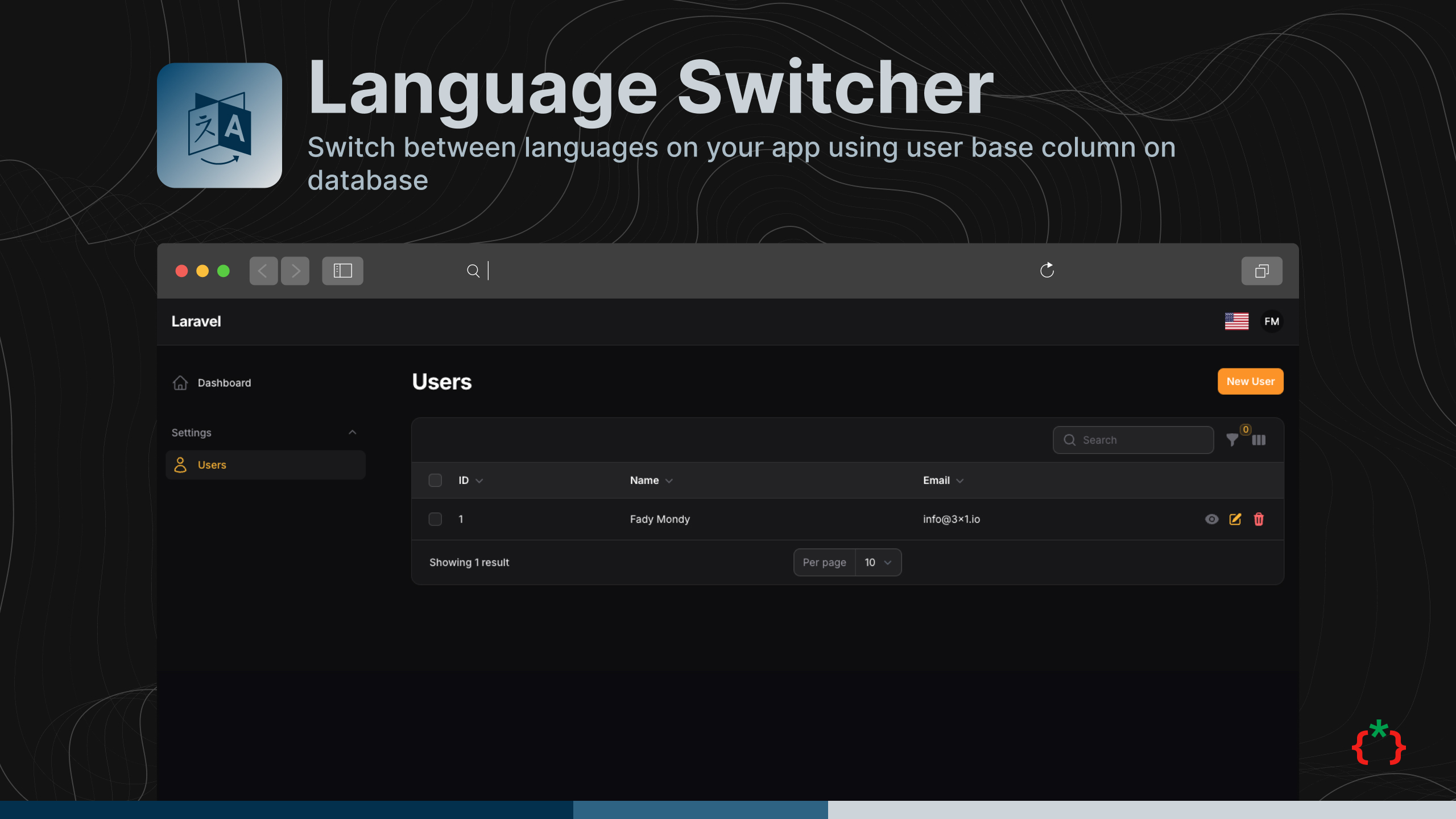


Switch between languages on your app using user base column on database
#Version Compatibility
| Plugin | Filament | Laravel | PHP |
|---|---|---|---|
| 1.x | 3.x | 10.x / 11.x | 8.1+ |
4.x (4.x branch) |
4.x | 11.x / 12.x | 8.2+ |
| 5.x | 5.x | 12.x / 13.x | 8.2+ |
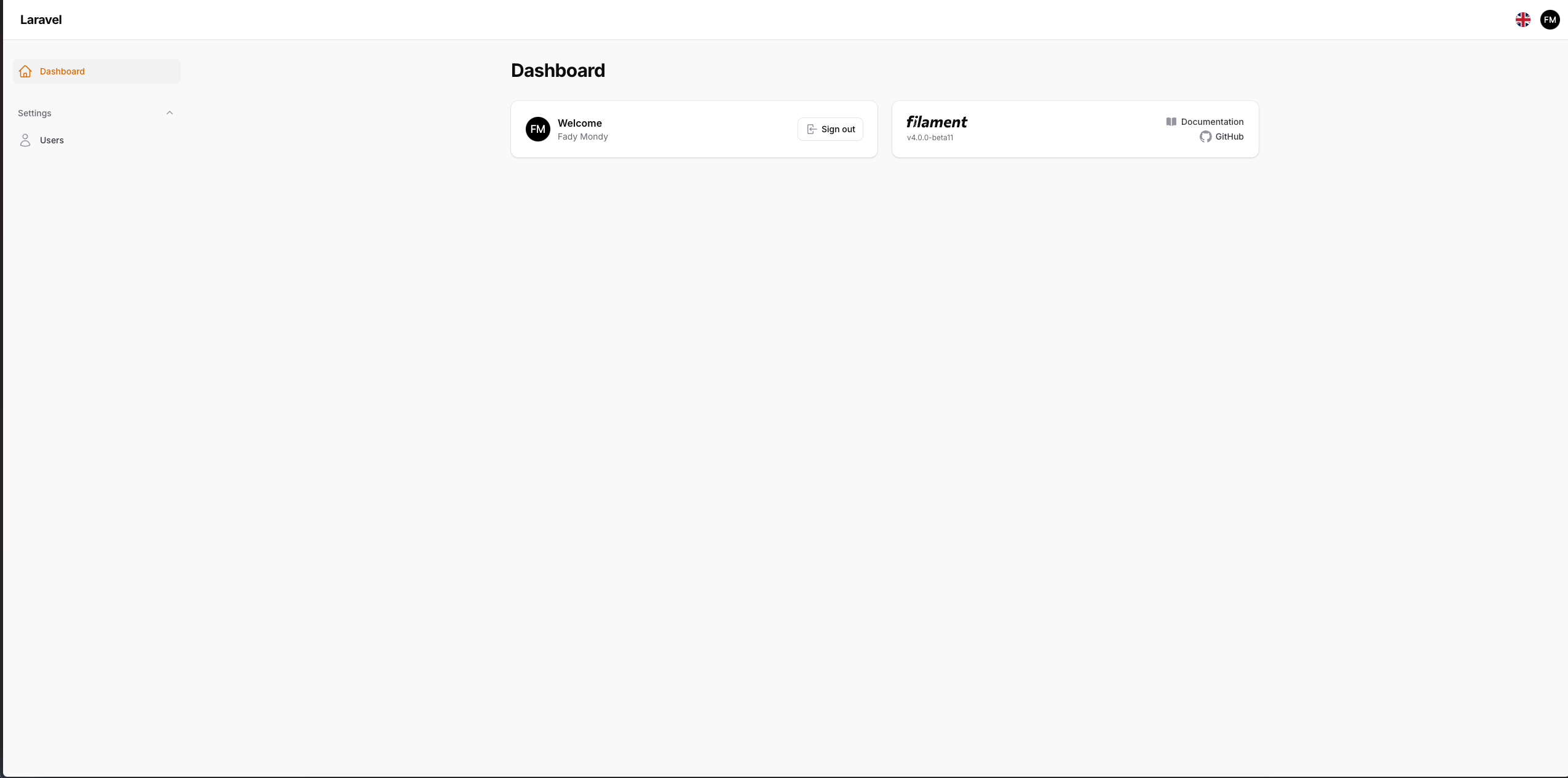
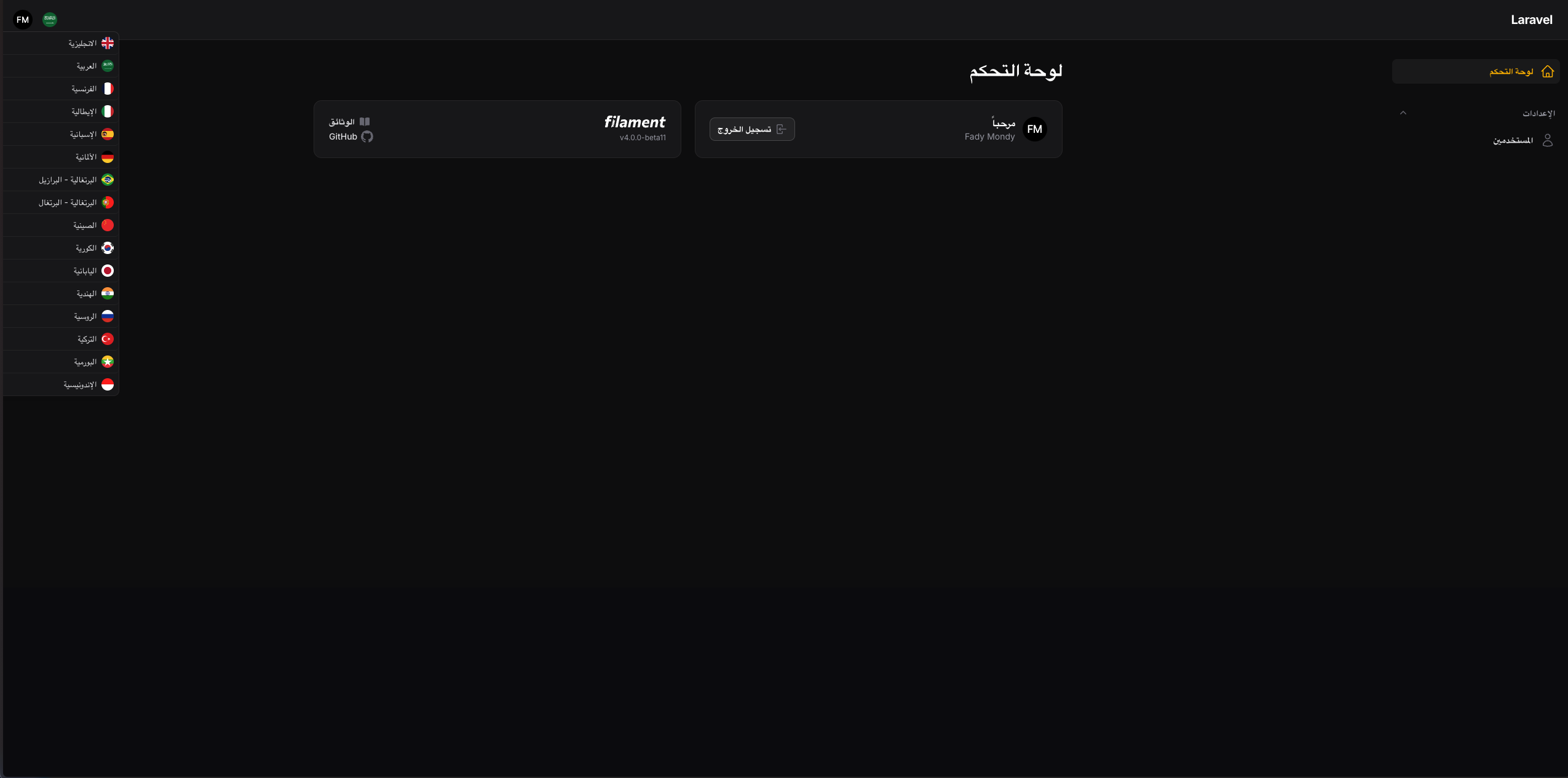
#Screenshots
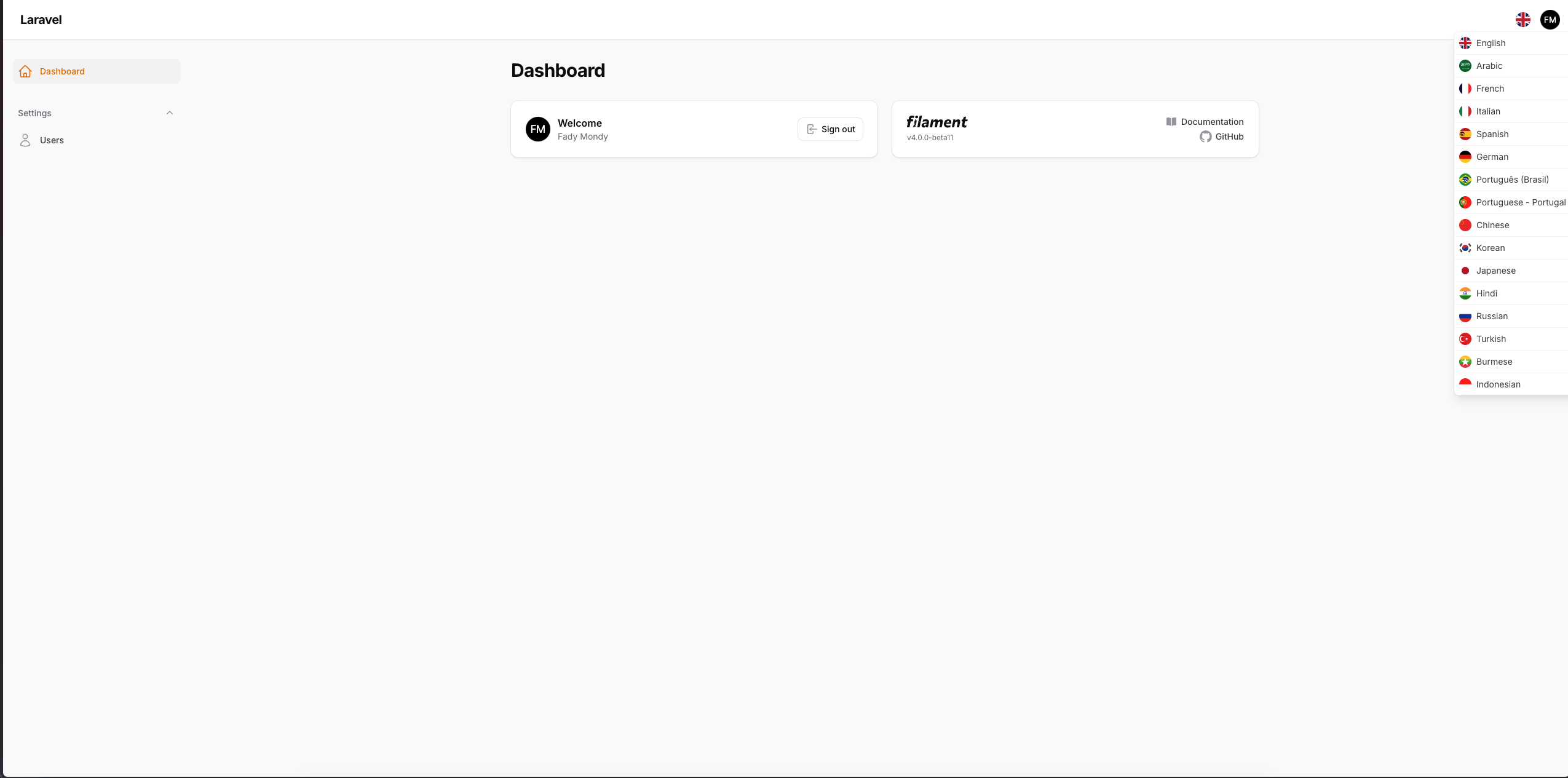
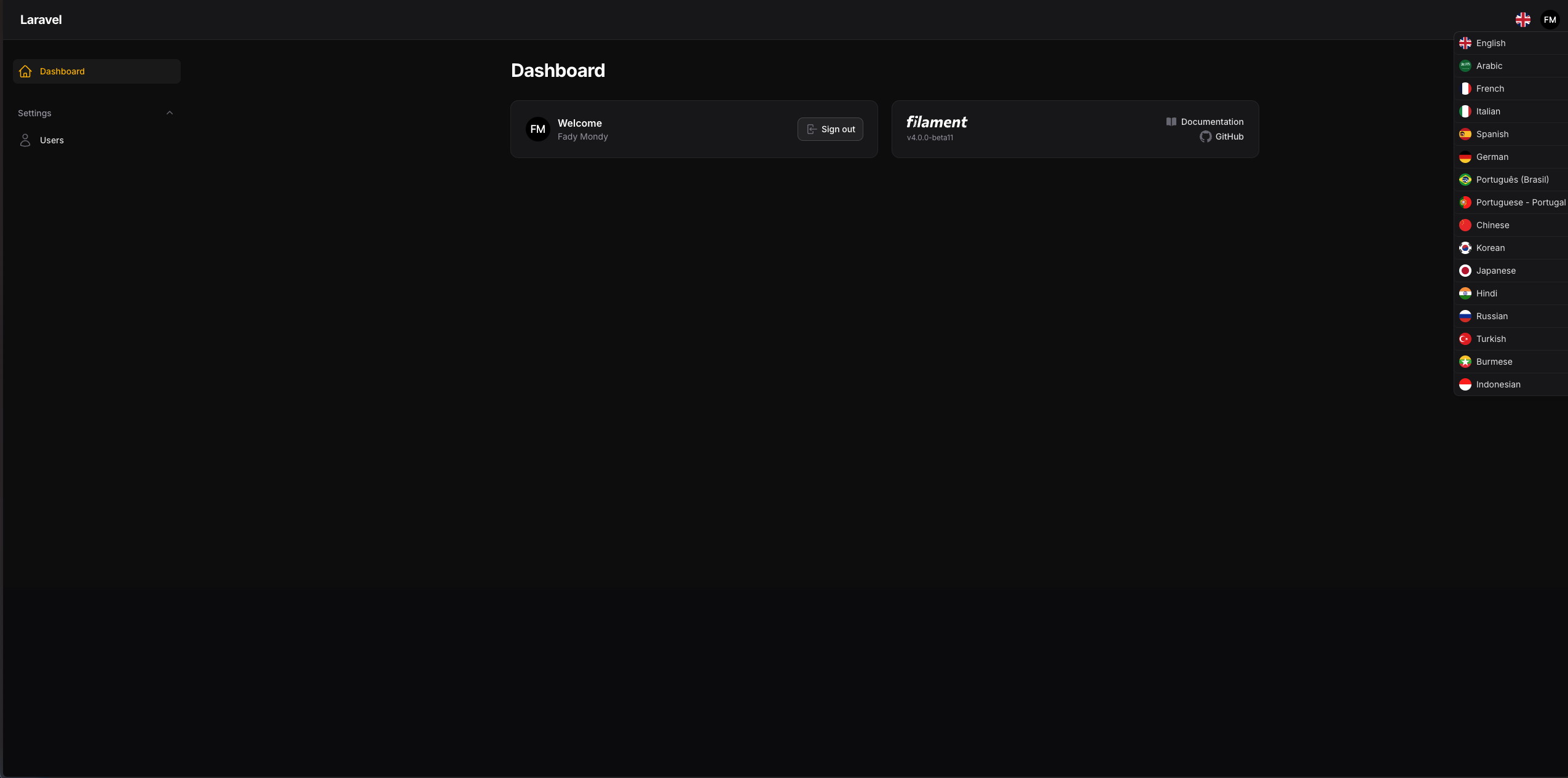
#Installation
composer require tomatophp/filament-language-switcher
after install your package please run this command
php artisan filament-language-switcher:install
finally register the plugin on /app/Providers/Filament/AdminPanelProvider.php
->plugin(\TomatoPHP\FilamentLanguageSwitcher\FilamentLanguageSwitcherPlugin::make())
now on your User.php model or any user model add this trait
use \TomatoPHP\FilamentLanguageSwitcher\Traits\InteractsWithLanguages;
now you must see the switcher and you can change language as you like
If your user table has a lang column it is used, otherwise the language is stored in the user_languages table.
Users who never picked a language get app.locale.
#Languages
The languages shown in the switcher come from the locals key of the config file. Each language needs a label and a flag
(a country code from country-flags):
'locals' => [
    'en' => ['label' => 'English', 'flag' => 'gb'],
    'nl' => ['label' => 'Dutch', 'flag' => 'nl'],
],
The package names every default language in 18 languages; a language without a translated name shows its label.
Set show_flags to false to hide the flags in the list.
#Security
The switch route (/languages/switcher?lang=xx) only changes the language of the signed in user. Guests get a 403 and languages that are not
in locals are rejected. The model and model_id parameters sent by older versions are ignored.
#Publish Assets
you can publish config file by use this command
php artisan vendor:publish --tag="filament-language-switcher-config"
you can publish views file by use this command
php artisan vendor:publish --tag="filament-language-switcher-views"
you can publish languages file by use this command
php artisan vendor:publish --tag="filament-language-switcher-lang"
you can publish migrations file by use this command
php artisan vendor:publish --tag="filament-language-switcher-migrations"
#Testing
if you like to run PEST testing just use this command
composer test
#Code Style
if you like to fix the code style just use this command
composer format
#PHPStan
if you like to check the code by PHPStan just use this command
composer analyse
#Other Filament Packages
Checkout our Awesome TomatoPHP
The author
I Build AI Systems That Solve Real Business Problems AI engineering leader, technical partner and product builder for startups and growing businesses. I design and ship AI agents, automation, intelligent applications and private AI — and the scalable products around them, from strategy to production.
From the same author
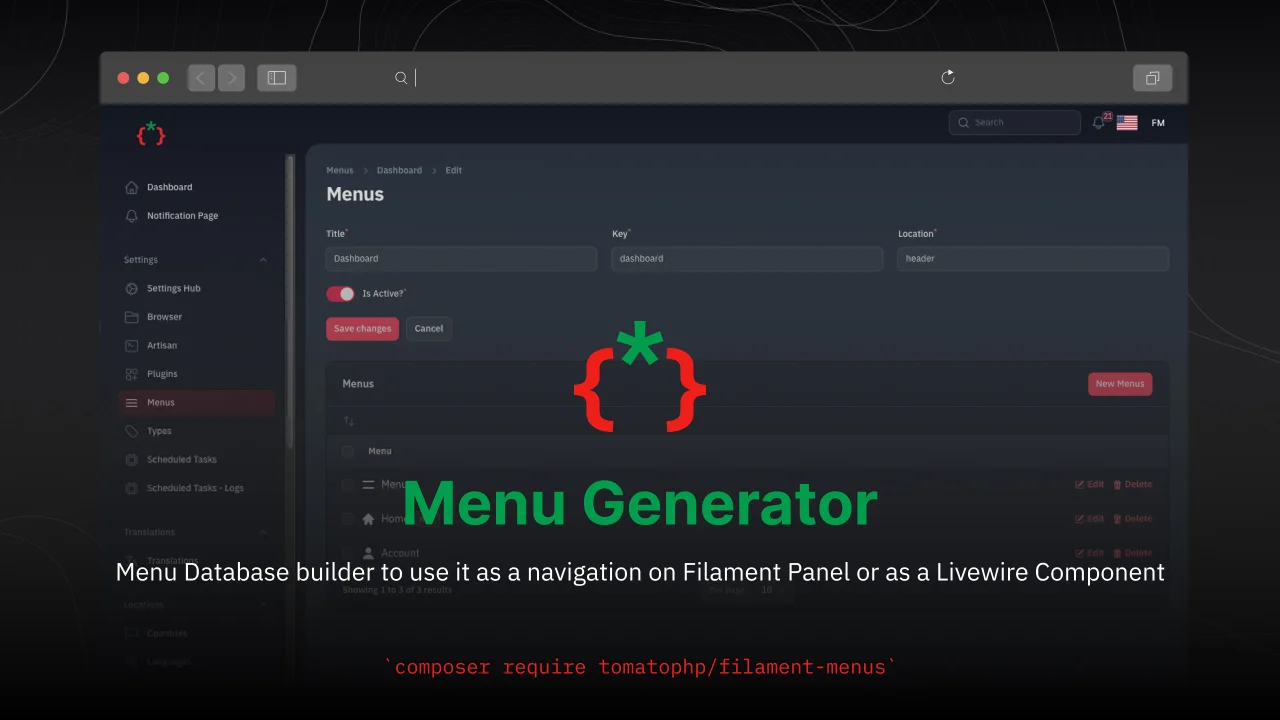
Menu Generator
Menu view generator using view component
Author:
Fady Mondy
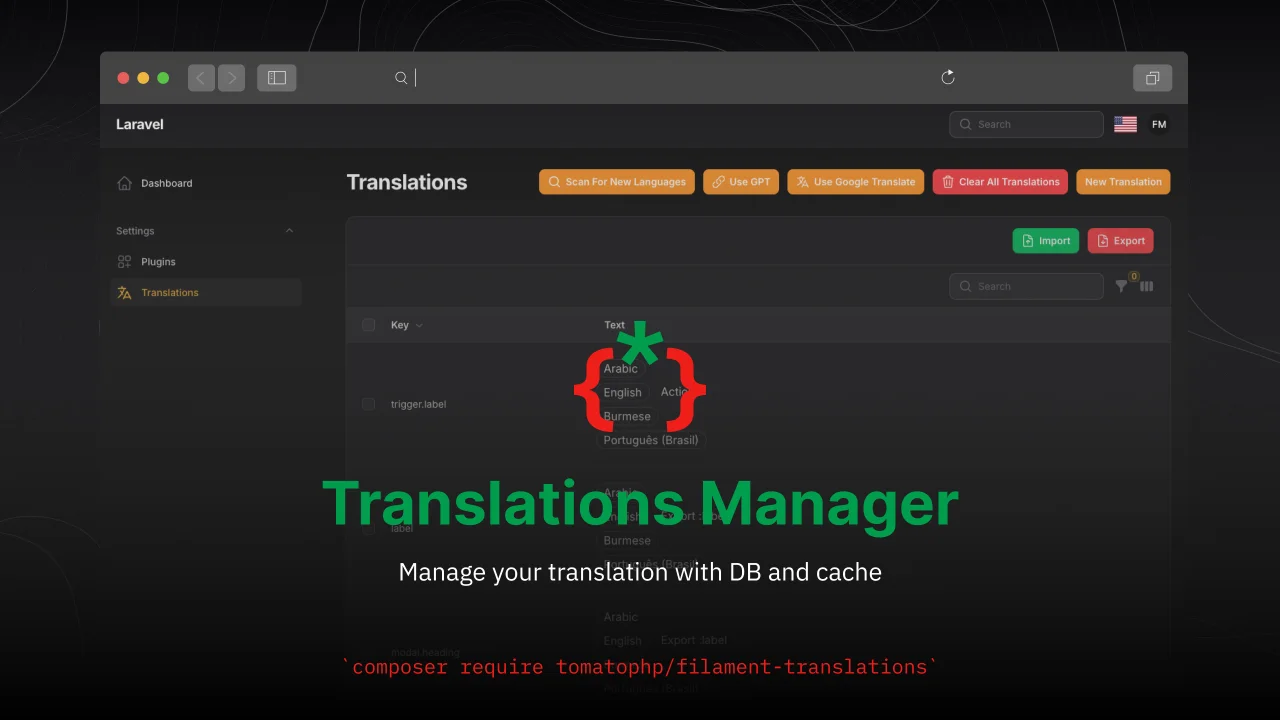
TomatoPHP Translations Manager
Manage your translation with DB and cache, you can scan an collect translation strings like `trans()` and `__()`, and translate them using UI
Author:
Fady Mondy
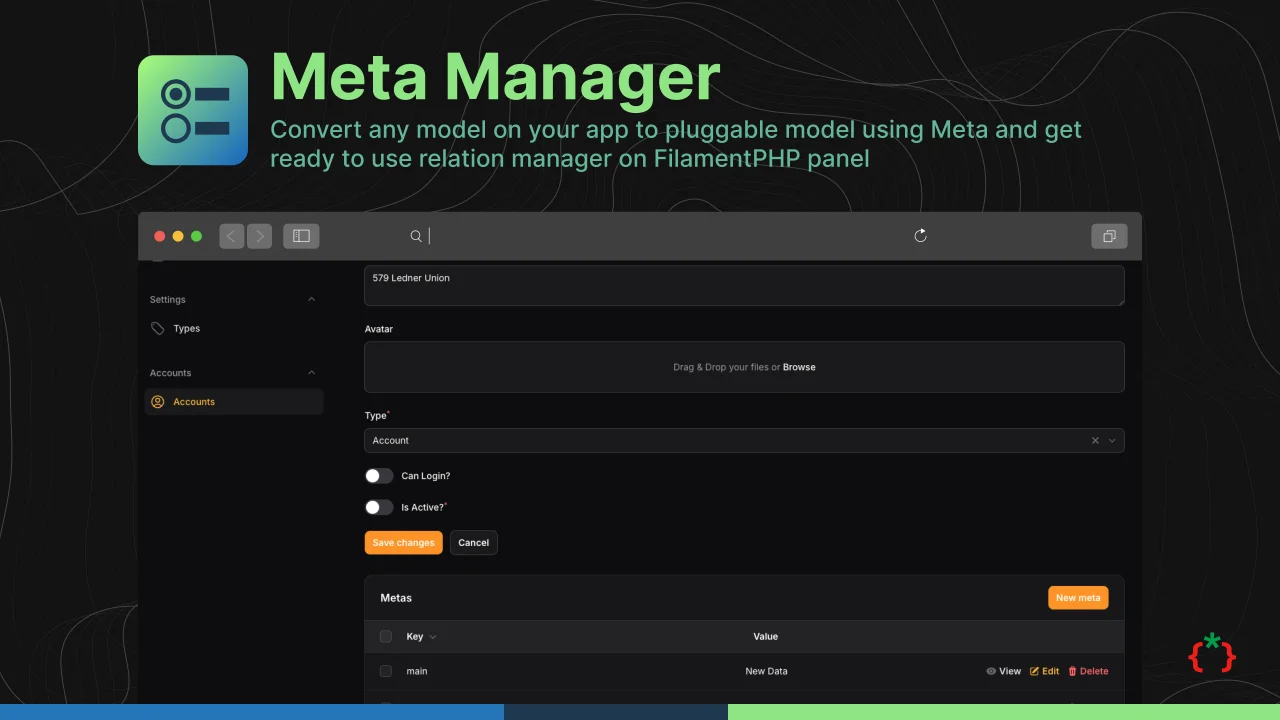
Meta Manager
Convert any model on your app to pluggable model using Meta and get ready to use relation manager on FilamentPHP panel
Author:
Fady Mondy
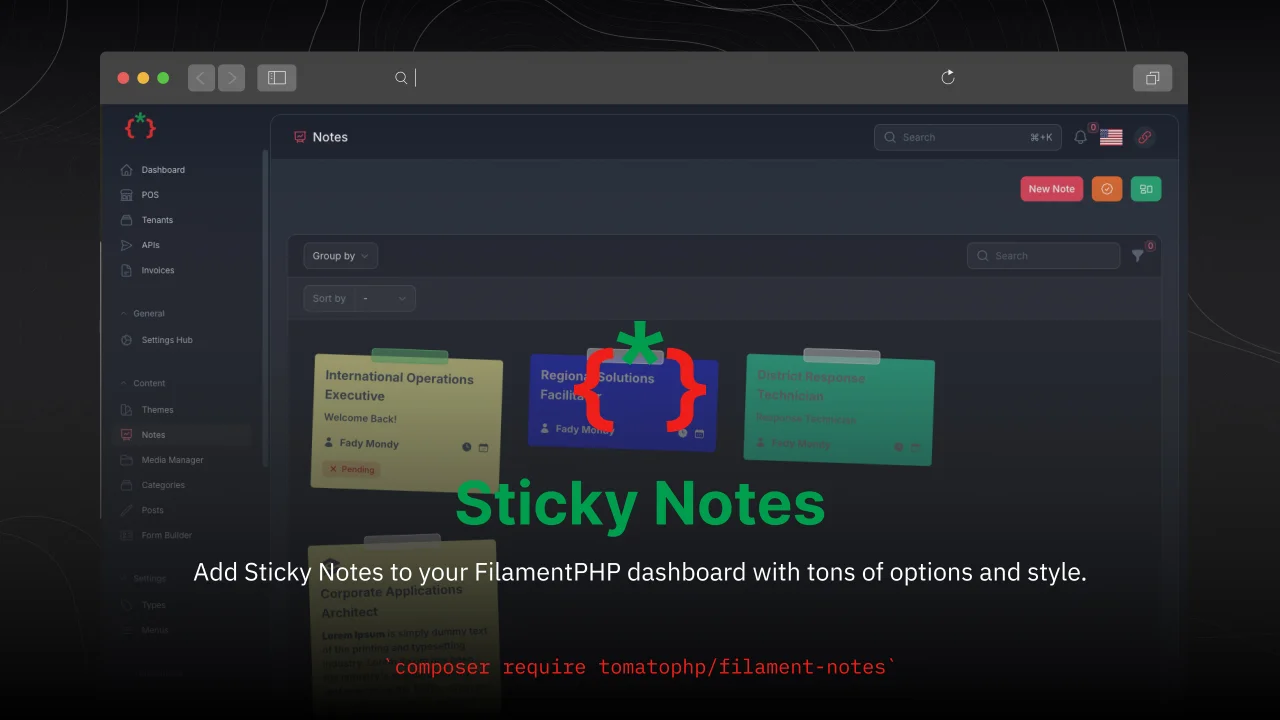
Sticky Notes
Add Sticky Notes to your dashboard with tons of options and style.
Author:
Fady Mondy
Featured Plugins
A selection of plugins curated by the Filament team

Custom Dashboards
Let your users build and share their own dashboards with a drag-and-drop interface. Define your data sources in PHP and let them do the rest.
 Filament

Compact Theme
A theme that makes data-heavy panels easier to scan by fitting more useful information on each screen.
Filament

Custom Fields
Eliminate custom field migrations forever. Let your users create and manage form fields directly in Filament admin panels with 20+ built-in field types, validation, and zero database changes.
 Relaticle

