Extended Date
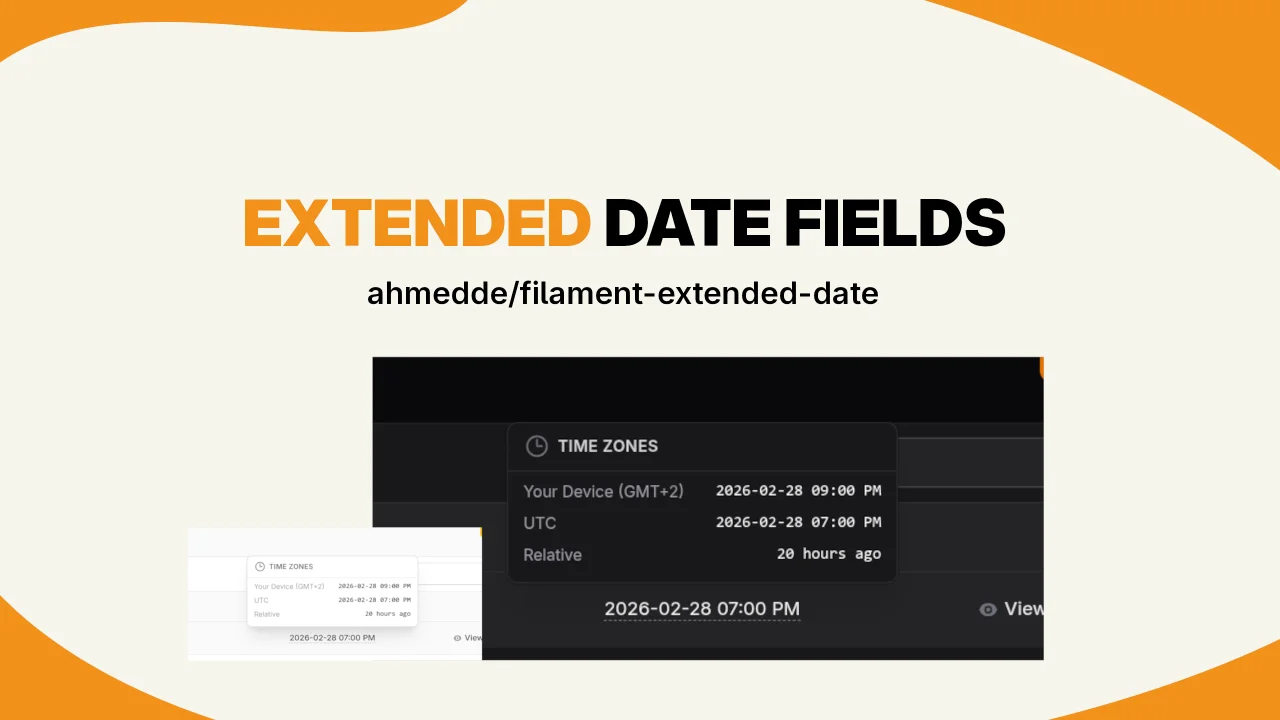
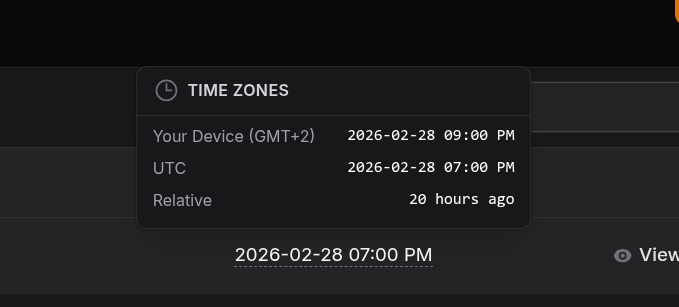
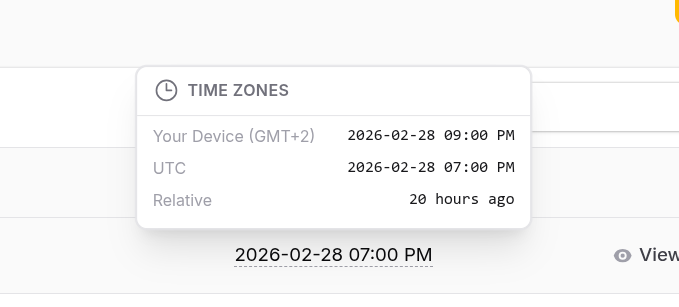
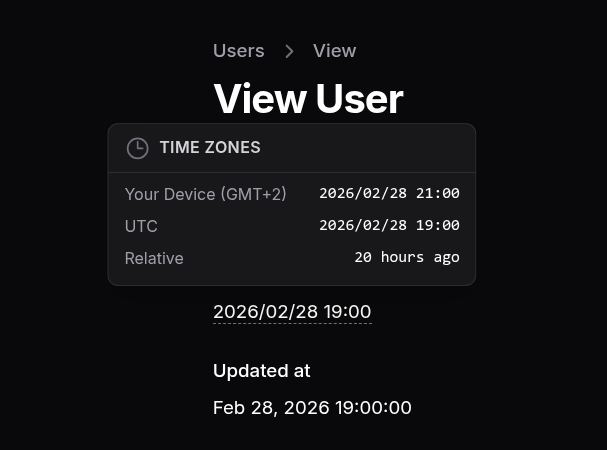
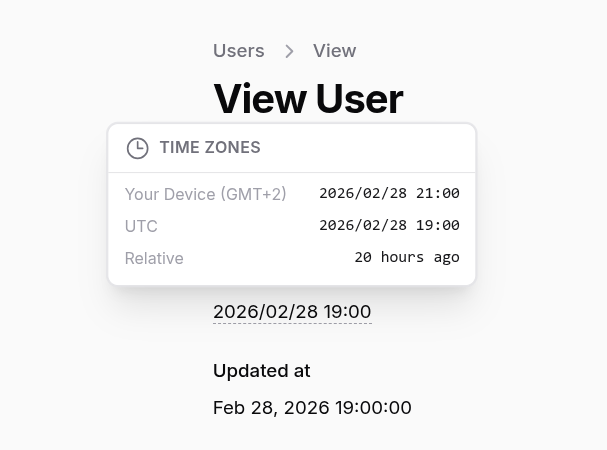
Extend your date fields to reveal the date in other time zones and relative time.
 Author:
Ahmed Deghady
Author:
Ahmed Deghady
Documentation




Extend your date fields to reveal the date in other time zones and relative time.
#Installation
You can install the package via composer:
composer require ahmedde/filament-extended-date
You can publish the config file with:
php artisan vendor:publish --tag="filament-extended-date-config"
This is the contents of the published config/filament-extended-date.php config file:
use AhmedDe\FilamentExtendedDate\Support\Constants\TZ;

return [
    /*
    |--------------------------------------------------------------------------
    | Time Format
    |--------------------------------------------------------------------------
    | How you want to format the date.
    | For more information on the supported formats, see https://day.js.org/docs/en/display/format
    | This is Day.js format, not Carbon's date format.
    |
    */
    'date_format' => 'YYYY-MM-DD hh:mm:ss A',

    /*
    |--------------------------------------------------------------------------
    | Timezones
    |--------------------------------------------------------------------------
    | Each of the listed `timezones` will be displayed in the detailed time conversions' tooltip. You can add/remove timezones as needed
    | For the full list of supported timezones, see https://en.wikipedia.org/wiki/List_of_tz_database_time_zones
    | Custom timezones:
    | TZ::LOCAL => The user's local timezone (detected via the browser).
    | TZ::RELATIVE => relative time (e.g., "2 hours ago").
    |
    */
    'timezones' => [
        TZ::LOCAL,
        TZ::UTC,
        TZ::RELATIVE,
    ],
];
Optionally, you can publish the views using
php artisan vendor:publish --tag="filament-extended-date-views"
Add this line to your filament theme to publish the CSS assets (typically in
resources/css/filament/{THEME_NAME}/theme.css):
/*..adjust the path if your theme is not in the default path..*/
@source '../../../../vendor/ahmedde/filament-extended-date/resources/views/**/*.blade.php';
if you don't have a custom theme, please create one. See Filament Theme Docs for more information.
Finally, Publish the filament assets:
php artisan filament:assets
#Usage
#InfoLists
use AhmedDe\FilamentExtendedDate\Infolists\Components\ExtendedDateEntry;

class ExampleInfolist
{
    public static function configure(Schema $schema): Schema
    {
        return $schema
            ->components([
                ExtendedDateEntry::make('created_at')
                    ->label('Created At'),
            //...
            ])
    }
}
#Tables
use AhmedDe\FilamentExtendedDate\Tables\Columns\ExtendedDateColumn;

class ExampleTable
{
    public static function configure(Table $table): Table
    {
        return $table
            ->columns([
                ExtendedDateColumn::make('created_at')
                    ->label('Created At'),
            //...
            ])
    }
}
#Using Custom Timezones and Formats
By default, the package will use the timezones and format specified in the config file. However, you can override this
on a
per-field basis by passing an array of timezones to the timezones() method, and the preferred format to dateFormat()
method. This will override the default values
specified in the config file for that specific field.
The
dateFormat()method accepts any valid Day.js format string. For more information on the supported formats, see https://day.js.org/docs/en/display/format
use AhmedDe\FilamentExtendedDate\Infolists\Components\ExtendedDateEntry;
use AhmedDe\FilamentExtendedDate\Tables\Columns\ExtendedDateColumn;
use AhmedDe\FilamentExtendedDate\Support\Constants\TZ;

ExtendedDateEntry::make('created_at')
    ->label('Created At')
    ->timezones([
        TZ::AFRICA_CAIRO,
        TZ::ASIA_TOKYO,
    ])
    ->dateFormat("YYYY/MM/DD HH:mm");


// Or for tables:
use AhmedDe\FilamentExtendedDate\Tables\Columns\ExtendedDateColumn;

ExtendedDateColumn::make('created_at')
    ->label('Created At')
    ->timezones([
        TZ::AFRICA_CAIRO,
        TZ::ASIA_TOKYO,
    ])
    ->dateFormat("MM/DD/YYYY HH:mm");
#Screenshots
#Tables
#InfoLists
#Development
This plugin compiles the needed JS assets and registers the bundle in the FilamentExtendedDateServiceProvider. If you
want to make
changes to the JS code, you need to rebuild the bin/build.js file using node.
See Registering Javascript Files for
more information.
#Testing
composer test
#Changelog
Please see CHANGELOG for more information on what has changed recently.
#Credits
#License
The MIT License (MIT). Please see License File for more information.
Featured Plugins
A selection of plugins curated by the Filament team
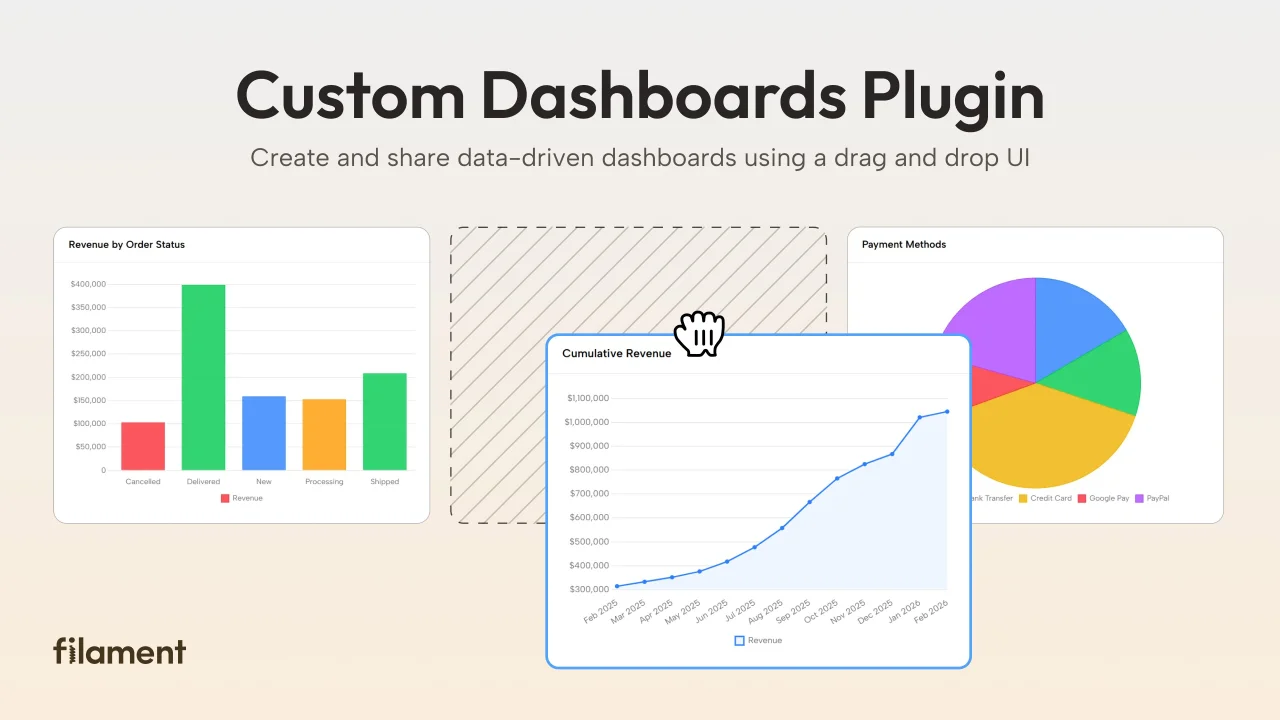
Custom Dashboards
Let your users build and share their own dashboards with a drag-and-drop interface. Define your data sources in PHP and let them do the rest.
 Filament
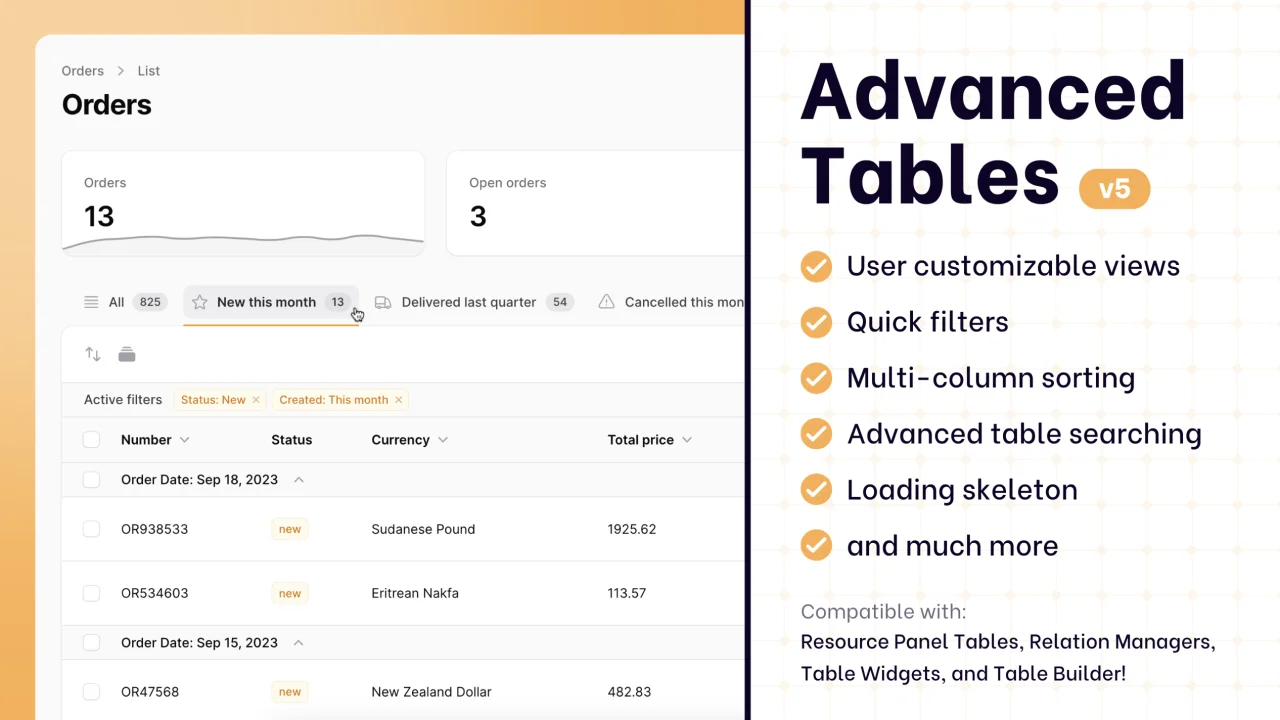
Advanced Tables (formerly Filter Sets)
Supercharge your tables with powerful features like user-customizable views, quick filters, multi-column sorting, advanced table searching, convenient view management, and more. Compatible with Resource Panel Tables, Relation Managers, Table Widgets, and Table Builder!
 Kenneth Sese
Custom Fields
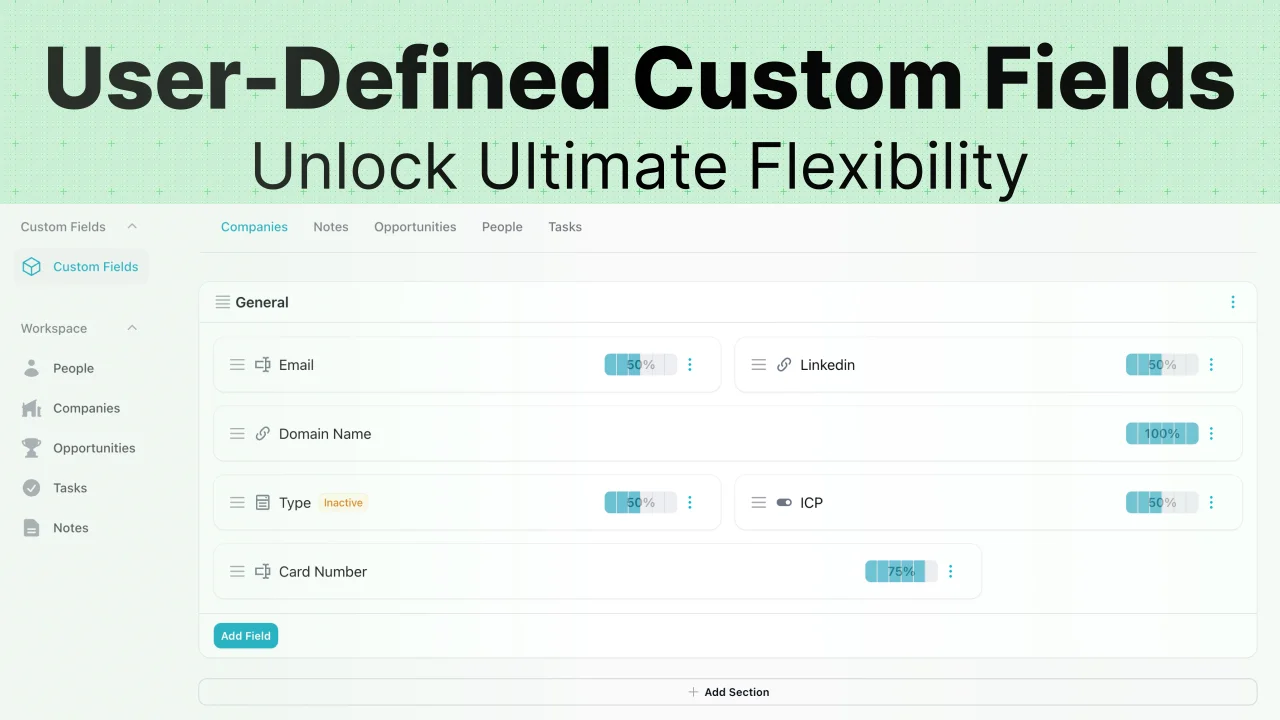
Eliminate custom field migrations forever. Let your users create and manage form fields directly in Filament admin panels with 20+ built-in field types, validation, and zero database changes.
 Relaticle